Hi community,
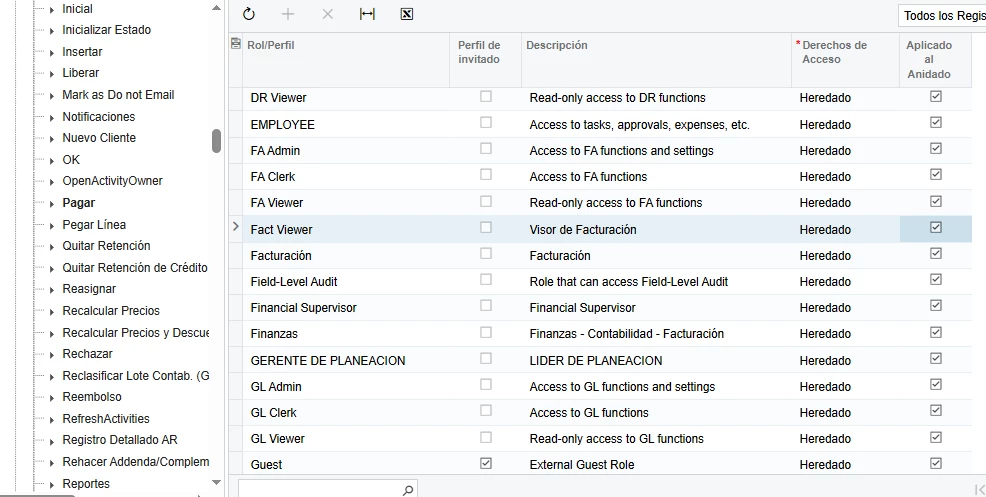
I need to configure a custom role (Fact Viewer) that should have Read-Only access to Invoices and Memos (AR301000) and Shipments (SO302000).
The issue is that even though the screen access is set to View Only, when users open an existing invoice, certain Action buttons (like Pay, Void, etc.) in the toolbar are still visible and enabled.
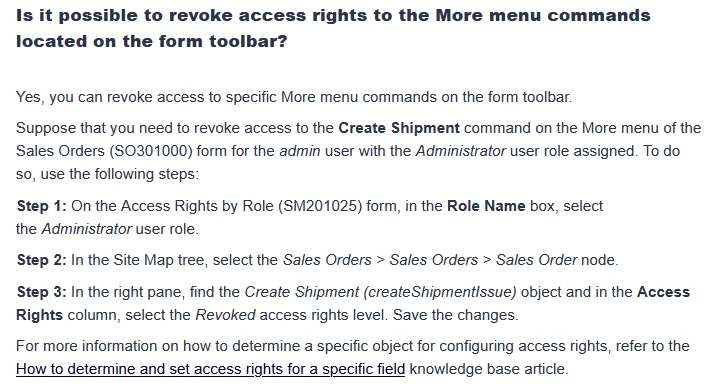
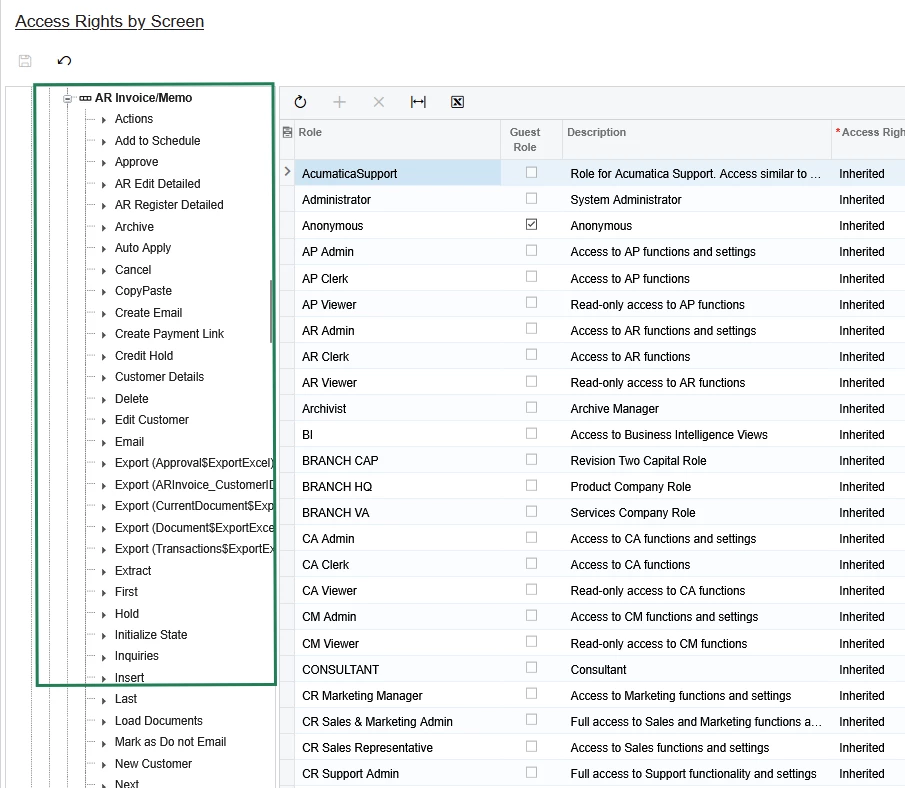
When I try to restrict these actions specifically in Access Rights by Role (SM201025), expanding the AR301000 node does not display the individual Action members to set them to Revoked.
-
User has no other overlapping roles.
-
Setting screen permissions to View Only didn't hide toolbar actions driven by the underlying workflow.
What is the recommended way to fully hide or disable toolbar actions for a read-only role without breaking the screen workflow? Is this achievable via standard security configuration or required through a Workflow customization / Graph extension?
Thanks in advance!