

Answer

how to copy a report from one tenant to another

  • July 22, 2024
  • 3 replies
  • 206 views

Forum|alt.badge.img

Hi All,


How do I copy this report from on tenant to another tenant
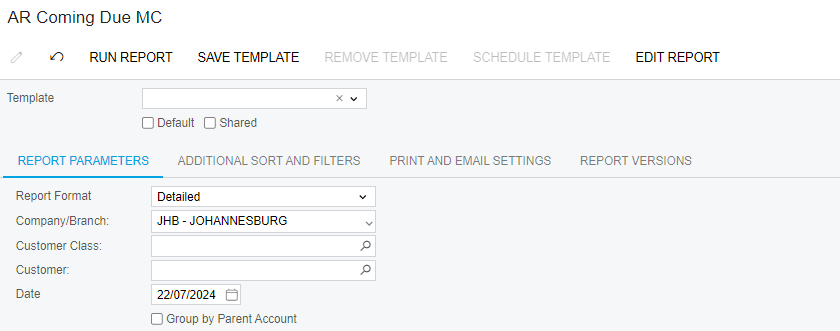
 thank you

Dries

Best answer by MichaelShirk

If you’re able to create customization projects, here’s one way to do this.

1.  Add your report to a customization project. (Or create a new project just for this.) and make sure the Site Map node is added to the customization project as well. 

2. Export the customization project from the source tenant.

3. Import the customization to the destination tenant and publish it.

4. Now you can unpublish and delete the customization from the destination tenant and the report will still be there. 

3 replies

MichaelShirk
Captain II
Forum|alt.badge.img+5
  • Captain II
  • Answer
  • July 22, 2024

If you’re able to create customization projects, here’s one way to do this.

1.  Add your report to a customization project. (Or create a new project just for this.) and make sure the Site Map node is added to the customization project as well. 

2. Export the customization project from the source tenant.

3. Import the customization to the destination tenant and publish it.

4. Now you can unpublish and delete the customization from the destination tenant and the report will still be there. 


Forum|alt.badge.img
  • Varsity II
  • July 22, 2024

Like @MichaelShirk we’ve found the customization project method useful, especially when there are a number of reports.

If you have access to the Report Designer tool, for a single report it can be just as easy to open it in Report Designer, then Save to Server and point to the tenant you are targeting.


meganfriesen37
Captain II
Forum|alt.badge.img+12

I also often do what @Andy Smith recommends.  Just remember to add the new report to the site map and add any access rights required.


