Solved

How to add signatures for system account emails

  • June 25, 2024
  • 6 replies
  • 495 views
  • Translate All

Forum|alt.badge.img

Hi All,


I have client that created system account emails. How do I add signatures to these account.


thx

Dries

Best answer by Manikanta Dhulipudi

Hi @driesdeklerk50 


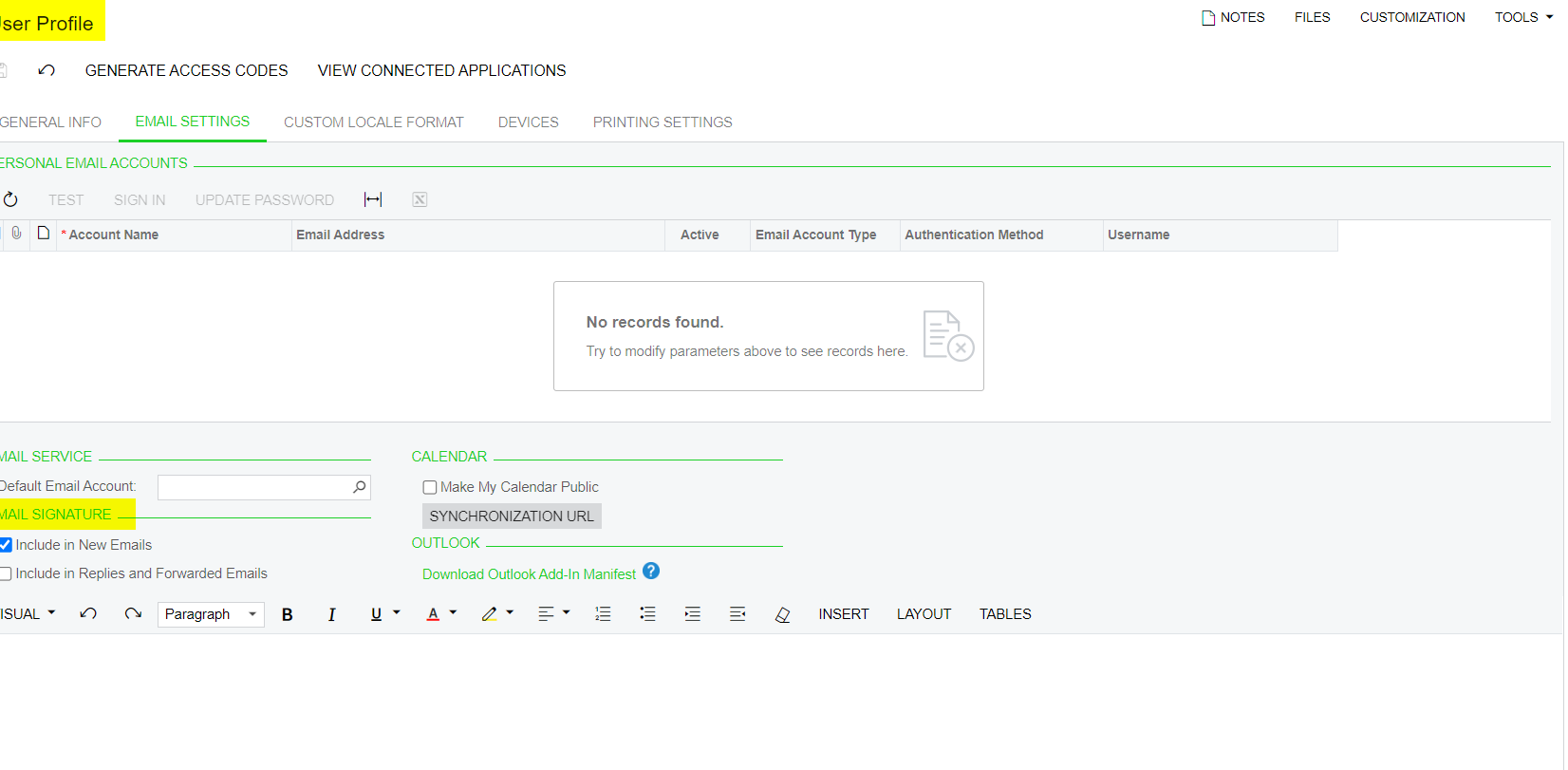
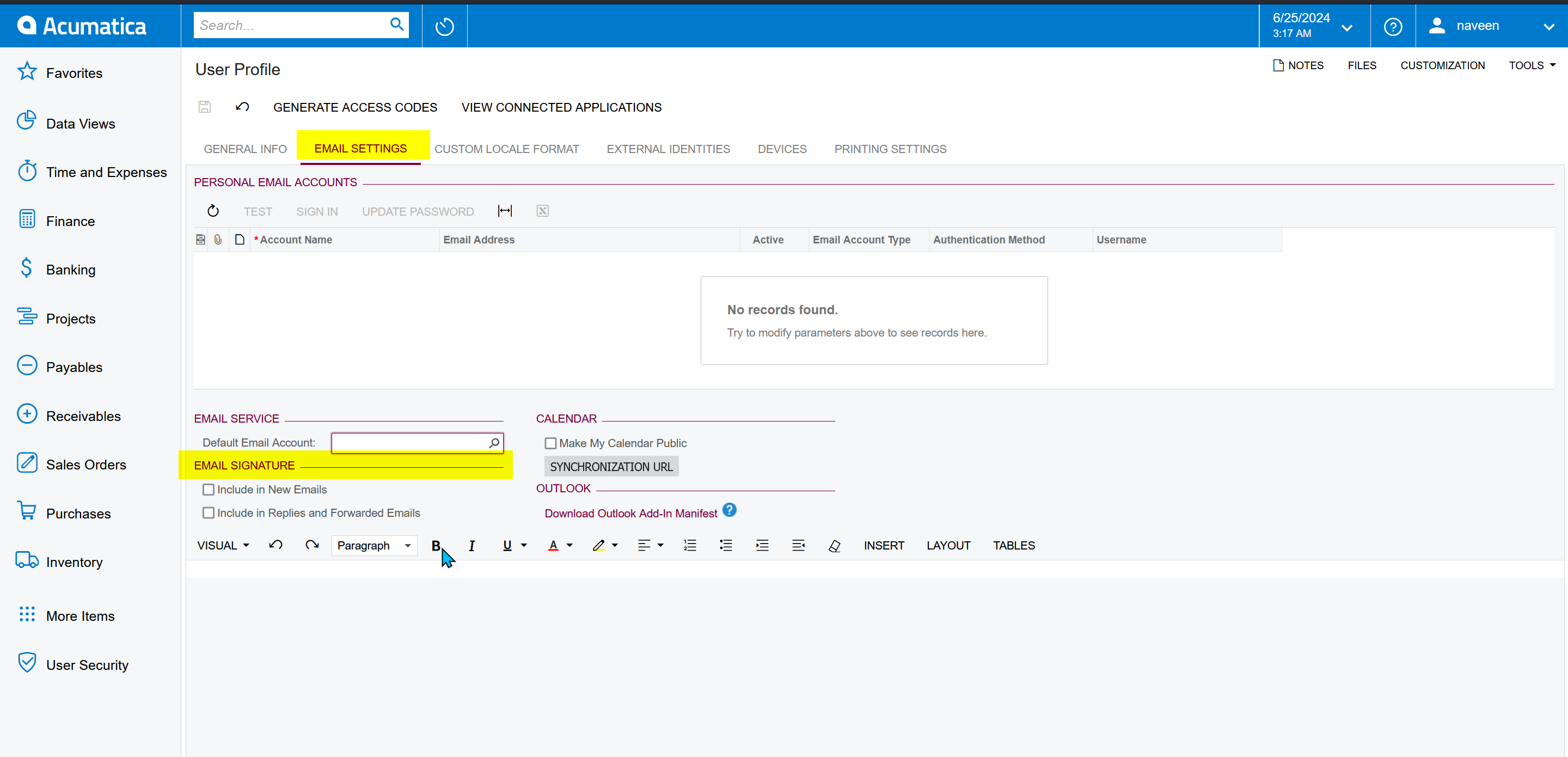
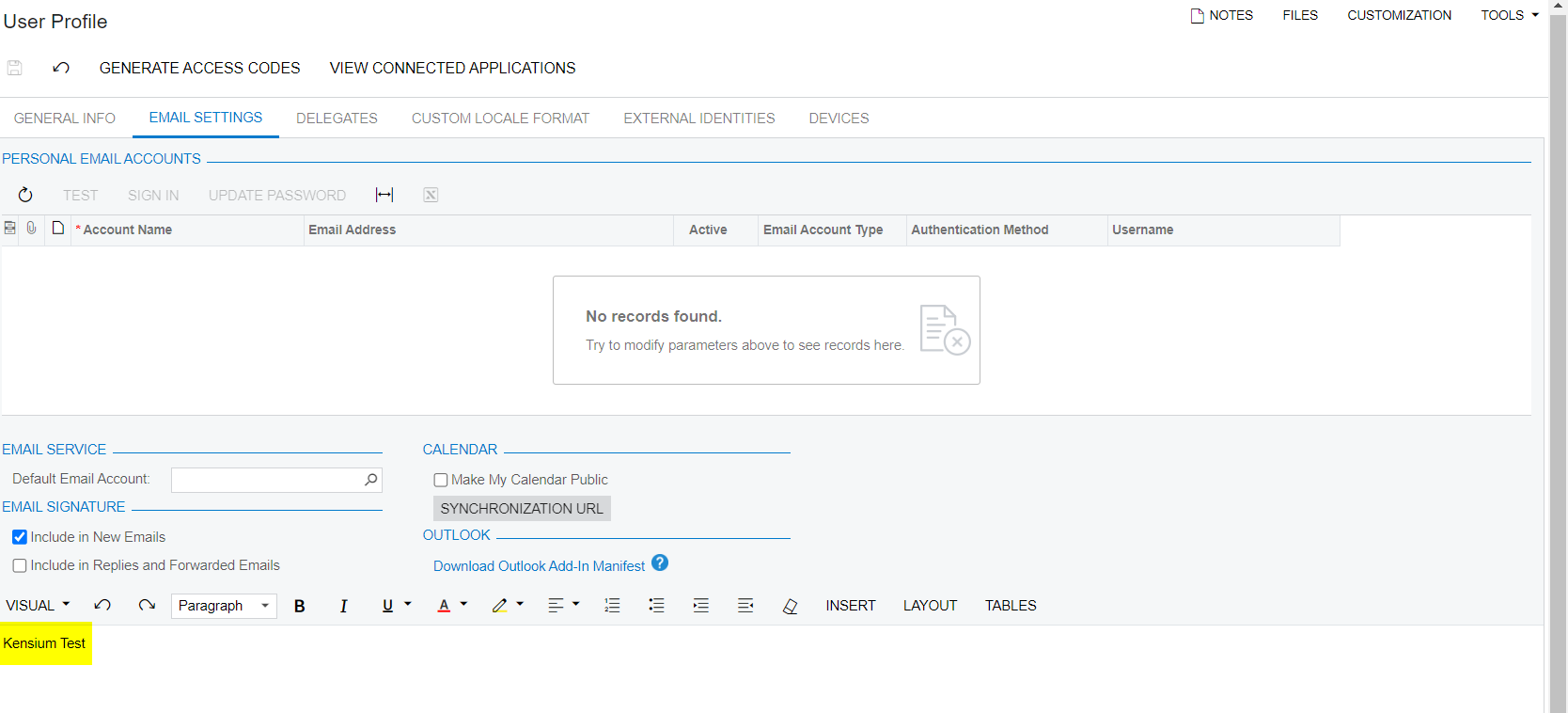
Navigate to user profile and update the signature as shown below 
 

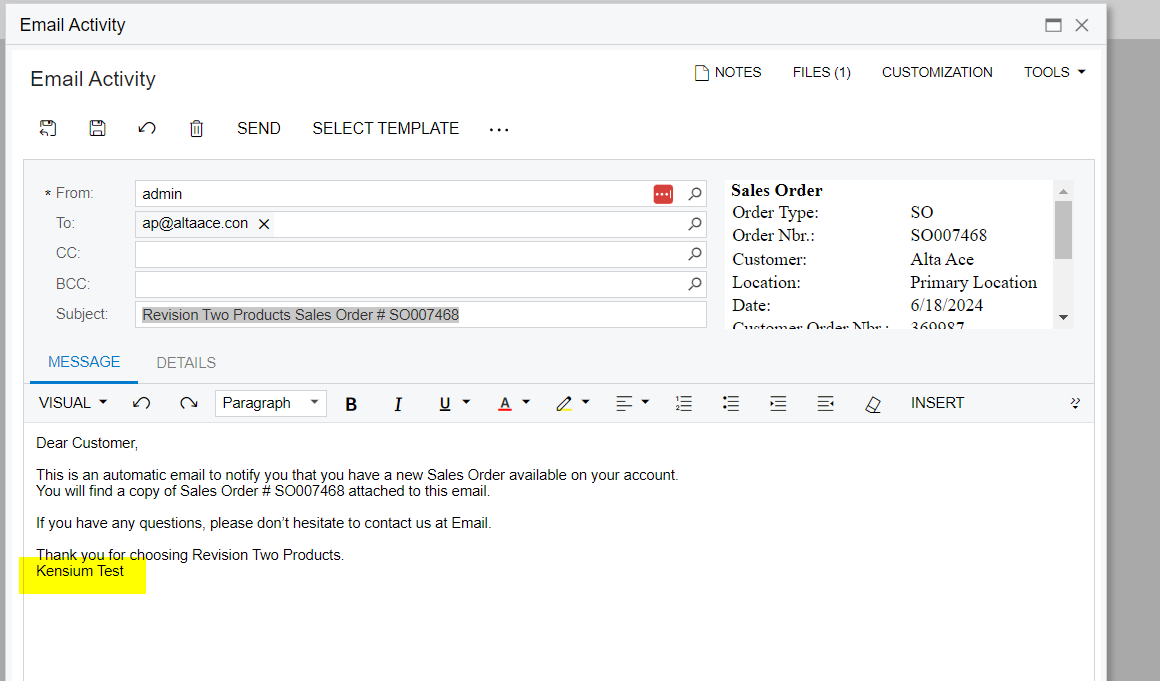
Now when the user send an email the signature will display below
 

View original

6 replies

Manikanta Dhulipudi
Captain II
Forum|alt.badge.img+16

Hi @driesdeklerk50 

You have an option in User profile.


Translate

Naveen Boga
Captain II
Forum|alt.badge.img+20

@driesdeklerk50  Please try here 


Translate

Forum|alt.badge.img

So do I need to create these system accounts as users?

Translate

Manikanta Dhulipudi
Captain II
Forum|alt.badge.img+16

Hi @driesdeklerk50 


Navigate to user profile and update the signature as shown below 


Now when the user send an email the signature will display below


Translate

Forum|alt.badge.img

So what you are saying is that i have to set the account email up as a user?

Translate

Laura03
Captain II
Forum|alt.badge.img+20
  • Captain II
  • June 25, 2024

Hello,

Please Vote for your idea here, to improve options we can use for default corporate email accounts in Acumatica:

Please add a comment to the Idea above, to specifically include the System Email Accounts.

Thank you.

Laura

Translate