Answer

How to add new Expense Item to Expense Claim module?

  • June 20, 2024
  • 2 replies
  • 186 views

Hello!

Could you help me with explaining how I can add a new non-stock expense item to an expense claim? We need to claim repairs and maintenance expenses. I can change the expense account, but in the list of items, I couldn’t see "repairs & maintenance." I would appreciate your help. Thank you.

Best answer by nhatnghetinh

Hi @Lesia07 

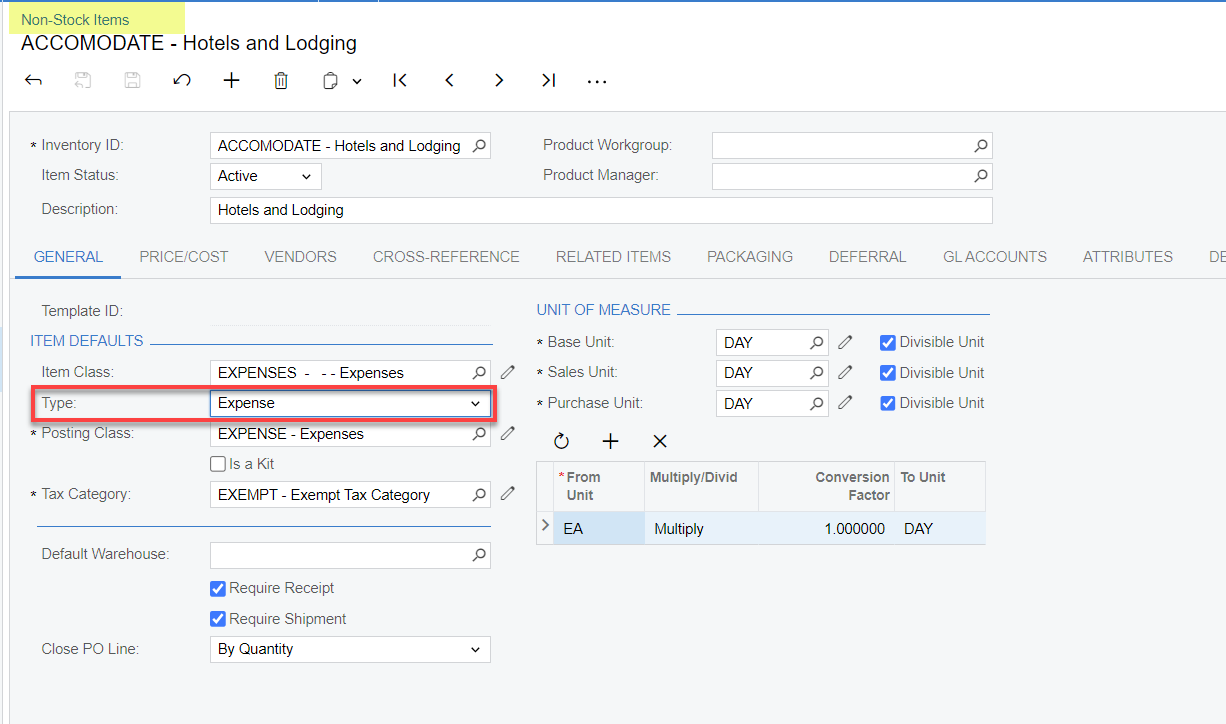
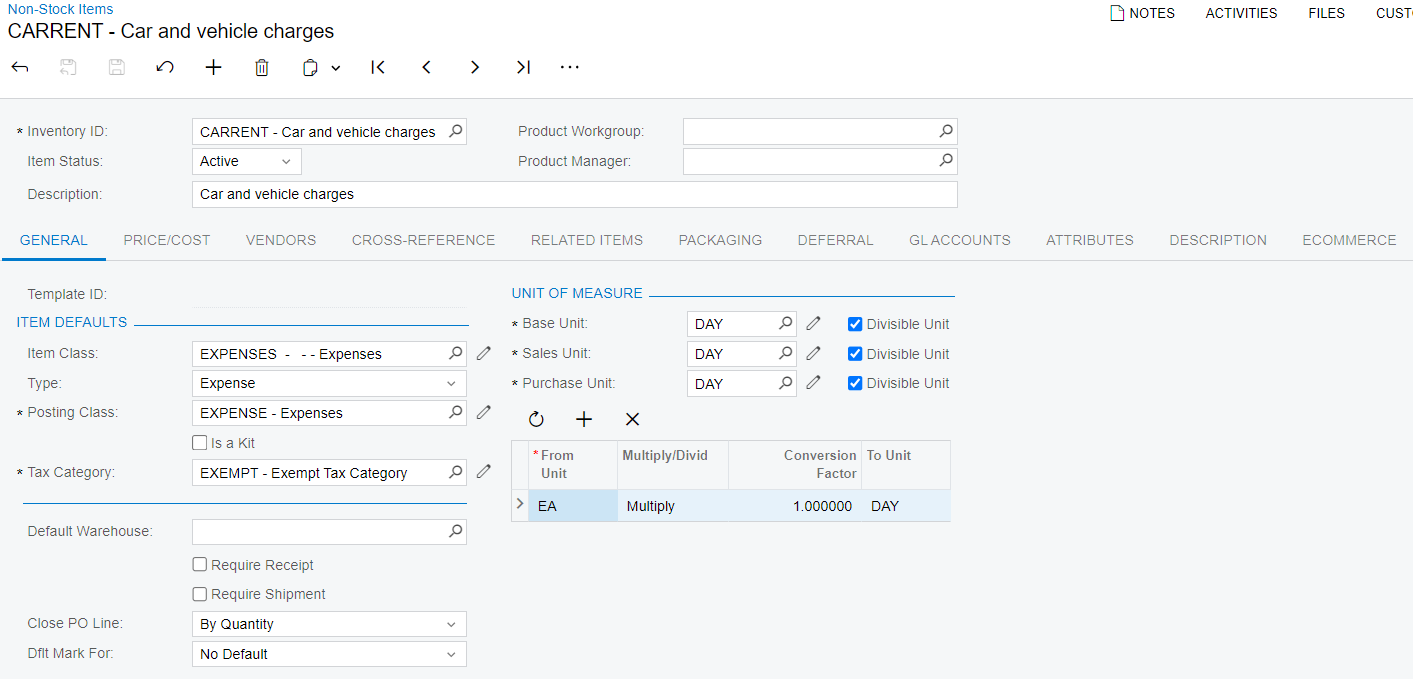
You create new Expense Items (such as repairs and maintenance expenses) in the Non-Stock Items screen.
Then in the Expense Claim screen you will see these Expense Items.


Best Regards,

NNT

2 replies

nhatnghetinh
Captain II
Forum|alt.badge.img+11
  • Captain II
  • Answer
  • June 20, 2024

Hi @Lesia07 

You create new Expense Items (such as repairs and maintenance expenses) in the Non-Stock Items screen.
Then in the Expense Claim screen you will see these Expense Items.


Best Regards,

NNT


NuwanTharanga62
Varsity II
Forum|alt.badge.img+1

Hello!

Could you help me with explaining how I can add a new non-stock expense item to an expense claim? We need to claim repairs and maintenance expenses. I can change the expense account, but in the list of items, I couldn’t see "repairs & maintenance." I would appreciate your help. Thank you.

Hi @Lesia07,
You should create “Expense” type non-stock item to be able to add them in a expense receipt/claim.

Please refer to the help article for additional information of the expense claim process: https://help-2023r2.acumatica.com/(W(3))/Help?ScreenId=ShowWiki&pageid=bbdc11f6-fabb-4154-8d2d-863ce0d9aee6


If above does not help, please elaborate on the issue using an example with screenshots.

Thank you!