

Solved

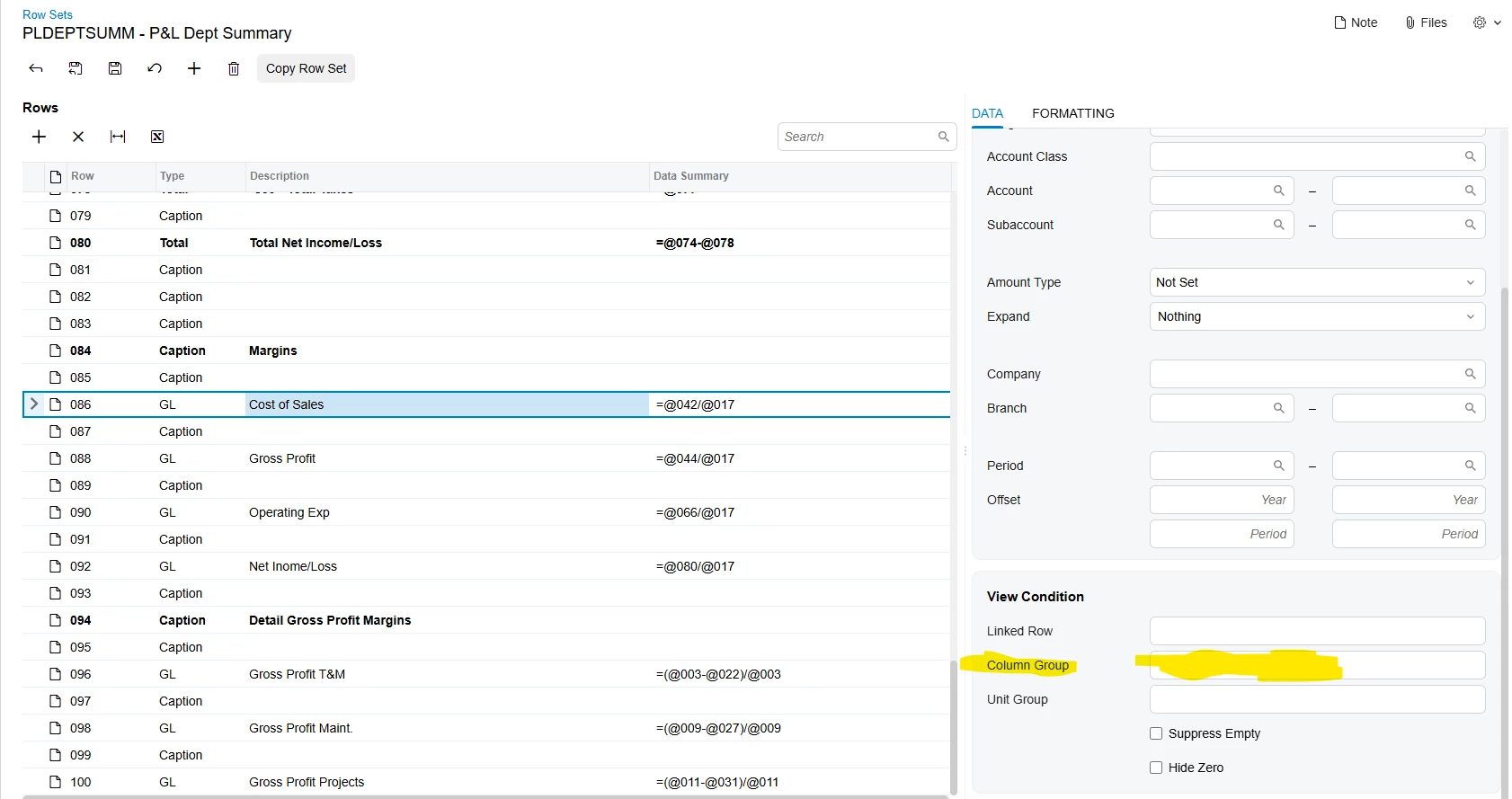
How do I define a column group in a row set under view conditions?

  • July 27, 2026
  • 2 replies
  • 30 views

Forum|alt.badge.img

I have analytical report I created in the finance module.  There are several rows where I don’t want the last column to print.  It seems like this can be done through View conditions under column group. 


However I can’t  figure out where I can define the column group to setup which columns I want to print for that row.   It doesn’t seem to take a  column range.   I searched beacon and this website and the documentation but I wasn’t able to find out where to set up the column range.



Best answer by eucciferri35

I figured it out thanks to Copilot.  Once I defined it in the printing group under view conditions on the column set I was able to specify that print group on the row set.

2 replies

Forum|alt.badge.img
  • Author
  • Varsity I
  • Answer
  • July 27, 2026

I figured it out thanks to Copilot.  Once I defined it in the printing group under view conditions on the column set I was able to specify that print group on the row set.


Chris Hackett
Community Manager
Forum|alt.badge.img
  • Acumatica Community Manager
  • July 28, 2026

Thank you for sharing your solution with the community ​@eucciferri35!