Solved

GI navigation not working

  • March 30, 2023
  • 8 replies
  • 268 views
  • Translate All

Forum|alt.badge.img

Hi Team,

For one of the GI’s in the Customer Portal we are having issues with the navigation. This is happening in the upgraded version of 2022 R1, the same GI navigation was working in the older version.


 

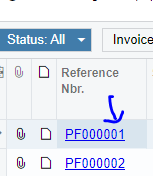
When the row is clicked on the GI, it always redirects to the home page.
 

Best answer by iqraharrison

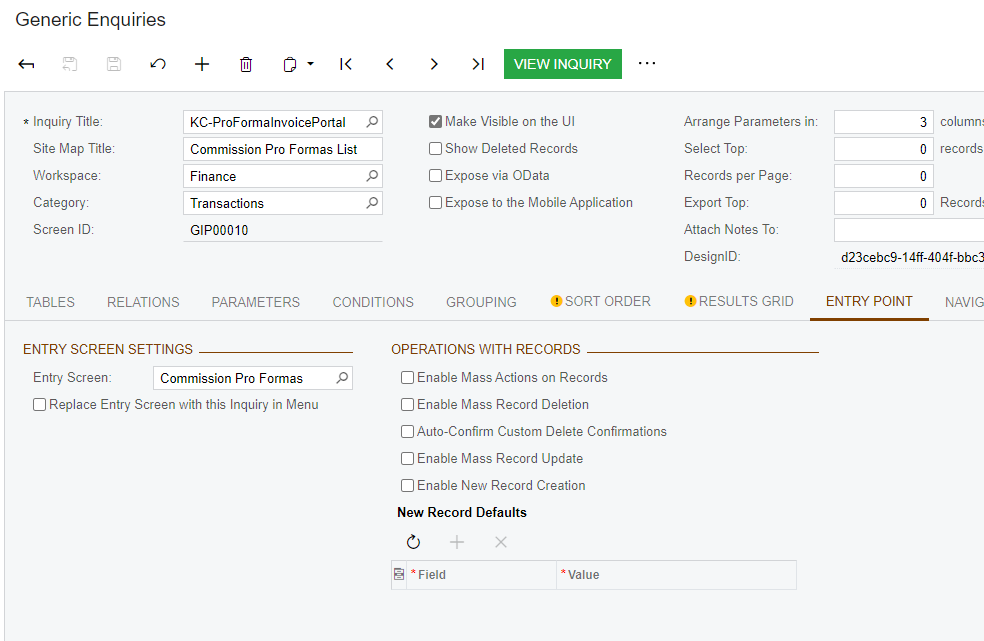
@vibindas can you also check the box that says “replace entry screen with this inquiry in menu” and see if that works

View original

8 replies

Naveen Boga
Captain II
Forum|alt.badge.img+20

Hi @vibindas  Can you please share your GI here

Translate

Forum|alt.badge.img
  • Author
  • March 30, 2023

Hi @Naveen Boga , sure. Attached.

Translate

Kandy Beatty
Captain II
Forum|alt.badge.img+18

HI @vibindas 

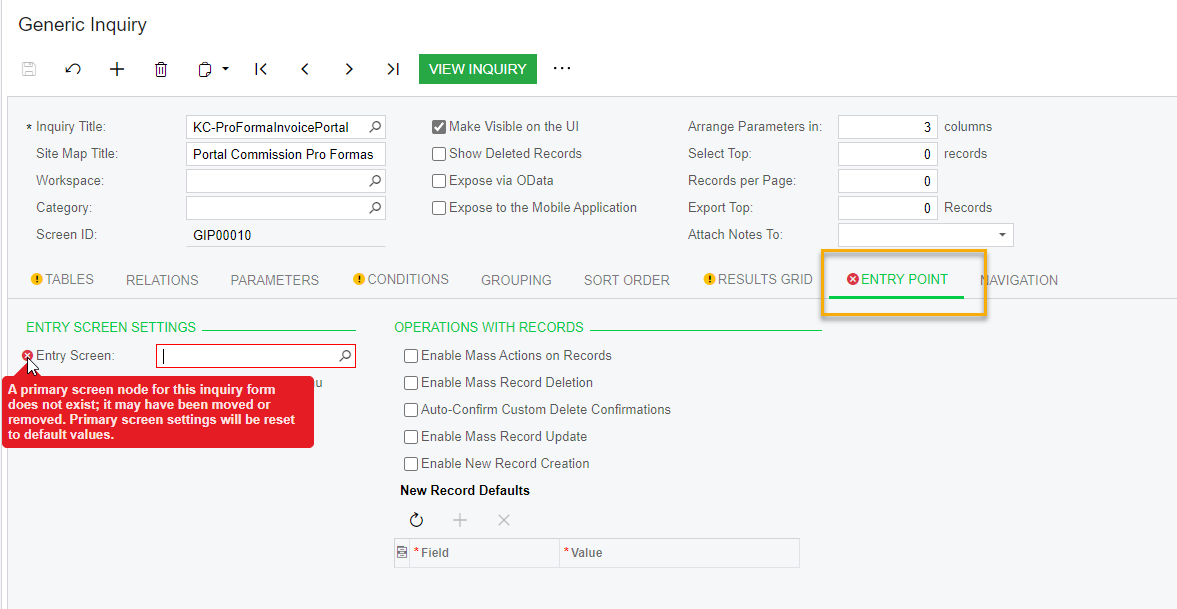
When I uploaded your GI to assist, there is not an Entry Screen. Is this a customized screen or what is in your instance for this?


Translate

Forum|alt.badge.img
  • Author
  • March 30, 2023

Hi @kandybeatty49 , sorry I missed out to mention. Yes it's a customized screen.

This used to work in the previous version, so unsure what has changed in the upgrade.

Translate

Forum|alt.badge.img
  • Author
  • April 4, 2023

 Any thoughts?

Translate

darylbowman
Captain II
Forum|alt.badge.img+17

May be worth a shot to unpublish and republish the customizations.

Translate

iqraharrison
Captain II
Forum|alt.badge.img+9

@vibindas can you share the navigation tab settings?

Translate

iqraharrison
Captain II
Forum|alt.badge.img+9

@vibindas can you also check the box that says “replace entry screen with this inquiry in menu” and see if that works

Translate