Answer

Generic Inquiries

  • May 28, 2025
  • 3 replies
  • 73 views

How can I create a GI for AP Tran with all of the data fields without manually having to select them all in results grid. 

Best answer by iqraharrison

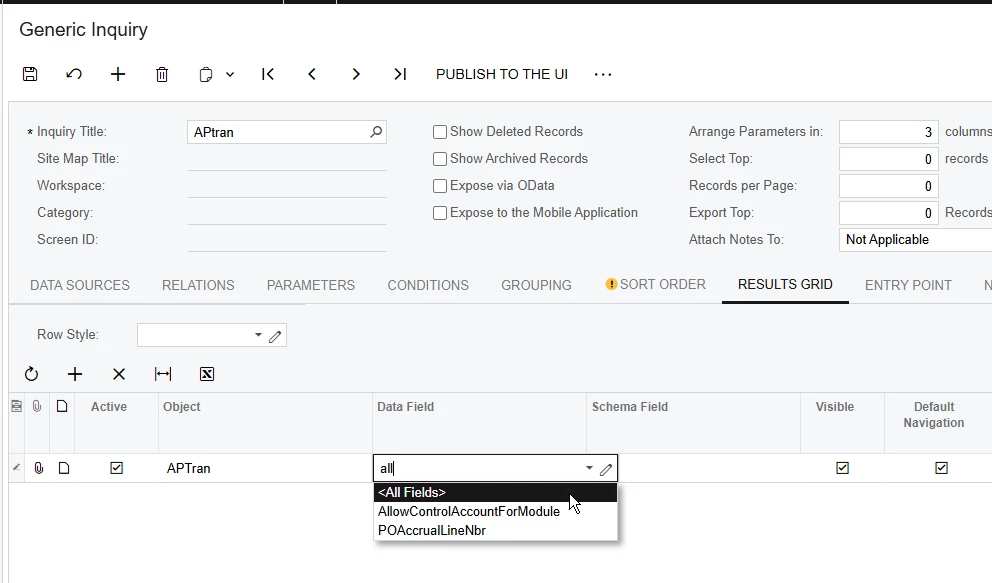
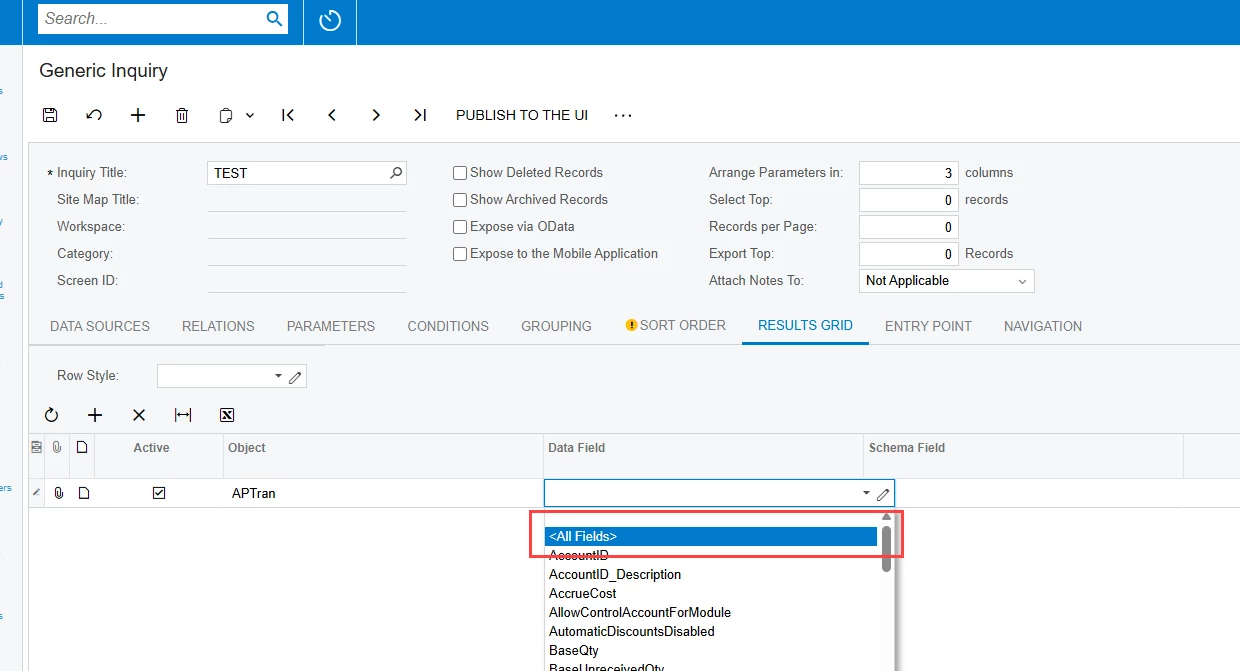
@EricaGerry you can use the <All Fields> on the results grid as shown below: 

it will automatically add all the fields and you can deselect any that aren’t needed


Hope this helps!

3 replies

iqraharrison
Captain II
Forum|alt.badge.img+8
  • Captain II
  • Answer
  • May 28, 2025

@EricaGerry you can use the <All Fields> on the results grid as shown below: 

it will automatically add all the fields and you can deselect any that aren’t needed


Hope this helps!


meganfriesen37
Captain II
Forum|alt.badge.img+12

Hello,


2 ways to view all the data in a table.
1. In a Generic Inquiry: Use the <All Fields> option on the Results Grid (this lets you set a GI that you can expose to various users).


  1. If you just want to look at this on an ‘ad hoc” basis, users with the Customizer role can access the DAC Schema Browser.  From the DAC Schema Browser, click the Source Data option and this will give you all the table details:


  • Author
  • Freshman I
  • May 28, 2025

Thank you both!! This was extremely helpful, and I was able to get what I needed!