Question

FA Error: The value to be entered must be less than..

  • February 7, 2025
  • 4 replies
  • 94 views

Forum|alt.badge.img

hello all,

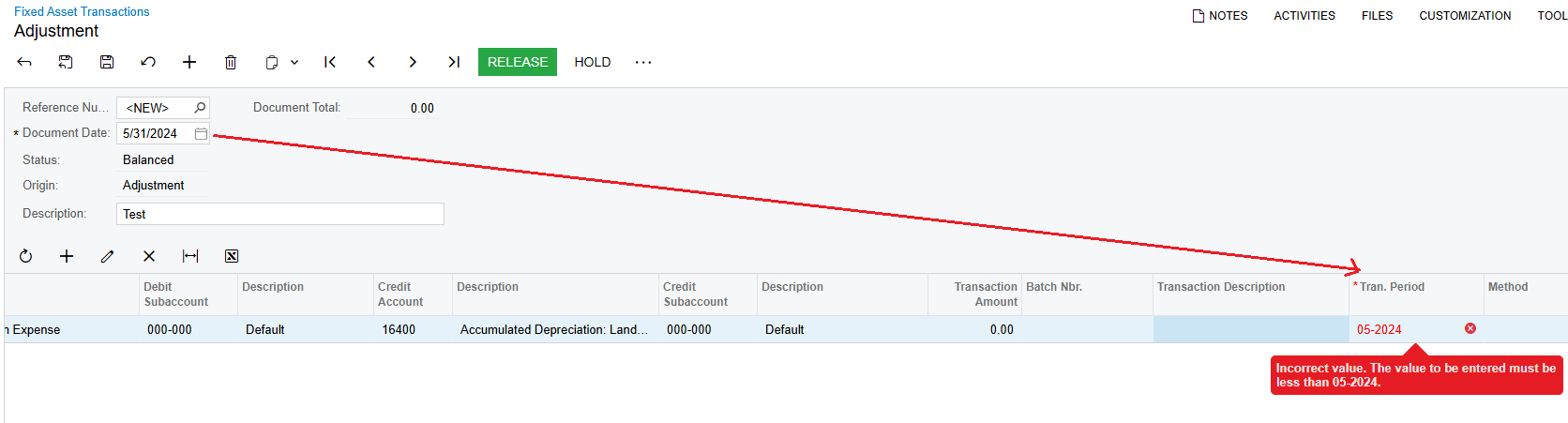
i have been trying to make an adjustment for the month of Dec-24 for a Fixed Asset but when I try to create a transaction it throws the following error:
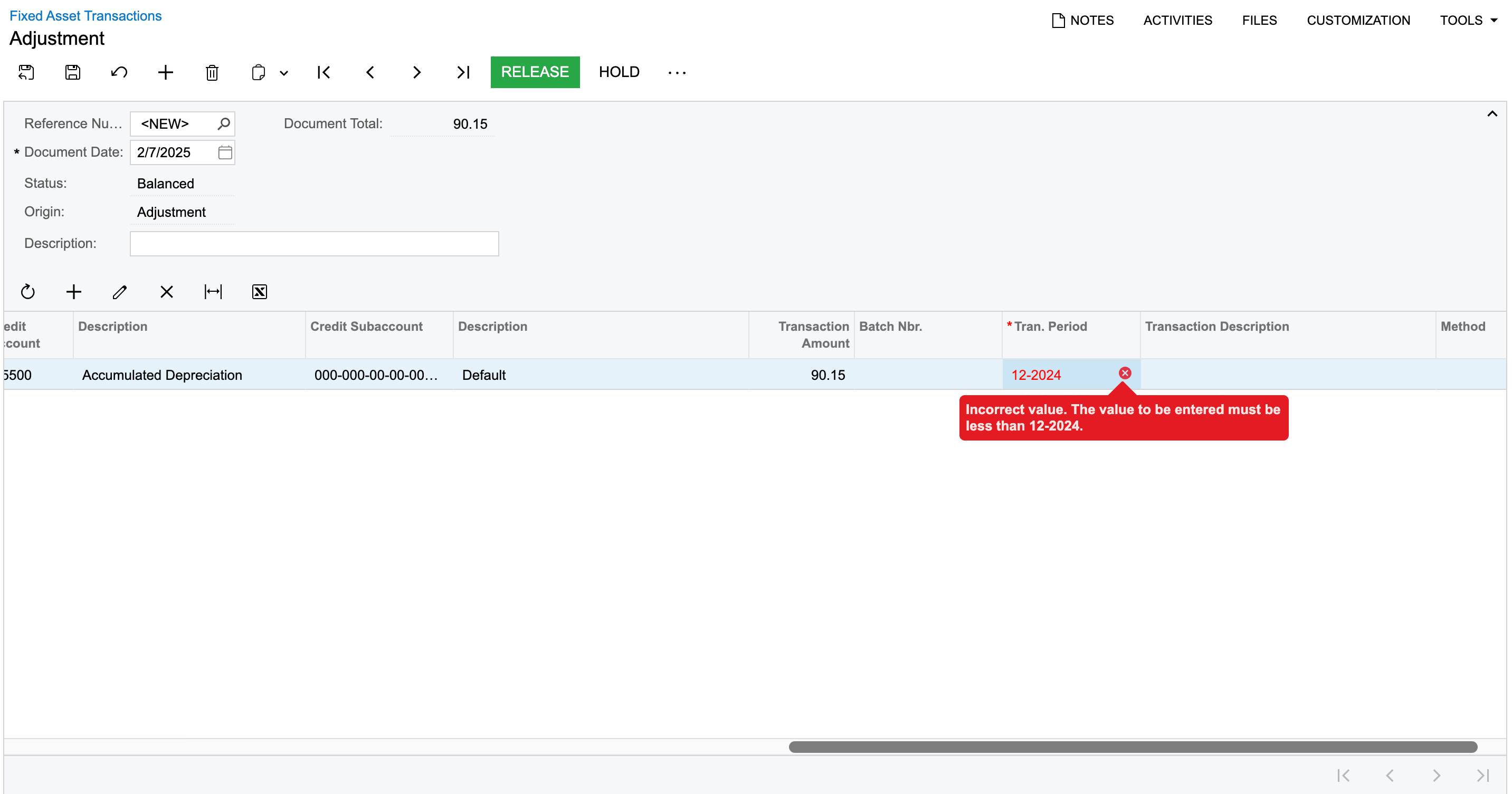
 

The period is active in all the modules, still receiving the error, Whereas Acumatica generate a depreciation transaction for Jan-2025.

4 replies

nhatnghetinh
Captain II
Forum|alt.badge.img+11
  • Captain II
  • February 7, 2025

Hi ​@Harry 

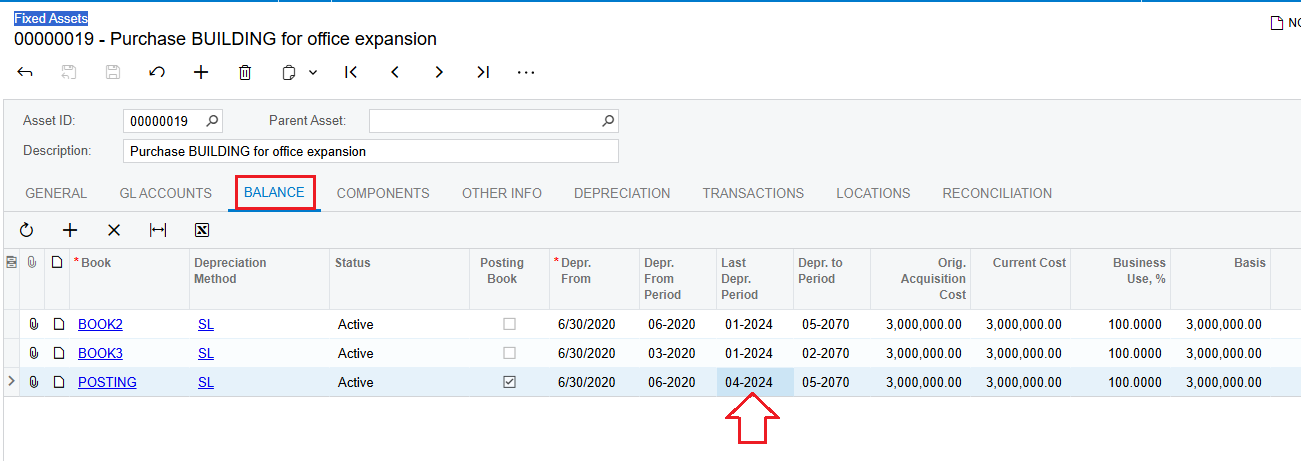
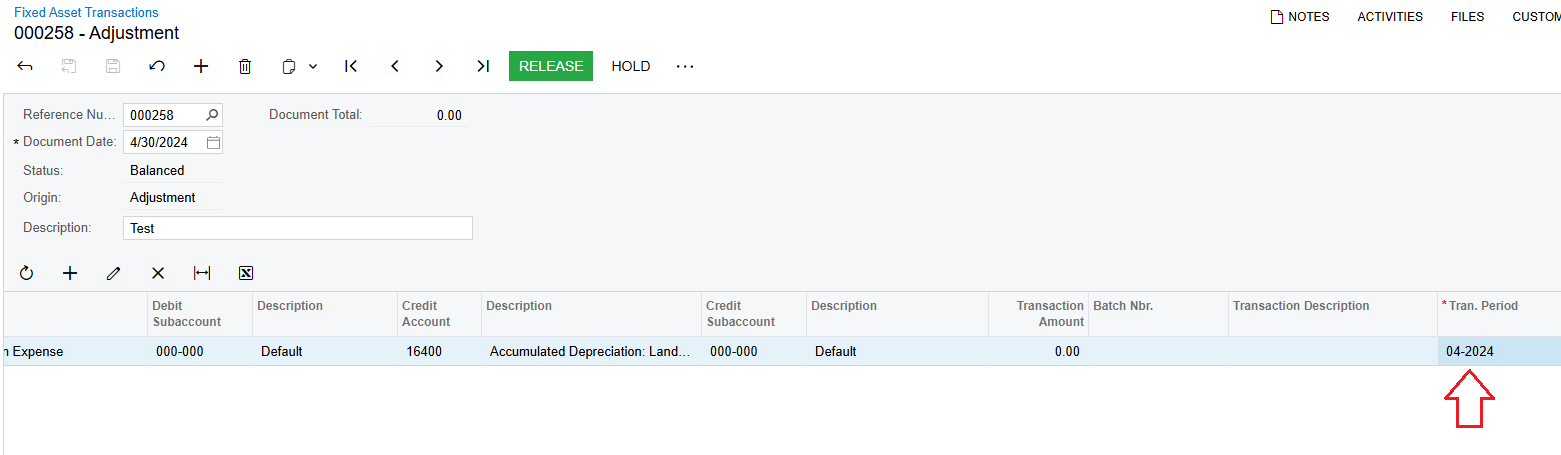
The Tran. Period field in the Fixed Asset Transactions screen must be less than or equal to the "Last Depr. Period" field in the “Fixed Assets/Balance Tab” screen.


Best Regards,

NNT


Forum|alt.badge.img
  • Author
  • Semi-Pro II
  • February 7, 2025

Hey ​@nhatnghetinh , I did try by putting in 12/31 and 12-2024 as the financial period & 01/01/2025 and selected 12-2024as the tran period, but it still throws the same error.
As you mentioned, the last depreciation period for my asset if 11-2024. So how can I generate a depreciation for 12-2024?


Forum|alt.badge.img
  • Author
  • Semi-Pro II
  • February 7, 2025

hey ​@nhatnghetinh ,
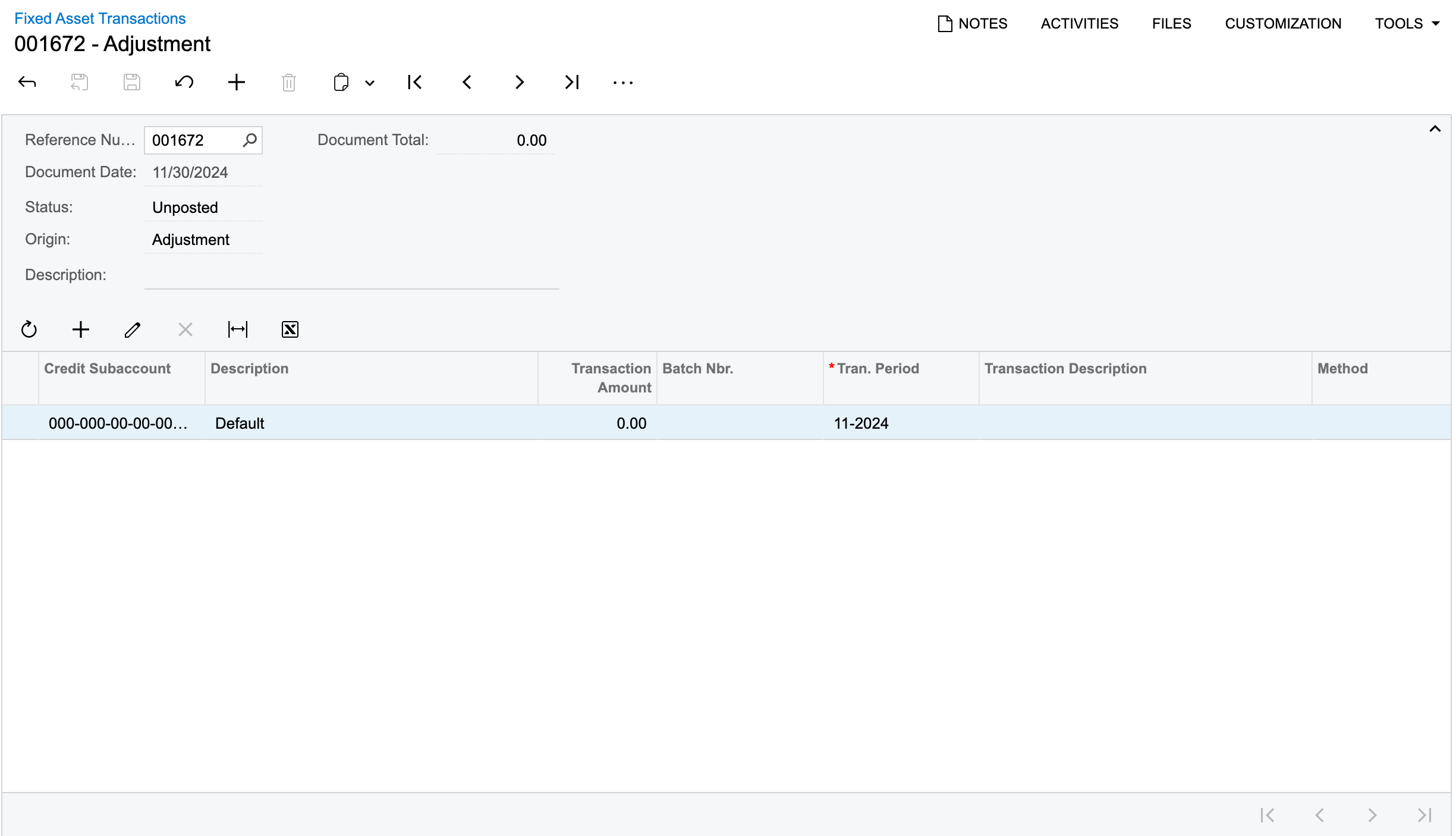
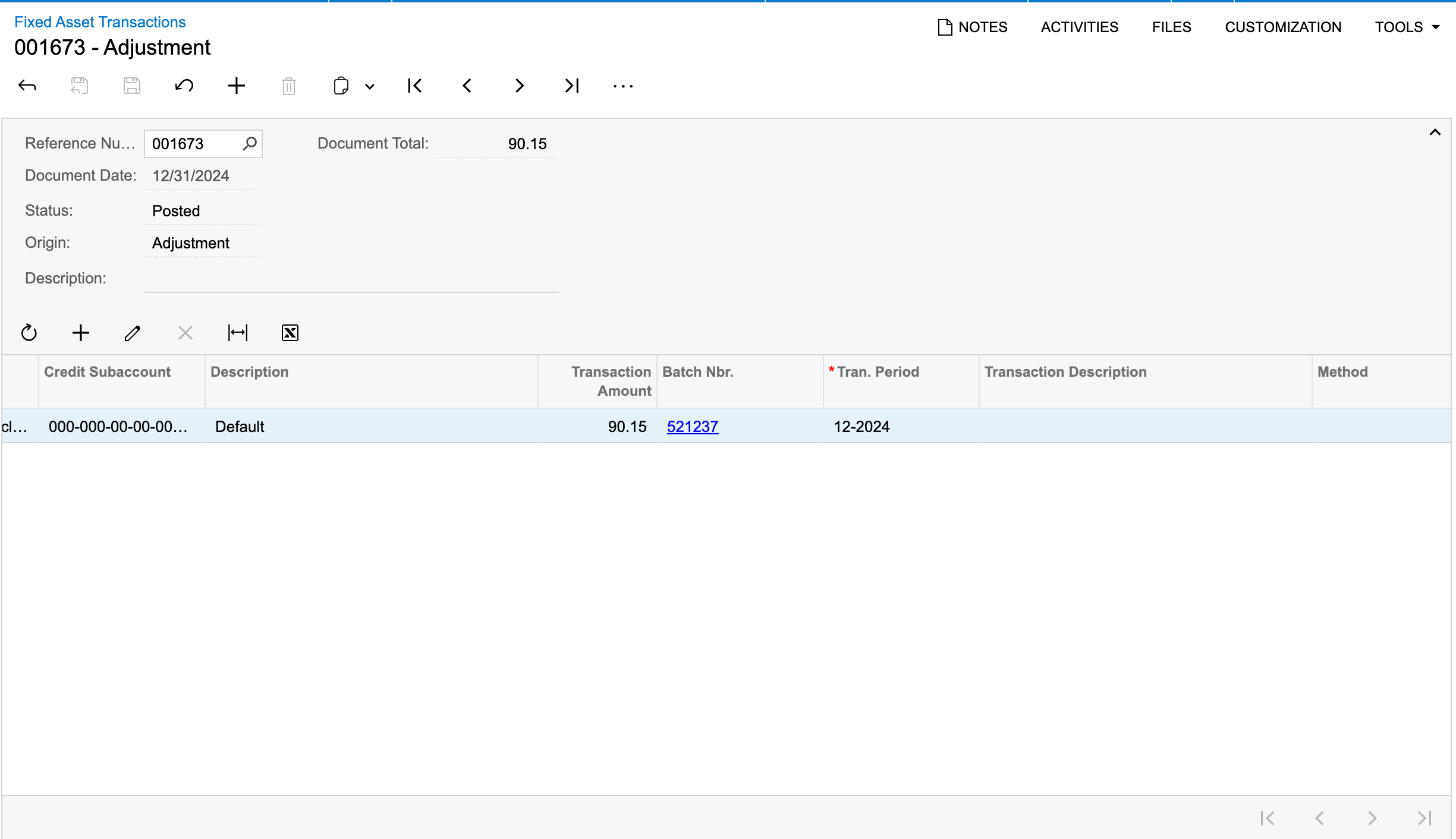
I now tried to create the below:


But still the issue persists.
FYI, the above transactions have been created manually in FA transactions forms.


Chris Hackett
Community Manager
Forum|alt.badge.img
  • Acumatica Community Manager
  • May 2, 2025

Hi ​@Harry were you able to find a solution? Thank you!