Solved

Cannot apply Prepayment to Bill

  • August 26, 2025
  • 6 replies
  • 147 views
  • Translate All

Forum|alt.badge.img

Hello,


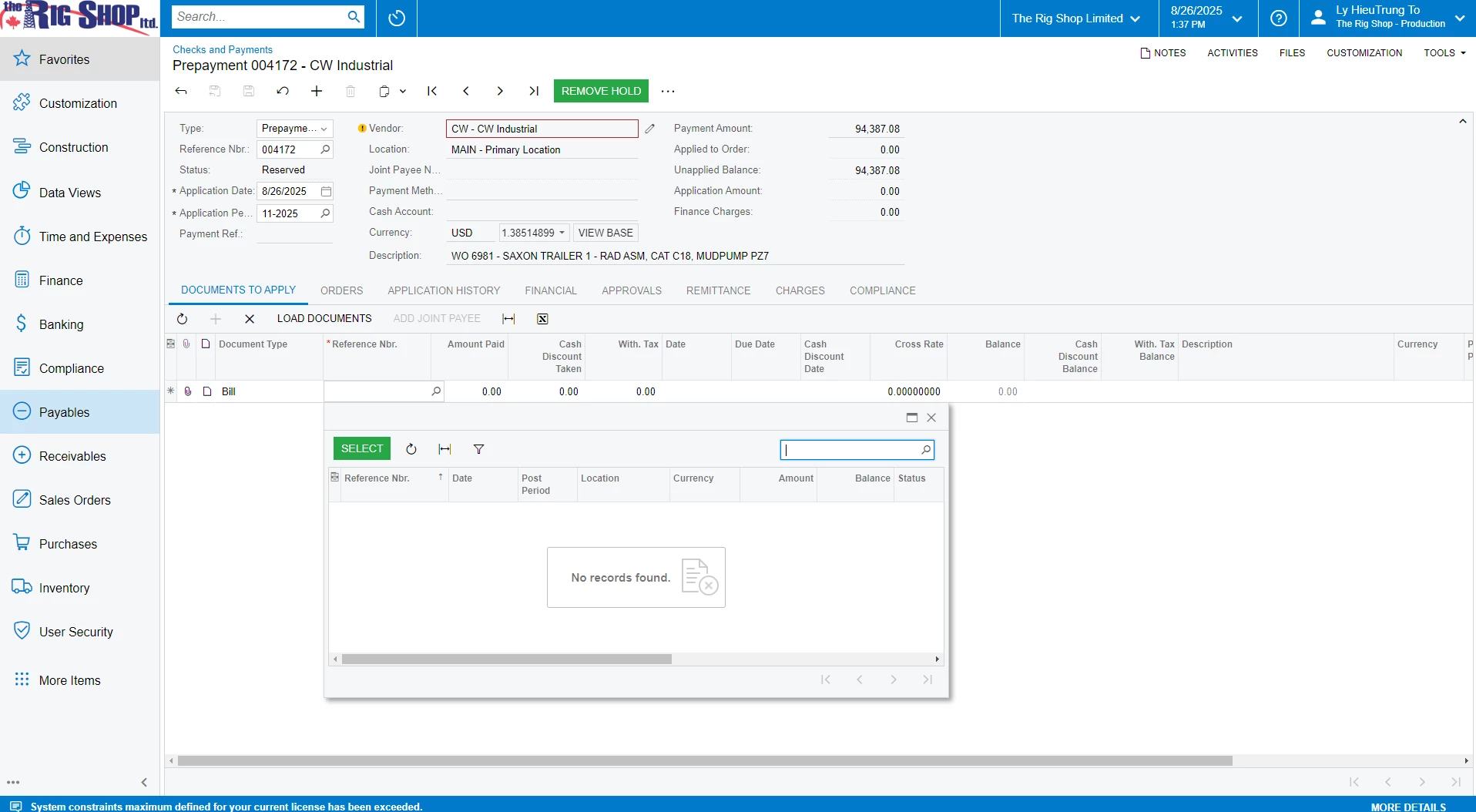
I cannot find the Prepayment to apply for my bill.


Can some help me with it ? 
 

Best answer by jessicaASA

That screenshot is the Bills screen. In order to apply a prepayment to a bill, you need to go to the Prepayment screen and then pick up the bill from there (the second screenshot in your original post). Try that and let me know if you can see the bill.

View original

6 replies

Manikanta Dhulipudi
Captain II
Forum|alt.badge.img+16

​@trungrigshop 

Please check if the prepayment linked to any other bill?

Translate

Forum|alt.badge.img

Hello, ​@Manikanta Dhulipudi

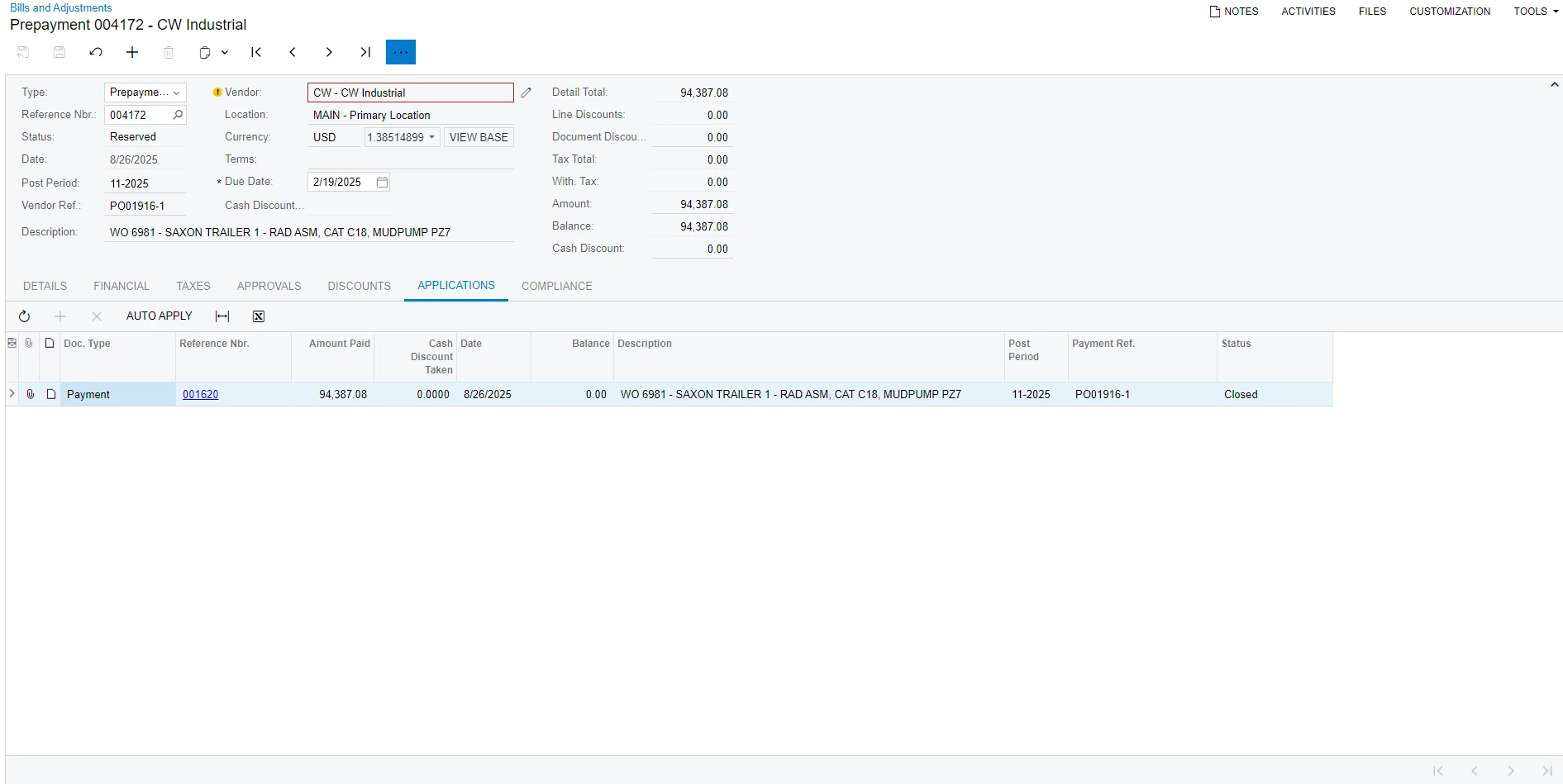
Here is the application in the prepayment. It only linked to Payment 


Translate

Forum|alt.badge.img+1

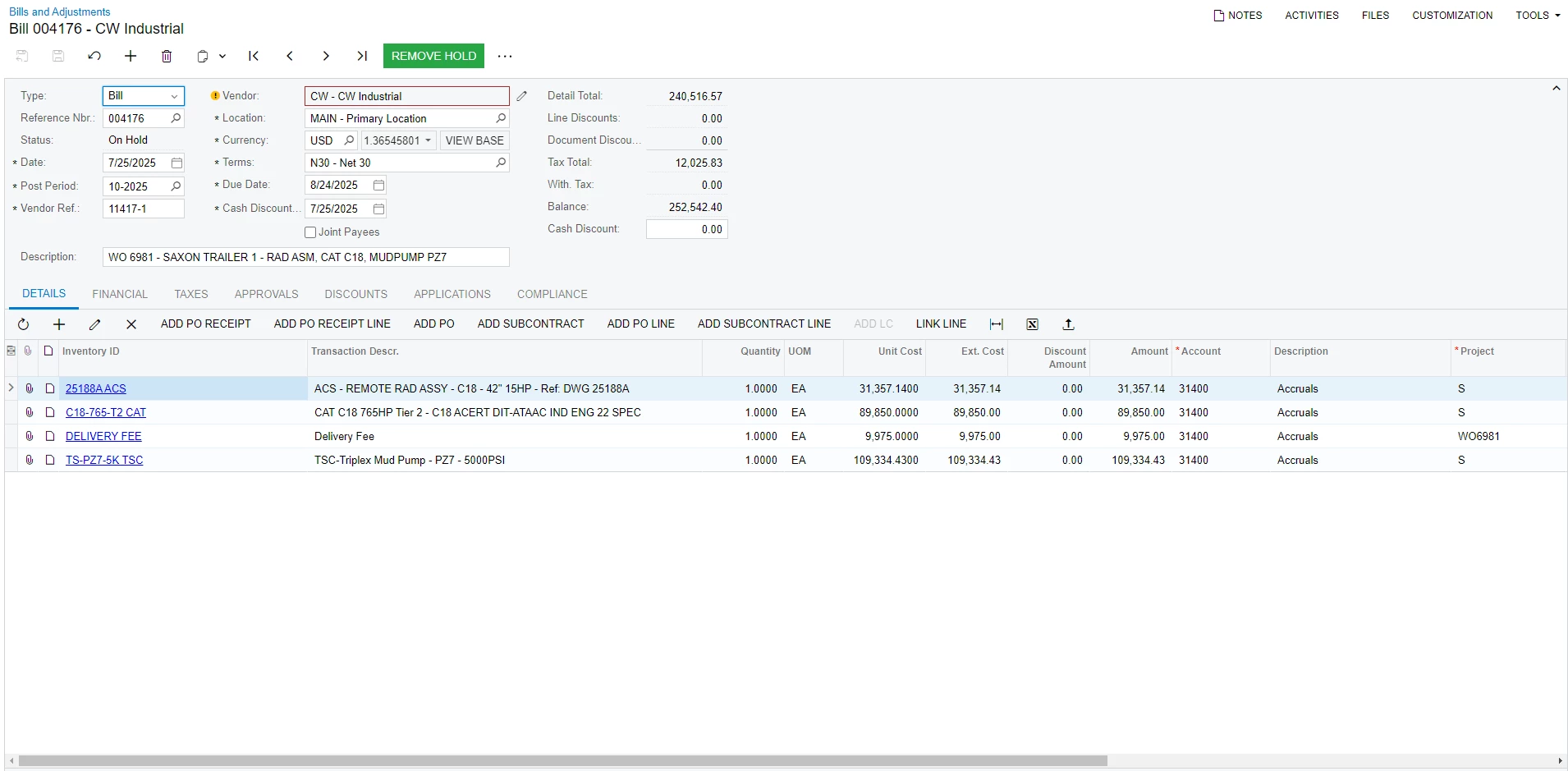
In the screenshot you provided, your bill is on hold. Once the hold is removed and the bill is approved and released, it should show up on the prepayment selection screen.

Translate

Forum|alt.badge.img

Hello ​@jessicaASA,


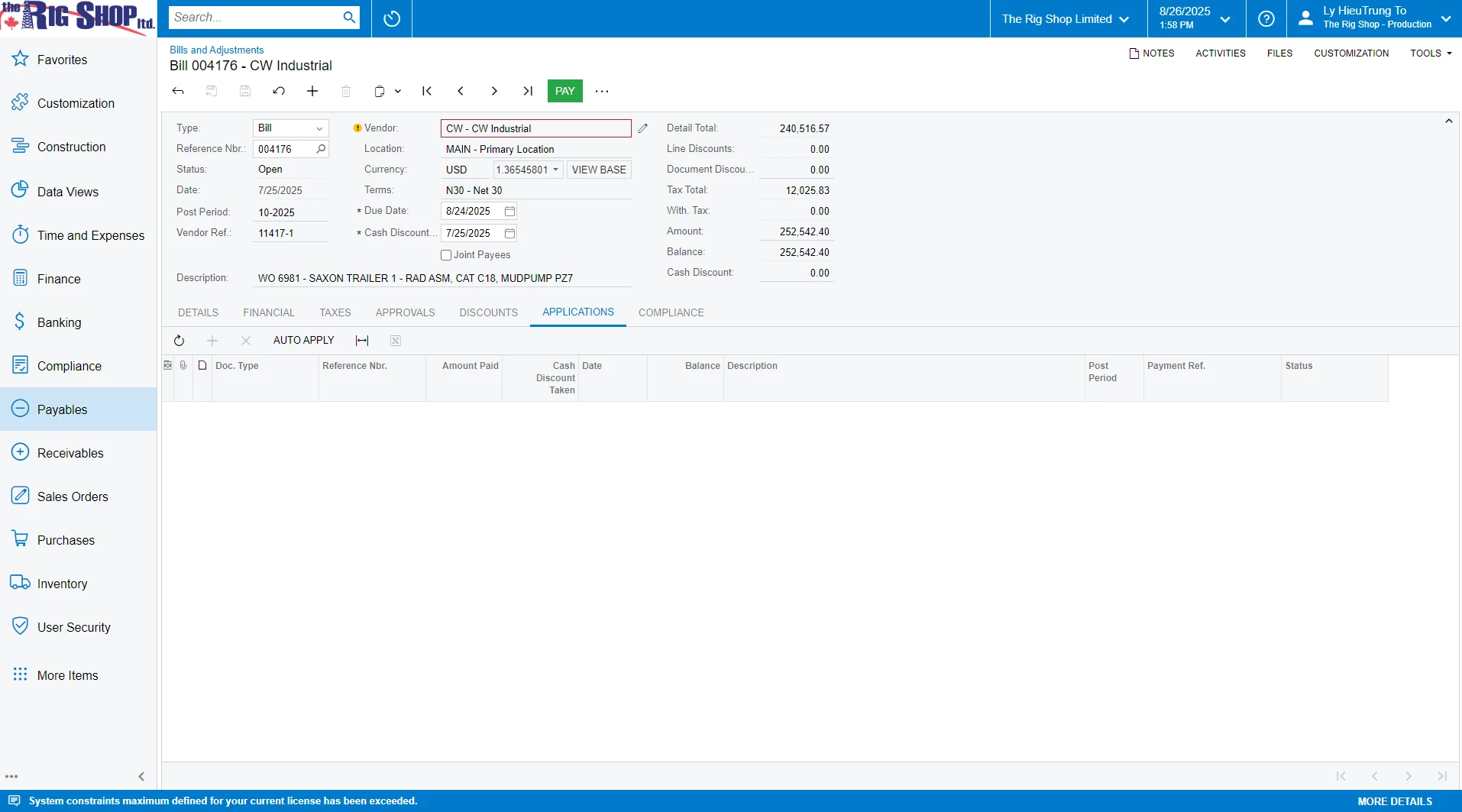
Here is the result after released the bill 


Translate

Forum|alt.badge.img+1
  • Varsity III
  • Answer
  • August 26, 2025

That screenshot is the Bills screen. In order to apply a prepayment to a bill, you need to go to the Prepayment screen and then pick up the bill from there (the second screenshot in your original post). Try that and let me know if you can see the bill.

Translate

Forum|alt.badge.img

Hello ​@jessicaASA,

I finally can link it in the Prepayment screen.


Thanks a lot for helping

Translate