@apallawala22
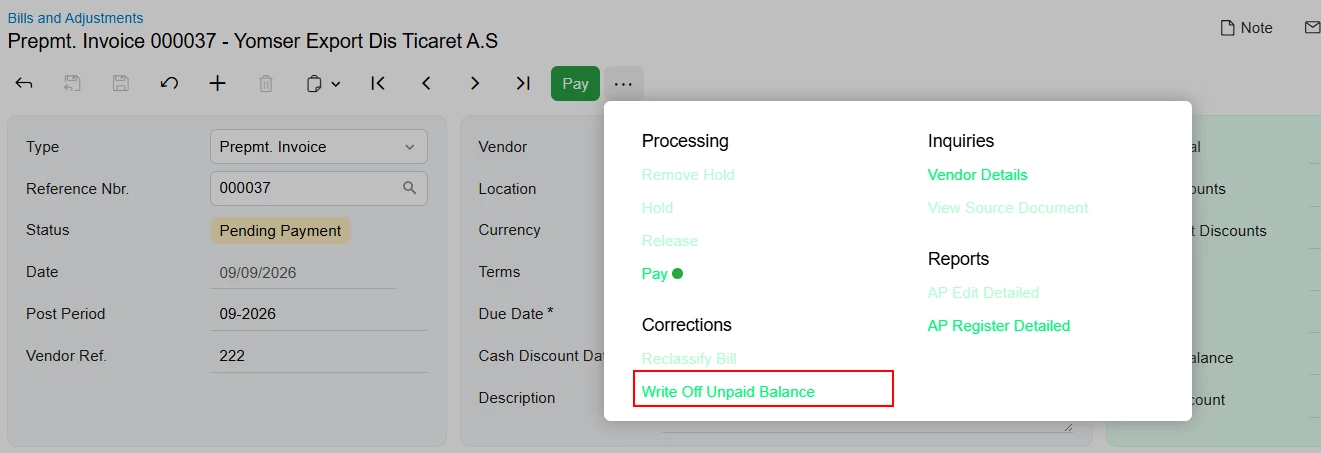
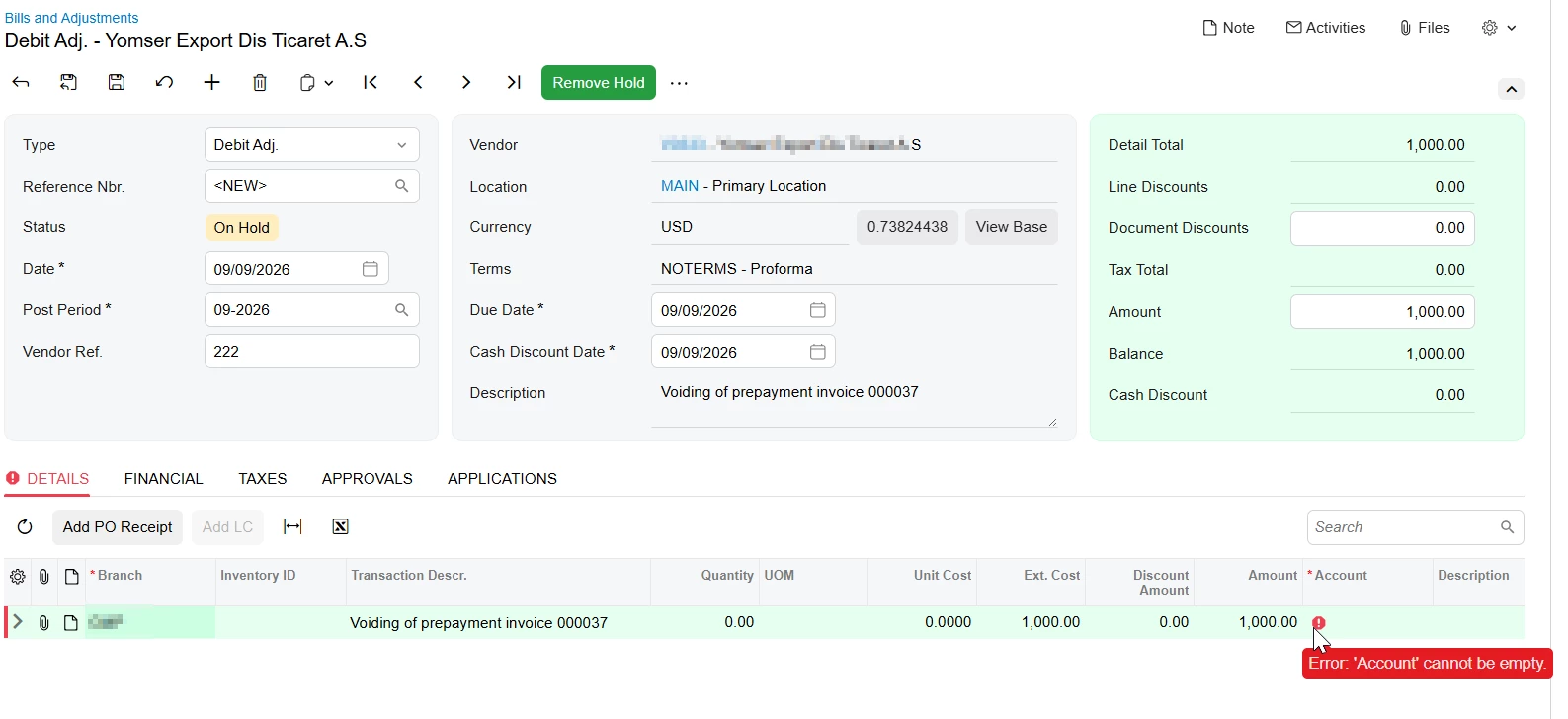
The Write-off Prepayment action may not be the correct option for this scenario, especially since the prepayment invoice was created manually with account/description lines.
Please first verify whether the prepayment invoice has been paid or applied to any document.
If the prepayment invoice is still unpaid and unapplied, the recommended option is to void/cancel the document from Bills and Adjustments.
If the prepayment invoice has already been paid, applied, or released, Acumatica may not allow a direct void. In that case, the correction should be handled through an adjustment/reversing entry based on the GL impact. The error during Write-off Prepayment appears to be occurring because Acumatica is trying to create a debit adjustment, but the line-level expense account is not being populated from the manually entered prepayment line.
Please review the GL batch created by the original prepayment and confirm with the accounting team which account should be used for the reversing adjustment. Once confirmed, we can create the appropriate debit/credit adjustment or GL correction to offset the transaction correctly.