



Hi,
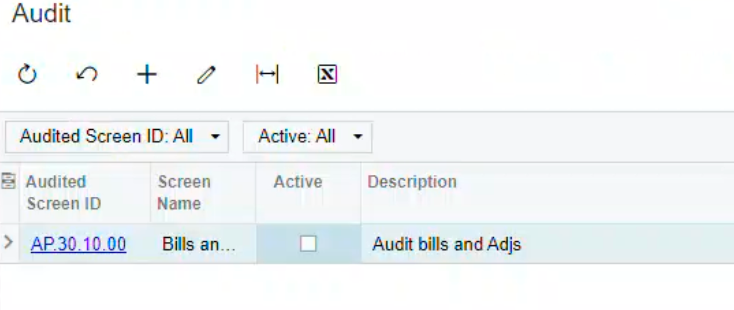
I create an audit task but seem not able to check the “active” box. Do anybody know the reason?
Thank you.
Raymond
Hi,
I create an audit task but seem not able to check the “active” box. Do anybody know the reason?
Thank you.
Raymond
Best answer by Laura03
Hello,
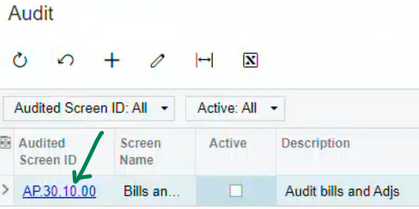
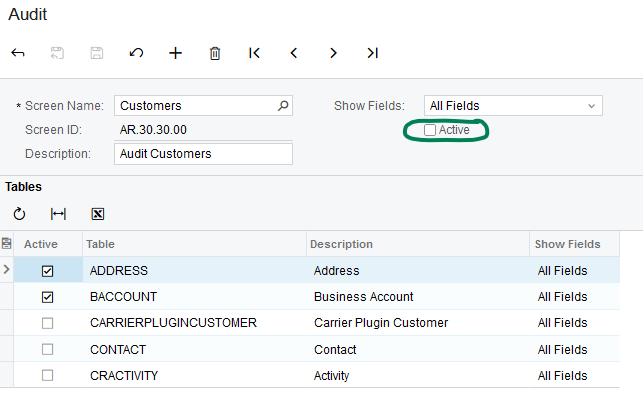
To activate your Audit, click on the Audited screen ID, AP.30.10.00.
Then activate here:
Laura
Enter your E-mail address. We'll send you an e-mail with instructions to reset your password.


