Answer

ARM - Vertical Line

  • July 23, 2023
  • 3 replies
  • 248 views

Forum|alt.badge.img

Hi Team,

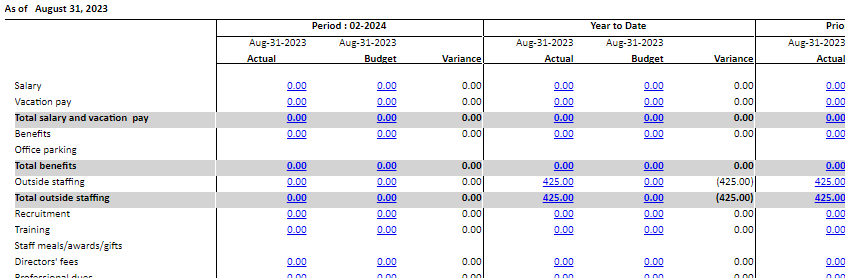
I just want to confirm is there a possible way to add a vertical line between data in ARM Report?
 

Best answer by Laura03

Hello,

There is no specific feature to draw a line between columns in the ARM report screens. I have 2 ideas that may work:

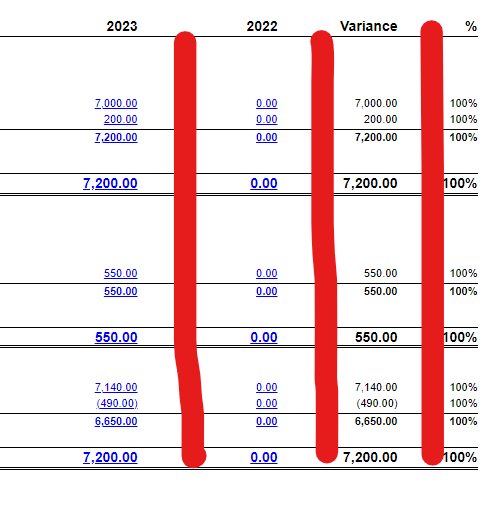
In Column Set, please try a Calculated column with Value =”|”  (pipe symbol)

Column Sets, bottom half of screen

In Row Set, please try the Box functions to make two vertical lines, along with two horizontal lines connecting at top and bottom to make a box:
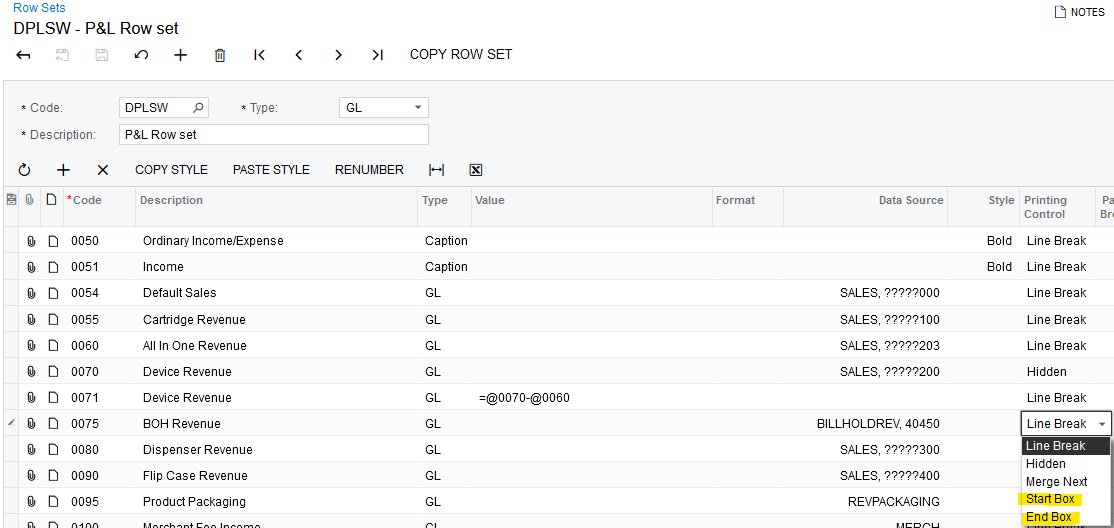
Row Set - Printing Control - BOX


3 replies

Laura03
Captain II
Forum|alt.badge.img+19
  • Captain II
  • Answer
  • July 23, 2023

Hello,

There is no specific feature to draw a line between columns in the ARM report screens. I have 2 ideas that may work:

In Column Set, please try a Calculated column with Value =”|”  (pipe symbol)

Column Sets, bottom half of screen

In Row Set, please try the Box functions to make two vertical lines, along with two horizontal lines connecting at top and bottom to make a box:

Row Set - Printing Control - BOX


bigil
Freshman II
Forum|alt.badge.img
  • Freshman II
  • August 11, 2023

Try this option as shown below and Fill with black color on style


Result will be


  • Freshman I
  • December 10, 2024

Neither of these solutions are working for 2024R1. Is there an updated way to resolve this issue?