@lorach Hi!
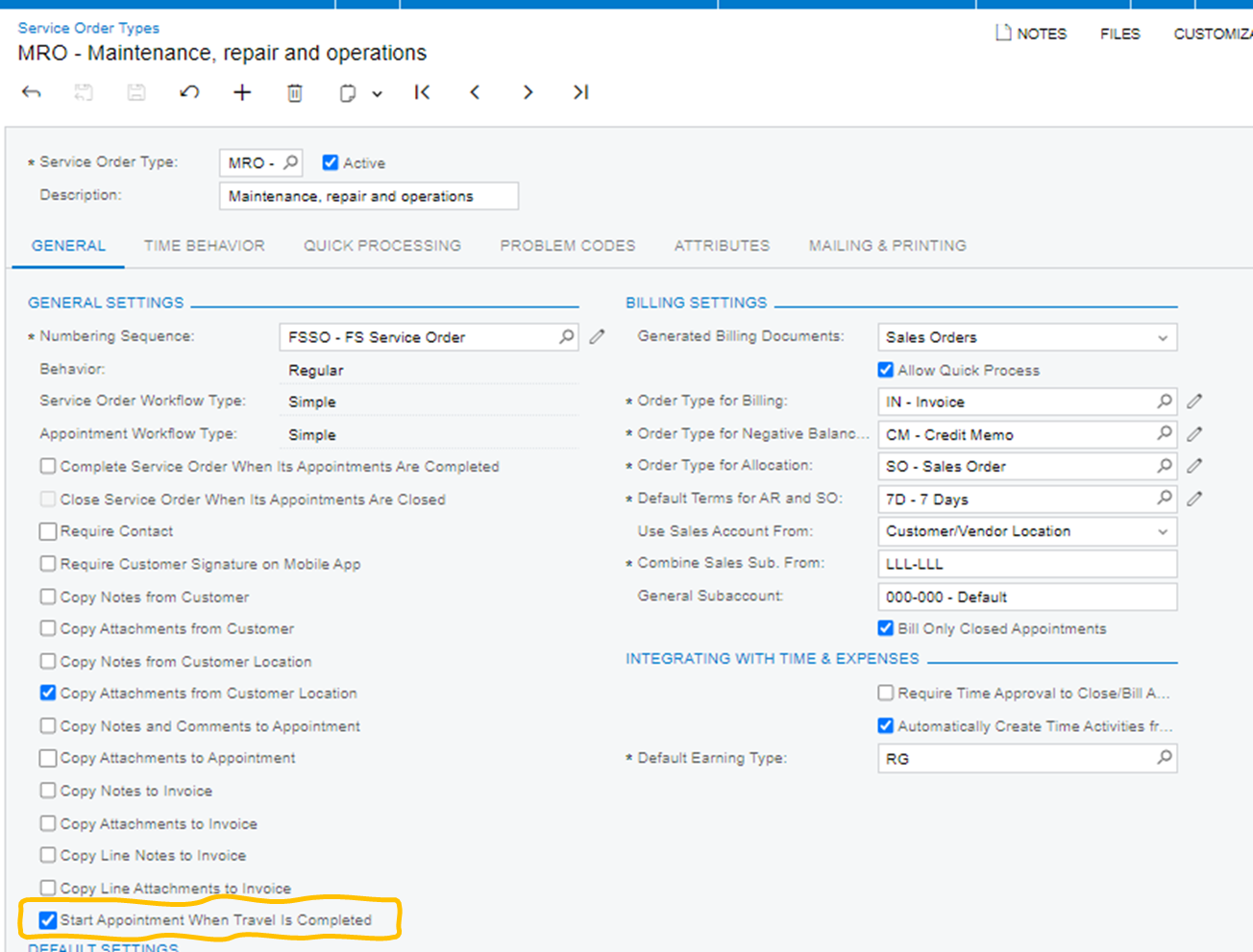
The behavior you observe is not a defect — what's happening is that two different Start actions are getting conflated.
Different start actions:
- The Start at the header of the appointment is unavailable once the appointment is In Process, so the appointment itself can't be started twice.
- The per-service Start action on the Details tab are separate, and they only appear once the appointment is In Process. With your time-behavior automations cleared, that's the intended manual flow: start the appointment, then start each service individually.
The gap is that the line-level Start doesn't check whether a log is already running for that line and that staff member. It's available either way. So a second tap creates a second In Process log, which is what your screenshot shows.
Your conclusion holds: there is no setting or out-of-the-box functionality prevents overlapping logs. Interestingly the system does guard the other end — an appointment can't be completed while any log is In Process — which is why both of yours closed at once. It just doesn't guard creation.
What to do:
- The training point worth making explicit is that the header Start and the service Starts are different actions doing different things. A technician tapping the second one after the first looks like a user error but is a predictable one. Techs can be trained to use the Pause instead of re-tapping Start.
- For visibility, a generic inquiry can be created over the appointment log filtered to In Process, grouped by appointment and staff, flagging counts above one, plus a Business Event to alert dispatchers before overlapping time cards are created on the log completion. No code needed.
- A genuine hard stop means a customization validating the line-level Start against existing In Process logs for that staff member and line. You can reach out to your partner or trusted ISV and explore possibilities.
I suggest you raise a Product Idea to improve the behavior: the line-level Start should check for concurrent log for the same staff member on the same line and raise an error or at least a warning.