Solved

Calendar Board: Cost Code Error

  • June 9, 2026
  • 2 replies
  • 21 views

bencrooks
Freshman I
Forum|alt.badge.img

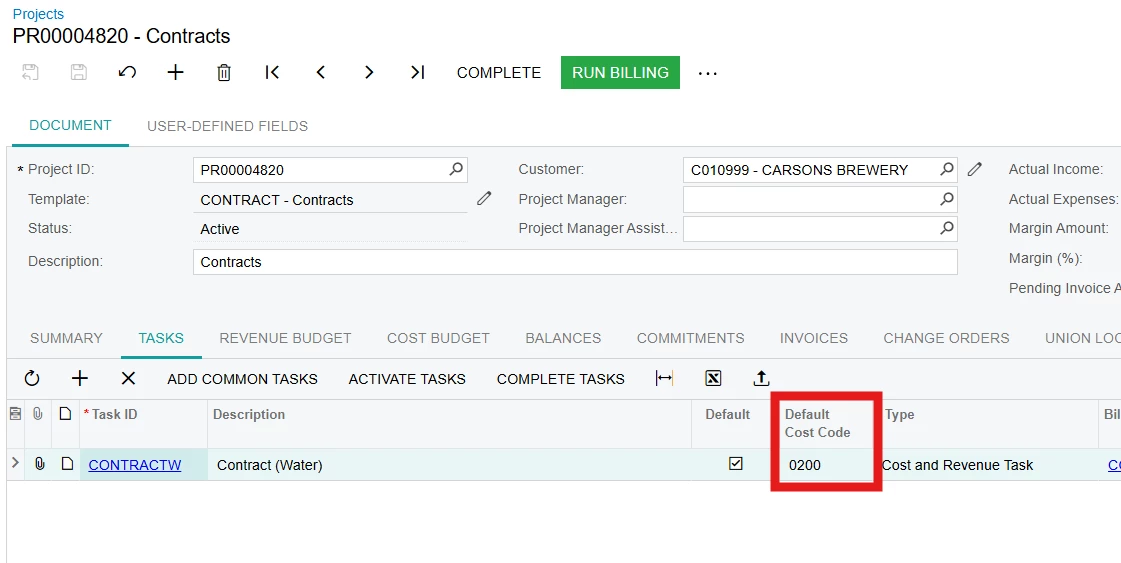
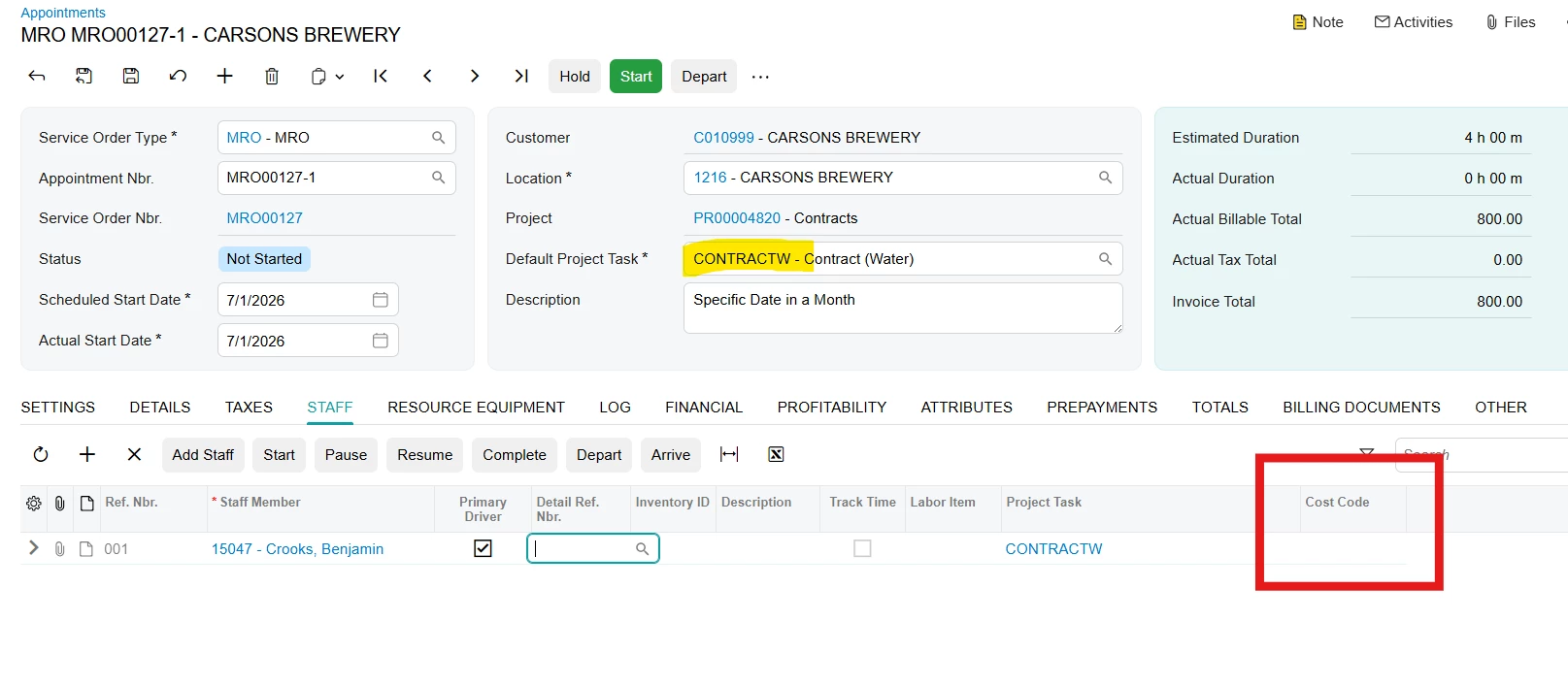
Does anyone know why the Cost Code is not defaulting when I assign Staff Members in Appointments, even though I'm using the Default Cost Code on the Default Project Task?

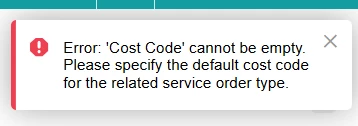
This is preventing us from using the Calendar Board to have our scheduler assign technicians to unassigned appointment while scheduling. We receive the following error…

“Error: 'Cost Code' cannot be empty. Please specify the default cost code for the related service order type.”
 

Best answer by andrestamour43

Hi ​@bencrooks

On service order types (FS202300), there is a default cost code that can be populated which drives the default cost code of new lines added to an appointment. 

Check to see if this is populated for your service order type. 

2 replies

Forum|alt.badge.img+3
  • Acumatica Employee
  • Answer
  • June 12, 2026

Hi ​@bencrooks

On service order types (FS202300), there is a default cost code that can be populated which drives the default cost code of new lines added to an appointment. 

Check to see if this is populated for your service order type. 


bencrooks
Freshman I
Forum|alt.badge.img
  • Author
  • Freshman I
  • July 1, 2026

Looks like we did not have the service type default cost code populated. That helps as a fail safe. However, if our projects use unique cost codes it would be beneficial for the default to pull from project or really the service contract its associated with.