Question

UPS Multiple Package error

  • September 4, 2025
  • 10 replies
  • 74 views

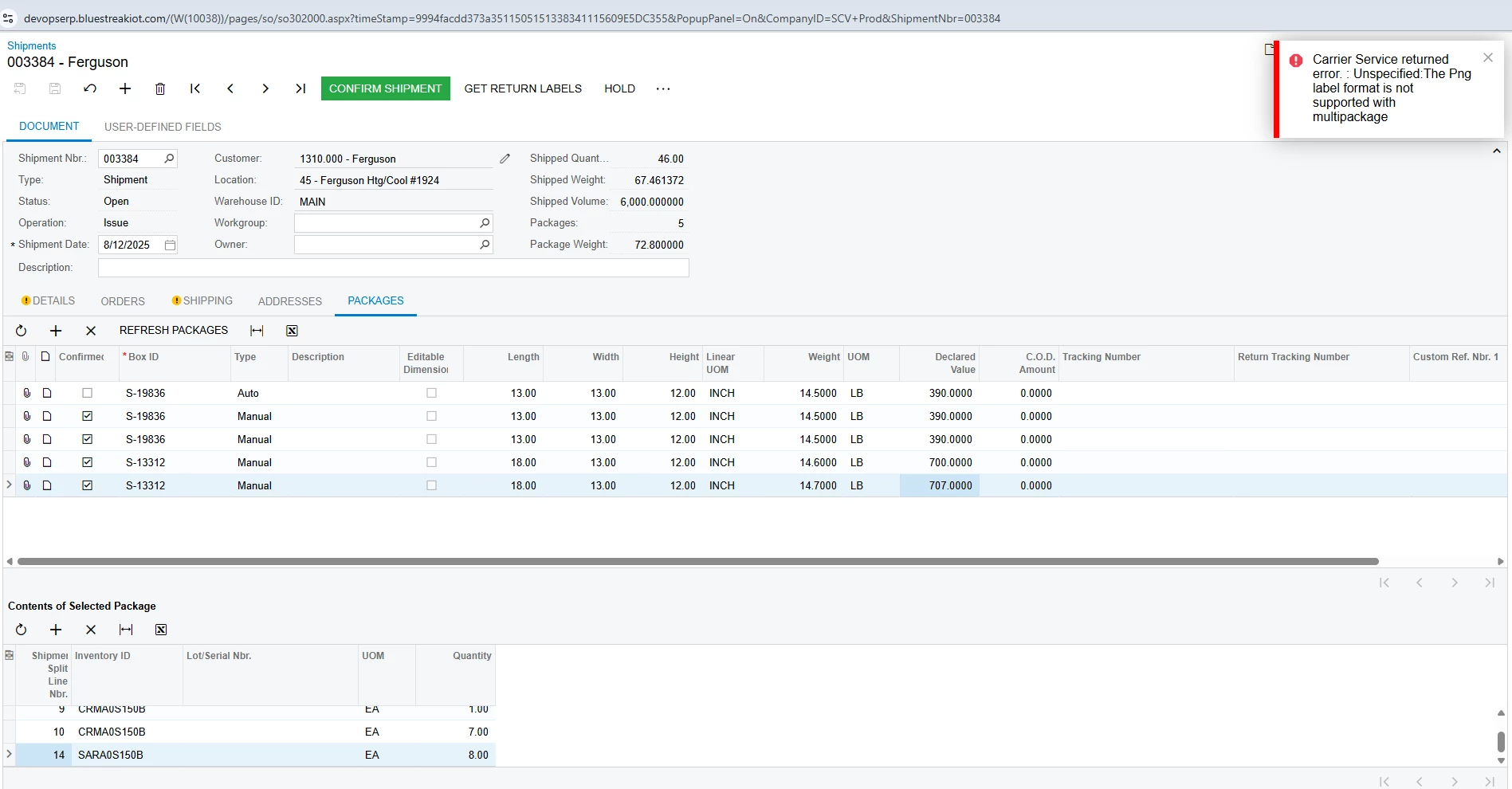
Hello, we’ve came across an issue when using the carrier UPS Ground, it does not allow us to create more than one box in an order. We tried it with FedEx and we’re able to.

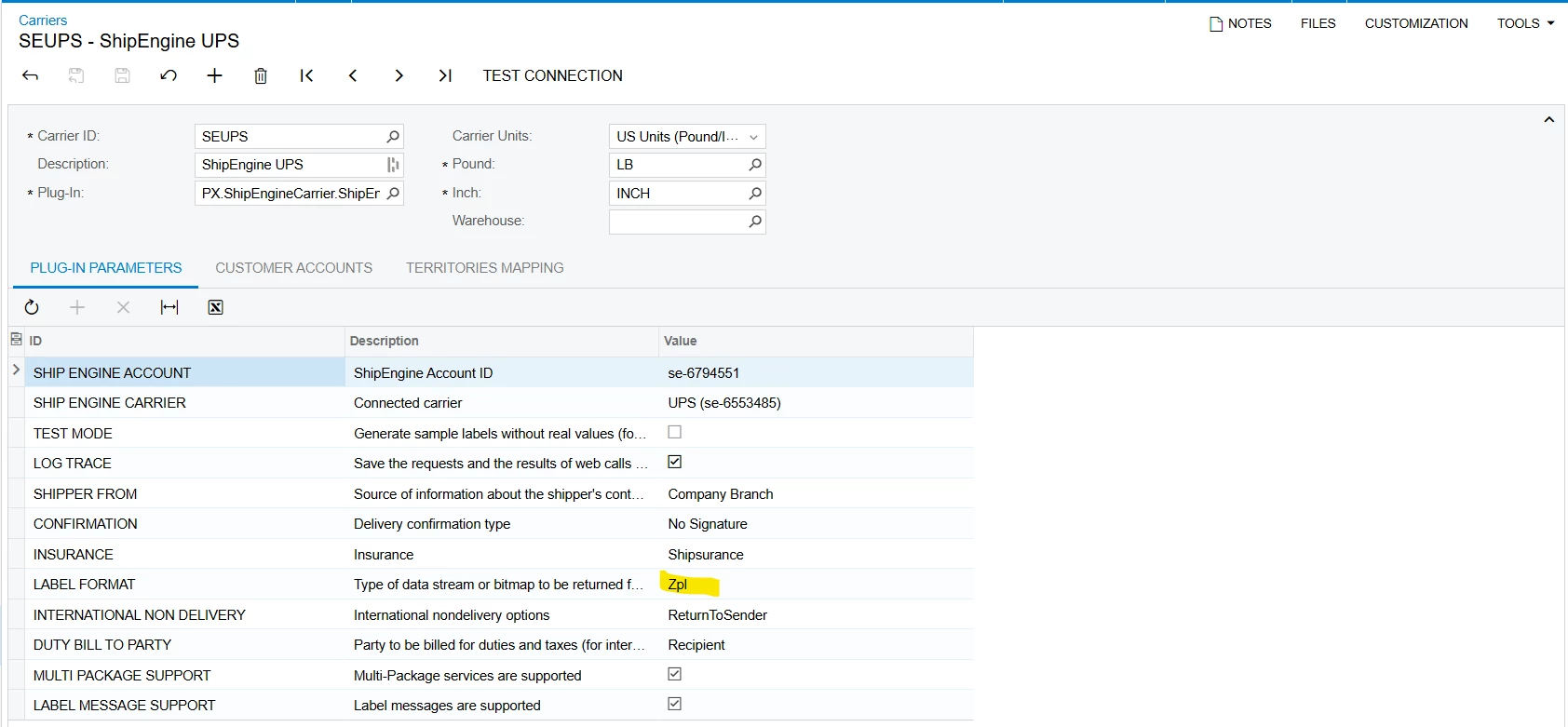
We also tried to update the label format from PNG to PDF and ZPL but still didnt work.

Can you help us with this, thank you!
 

10 replies

Manikanta Dhulipudi
Captain II
Forum|alt.badge.img+15

@materessapasion34 Can you change the format to ZPL in carrier screen?


Hi ​@Manikanta Dhulipudi yes we already tried that but still didn’t work. 


bwhite49
Captain II
Forum|alt.badge.img+10
  • Captain II
  • September 4, 2025

Have you contacted ShipEngine? This is an issue with their integration or your current setup that they should be able to resolve.


Hi ​@bwhite49, yes we already coordinated it with them. It seems that they can’t even resolve it too. Below are their replies.

When you specify a non-default label type we generally request that document type directly from the carrier. This run into limitations at times, most often with zpl. 

In the case of UPS png, it cannot be specified for multipackage shipments.
We do however return png labels by default even for UPS multipackage shipments if you do not request it specifically.

 I am not sure if Acumatica only pulls the pdf label document resourced when not specifying png or if they are also able to pull the png links.


bwhite49
Captain II
Forum|alt.badge.img+10
  • Captain II
  • September 4, 2025

OK, that is not super helpful.

It sounds like they want you to leave the Label format blank. Can you go into the carrier, hit the backspace button so that field is empty, and then save and see if that fixes the issue?

They seem to have a default that they want you to use. Not supporting ZPL is crazy though


Alright, will do that. Thanks for the help!

I’ll get back on this once it’s still not work. 


Hi ​@bwhite49 just received an update from the client now, leaving the field blank didn’t work either. Perhaps do you know any other resolutions? Thank you!


bwhite49
Captain II
Forum|alt.badge.img+10
  • Captain II
  • September 19, 2025

Hi ​@bwhite49 just received an update from the client now, leaving the field blank didn’t work either. Perhaps do you know any other resolutions? Thank you!

No sorry. You will need to have somebody with access to your system to go in and trouble-shoot. Unfortunately, that is ShipEngine’s job. You should have Ship Engine escalate your issue to somebody who can help.


Chris Hackett
Community Manager
Forum|alt.badge.img
  • Acumatica Community Manager
  • November 5, 2025

Hi ​@materessapasion34 were you able to find a solution? Thank you!


Hi ​@Chris Hackett unfortunately, there’s still no solution yet for this.