Solved

Unable to integrate Power BI with Acumatica

  • April 20, 2026
  • 4 replies
  • 45 views

Forum|alt.badge.img

Hello all,

I have been trying to fetch the GIs from Acumatica and push to Power BI. I installed the Power BI desktop version, created a new API user in Acumatica with admin and OData roles assigned.

Selected Get Data → OData option in Power BI:
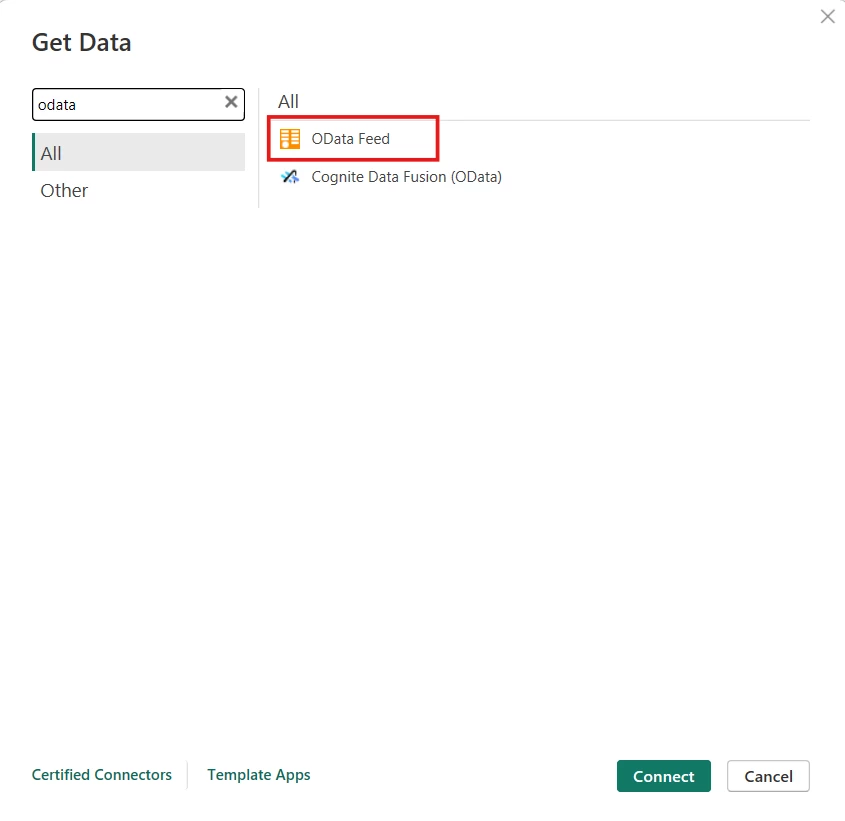


Entered in the URL:
https://Application site domain/odata

FYI, Its a multi tenant site.
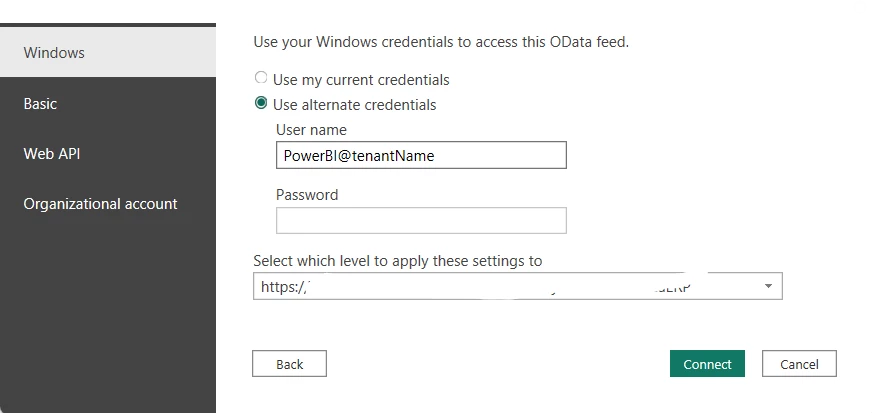
 

and then clicked on connect, after entering in the password:
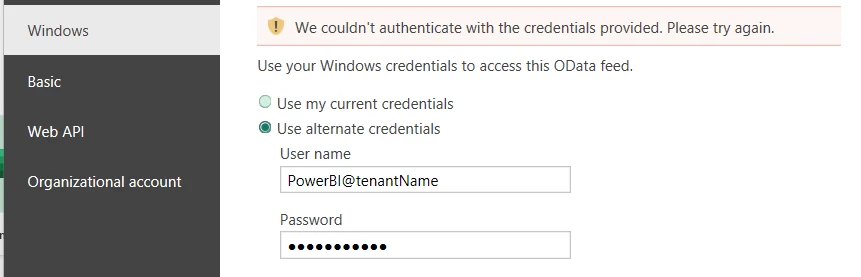
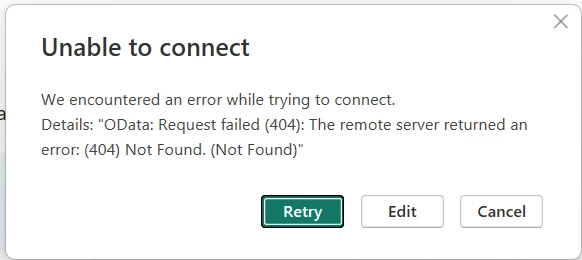
I tried to login using the “Basic” menu in the left pane also, but triggers the same error. Can anyone guide me on this how can I get this connected?
The PowerBI username being used here is of UserType=API in Acumatica.

Thanks.

Best answer by nasir

Hi ​@Harry  please follow each and every step:

First make sure the credentials you are entering it should be proper

​​​​​https://www.acumatica.com/Odata/tenant-name

username : XXXXX
Password: XXXXX

and make sure you use the basic details:


This must be selected  : with Odata and tenant URL


4 replies

Forum|alt.badge.img
  • Author
  • Semi-Pro II
  • April 20, 2026

An update on the above error:

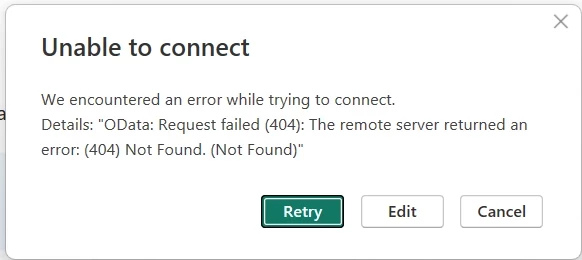
I now tried to connect using a normal username with no user types defined and after clicking on connect it gave me the following error:


Forum|alt.badge.img
  • Jr Varsity I
  • Answer
  • April 20, 2026

Hi ​@Harry  please follow each and every step:

First make sure the credentials you are entering it should be proper

​​​​​https://www.acumatica.com/Odata/tenant-name

username : XXXXX
Password: XXXXX

and make sure you use the basic details:


This must be selected  : with Odata and tenant URL


Forum|alt.badge.img
  • Author
  • Semi-Pro II
  • April 20, 2026

hi ​@nasir , thanks for your prompt response. I already tried by selecting “Basic”, entering in the creds and selecting the correct URL, so it gave me the below error:


Forum|alt.badge.img
  • Author
  • Semi-Pro II
  • April 20, 2026

hi ​@nasir , I just saw your tenant URL with focus, and it did work out for me. Thanks a looooootttt!!