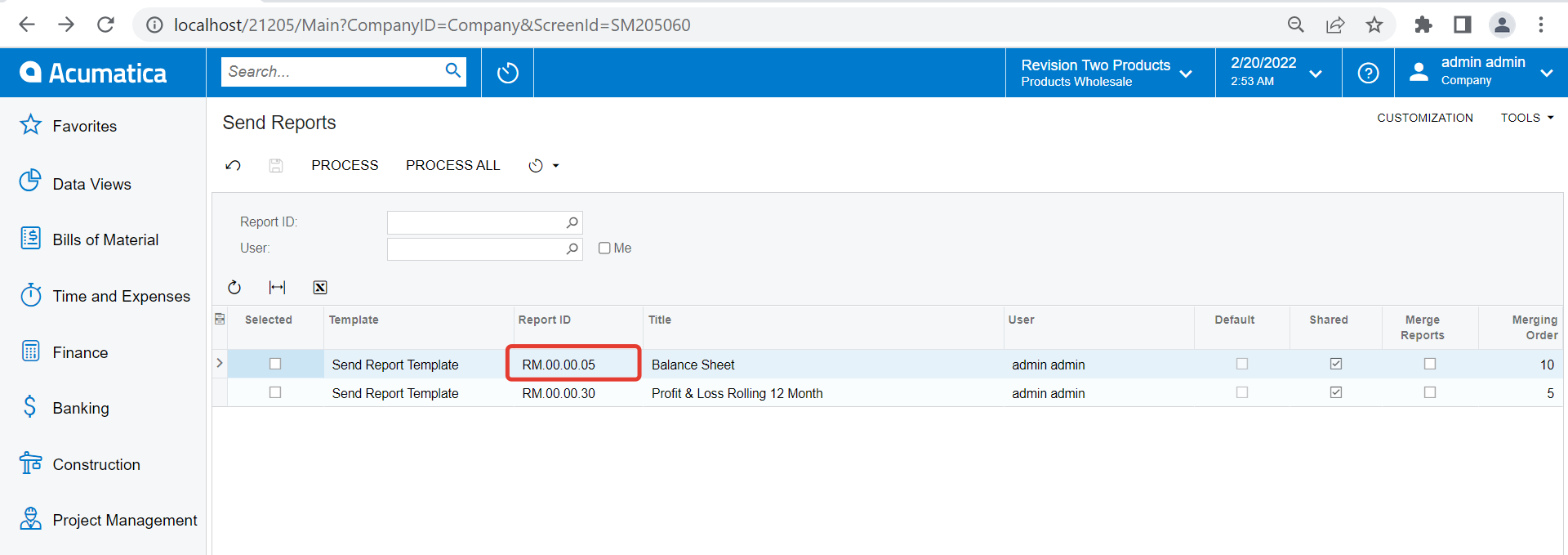
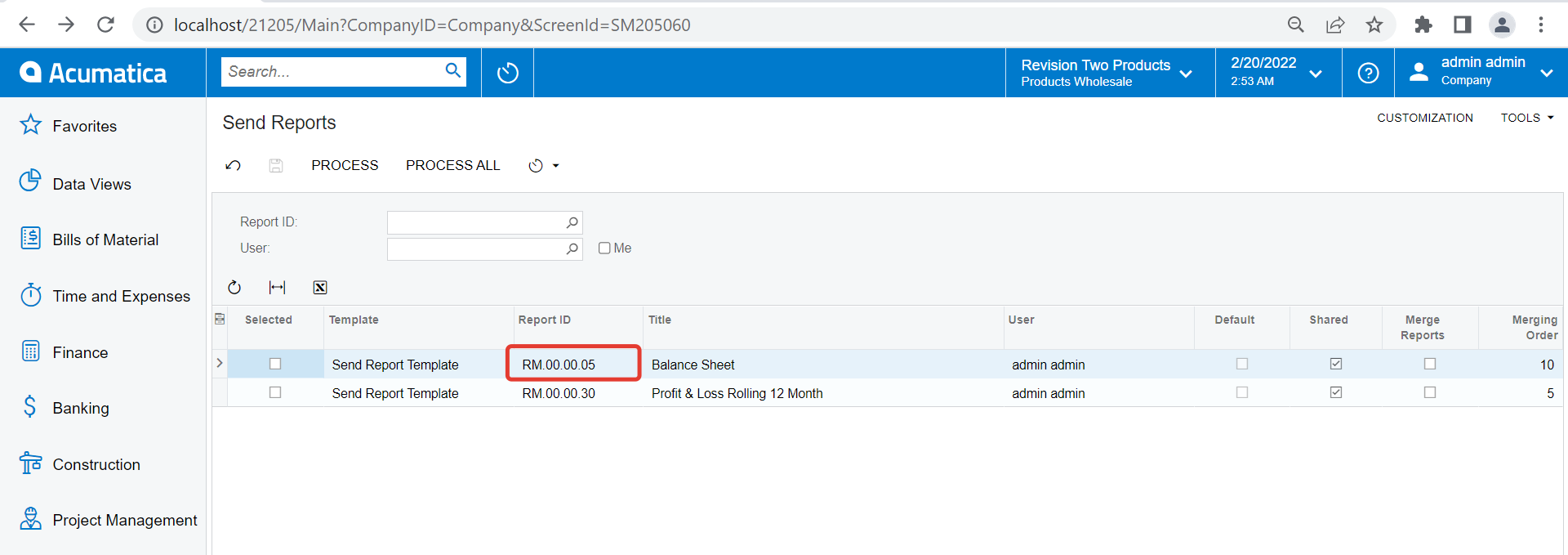
Anyone know how to remove send reports from the list?
When I click on selected and process - it does not process the selected item but rather the item that has cursor focus? How is that to be fixed?
Would like to be able to Edit the Template Name, how?
Best answer by vkumar
Hi @Jp89
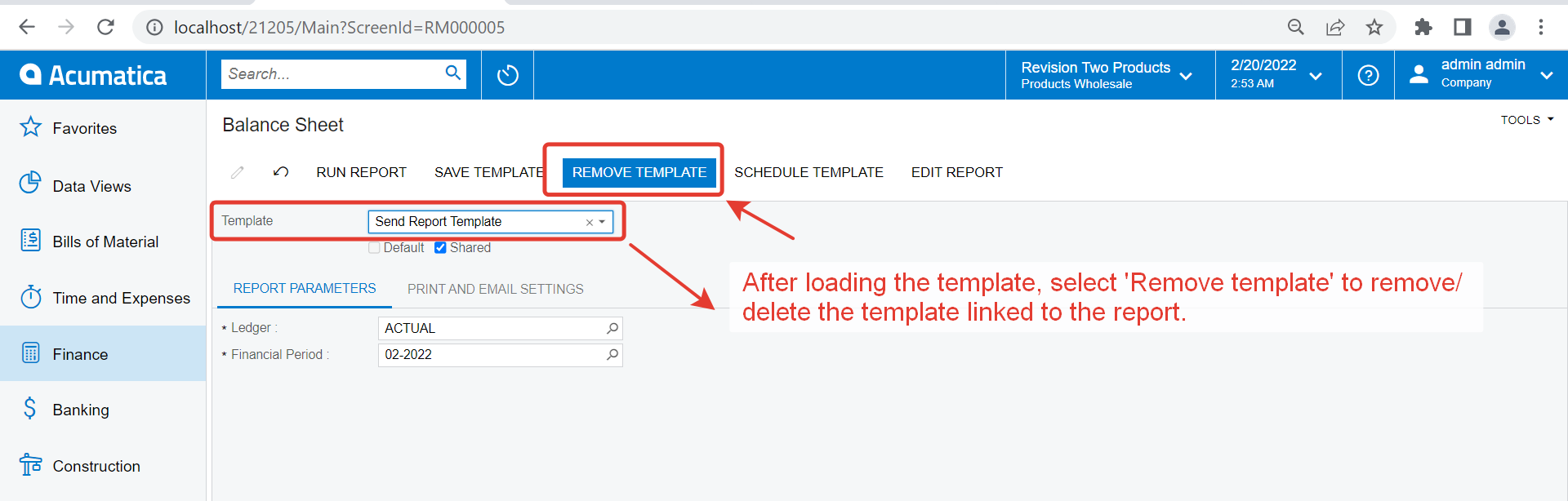
You are welcome. Normally it does allow manipulation from report parameter screen as mentioned on my initial response. You can contact support on your specific instance since its not removing template even after its removed from report parameter window. Support can investigate further to identify the root cause. Regards,
Thanks - I did that - but the list does not delete the items from the Send Reports screen, and I need to clean up the list on the Send Reports screen…. do I have to do this be deleting the items in the database?
Thanks - I did that - but the list does not delete the items from the Send Reports screen, and I need to clean up the list on the Send Reports screen…. do I have to do this be deleting the items in the database?
I’ve had issues with deleting templates. They would stay even after deleting a report. I made a support case in the past and they deleted it in the DB somehow.
Thanks very much for the DB table name. This should resolve the issue. Although it would be cleaner if the application allows that items on the screen can be managed with edit and delete functions added. Matter of design.
You are welcome. Normally it does allow manipulation from report parameter screen as mentioned on my initial response. You can contact support on your specific instance since its not removing template even after its removed from report parameter window. Support can investigate further to identify the root cause. Regards,
Changes to the Report Scheduling Starting in Acumatica ERP 2025 R1, the report scheduling has been reworked, as described in System Administration: Email Scheduling for Reports. The changes to this functionality will be implemented in the stages listed in the following table.
Version
Stage
2025 R1
The Schedule Template button has been removed from the report toolbar of all report forms. The report migration functionality has been added.
2025 R2
The Send Reports (SM205060) form has been removed.
2026 R2
The report migration functionality has been deprecated. This includes the removal of the Migrate command from the Automation Schedules (SM205020) form.
After the upgrade to Acumatica ERP 2025 R1, the system administrator will need to migrate automation schedules that have been configured by using the Send Reports (SM205060) form. For details, see After an upgrade to Acumatica ERP 2025 R2 and later, the functionality for sending reports using the Send Reports form will no longer be available.