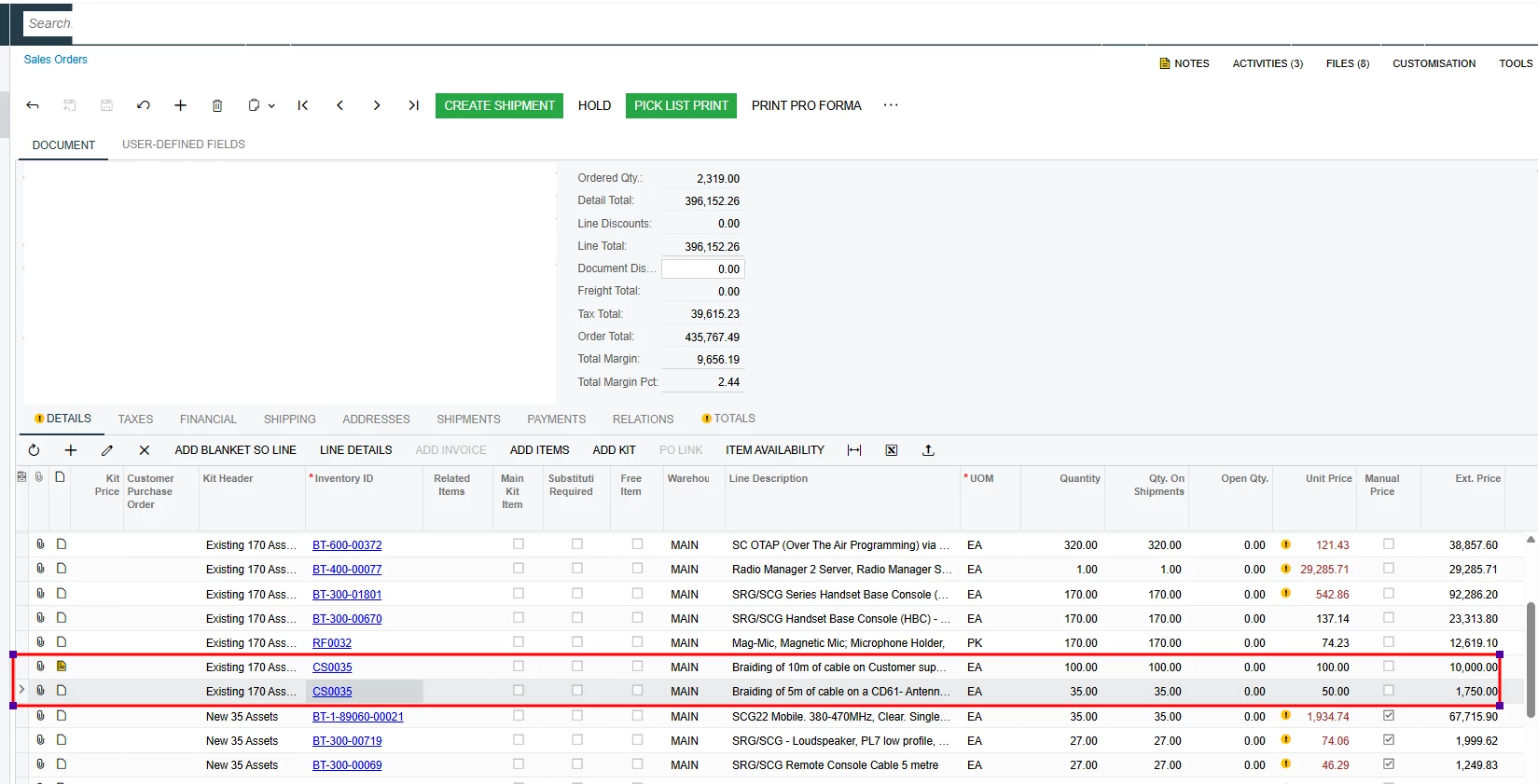
@Avishka the RC order is the right call. Those two lines can't come off BT-SO001370.
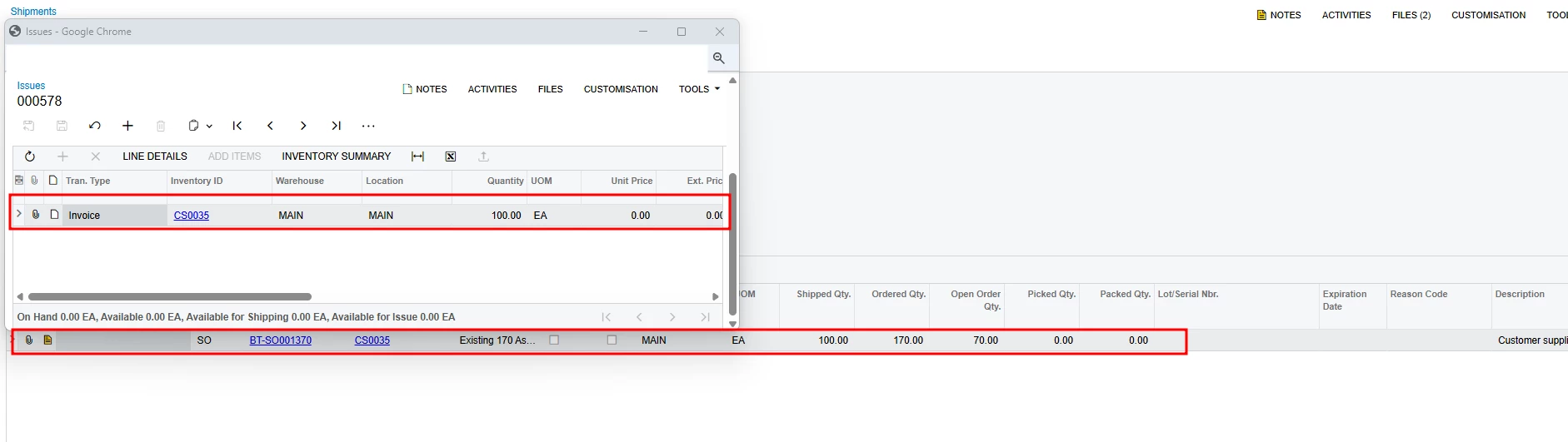
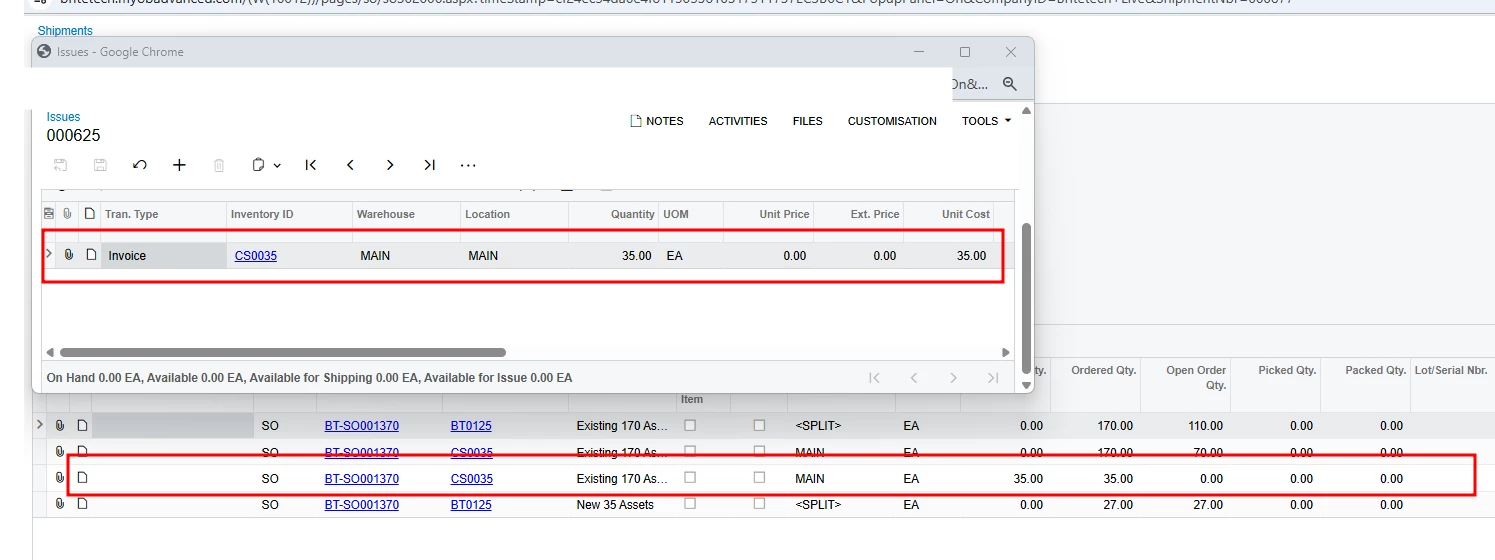
Both shipments are already posted to inventory (issues 000578 and 000625), and Acumatica won't reopen a shipment after that. If Correct Shipment is still on the menu, it stops with "Shipment already posted to inventory or invoiced for order SO BT-SO001370, shipment cannot be reopened." A line that's linked to a shipment can't be deleted from the order either. So the order total stays where it is.
The RC gets you the same result another way. It receives the 135 back into stock and issues a credit memo for those two lines.
What you do first depends on whether those shipments have been invoiced. The Add Invoice button that's greyed out on your sales order works on an RC order, but it only lists released invoices. If they're invoiced, create the RC, click Add Invoice and pick the two CS0035 lines (100 and 35). If they aren't invoiced yet, invoice and release them first so the return links back to the sale.
Then Create Receipt, confirm it, and Prepare Invoice. Check the quantities and prices before you release the credit memo, then apply it to the original invoice.
Manikanta laid out the same flow step by step here: https://community.acumatica.com/distribution-6/how-to-correct-a-shipment-that-had-been-updatein-12140