Question

Project Billing "Nullable Object must have a value"

  • Nov 9, 2026 9:48 PM UTC
  • 11 replies
  • 35 views
  • Translate All

Forum|alt.badge.img

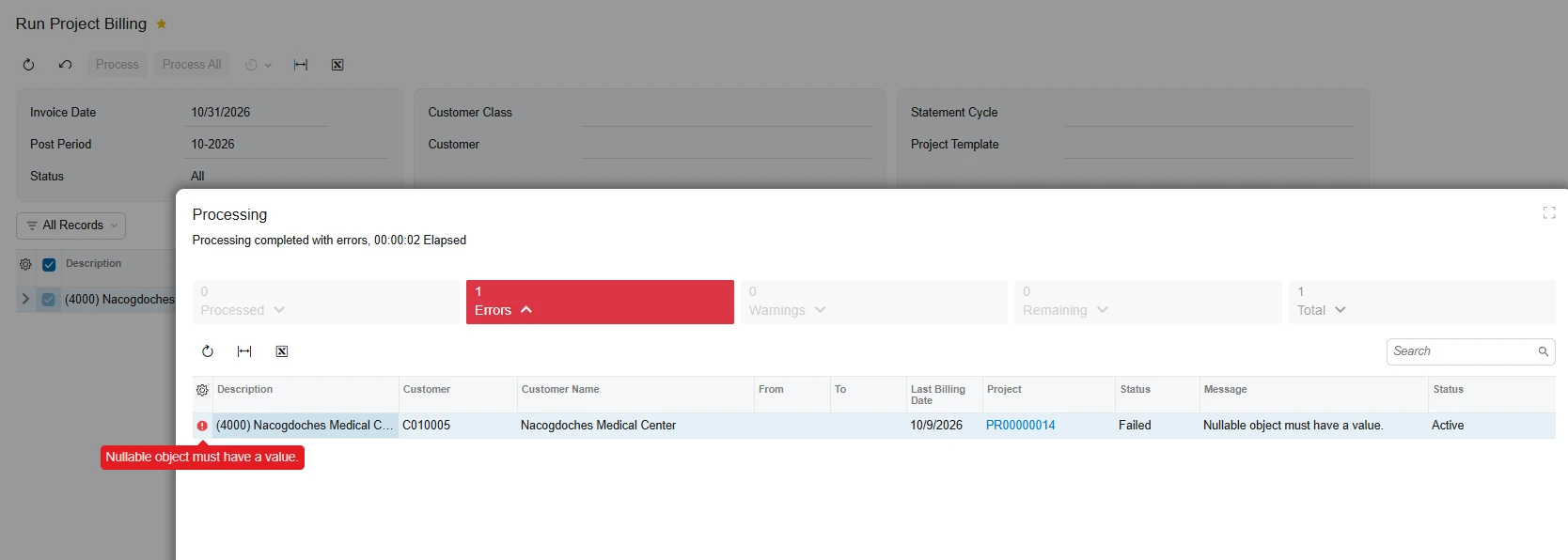
We received a “Nullable Object” error on two projects when attempting to run our month-end billing.  Originally, the two projects were listed under the same Customer. One was the original with an assigned branch & project, and the other was set up as a “Location” under the same customer with a different branch & project number. Both projects were billed to the same customer in separate invoices to represent the different locations.  Worked fine the previous month.  

We were later asked by the customer to separate the billing to customer 1 and a customer 2. I created a new customer and reassigned the appropriate branch and project to the new customer.

Before the change, some expense claims had been entered using a combination of both branches & Projects, with the original customer assigned for billing under the financial tab.

Could changing the customer on an existing project have caused the “Nullable Object” error during billing? If so, is there a way to correct it without recreating the projects?

We are reaching out to our VAR for support, but I wanted to see if anyone else has experienced this issue or knows of a possible solution.

11 replies

darylbowman
Captain II
Forum|alt.badge.img+17

If you could, check the trace log immediately after this error and look for exceptions. If you find some, post them here, and I can better inform you what’s going on.

Translate

ricoybanez
Jr Varsity III
Forum|alt.badge.img+5
  • Jr Varsity III
  • Nov 13, 2026 4:03 AM UTC

​@lwiemann17 screenshot of the error

Translate

Forum|alt.badge.img+5
  • Varsity III
  • Nov 13, 2026 5:33 AM UTC

Hi ​@lwiemann17 ,

Can you please share the screenshot of the trace?

Translate

Forum|alt.badge.img
  • Author
  • Freshman I
  • Nov 13, 2026 2:28 PM UTC

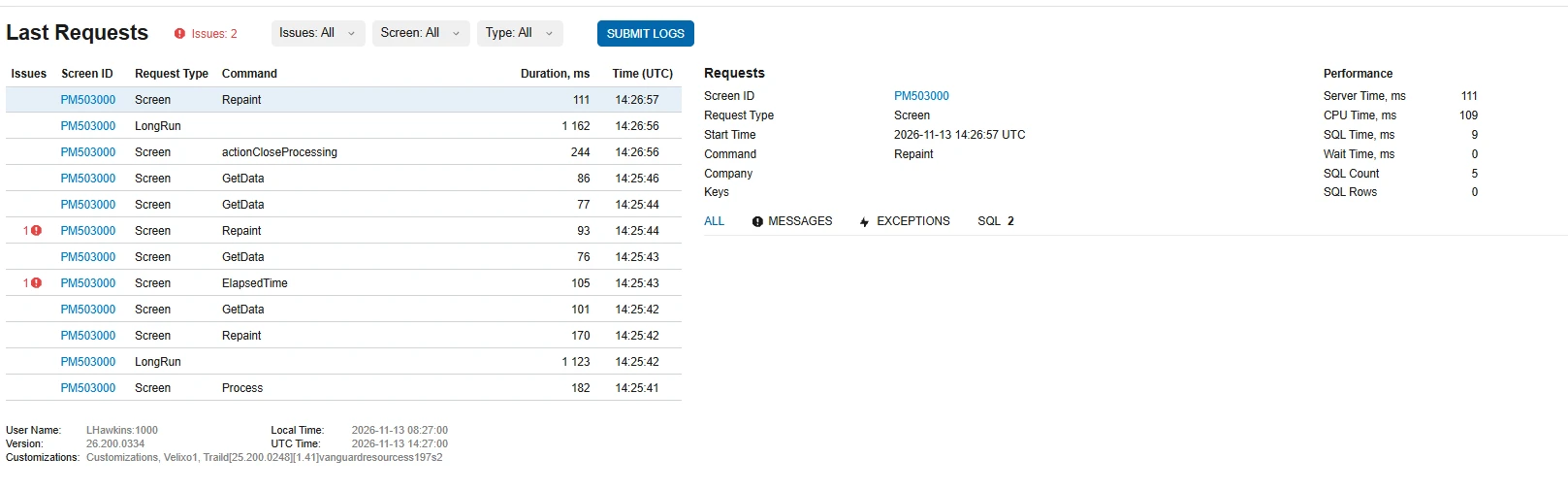
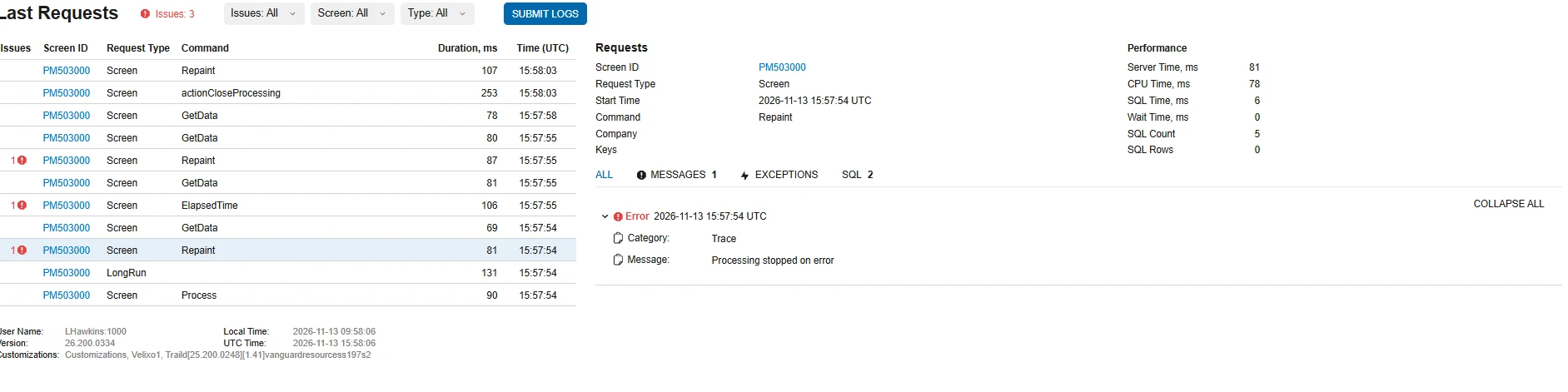
Screen images as requested.   It’s odd there is no exception in the trace.

Translate

darylbowman
Captain II
Forum|alt.badge.img+17

It’s odd there is no exception in the trace.

They won’t necessarily appear in the most recent request.

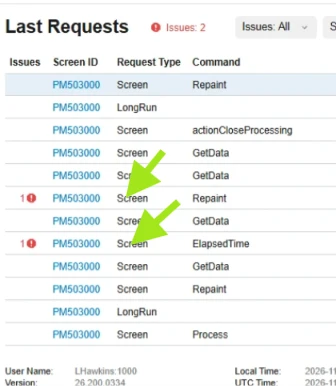
Click the lines with the red indicators and see what shows up on the right:


Translate

Forum|alt.badge.img
  • Author
  • Freshman I
  • Nov 13, 2026 4:01 PM UTC

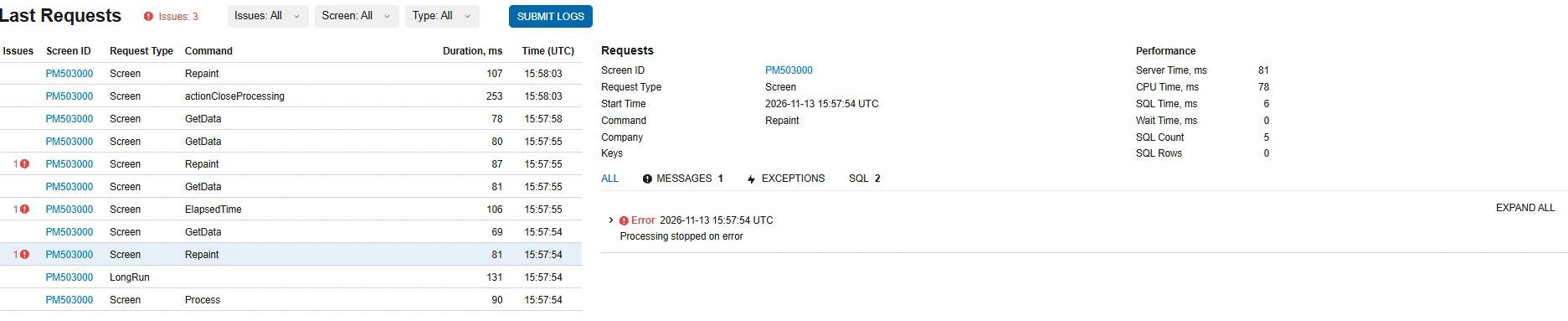
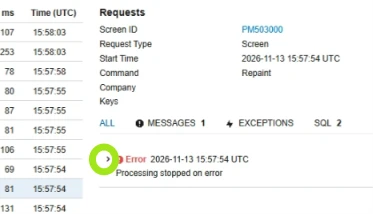
I ran the billing again to reproduce the error and the trace is showing 3 issues.  When I click on the red, all there have the same response “Processing stopped on error”


Translate

darylbowman
Captain II
Forum|alt.badge.img+17

Now expand that entry:


Translate

Forum|alt.badge.img
  • Author
  • Freshman I
  • Nov 13, 2026 4:22 PM UTC

There is not much detail to follow.   


Translate

darylbowman
Captain II
Forum|alt.badge.img+17

I was hoping to find Colonel Mustard in the Conservatory with the lead pipe, but those clues are extremely unhelpful 😀

My first suspicion was (and still is) Customization Projects. Do you have any?

Translate

Forum|alt.badge.img
  • Author
  • Freshman I
  • Nov 13, 2026 5:28 PM UTC

We have very few customization projects.   We tested the billing rules as well.   All other projects billing work.  The error is related to only two.  I think it has to do with creating a new customer for a location that was listed under another customer and changed the customer in the projects to reflect the new. 

Translate

darylbowman
Captain II
Forum|alt.badge.img+17

If you can’t find anything conclusive, I would recommend unpublishing customizations and testing again. Perhaps an unlikely cause, but always a possibility.

Translate