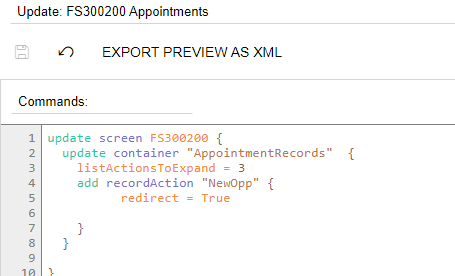
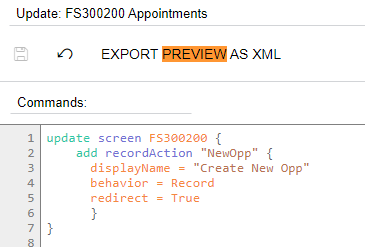
Customers of Field Service need to be able to schedule estimate/measurement appointments and provide their prospects with a quote. To accomplish this, and minimize the errors and clicks, I have added an action to the appointment screen to create an opportunity. It works perfectly in the UI and I can field update the opportunity with the customer id, contact info and a UDF to be populated with the service order nbr for linkage.
My main issue is that it is not redirecting in the mobile app and I am out of ideas on how to make this work. I am not a developer but am very dangerous in no code workflow/customizations.
I have tried several combinations of various parameters and window modes. When I click on the action in mobile it looks very much like it would like to redirect to Opp screen but it never does. Help?? :-)
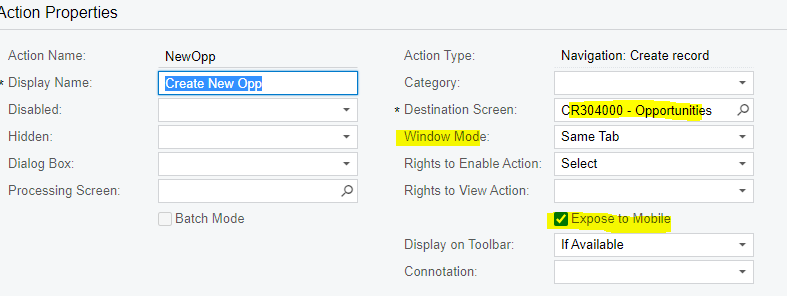
David