Question

Modern UI - Inventory Summary Navigation Issue

  • September 30, 2026
  • 4 replies
  • 33 views

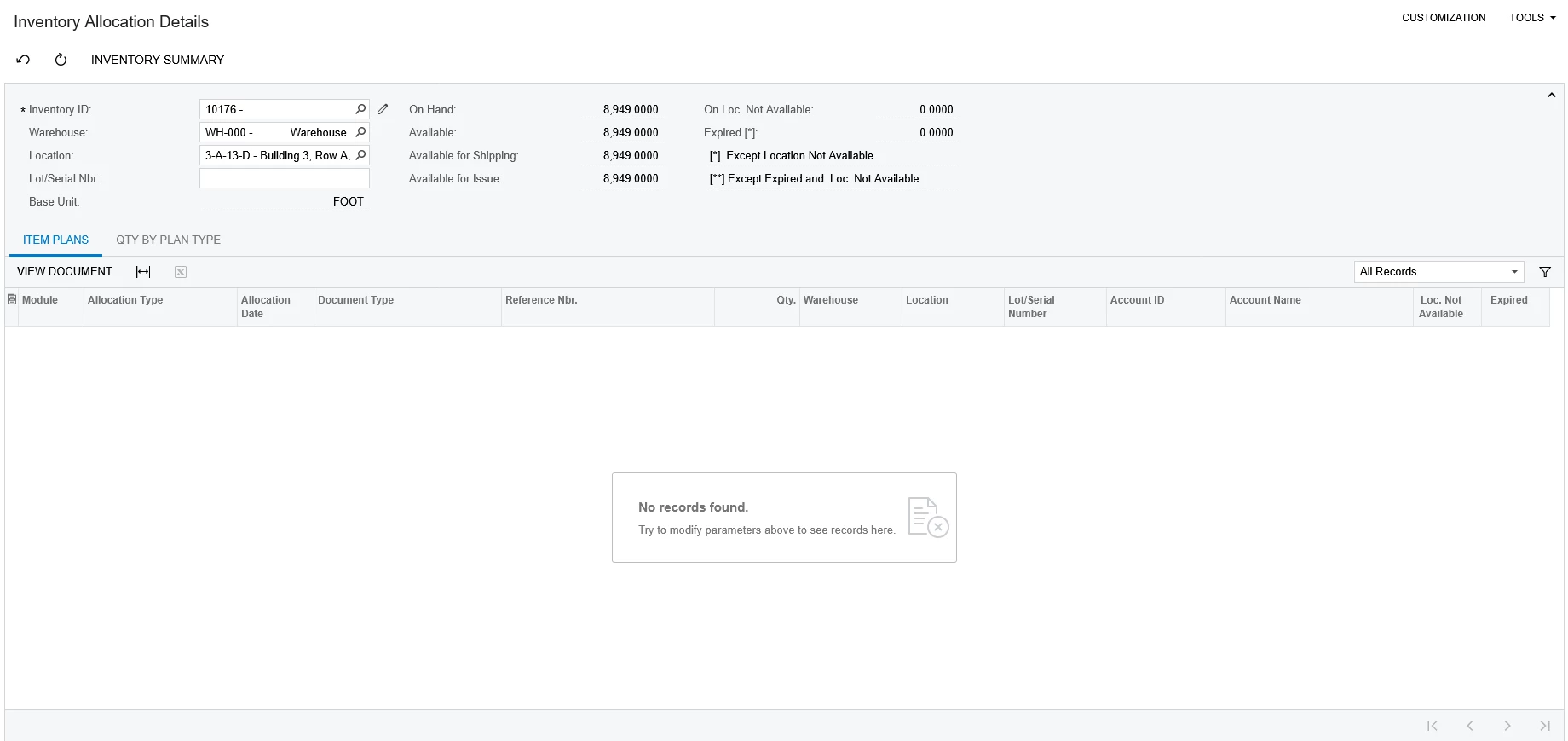
The Inventory Summary page would allow a user to navigate to the Inventory Allocation Details page by double clicking the line on Classic UI.

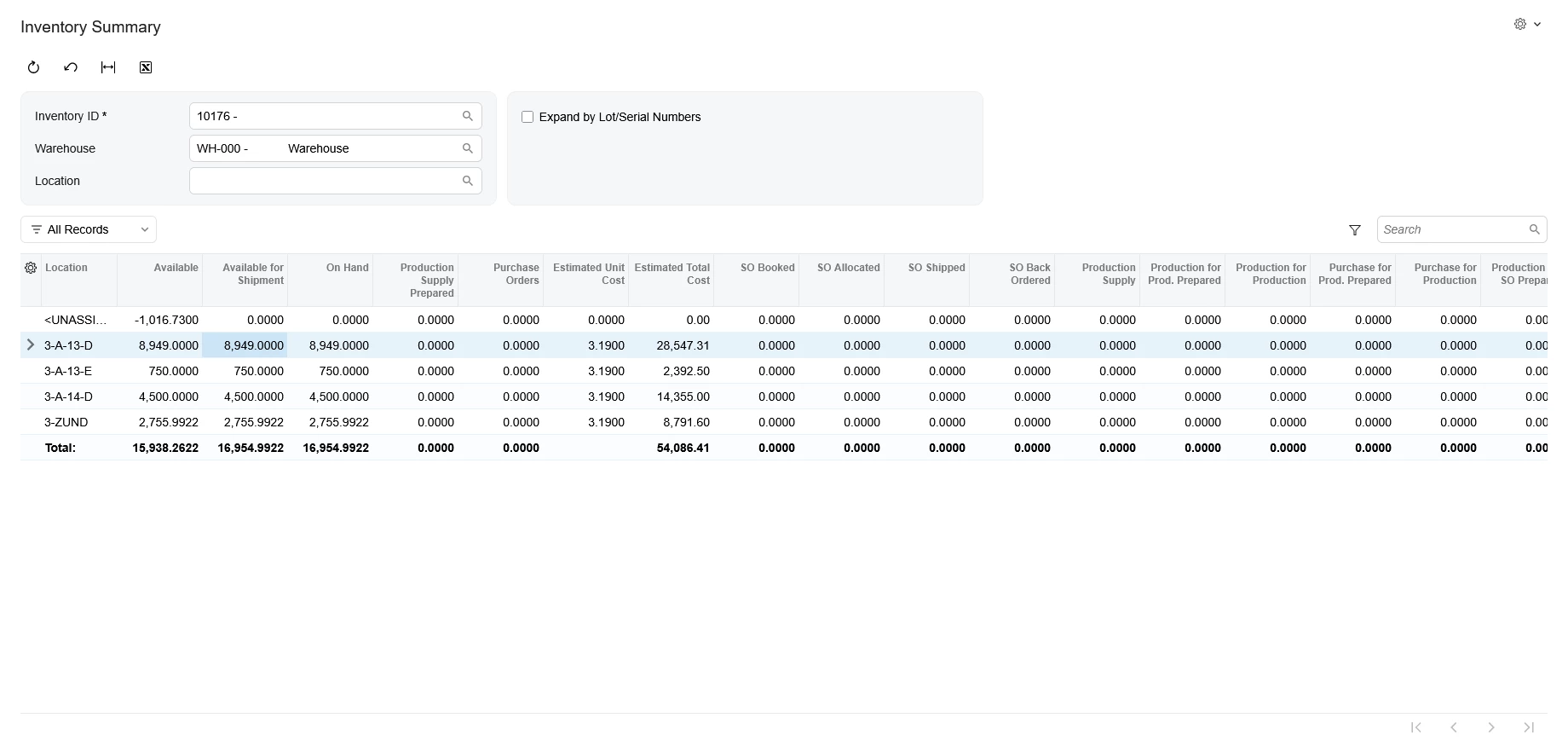
In Modern UI, the user is unable to navigate there by double clicking. Is there any way to fix this? Did Modern UI break the functionality of that navigation?

What other ones should I be aware of?

The XSLT depreciation broke both the Inventory Summary, Storage Summary, etc in Microsoft Edge so converting back to Classic UI is not an option.

We are currently on Acumatica 2025 R2 Build 25.201.0213.6.
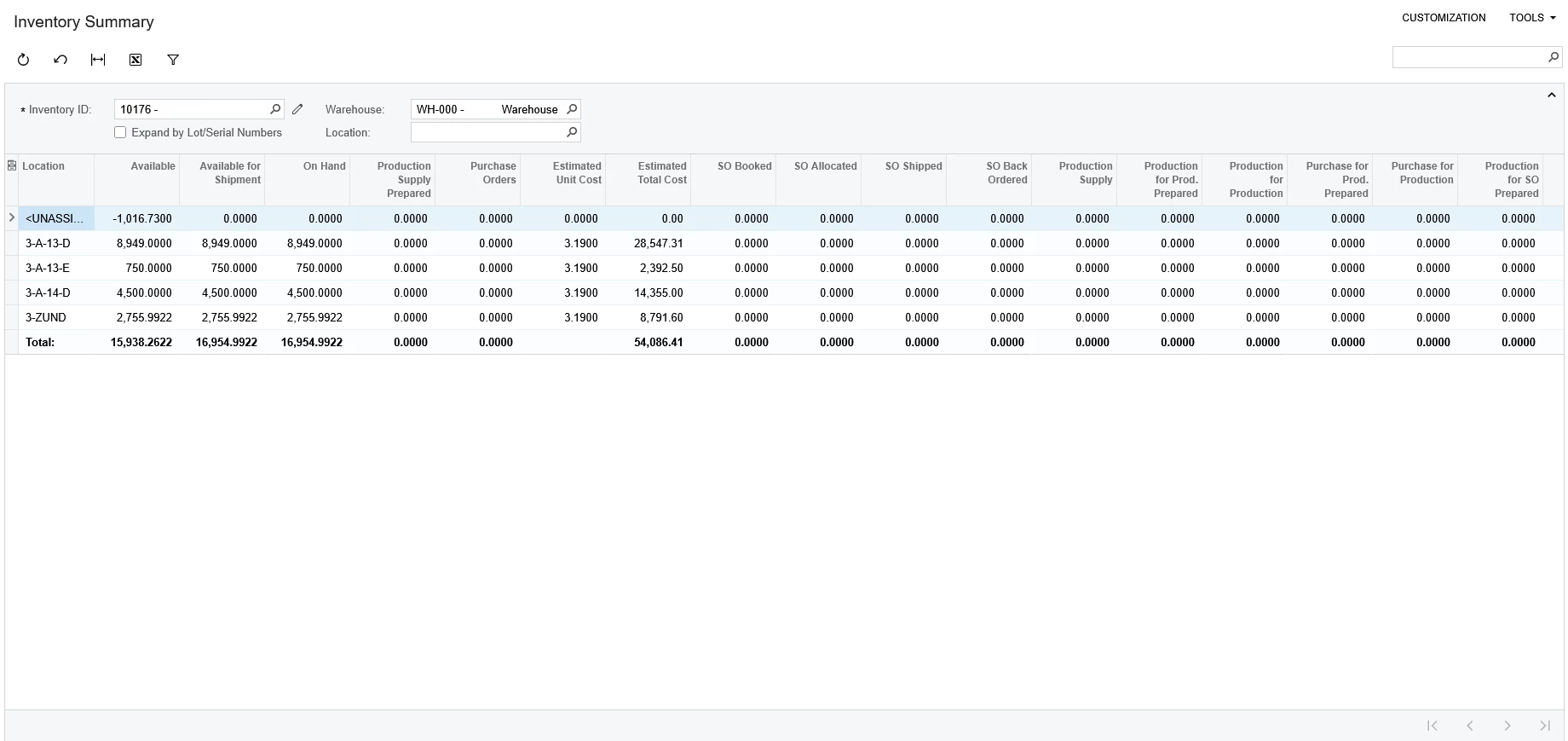
Inventory Summary on Classic UI.
Navigation after double clicking the location line for the Inventory Item.


Modern UI gives no feedback when clicking the line.


4 replies

Forum|alt.badge.img
  • Freshman I
  • September 30, 2026

​@ErickWCel96 This is a Known issue and Acumatica recommending using the classic UI.


darylbowman
Captain II
Forum|alt.badge.img+17

Is there any way to fix this?

Are you open to code customizations?


  • Author
  • Freshman I
  • September 30, 2026

Is there any way to fix this?

Are you open to code customizations?

Yeah, I am open to it as long as it is something straightforward. We already have a few customizations in place for everyday things like production order department filters and sales order page layout changes. 


darylbowman
Captain II
Forum|alt.badge.img+17

This has been fixed in 26 R1. If you’d like it fixed before then, you’ll need a customization.

The difference between 25R2 and 26R1 is the presence of ‘defaultAction’: