Answer

"Inventory ID" error in Projects screen

  • May 17, 2023
  • 7 replies
  • 274 views

Forum|alt.badge.img+3

Hello all,
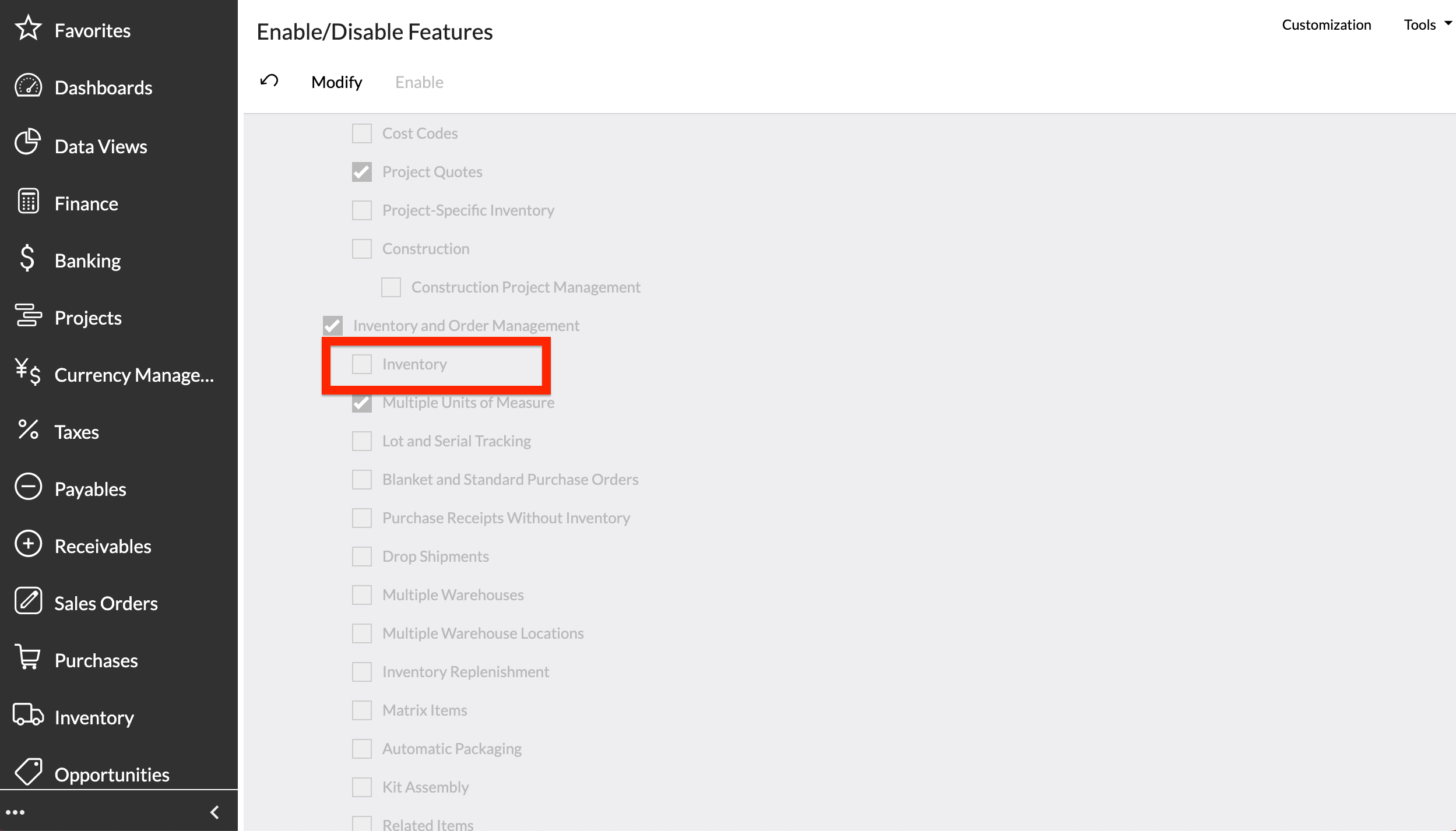
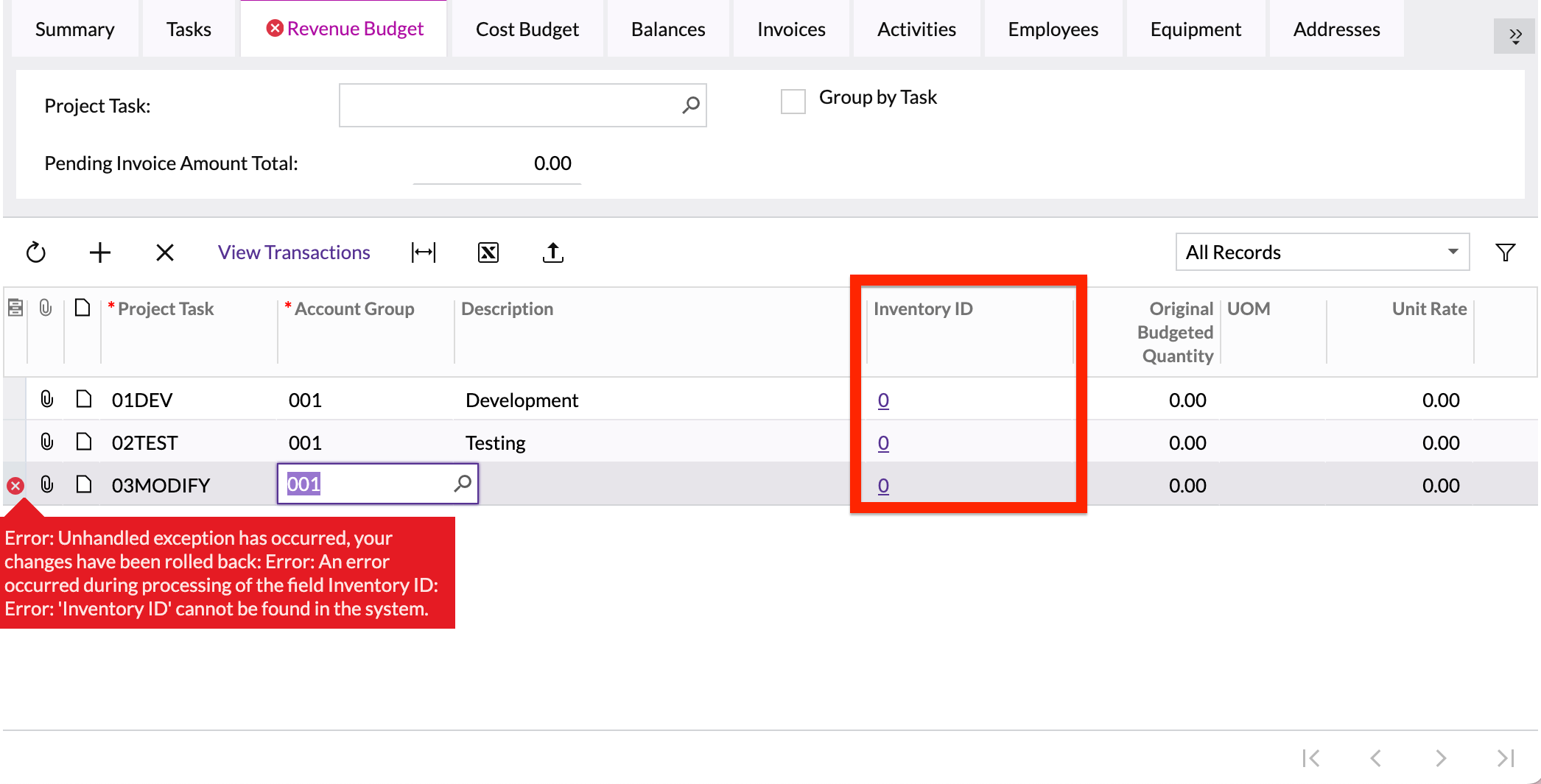
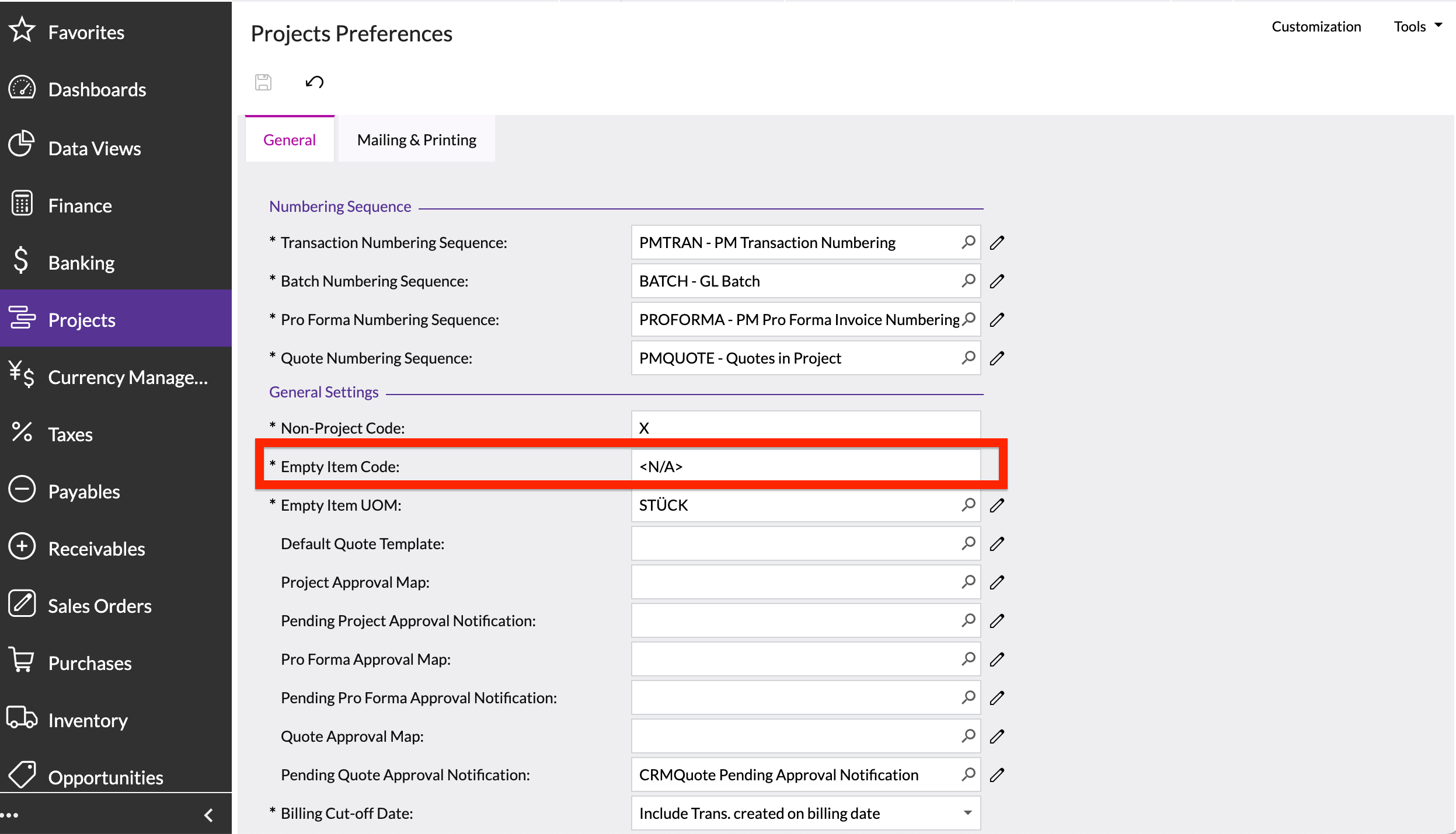
I have been trying to add the tasks under Revenue Budgets tab of the Projects (PM301000) screen. i have selected Task under Cost & Revenue Budget level fields under Summary Tab. Even Empty Item Code has been set as <N/A> under the preferences screen, but still when trying to add the tasks the system is triggering the below mentioned error. The Inventory feature has also been disabled under Enable/Disable features.
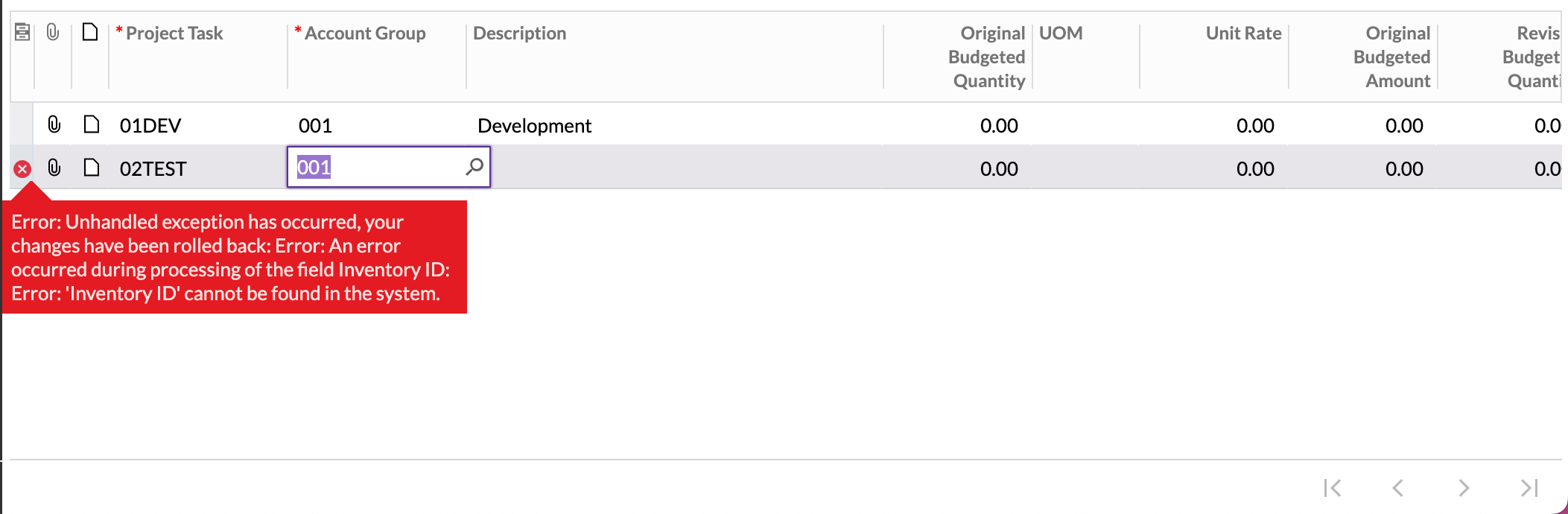


Kindly guide me to resolve this issue.

Thanks in advance.

Best answer by Laura03

Hi,

What happens if you enter 0 for Empty Item Code in IN Preferences?

7 replies

Laura03
Captain II
Forum|alt.badge.img+19
  • Captain II
  • May 17, 2023

Hello,

Do you have any customizations on the Projects screen?  If so, does the error occur when customizations are temporarily unpublished?


Forum|alt.badge.img+3
  • Author
  • Captain II
  • May 17, 2023

Hello @Laura02 ,
There aren’t any customisations published/unpublished for any of the screens in the system.


Forum|alt.badge.img+9
  • Semi-Pro III
  • May 17, 2023

Hi @Harshita 

After disabling the Inventory feature in the Enable/Disable features settings, I am not getting any errors on my end.

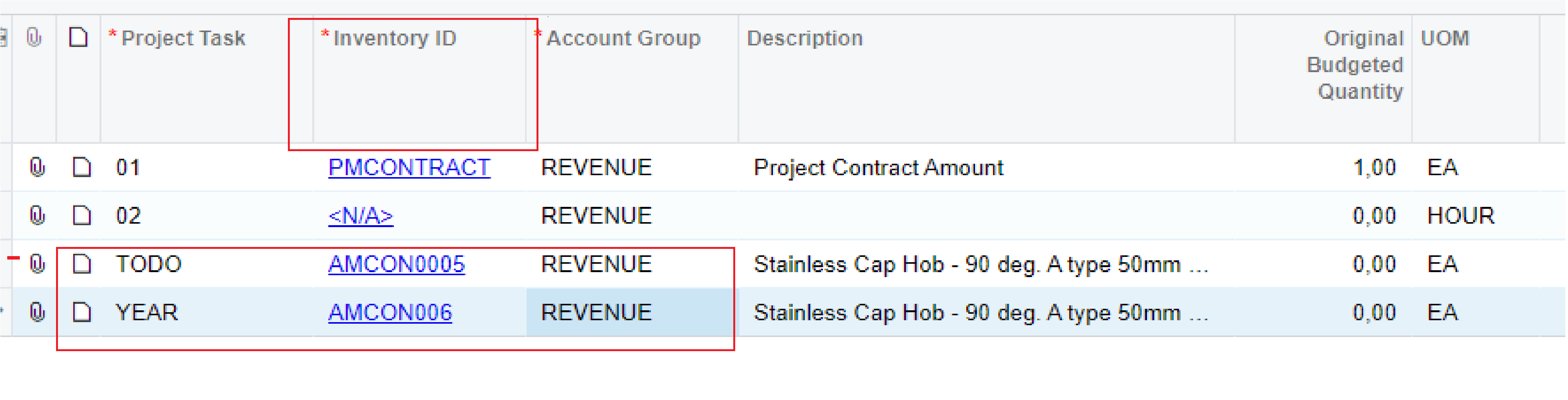
In the screenshot below, we have the Inventory ID Column which takes the inventory item, and in the project task, we select the tasks listed in the Tasks tab.

Inventory ID 

In your given screenshot there is no Inventory ID column.


Hope it helps!

Regards,

Sweta


Forum|alt.badge.img+3
  • Author
  • Captain II
  • May 17, 2023

Hello @sweta68 ,

please find the below screenshots that i am referring to:

Inventory feature disabled


The error getting triggered under the Revenue Budget tab → in the Projects screen
Empty item Code also defined


Still I am getting the error.


Laura03
Captain II
Forum|alt.badge.img+19
  • Captain II
  • Answer
  • May 18, 2023

Hi,

What happens if you enter 0 for Empty Item Code in IN Preferences?


Forum|alt.badge.img+3
  • Author
  • Captain II
  • May 18, 2023

Hey @Laura02 ,

It worked as per your suggestion. But I am still not getting even if the Empty Item Code has been defined and Inventory Feature disabled why has been the system triggering the error.


Thank you.


Laura03
Captain II
Forum|alt.badge.img+19
  • Captain II
  • May 18, 2023

Hello,

I’m so glad I was able to solve your problem!

If it is working, I don’t understand “I am still not getting even.”

If you want to know why there was an error before, when the inventory id in the budget didn’t match the Empty Item Code, with Inventory feature disabled… Acumatica will need to answer this part.

Thank you.