



I’ve searched here but couldn’t see this specific question asked, but I have a customer who just went live and now they want to increase the length of the inventory ID from the current 15 to 25. Can this be done safely with items already existing in the system? Will those items be unaffected if this is done? Thanks.
Solved
Increase Inventory ID length once data has been entered
Best answer by nhatnghetinh
Hi
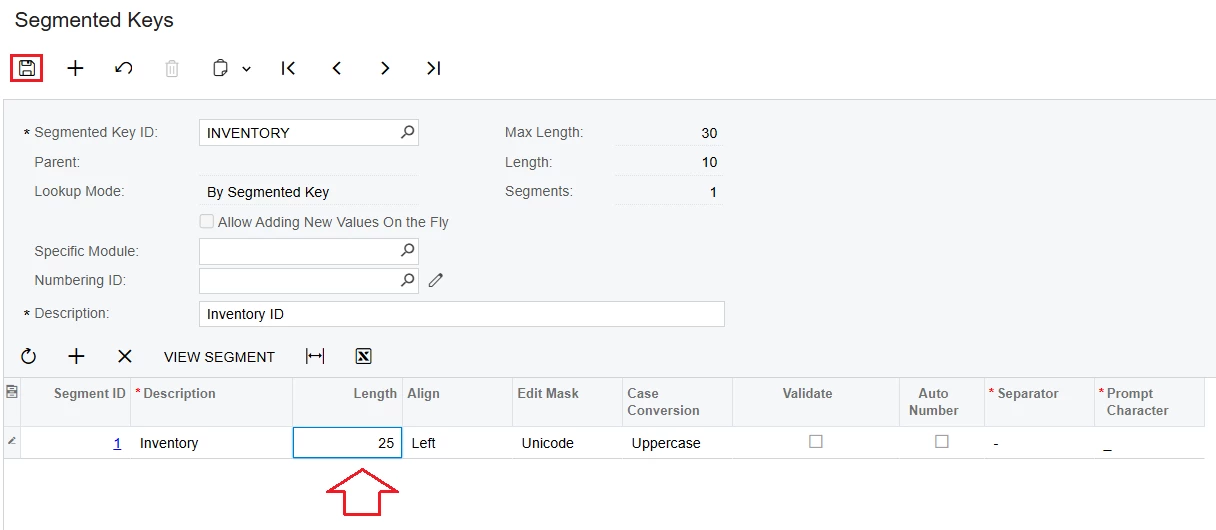
1. How to increase the length of the inventory ID > Do the following
Go to "Segmented Keys" screen > Segmented Key ID: INVENTORY > Enter Lenght > Click SAVE
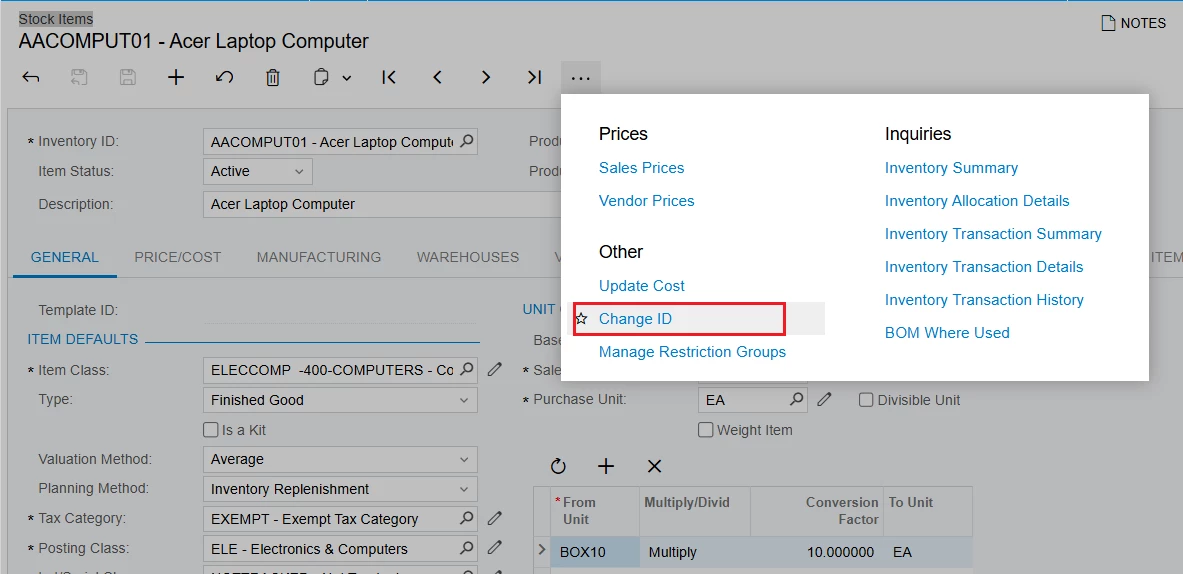
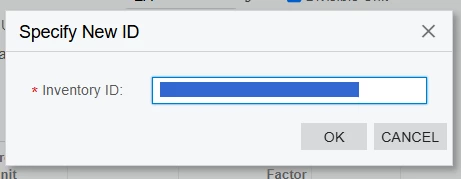
2/. For inventory ID created previously > Go to the "Stock Items" screen > Select the Inventory ID you want to change > Click "Change ID"
Best Regards,
NNT



Enter your E-mail address. We'll send you an e-mail with instructions to reset your password.