

Question

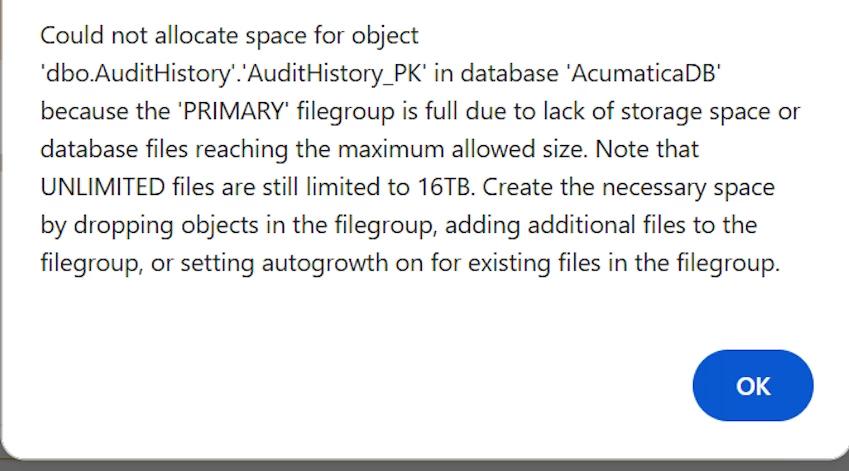
How to resolve the error in the screenshot below

  • March 20, 2026
  • 1 reply
  • 18 views

Forum|alt.badge.img

Hello team,

How to resolve this error?
 

1 reply

Kandy Beatty
Captain II
Forum|alt.badge.img+18
  • Captain II
  • March 20, 2026

HI ​@Harry 

Try the following:

Turn ON Autogrowth for the PRIMARY file (.mdf)

  1. Open SQL Server Management Studio (SSMS)
  2. Right‑click AcumaticaDB then Properties
  3. Go to Files
  4. Select the filegroup PRIMARY
  5. Under Autogrowth, click …
  6. Ensure:
    • Enable Autogrowth 
    • Growth = “By MB” (e.g., 512 MB) or 10%
    • “Maximum file size” = Unlimited (if allowed)

Click OK



