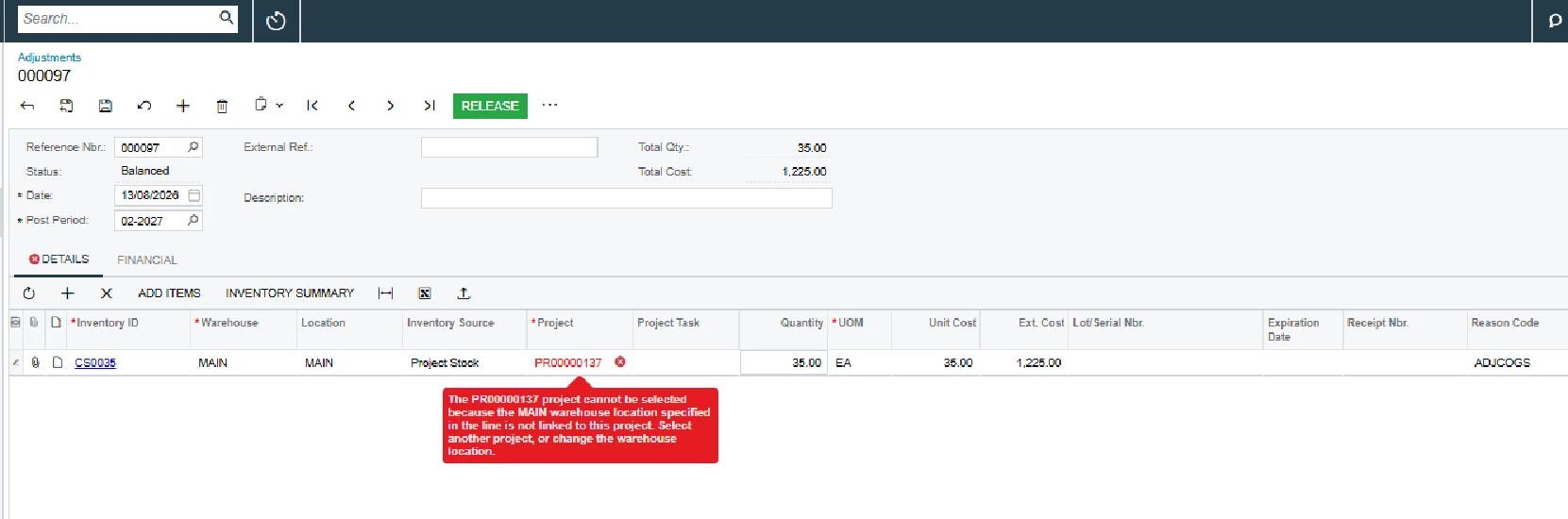
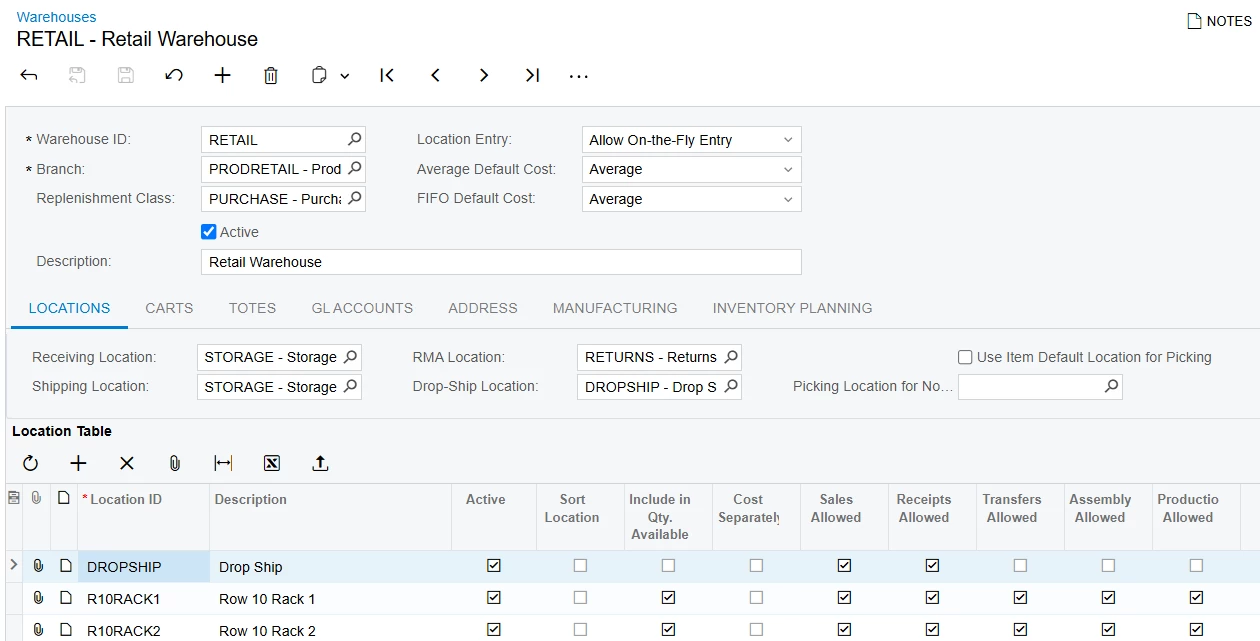
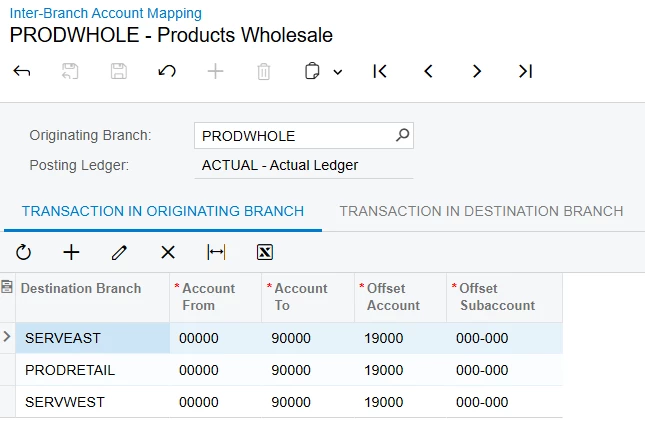
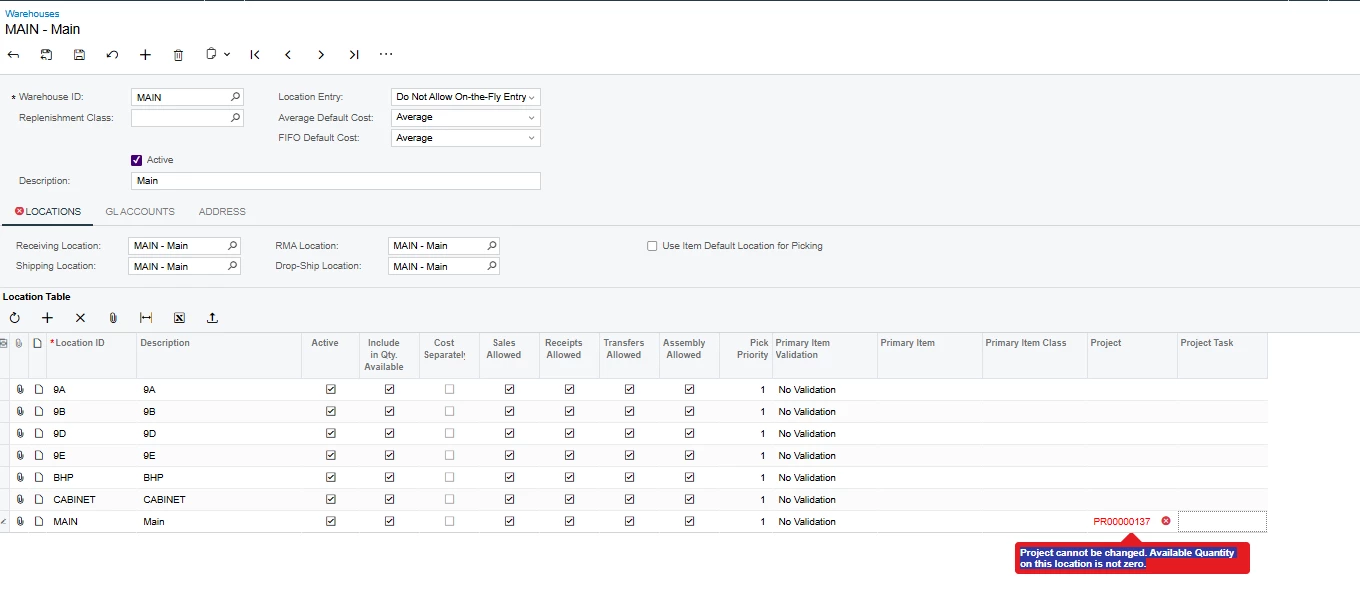
I’m trying to do stock adjustment for some stock issued from a sales order which is related to a project, however I’m facing the below error;
The PR00000137 project cannot be selected because the MAIN warehouse location specified in the line is not linked to this project. Select another project, or change the warehouse location.
Is there any workaround for this? Thanks!
Best answer by Steve Milner
@Avishka Saikrishna's right on both errors, and a separate location for project stock is the way to set it up going forward. For this one you don't need to touch the warehouse.
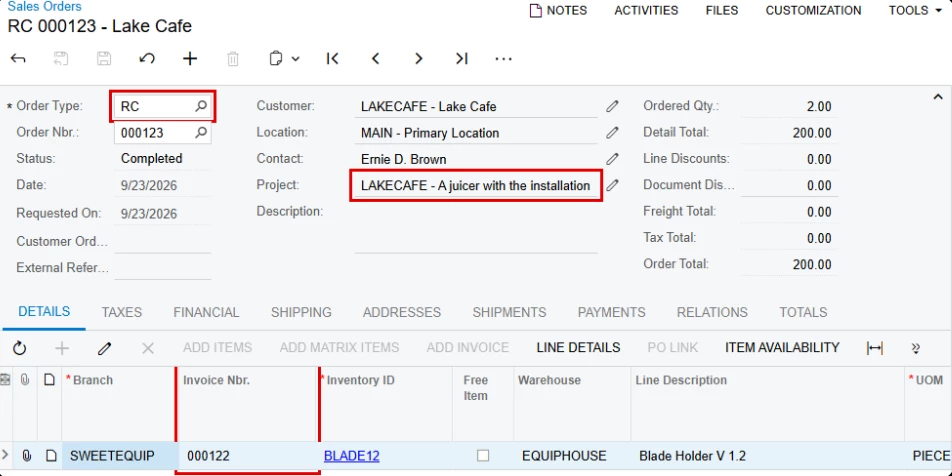
Do the return on Sales Orders instead. Create an RC order with PR00000137 in the Project box and use Add Invoice to pull the line from the original invoice. The receipt puts the stock back in MAIN, and when the credit memo is released the cost and revenue come back off the project. It does credit the customer, so it fits when the goods actually came back.
The sales order got through because a shipment can pick from a location that isn't linked to a project. The Adjustments screen won't take a Track by Location project on an unlinked location, and Free Stock doesn't get around it. On an adjustment, Free Stock only works with the non-project code.
If nothing came back and you just need the count corrected, keep the adjustment with the non-project code. The project cost stays as it is.
I wouldn't link MAIN itself. Stock in a project-linked location can't be issued with the non-project code, and that's your main location.
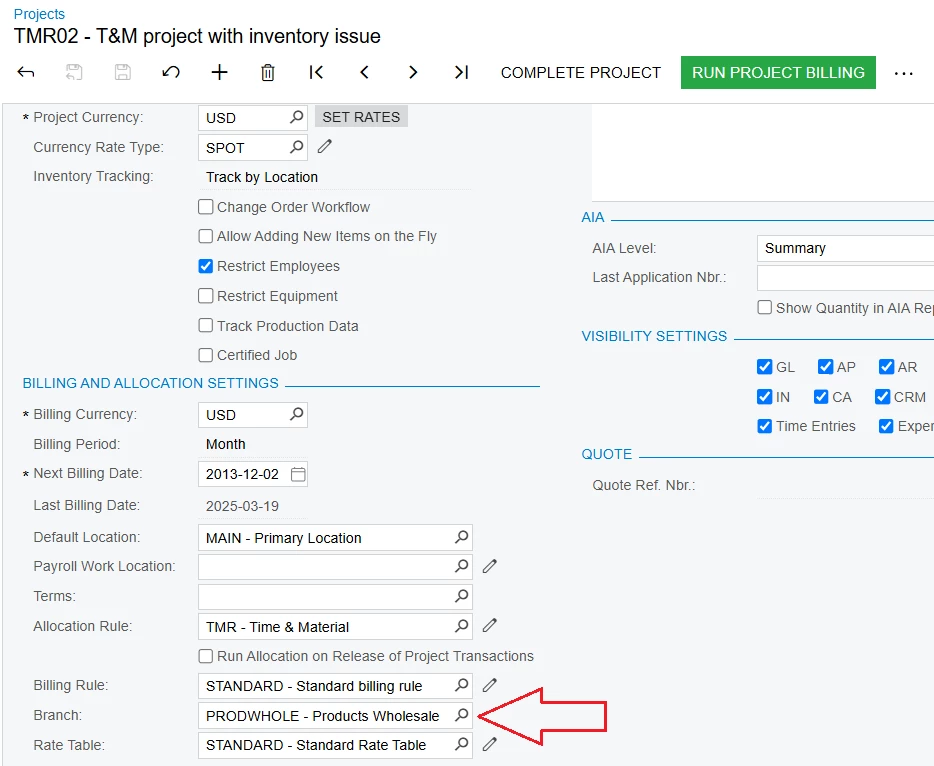
@Avishka The first error occurs because PR00000137 is configured with Inventory Tracking = Track by Location in the projects screen.
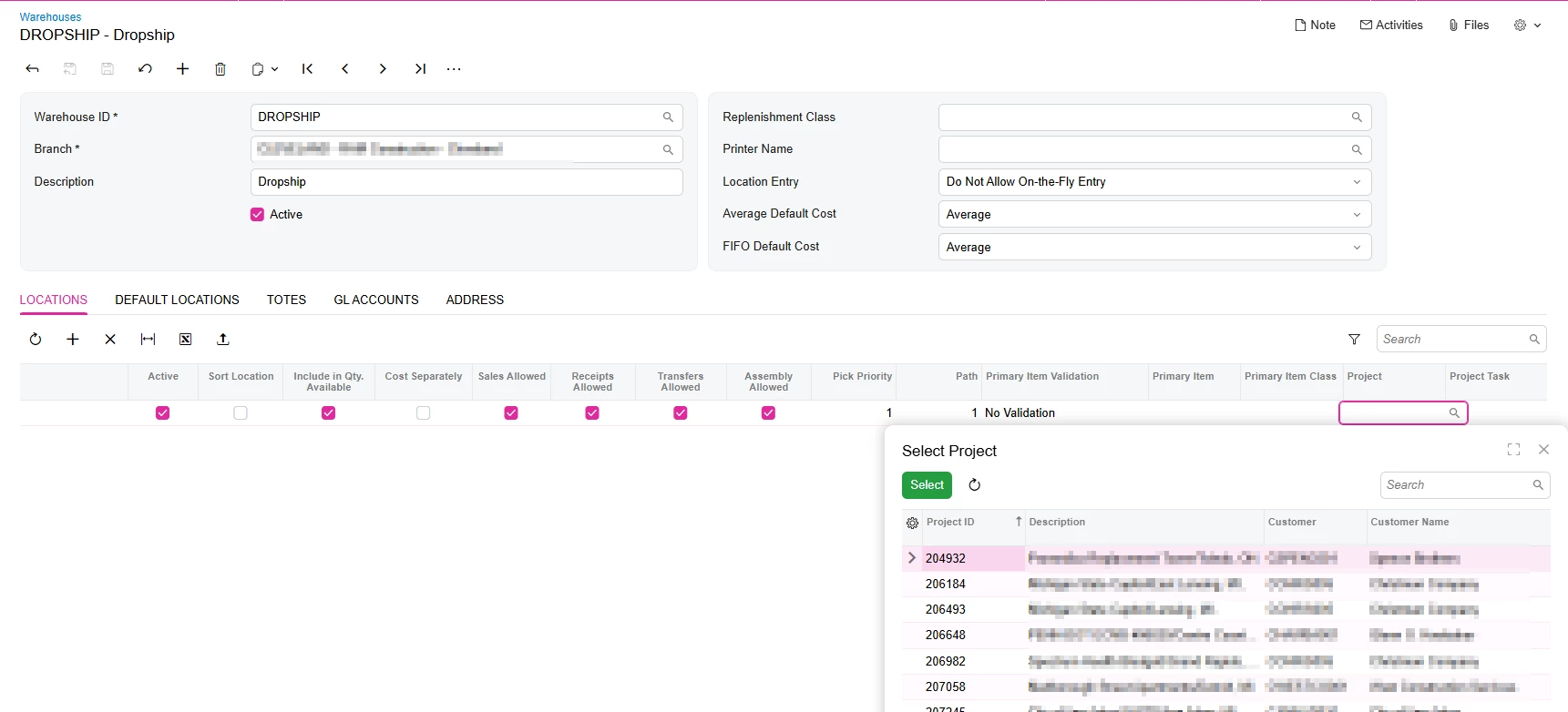
When you try to associate PR00000137 with the MAIN location, Acumatica gives the second error because the MAIN location already has available inventory. Acumatica requires the available quantity to be zero before the project assignment can be changed.
As a workaround, you can either move the existing inventory out of the MAIN location and then associate the project, or consider using a separate warehouse location for the project.
This post may also help explain the different Project Inventory Tracking options:
@Avishka Saikrishna's right on both errors, and a separate location for project stock is the way to set it up going forward. For this one you don't need to touch the warehouse.
Do the return on Sales Orders instead. Create an RC order with PR00000137 in the Project box and use Add Invoice to pull the line from the original invoice. The receipt puts the stock back in MAIN, and when the credit memo is released the cost and revenue come back off the project. It does credit the customer, so it fits when the goods actually came back.
The sales order got through because a shipment can pick from a location that isn't linked to a project. The Adjustments screen won't take a Track by Location project on an unlinked location, and Free Stock doesn't get around it. On an adjustment, Free Stock only works with the non-project code.
If nothing came back and you just need the count corrected, keep the adjustment with the non-project code. The project cost stays as it is.
I wouldn't link MAIN itself. Stock in a project-linked location can't be issued with the non-project code, and that's your main location.