



We are wanting to create a new tenant as the new company is not financially related to the other. I want to copy the structure but not the data. can someone provide the steps to copy the tenant to a new
Solved
creating a new tenant using copy tenant
Best answer by abhimanyuprajapati52
Hi
To copy the structure without transactional data, the supported method is to use a Snapshot.
Steps:
-
Create the new tenant first (Tenants – SM203520).
-
Log into the source tenant.
-
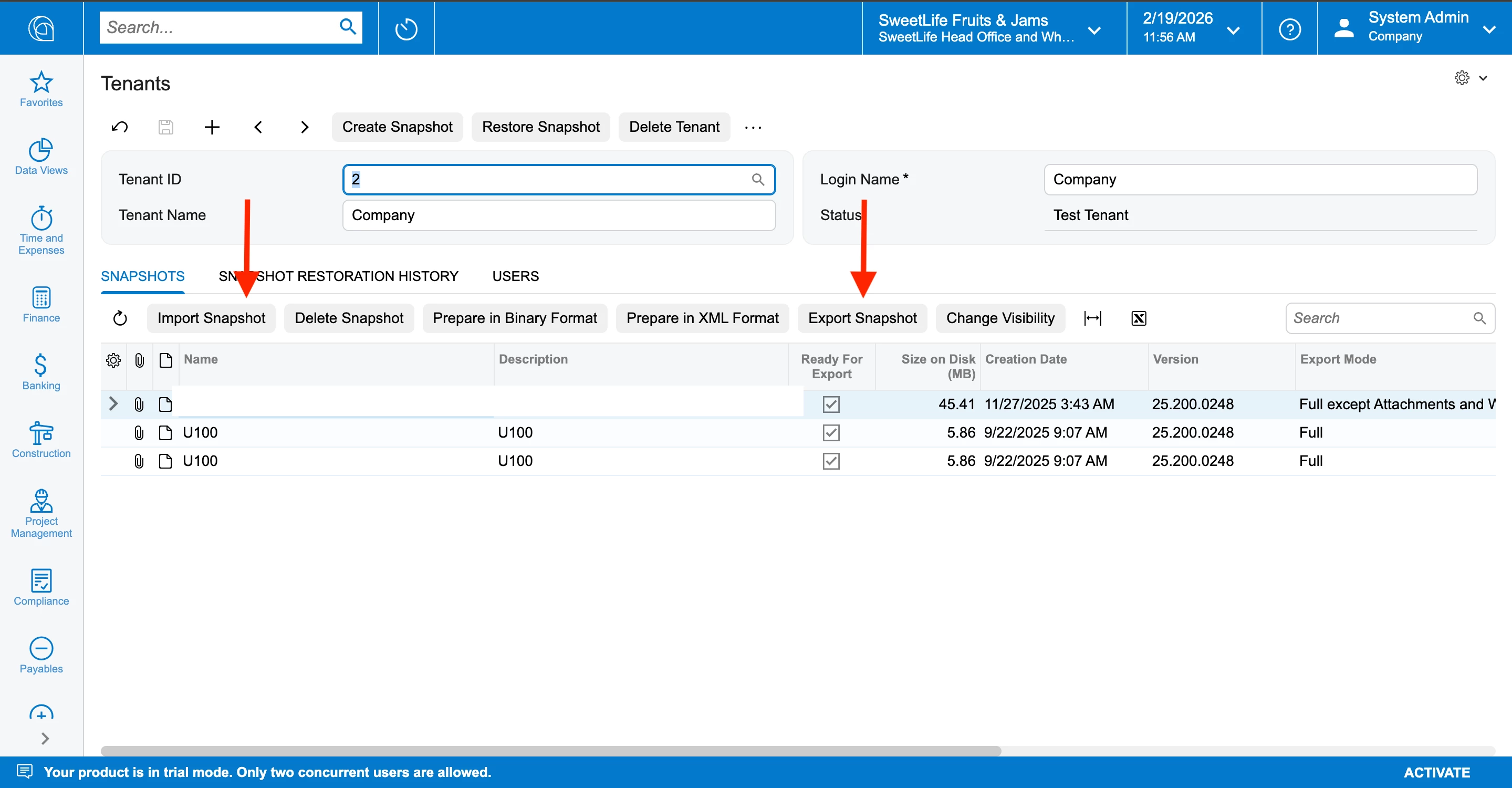
Go to Snapshots (SM202500).
-
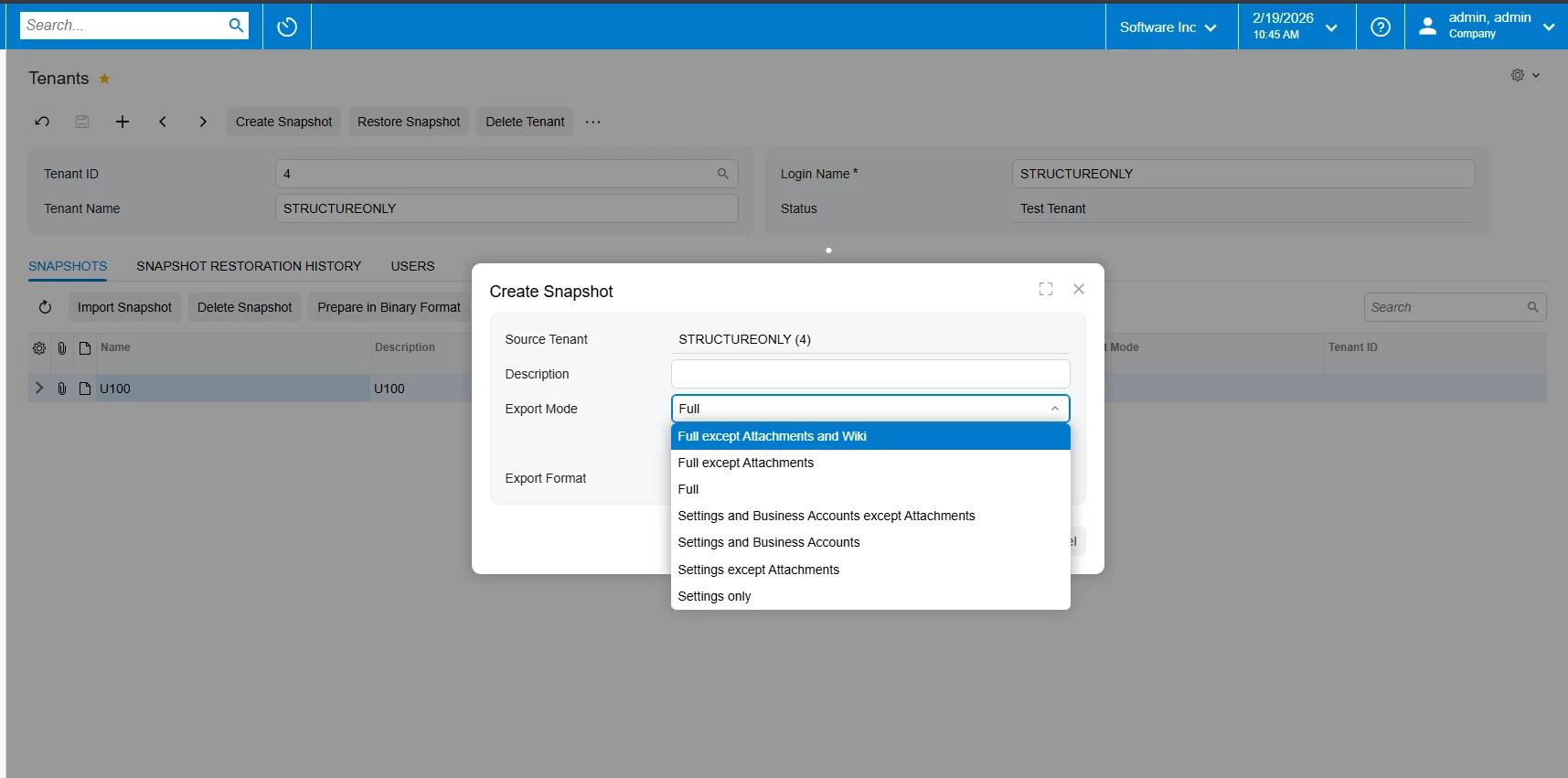
Create a new snapshot.
-
Set Data Selection Mode = Settings Only (this excludes transactional data).
-
Prepare the snapshot.
-
Switch to the new tenant.
-
Restore the snapshot.
This will copy configuration, master setup, and system settings, but not financial or transactional history.
You can also refer to this Community post for additional guidance:


Enter your E-mail address. We'll send you an e-mail with instructions to reset your password.