

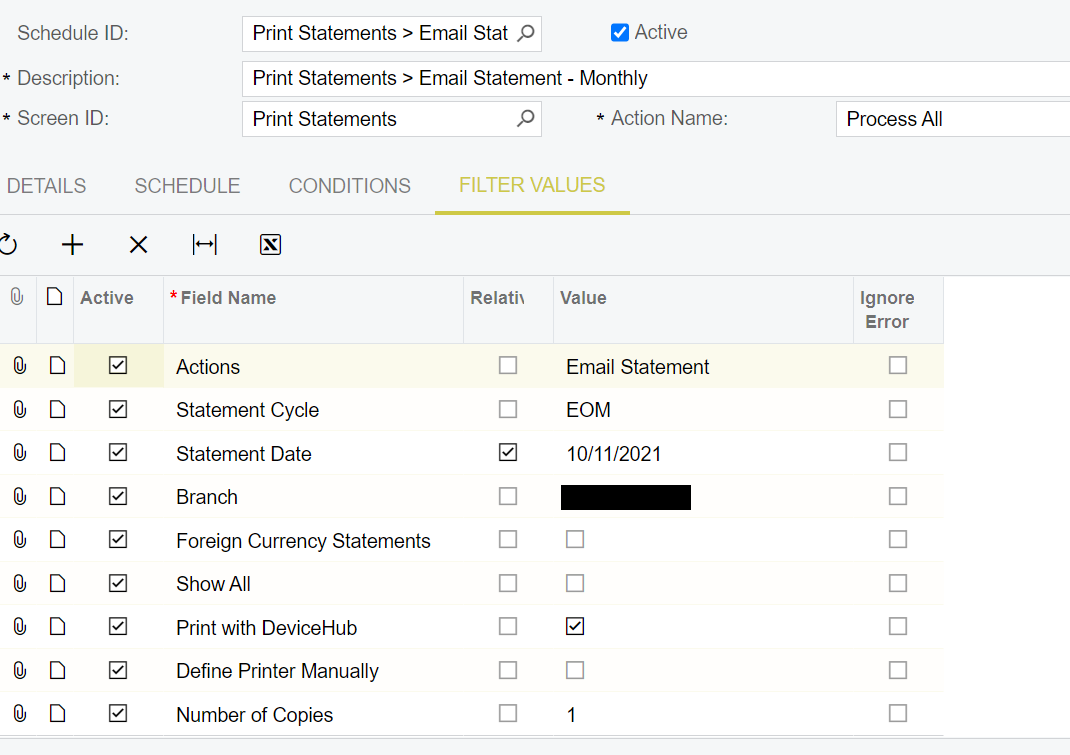
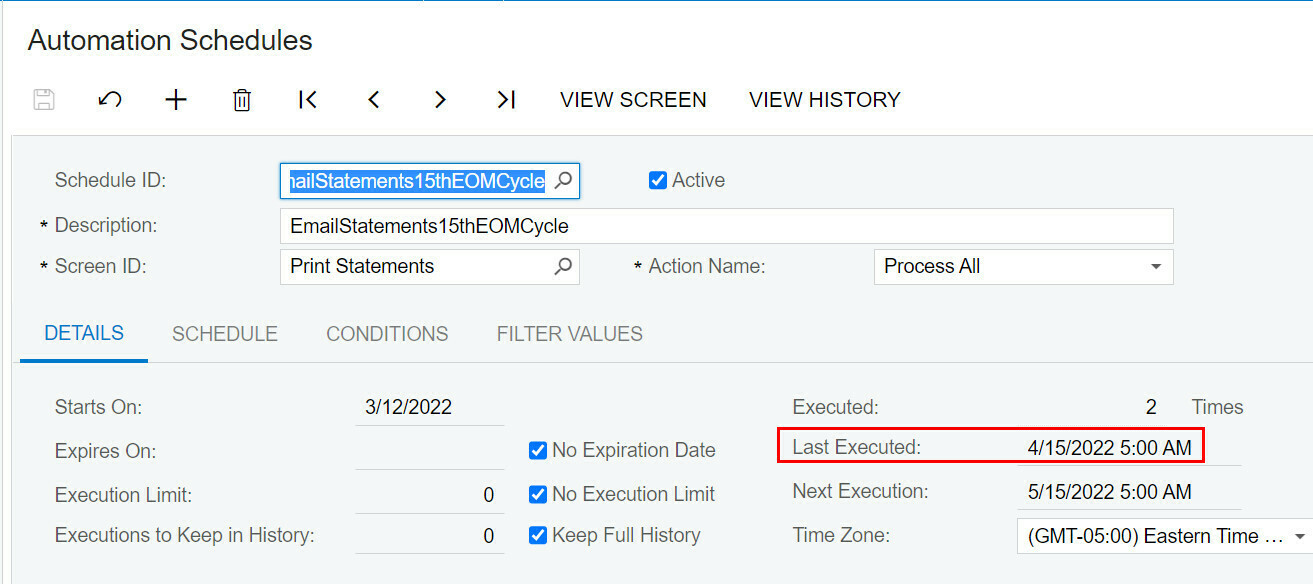
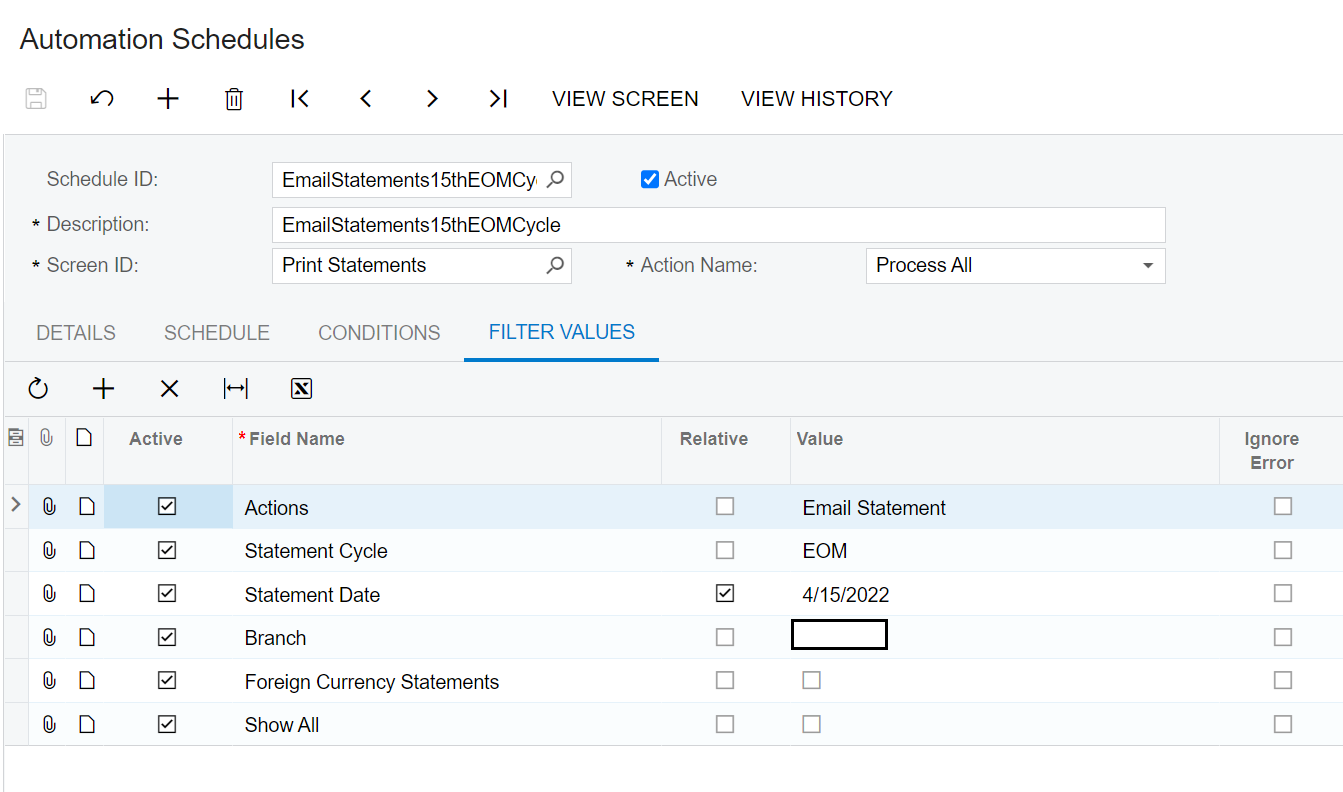
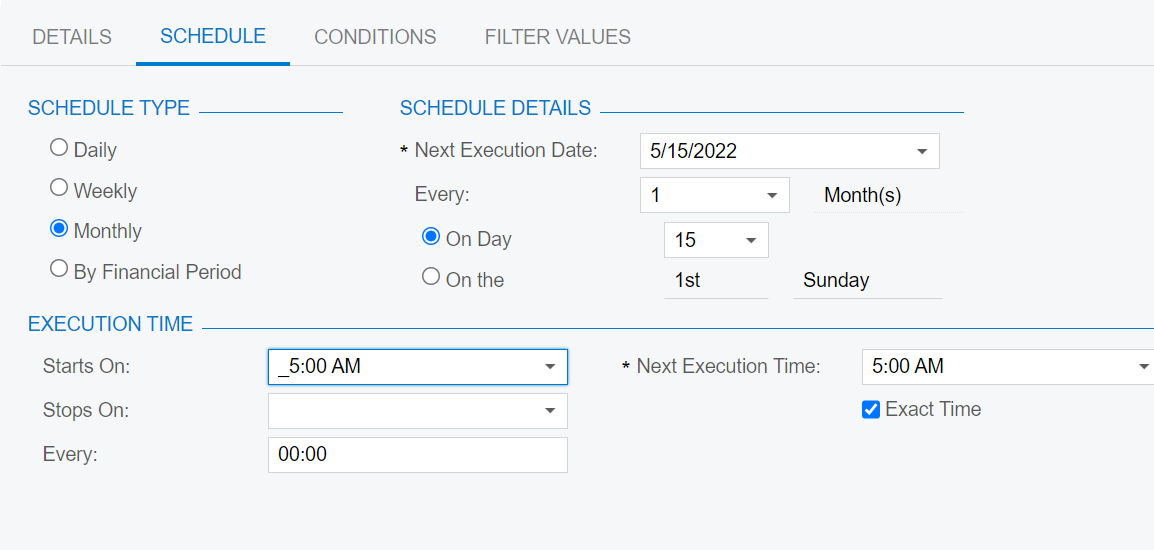
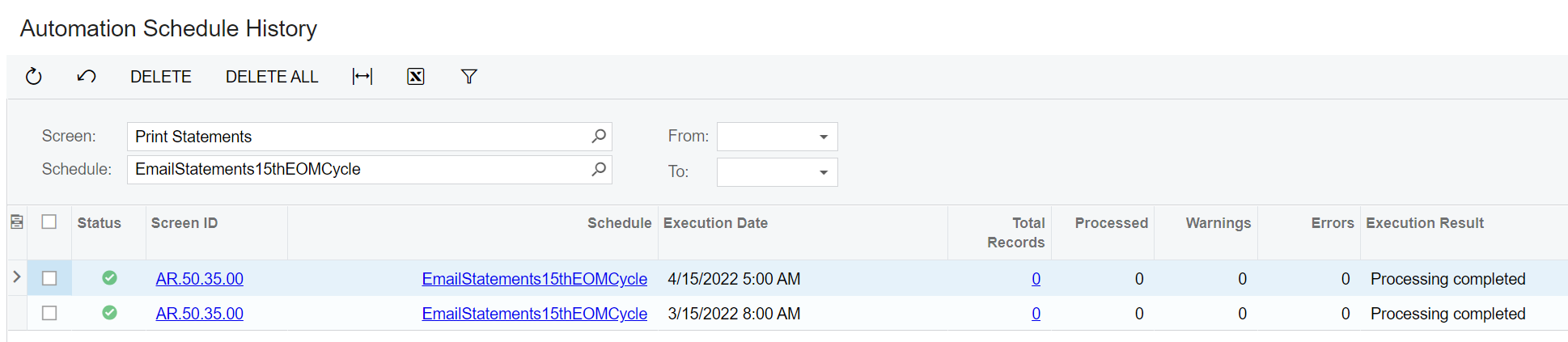
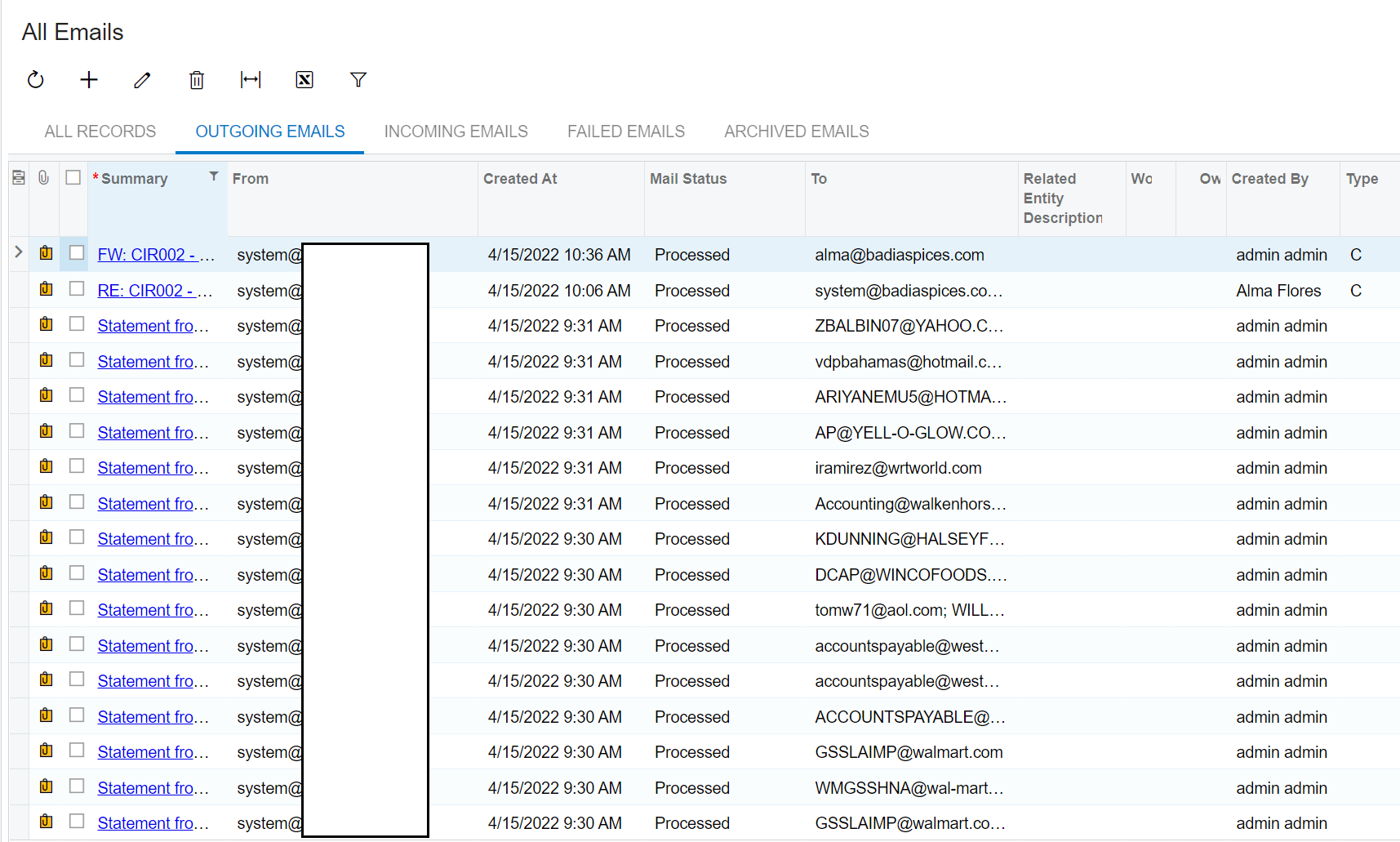
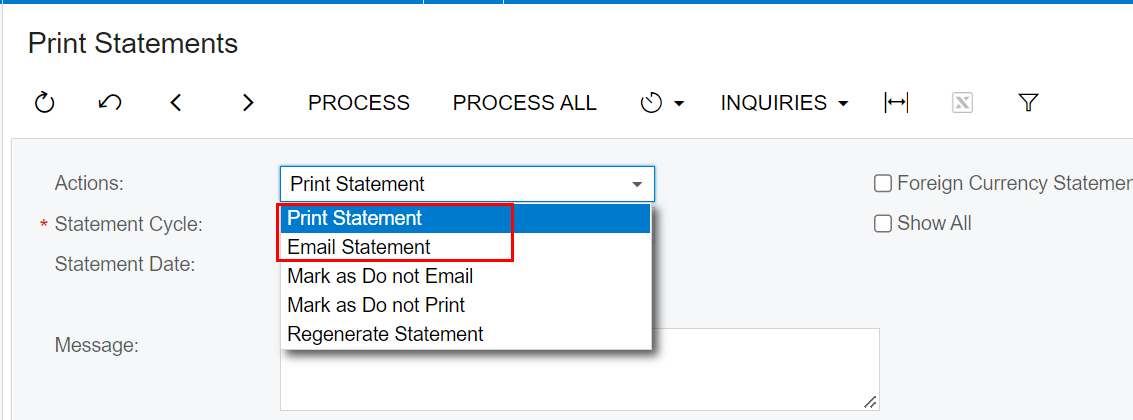
Hello! I’ve setup an automation schedule to email customer statements. I have the system setup to prepare the statements on the 1st of the month at 5am and then email the customer statements at 5:30am. On the email statements automation schedule, the filters tab shows the statement date as relative and shows the date I initially setup the schedule up as, but it looks like since it’s relative, it would have inputted todays date of the 1st. None of the emails sent this morning. What do I need to set the statement date filter to? Technically the statement date should have been yesterday, but I’m not sure how to set the date filter to @Today-1 on this screen since it doesn’t give the option.
Solved
Automation schedule for emailing customer statements - what should the filter date be set to?



Best answer by kbestemyanov
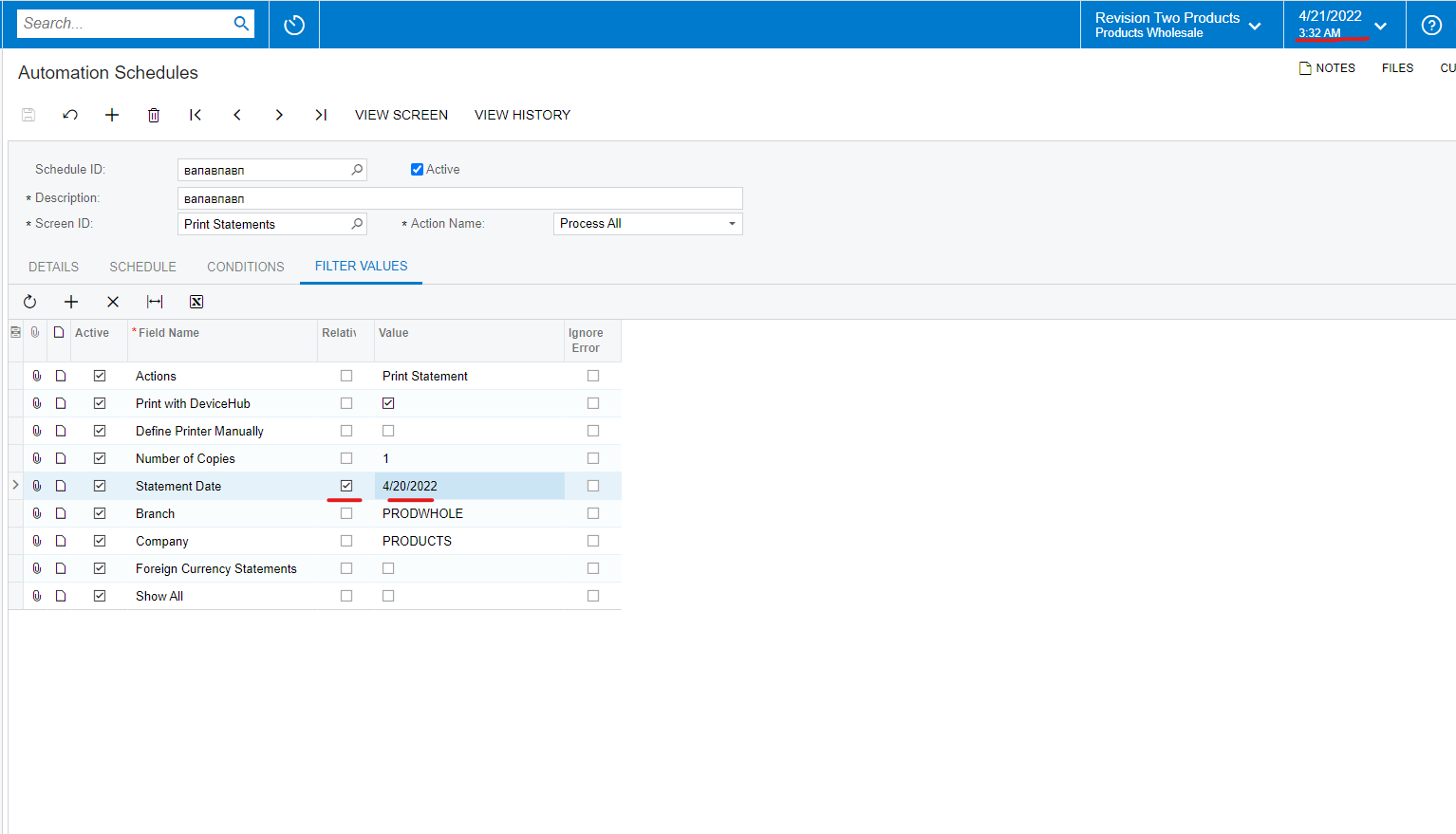
Hello. To have yesterday date in this field you should:
Check on Relative checkbox and select in datepicker date yesterday date for your current business date:
It is described in help
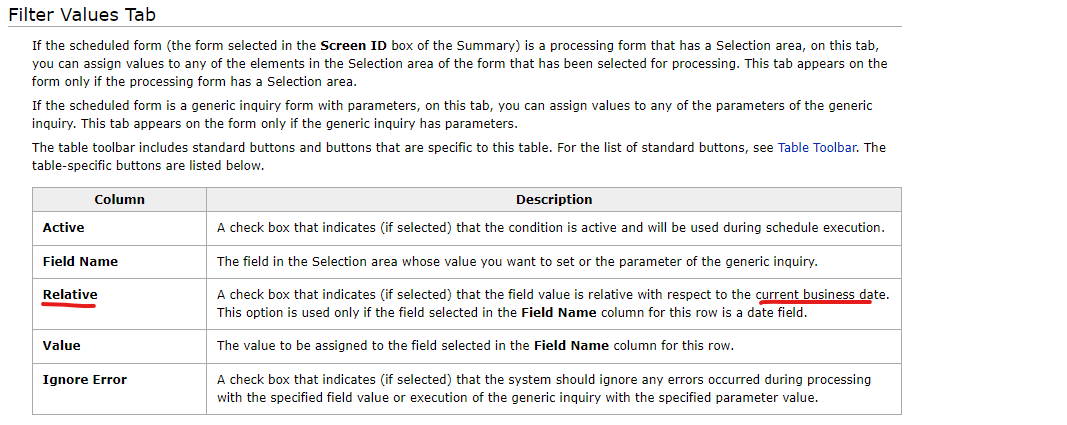
but I should say that this discription is not clear one.
I apologize for the inconveniences.





Login to the community
No account yet? Create an account
Social Login
Login with your Acumatica accountEnter your E-mail address. We'll send you an e-mail with instructions to reset your password.