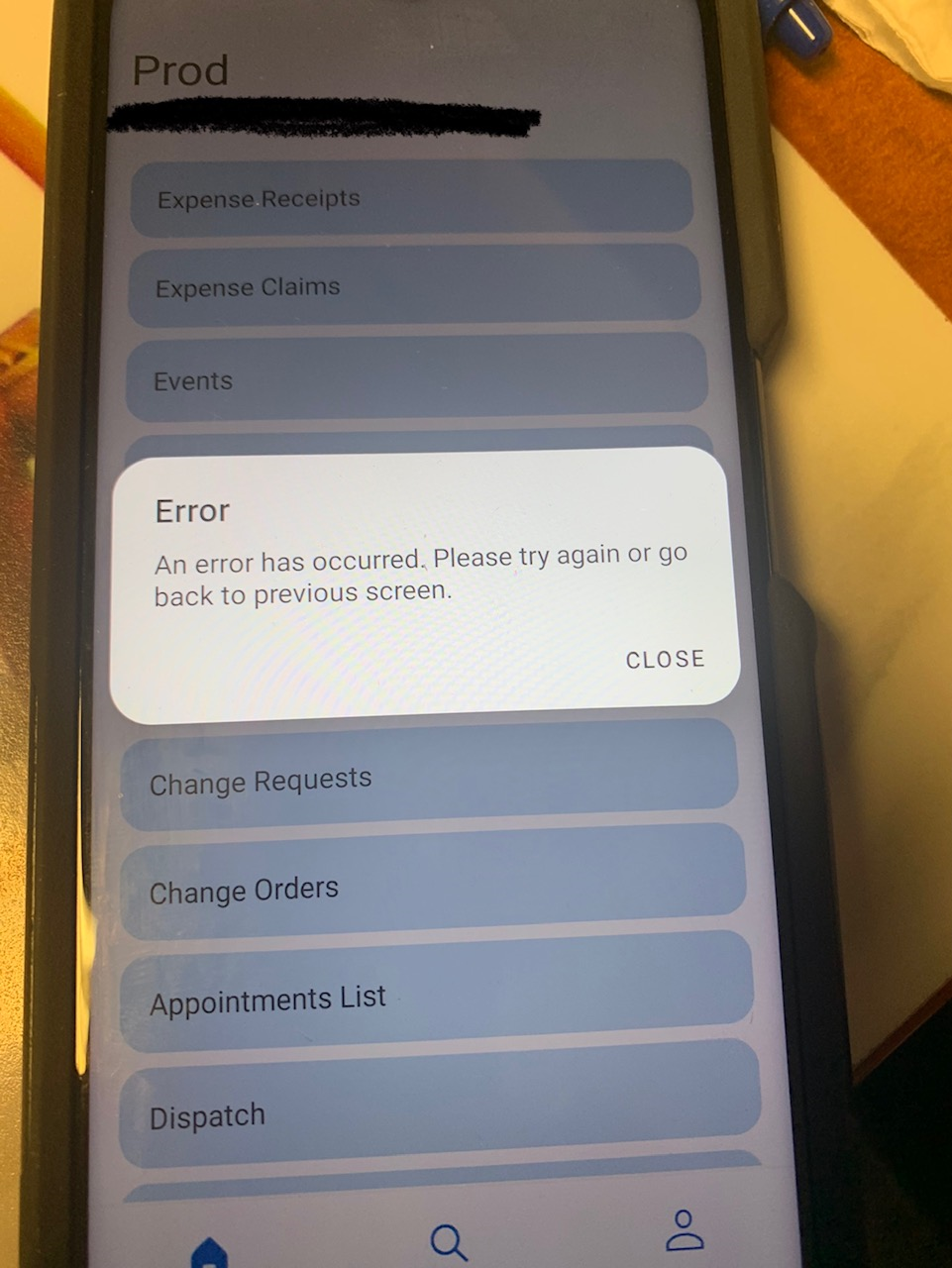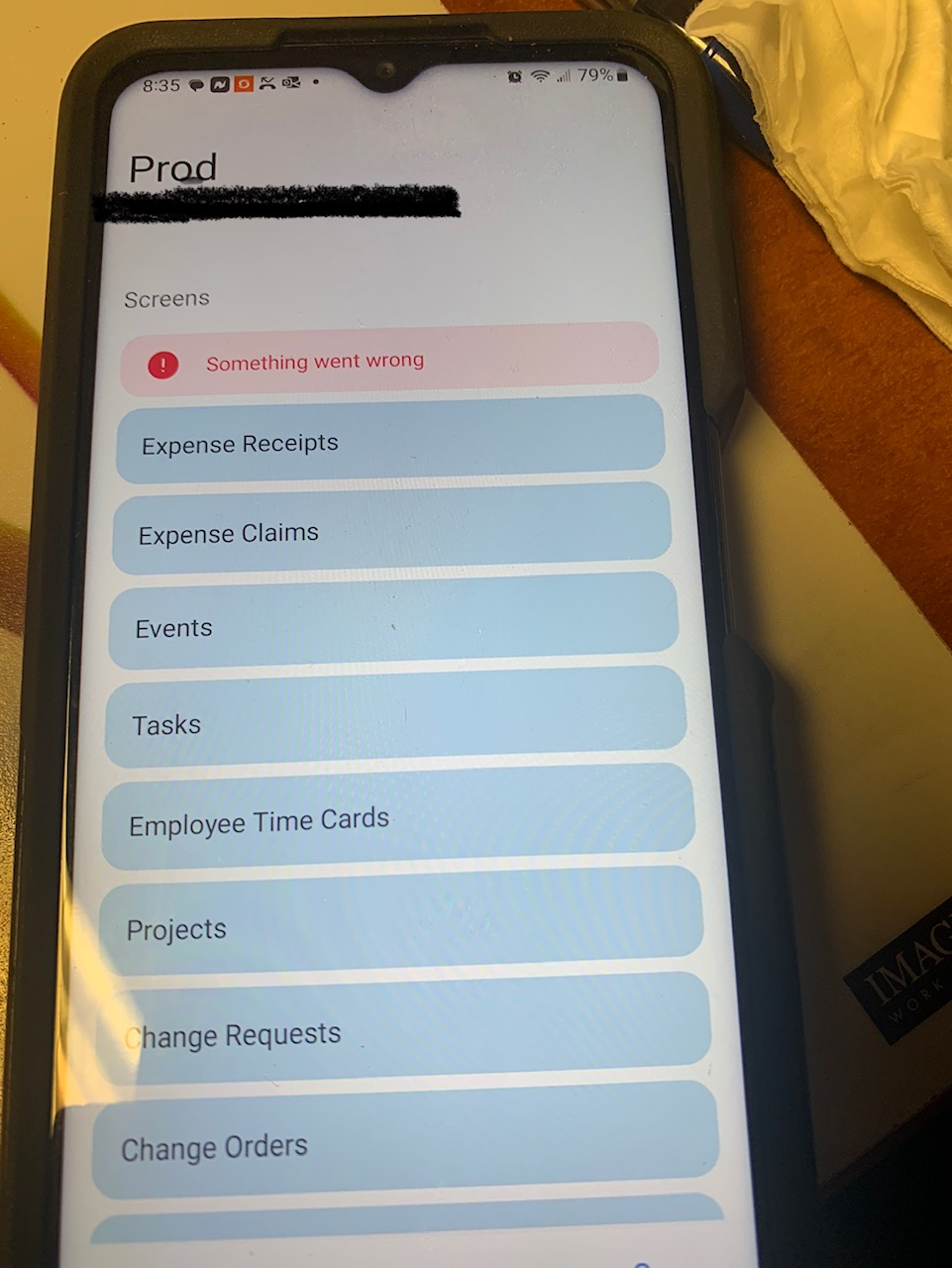


We have an issue with one Android phone and the mobile app where we get the error message “An error has occurred. Please try again or go back to previous screen.” when trying to create an appointment. When we close the error we get the error message “Something went wrong”
On this phone we have done the following steps/troubleshooting:
- cleared the Acumatica Application Data and Cache - no change
- deleted the application and reinstalled - no change
- logged in as a different user - received the same error messages
- via a web browser, logged in as the phone’s user and no errors during processing
As the phone’s user we have logged in on another Android phone and did not receive the errors.
We believe it to be an issue with this specific phone, that the Acumatica Mobile App does not like.
Any ideas? Thanks in advance for any brainstorming or experience you can share.