Solved

Access Rights to Hide Stock Items Related Items tab

  • March 20, 2026
  • 4 replies
  • 60 views

nickcerri32
Pro I
Forum|alt.badge.img+7

Hey, Gang - running into an odd result when creating an access role.  I need to have the Stock Items screen ONLY display the CROSS REFERENCE tab.  As it stands, revoking everything but the Cross Reference tab and a handful of other fields somehow still allows the GENERAL and RELATED ITEMS tabs to be visible - I ONLY want the Cross Reference tab.  Here’s what I did

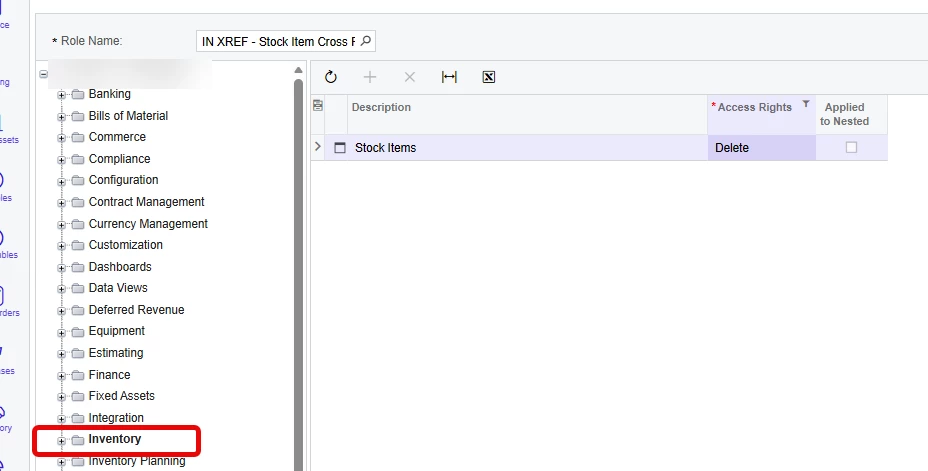
  1. Created a new role (IN X REF) and only gave access rights to the Stock Items screen in Inventory
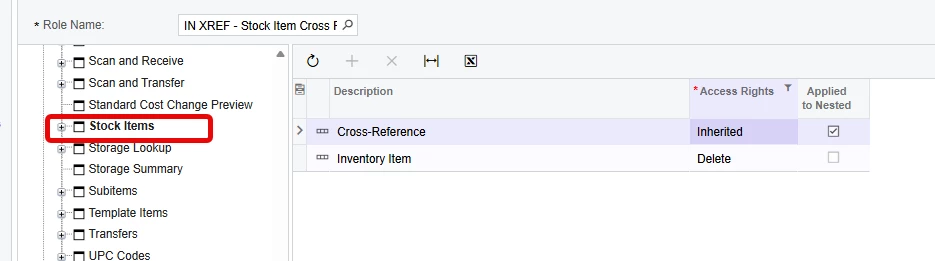
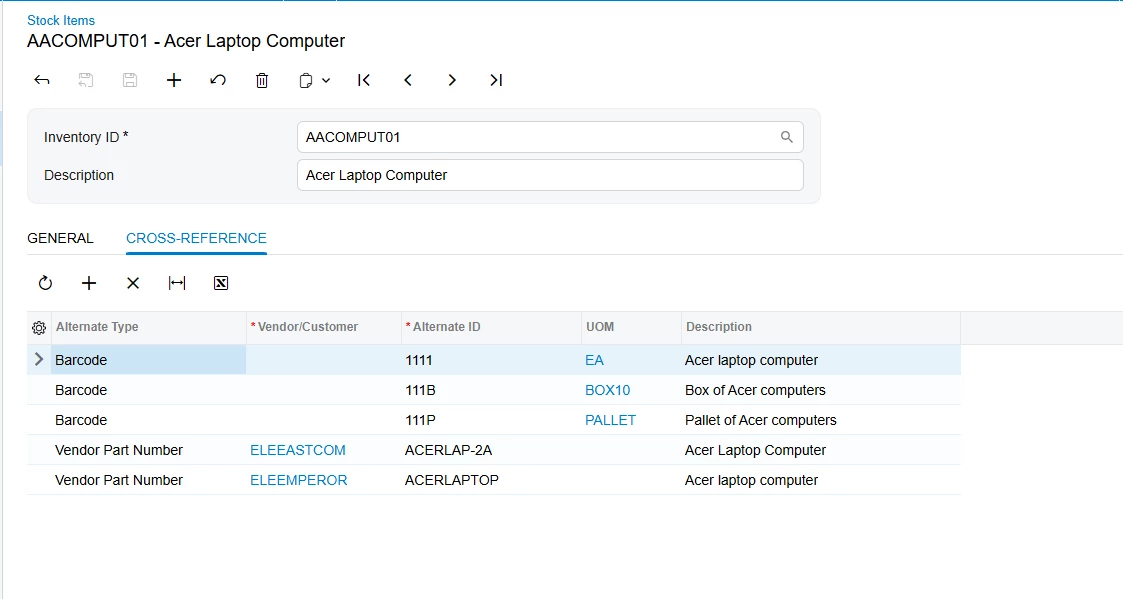
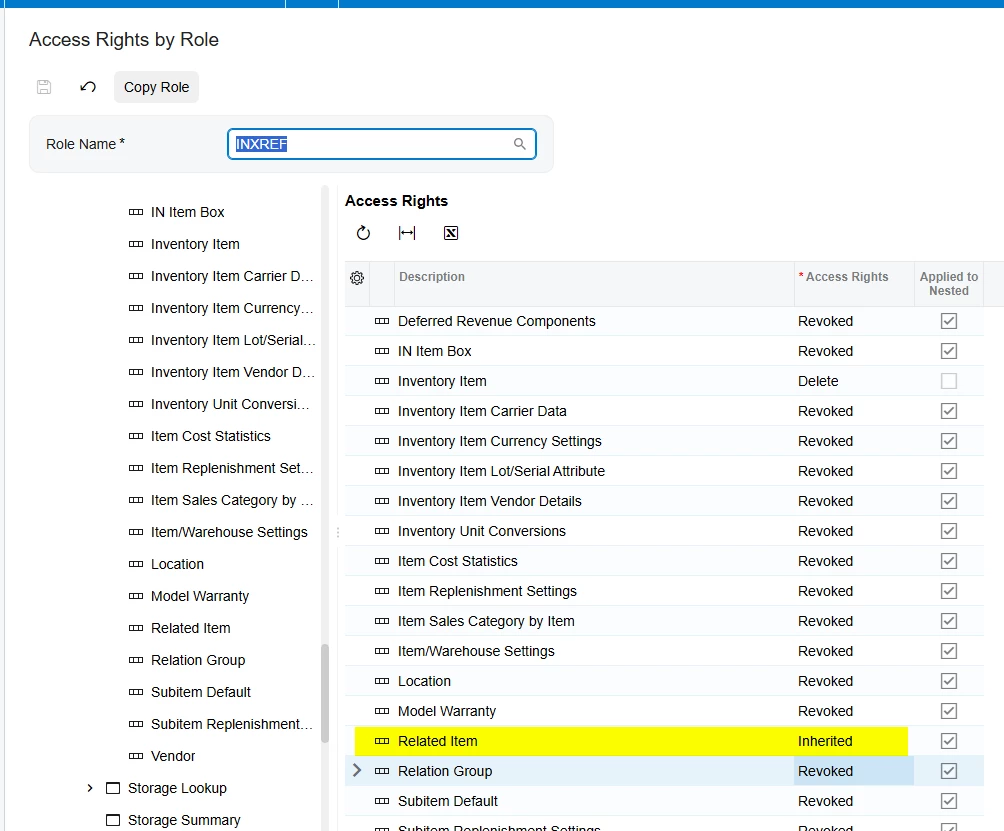
  2. Next, I gave let the Cross-Reference container inherit the rights of the screen and gave the Inventory Item container the Delete access (this could easily have been View Only, but I had already tested that).
    1.  

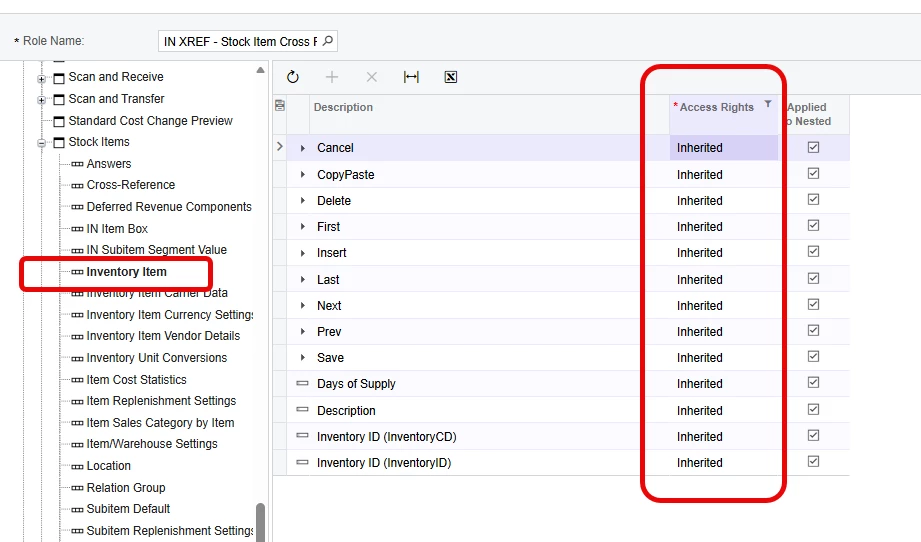
  3. Then I revoked essentially everything in the Inventory Item container with the exception of a handful of fields.
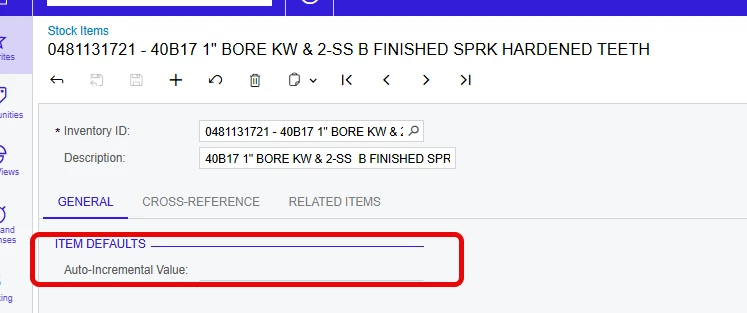
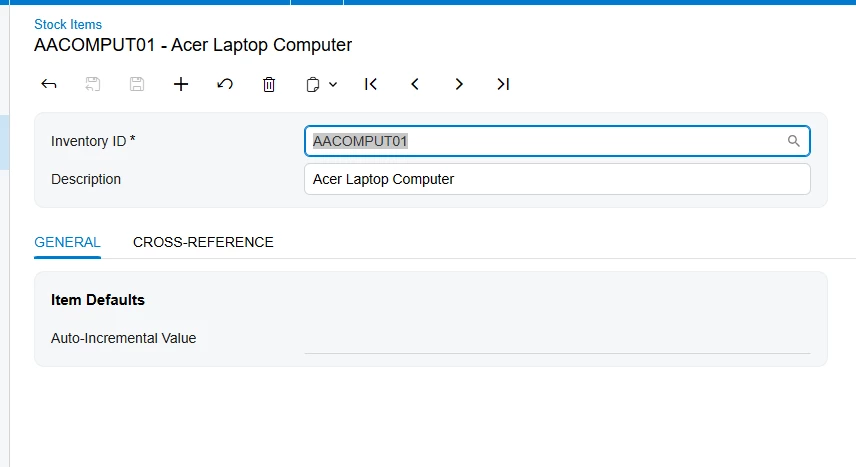
  4. ​​​​​​​However, the General tab is still visible because of the Auto-Incremental Value field. This isn’t as big of an idea because it’s not editable.  
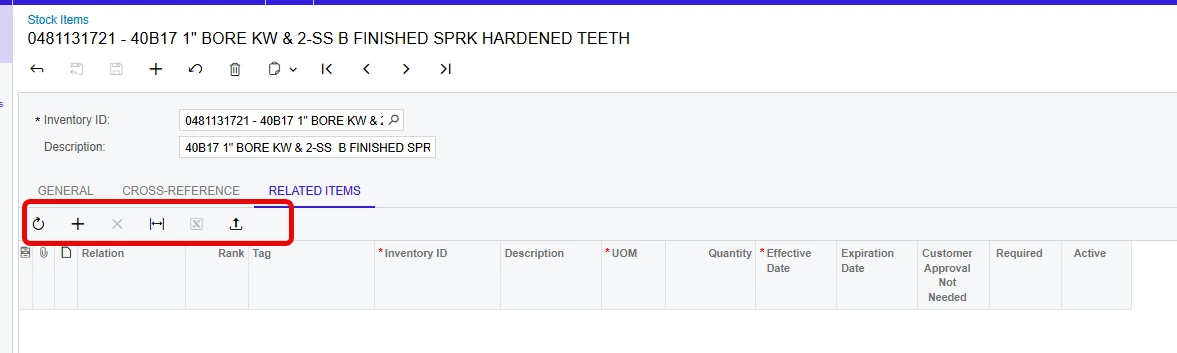
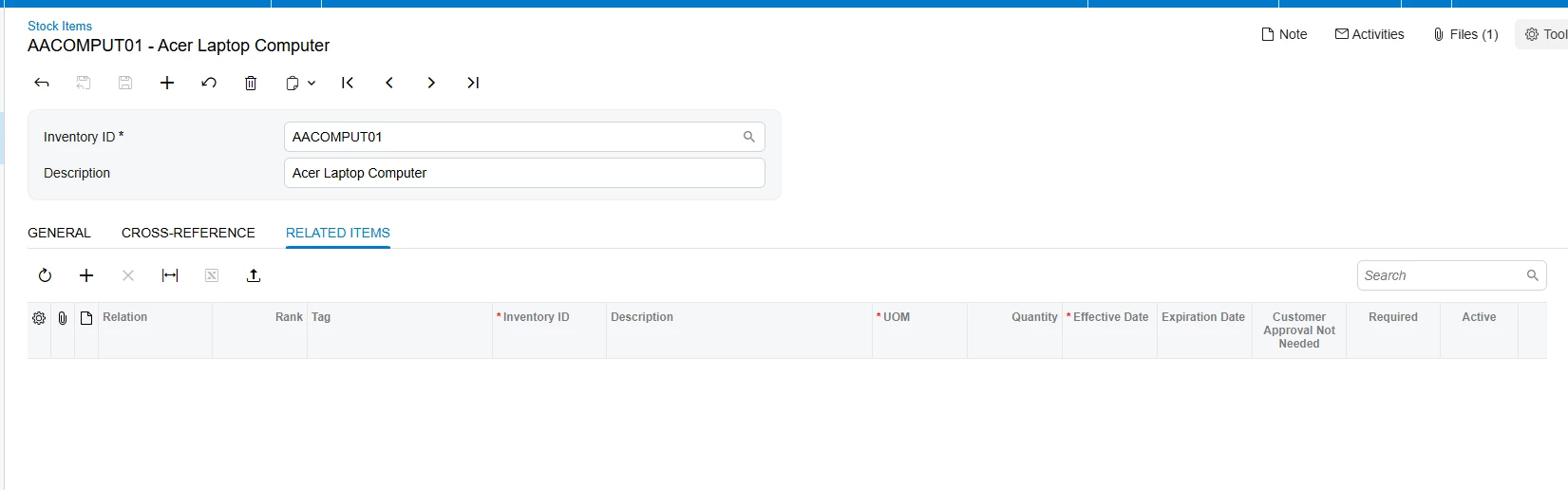
  5. ​​​​​​​But the Related Items tab is visible and completely editable.


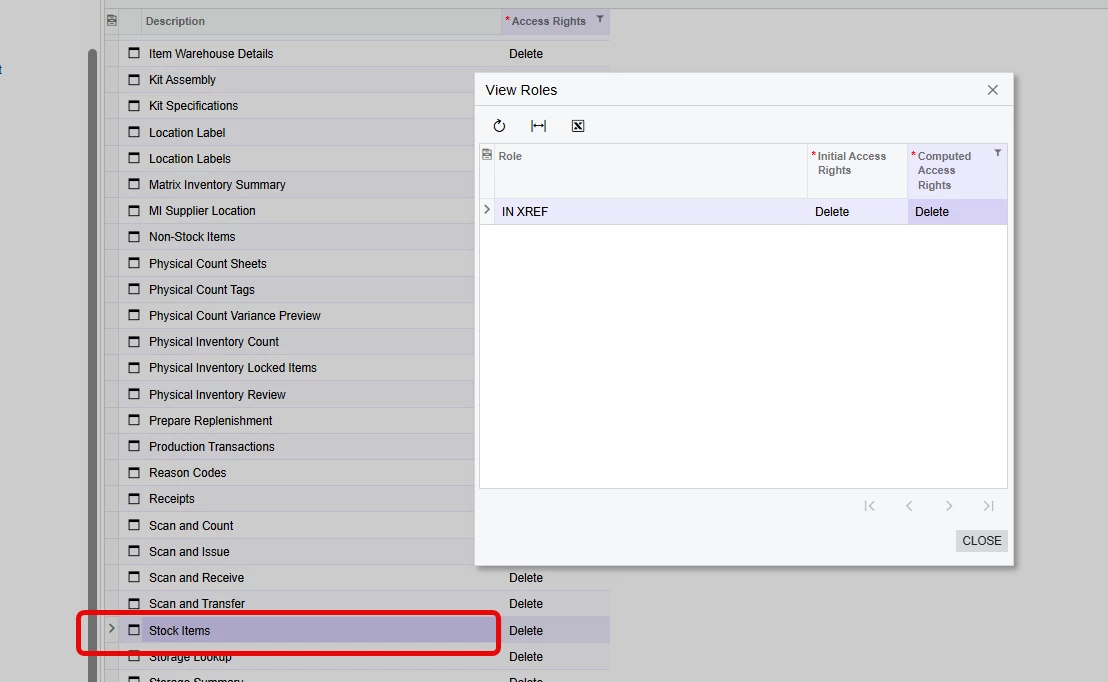
I checked the Access Rights by User to verify that the role is the only one impacting the stock items screen, 


Very specific but does anyone know what access locations the Auto-Incremental value (Stock Items > General > Item Defaults) and Related Items tab reside in?  Is it possible that they are somehow outside the Inventory workspace?  Seems odd, but any help here would be greatly appreciated.

Best answer by nickcerri32

@nickheuer3 - They may have.  As suspected, the Auto-Increment value is tied to the lot/serial feature.  Both that field and the Related Items tab cannot be restricted via access rights in 25R2.  

4 replies

Forum|alt.badge.img
  • Freshman II
  • March 23, 2026

I just created a role and set mine to the same as what you show (using the sales demo data) and I am not seeing the Related Items tab but I am seeing the Auto Increment field.


For the related Items Tab, maybe there is a feature you have enabled that may be causing it to show, but I am not sure what feature would cause that behavior. Are you also revoking the access to Non Stock Items? What version Acumatica are you working in?


nickcerri32
Pro I
Forum|alt.badge.img+7
  • Author
  • Pro I
  • March 24, 2026

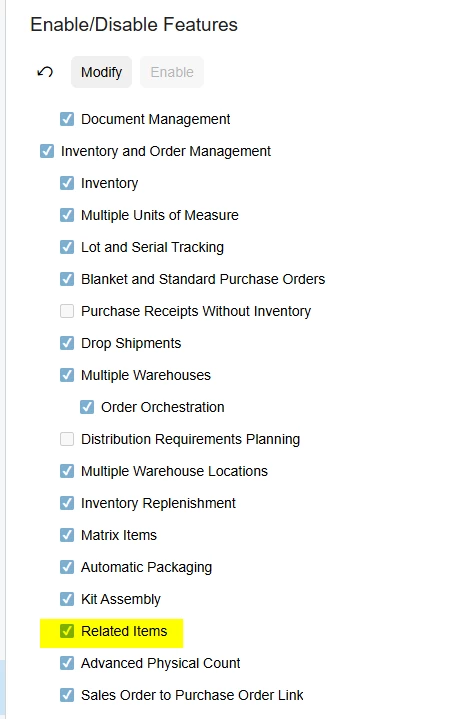
@nickheuer3 - Thanks for digging in, Nick.  I created a case with Acumatica, and you CAN’T hide the Related Items tab via Access Rights - it’s a feature on the Enable/Disable screen.  That’s the easy one since the customer isn’t using related items, so we just disabled it.  However, I have yet to get a response regarding the general tab.  I haven’t tested it yet, but I’m assuming that it’s tied to the enabled lot/serial feature.  If so, there may be no practical out of the box way of hiding since we do need that feature enabled.  


Forum|alt.badge.img
  • Freshman II
  • March 24, 2026

For the Related Items Tab, I wonder if they changed that behavior in 25r2 as it is enabled on my DEMO instance and I was able to hide it with security rights.


I have it revoked and it does not show, even when the feature is enabled:


If I grant access to that role it then shows:


nickcerri32
Pro I
Forum|alt.badge.img+7
  • Author
  • Pro I
  • Answer
  • March 25, 2026

@nickheuer3 - They may have.  As suspected, the Auto-Increment value is tied to the lot/serial feature.  Both that field and the Related Items tab cannot be restricted via access rights in 25R2.