Answer

Transfer 2-step Receipts

  • October 10, 2024
  • 9 replies
  • 230 views

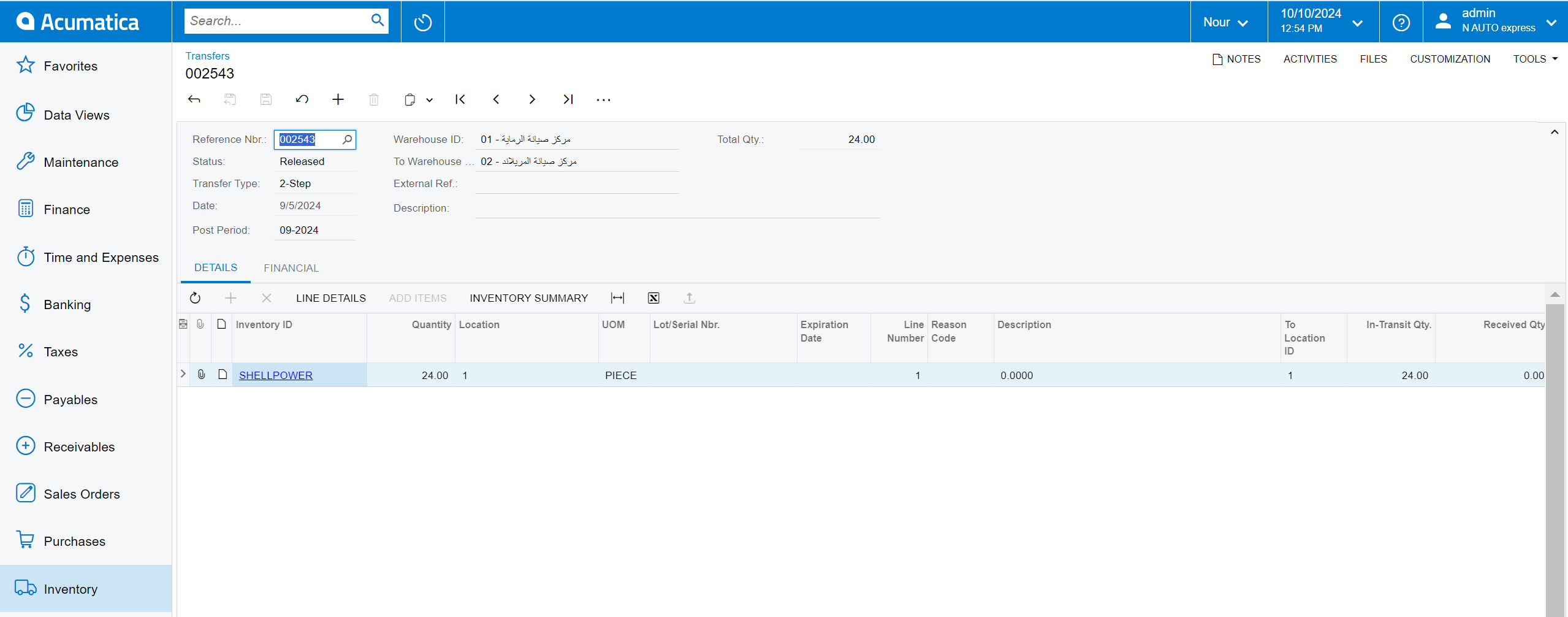
i cant found the transfer in receipts screen although it Released and appear in report Good in transit
 

Best answer by HManmatharajan41

When you create purchase receipt on the Purchase Receipt form, the dialog box Add Transfer Order shows the list of complicated transfer orders with completed shipments that have not been processed yet. In your case please check if   transfer orders already received

9 replies

Manikanta Dhulipudi
Captain II
Forum|alt.badge.img+15

@keyrllosesam158 Have you recalculated the inventory?


yes


Forum|alt.badge.img+2
  • Jr Varsity III
  • October 10, 2024

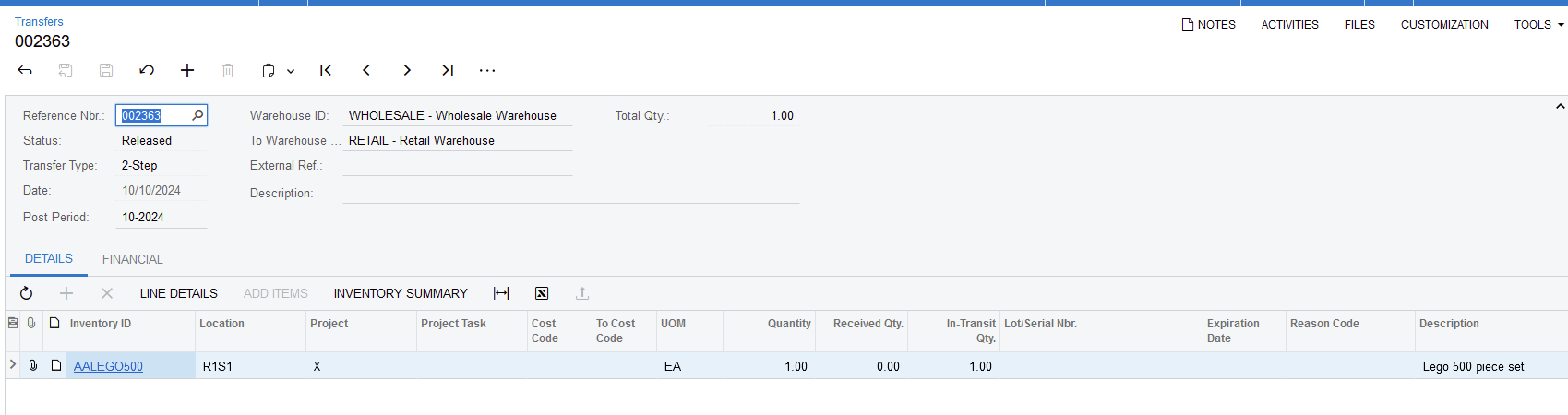
After releasing the 2-step Transfer under Inventory Transfers:

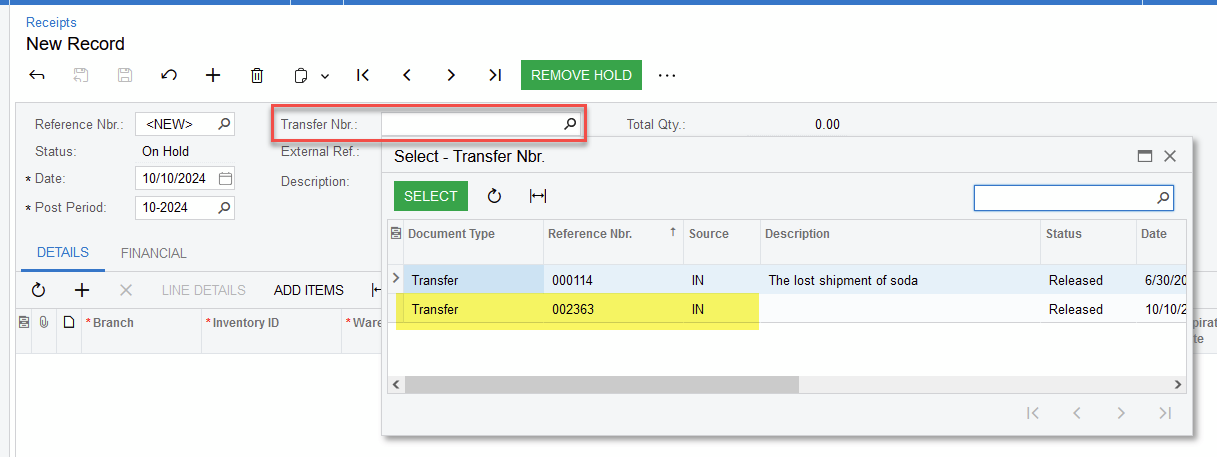
When you access Inventory Receipts, enter a new record, select to search on Transfer Nbr and it should be listed:


Jeff96
Captain II
Forum|alt.badge.img+4
  • Captain II
  • October 10, 2024

Make sure that the inventory register was updated. Go to the Process Shipments screen (SO503000), select the “update IN” action and check if that transfer is there. If it is, you need to release it before you can receive it. 


Forum|alt.badge.img
  • Acumatica Employee
  • October 14, 2024

Please check inventory allocation details screen for the inventory item and check whether 2 step transfer is already allocated to another inventory receipt document, if its already allocated, 2 step transfer will not reflect when creating new inventory receipt document. 


Chris Hackett
Community Manager
Forum|alt.badge.img
  • Acumatica Community Manager
  • December 24, 2024

Hi ​@keyrllosesam158 were you able to find a solution? Thank you!


Forum|alt.badge.img
  • Varsity I
  • December 30, 2024

I am having similar issues. Utilizing MRP a 2 step transfer was created. I was able to successfully complete the TR type SO, confirm and complete the shipment, updated IN, but when I go to do the receipt the transfer number does not show up to select during the receipt step.


Forum|alt.badge.img+1

When you create purchase receipt on the Purchase Receipt form, the dialog box Add Transfer Order shows the list of complicated transfer orders with completed shipments that have not been processed yet. In your case please check if   transfer orders already received


Forum|alt.badge.img
  • Varsity I
  • January 1, 2025

When you create purchase receipt on the Purchase Receipt form, the dialog box Add Transfer Order shows the list of complicated transfer orders with completed shipments that have not been processed yet. In your case please check if   transfer orders already received

Thanks!