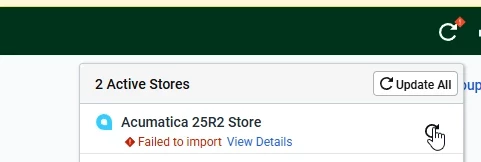
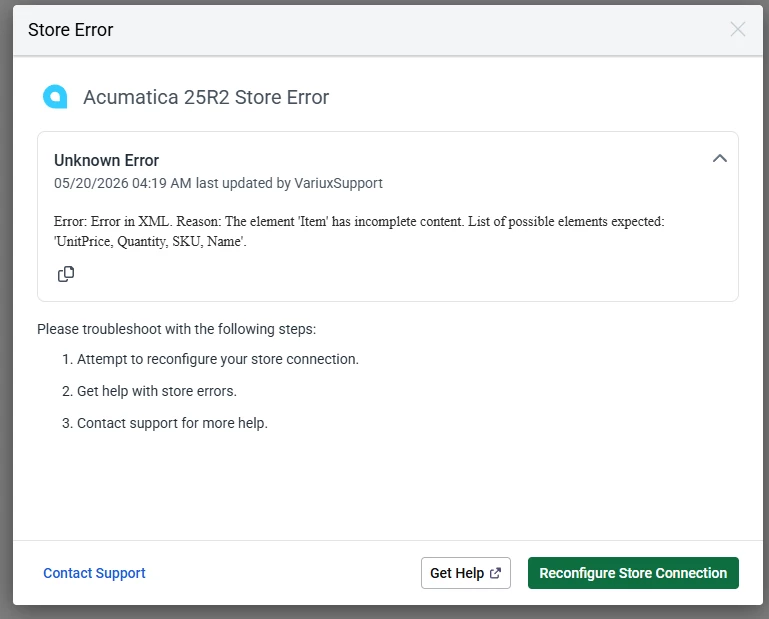
One of my clients recently ran into an issue with Shipstation and Acumatica. Shipments stopped syncing into Shipstation and he got this error message on Shipstations dashboard.
Failed to import View Details
The error message was helpful (great job Shipstation dev team).
⚠️ Do not click 'Reconfigure Store Connection' — it will produce this false positive and won't help. Fix the underlying shipment issue first, then the connection will work normally again.
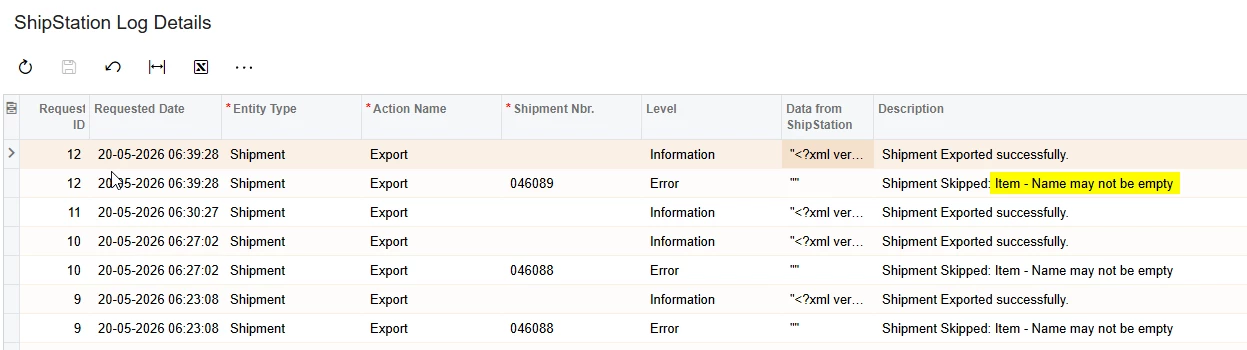
I looked at the Shipstation Logs within Acumatica (ScreenId=SS401000)
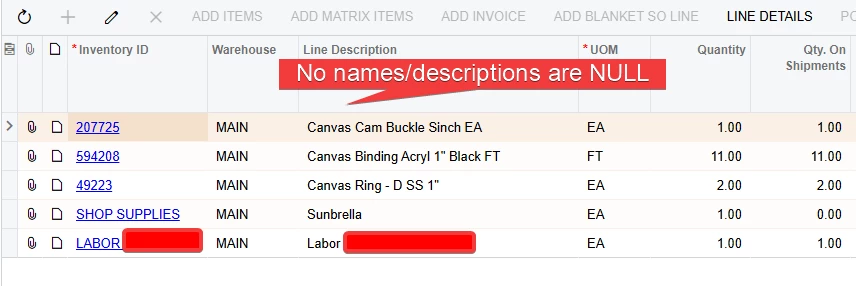
Here again, great job on helpful error messages by the dev team! But I was stumped, because the shipment in Acumatica was not missing any descriptions (Item Descriptions in Acumatica map to Item Names in Shipstation)
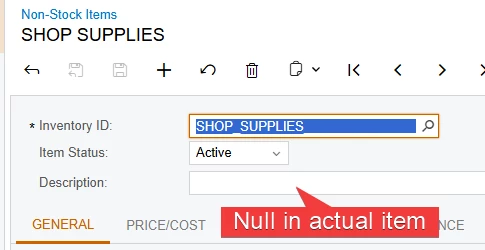
Finally, as indicated by the error messages, I found the Non-Stock Item has a NULL description. The order entry team simply fills in the description per order because this is a miscellaneous charge.
The easy fix here is to put a description into the item. In that case, the item description will sync to Shipstation rather than the order line description.
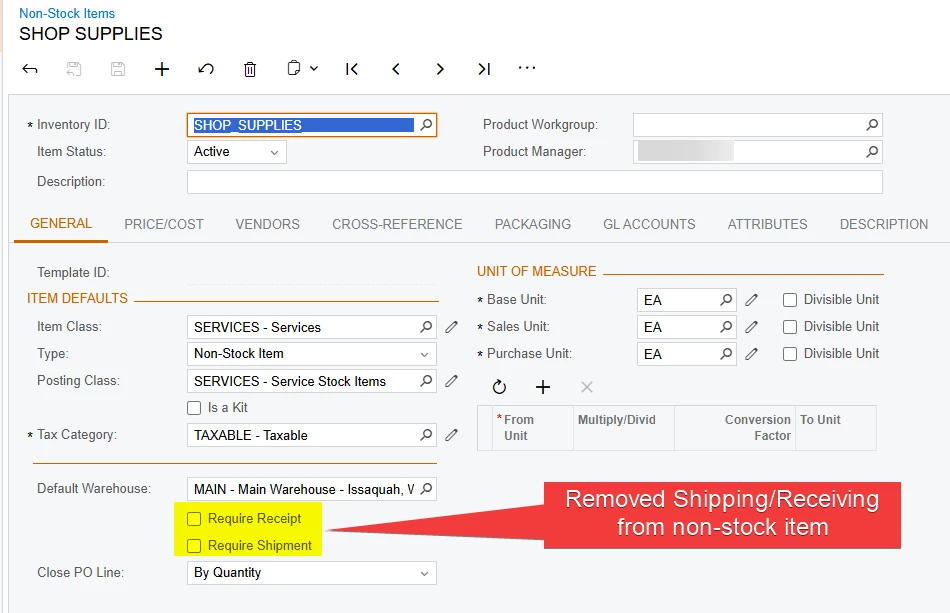
Additionally, because this item should have never been set up to Ship/Receive anyway, I can just disable the shipping/receiving requirement.
Should all orders/shipments stop syncing when an item has a NULL name? Is it ideal for the Description to come from the item records rather than the shipment/order line description?
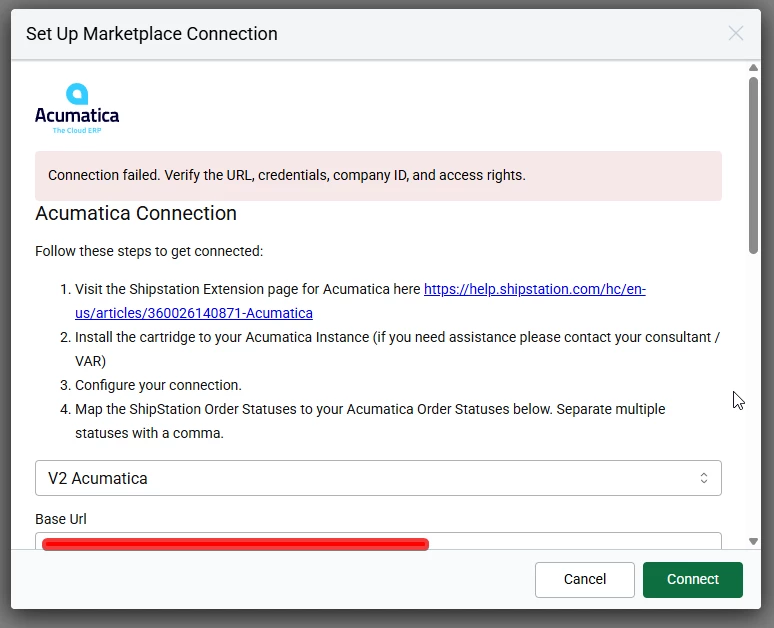
One other side note. When this error exists with an open Shipment in Acumatica, it is impossible to connect to Shipstation. Upon attempting to reconnect the store, using known good settings and credentials, there is an error:
Connection failed. Verify the URL, credentials, company ID, and access rights.
Once the null description is resolved (or the item's Require Shipment flag is removed), the connection error disappears and sync resumes normally.
Thank you for your post. Can you please log a ISV Support Request with Acumatica for Shipstation UI? The support case will be used to provide Shipstation UI with feedback and ideas for improvements to the integration.