



Hi Acumatica,
I created a Sales Order with an Order Type of TR, and my requirements is to hide some of my transfer documents to specific users.
Is there a way to configure this requirements?
Thank you!
Hi Acumatica,
I created a Sales Order with an Order Type of TR, and my requirements is to hide some of my transfer documents to specific users.
Is there a way to configure this requirements?
Thank you!
Best answer by nhatnghetinh
Hi
Currently, Acumatica does not have a standard configuration to restrict data by type across all screens (including the Sales Order screen with an Order Type of TR).
However, Acumatica provides features to restrict users by groups, such as Customer, Vendor, Inventory Item, Warehouse,...
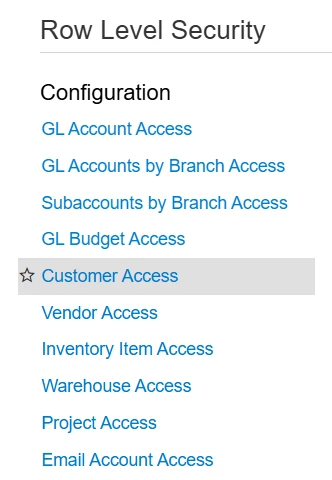
In addition, I have another approach, which is to create a new Generic Inquiry (GI) to be used specifically for the group of users that I want to restrict. For example, in your case, I would create a new GI called "Sales Orders 2".

In this new GI, you can use the "CONDITIONS" tab to define the restrictions you want. As a result, users will only see the Sales Orders displayed in this new GI.
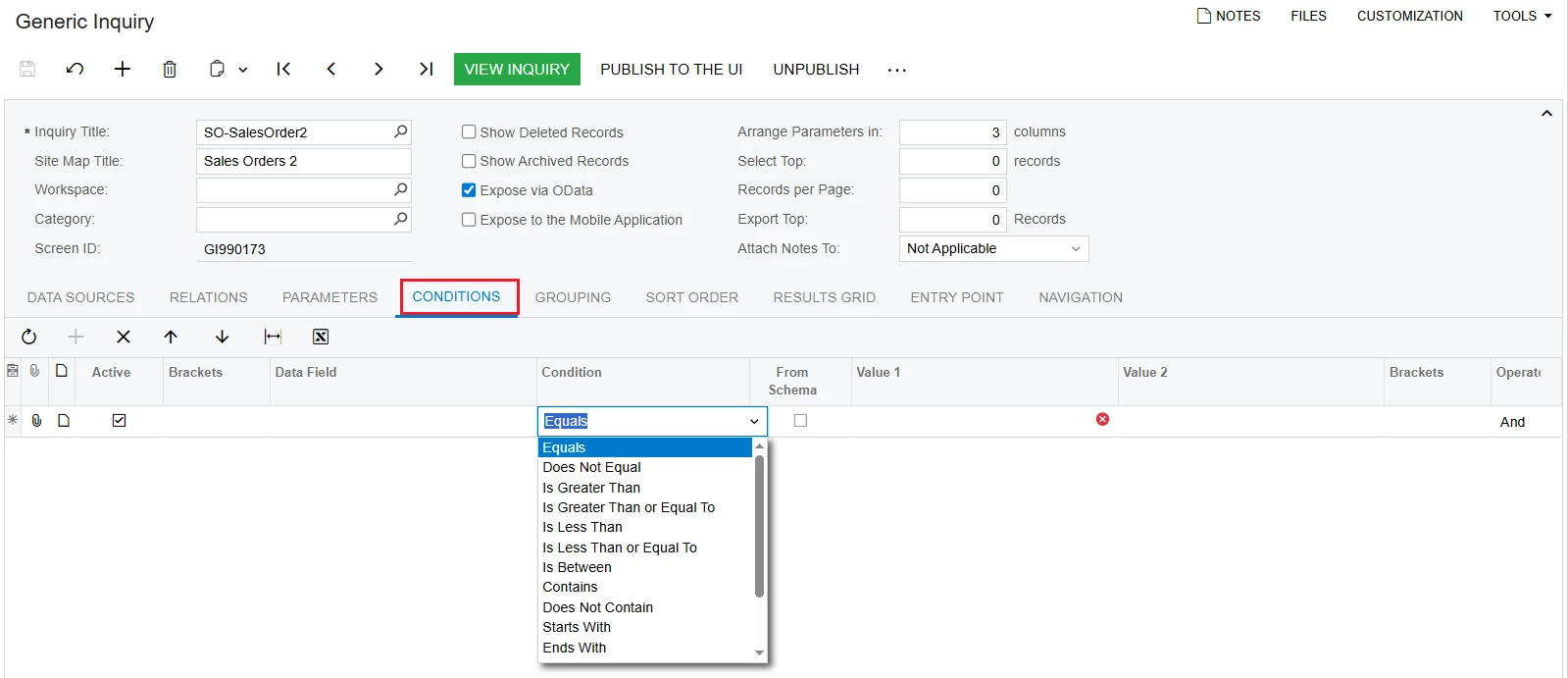
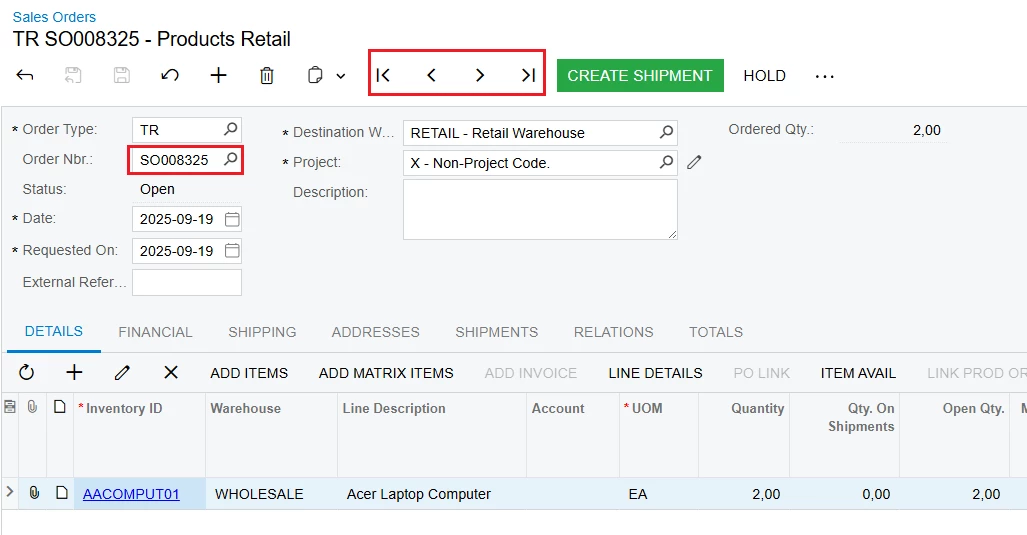
After that, you can use Access Rights to restrict users from using certain fields and functionalities on the screen as needed. For example, in your case, you can configure permissions so that users cannot use features such as Order Nbr, Next, Previous,... on the Sales Orders screen.
Best Regards,
NNT
Enter your E-mail address. We'll send you an e-mail with instructions to reset your password.




