Solved

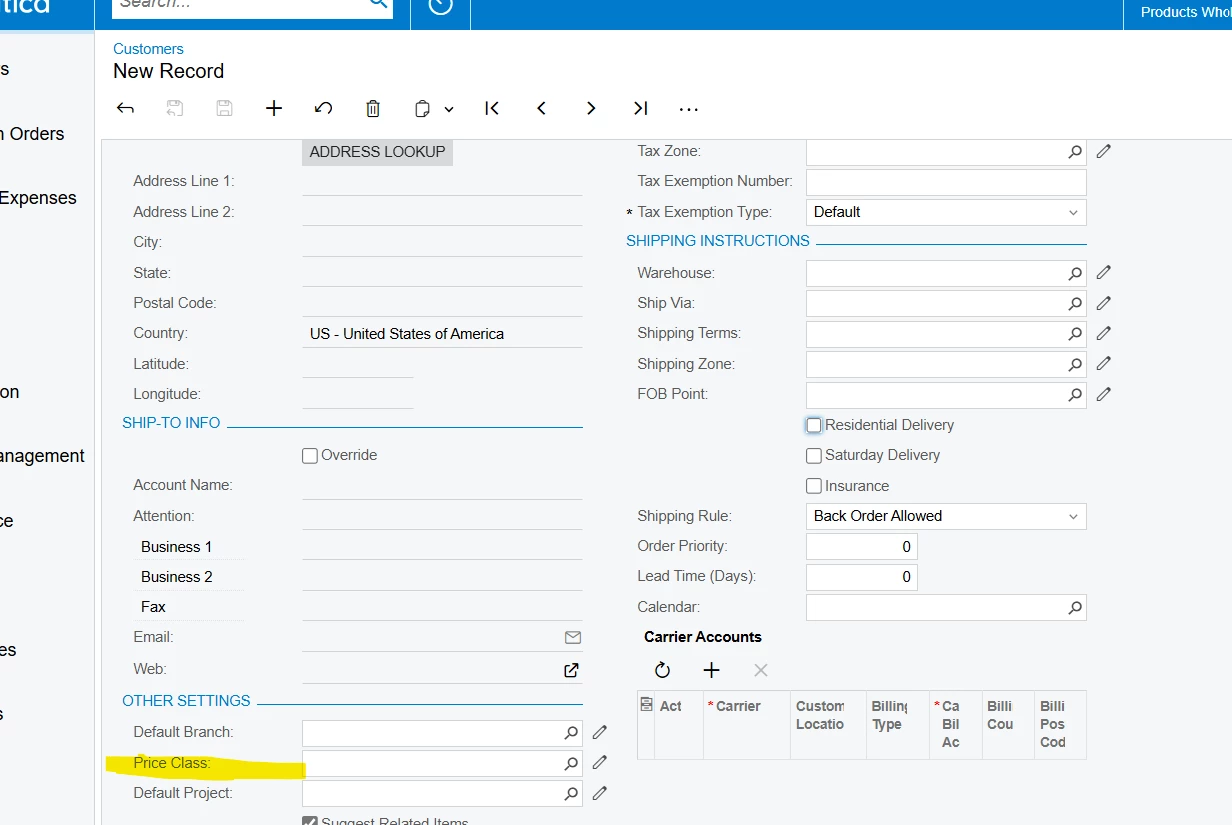
Restrict price class field in customer for specific user.

  • May 26, 2025
  • 6 replies
  • 160 views
  • Translate All

Forum|alt.badge.img

Is possible to restrict this field for specific users?

Best answer by dcomerford

​@gowrishankarsk32 Work for me but you need to Check the perms on 

Receivables> Customers>Location>Price Class Set to Revoked

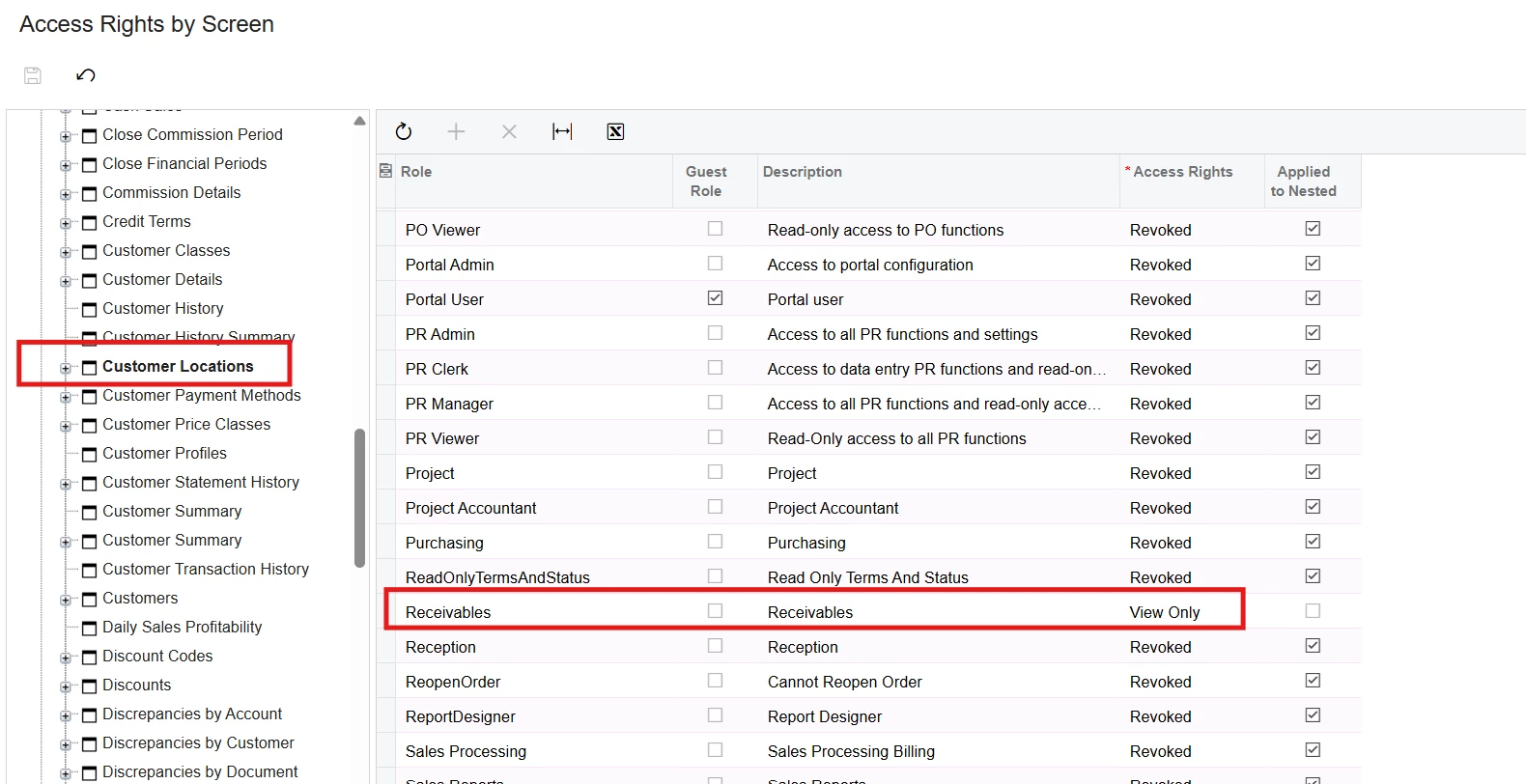
Receivables>Customer>Location - Set to View Only

Receivables> CustomersLocation>Location>Price Class Set to Revoked

Receivables>Customer Location>Location Set to View Only

View original

6 replies

dcomerford
Captain II
Forum|alt.badge.img+16

​@gowrishankarsk32  You would need to set this field to Revoked under Access Rights for these users for this screen for one of the role(s) assigned to these users.

Translate

Forum|alt.badge.img

​@gowrishankarsk32  You would need to set this field to Revoked under Access Rights for these users for this screen for one of the role(s) assigned to these users.

Thank you, but I would like to restrict updates to the Price Class field for a specific user.

I’ve already attempted to configure this by using Access by Screen, navigating to:
Receivables → Customers → Customer → Location - Price Class
and
Receivables → Customer Location → Price Class.

However, the system still allows that user to update the Price Class despite these settings.

I tested this using my user ID, which has only the Receivables role assigned. The results are based solely on the permissions view only by the Receivables role.

Translate

dcomerford
Captain II
Forum|alt.badge.img+16

​@gowrishankarsk32 Check that the Permissions for the role on the Customer Location/Customer are not set to Inherited if they are change it to Delete or Edit


Translate

Forum|alt.badge.img

​@gowrishankarsk32 Check that the Permissions for the role on the Customer Location/Customer are not set to Inherited if they are change it to Delete or Edit


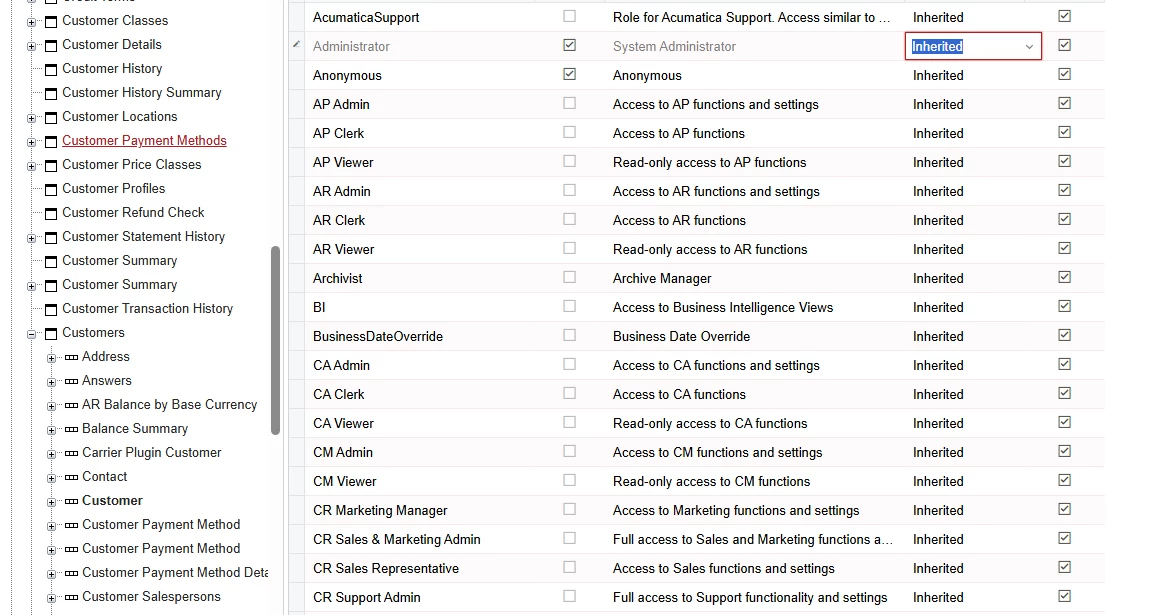
 Customer it's in Inherited  

Translate

dcomerford
Captain II
Forum|alt.badge.img+16
  • Captain II
  • Answer
  • May 26, 2025

​@gowrishankarsk32 Work for me but you need to Check the perms on 

Receivables> Customers>Location>Price Class Set to Revoked

Receivables>Customer>Location - Set to View Only

Receivables> CustomersLocation>Location>Price Class Set to Revoked

Receivables>Customer Location>Location Set to View Only

Translate

Forum|alt.badge.img

Thanks a lot for the steps and support—it's working perfectly now! Really appreciate it.

​@gowrishankarsk32 Work for me but you need to Check the perms on 

Receivables> Customers>Location>Price Class Set to Revoked

Receivables>Customer>Location - Set to View Only

Receivables> CustomersLocation>Location>Price Class Set to Revoked

Receivables>Customer Location>Location Set to View Only


Translate