

Question

Purchase Order Pricing Update

  • July 1, 2026
  • 3 replies
  • 42 views

Hello,

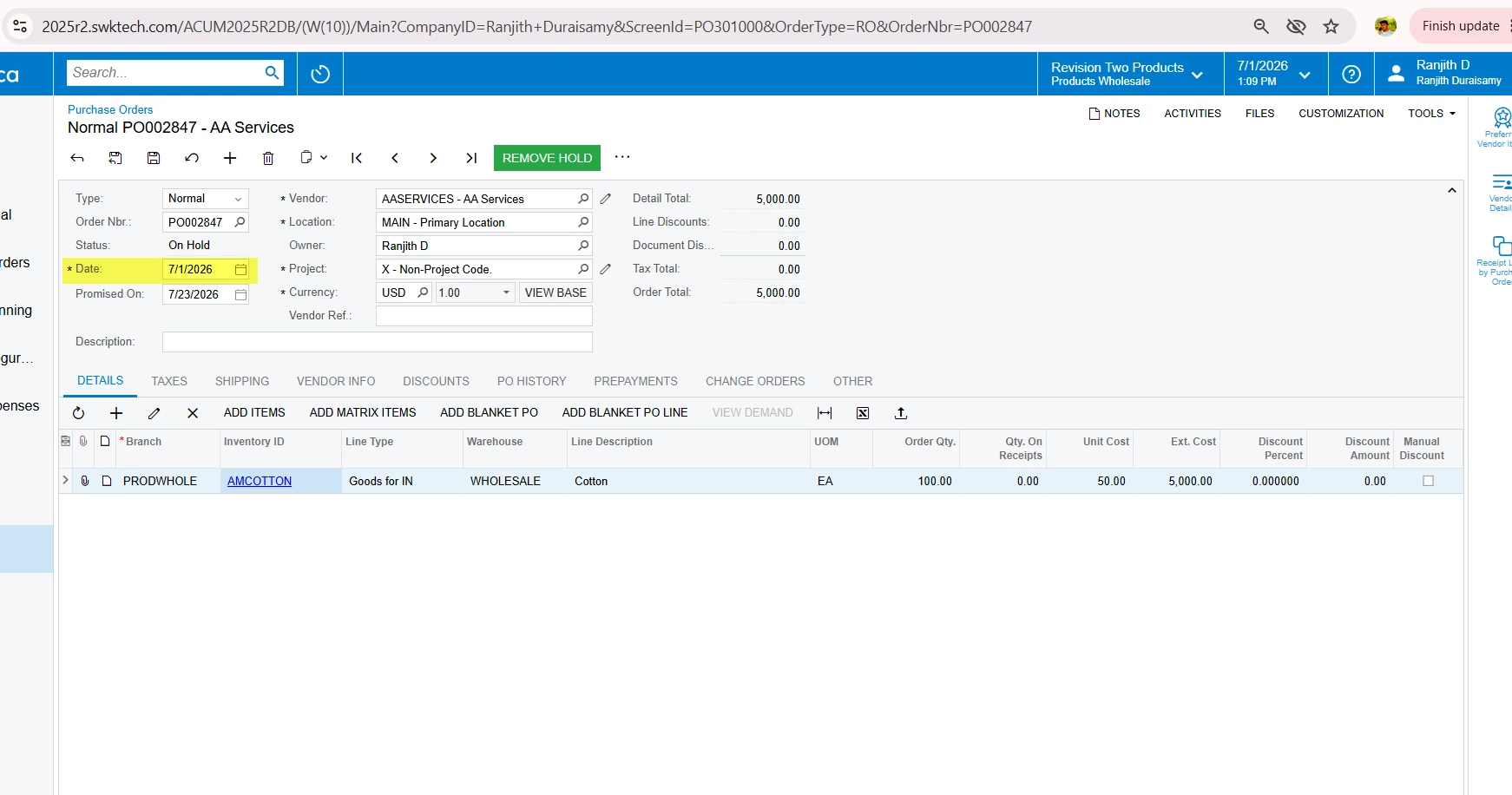
We’re still relatively new to Acumatica and are encountering some issues when attempting to update pricing on an existing Purchase Order. We’re following the below process:

-Create the PO and move to Open status

-Recognize a price update is required

-Place the PO on hold

-Attempt to update the price via item vendor prices (manually if only a few items)

-Ensure effective date is before promised on date

-Attempt to update price via worksheet

-Select recalculate price to perform update

This process has resulted in some successful price updates and some non-successful. My question is, are we following the correct process to update prices in already created POs?
3 replies

Forum|alt.badge.img+3

@bosborne It appears that the vendor price effective date is earlier than the PO date. Please update the vendor price effective date to a date prior to the PO date and try again.

If you have any questions, please let me know.


  • Author
  • Freshman I
  • July 2, 2026

@bosborne It appears that the vendor price effective date is earlier than the PO date. Please update the vendor price effective date to a date prior to the PO date and try again.

If you have any questions, please let me know.


Thank you for the response. Are you stating that PO (document) must be created after the effective date is already established?


Forum|alt.badge.img+3

@bosborne  Yes, that is correct, the vendor price effective date must already entered into acumatica before the PO is created or PO Document date.
