Hello, i am trying to work on non stock kit flows:
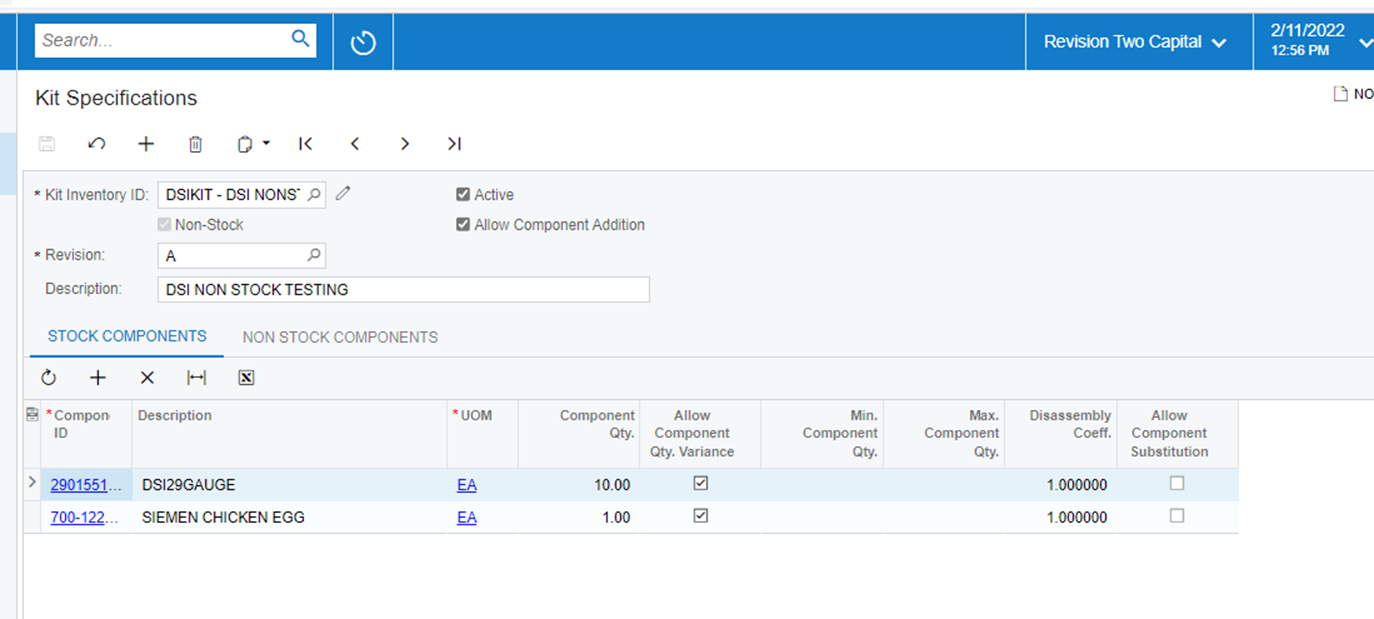
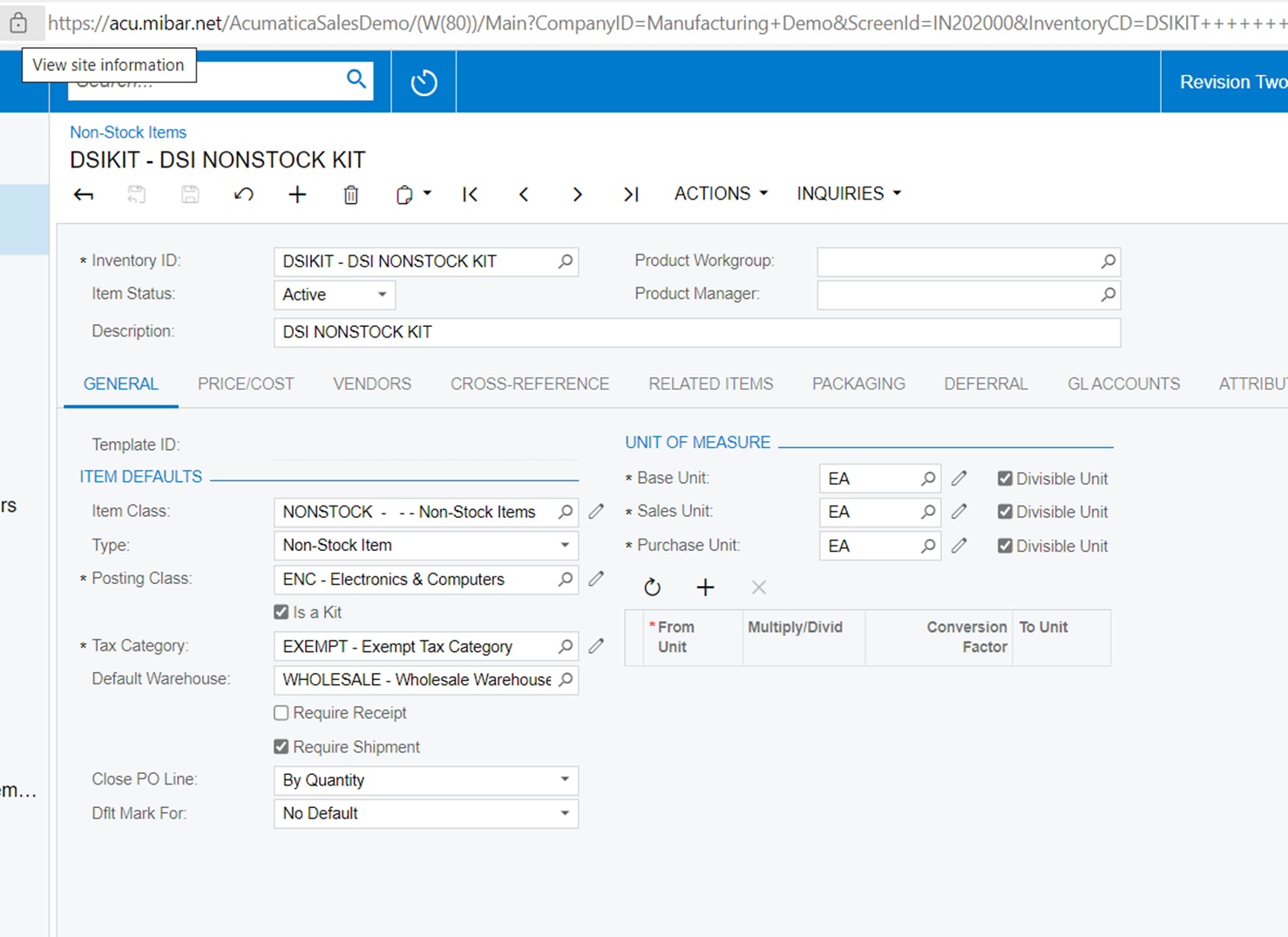
image 1 shows the non stock kit simple two components.
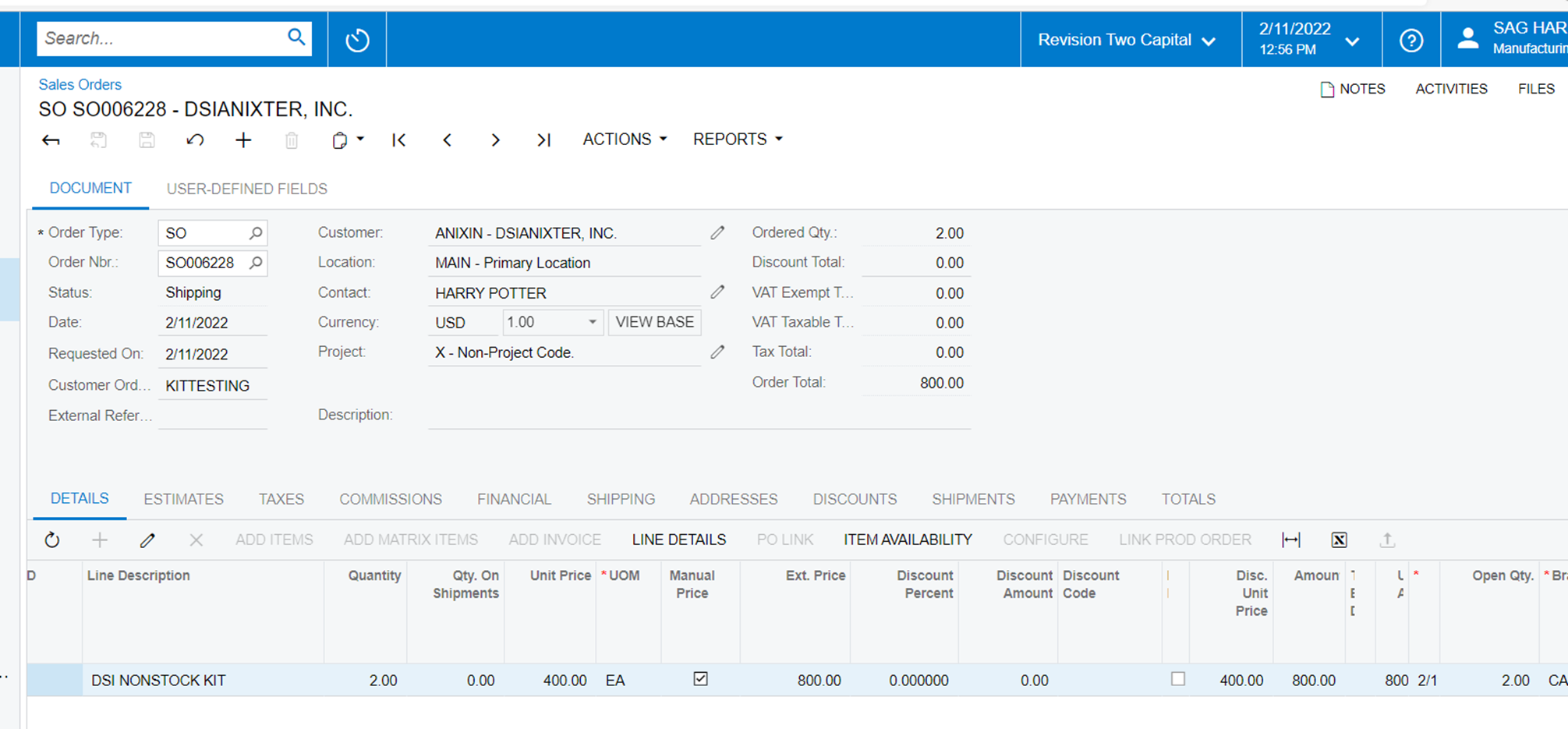
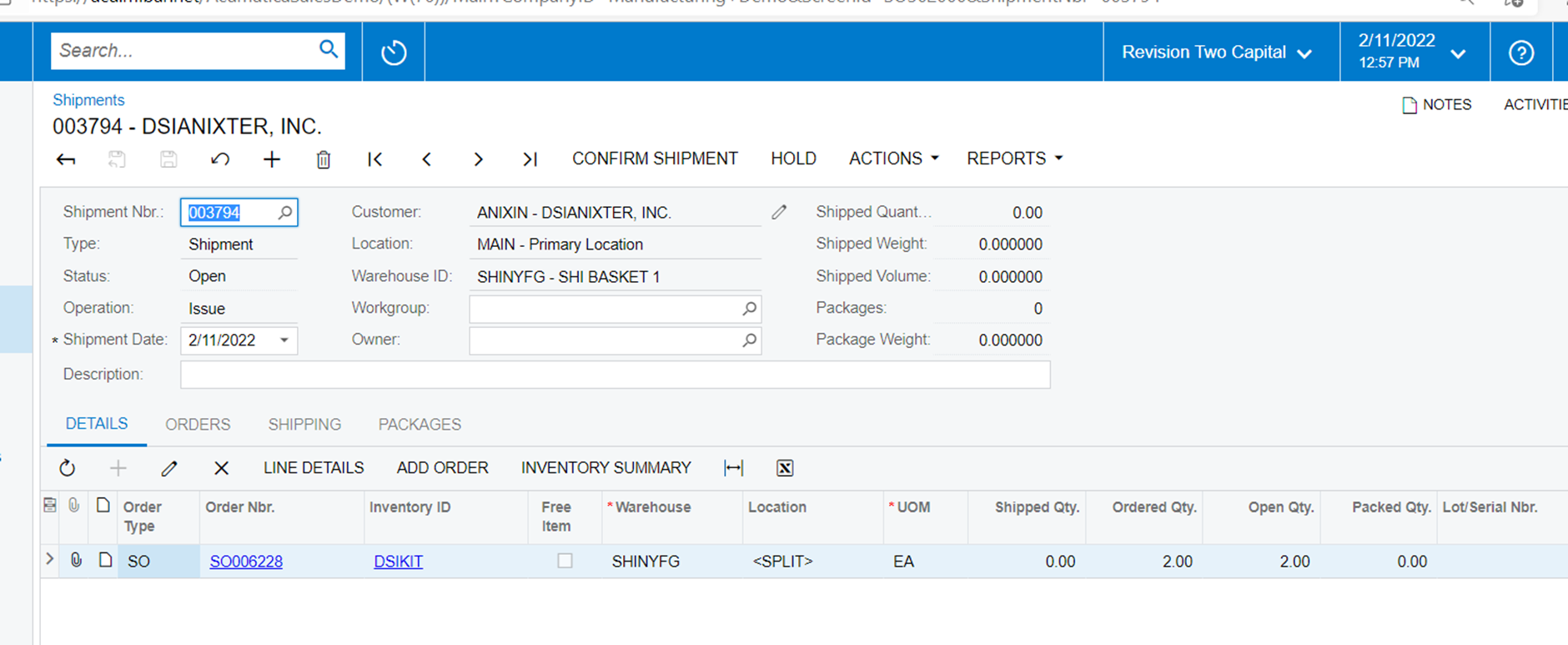
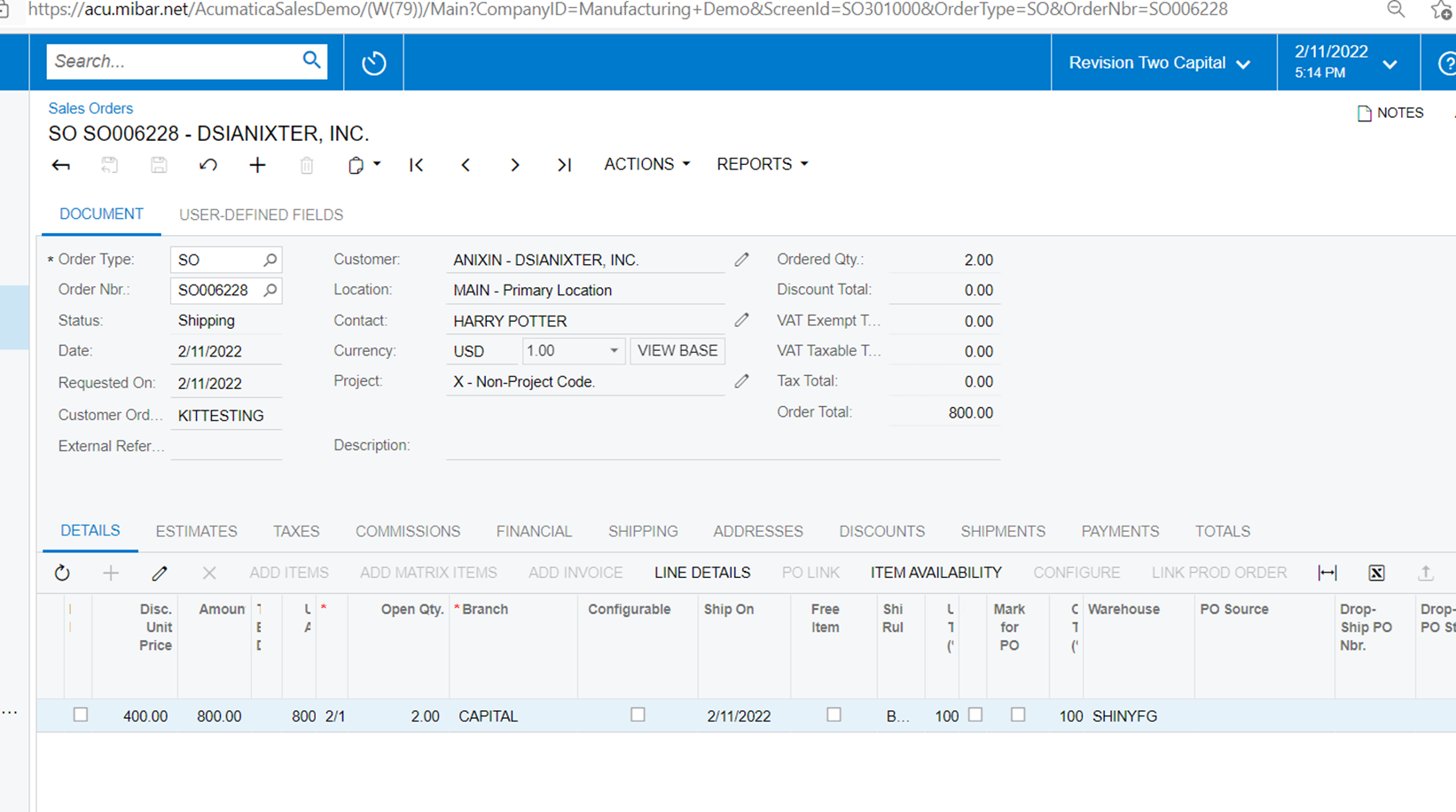
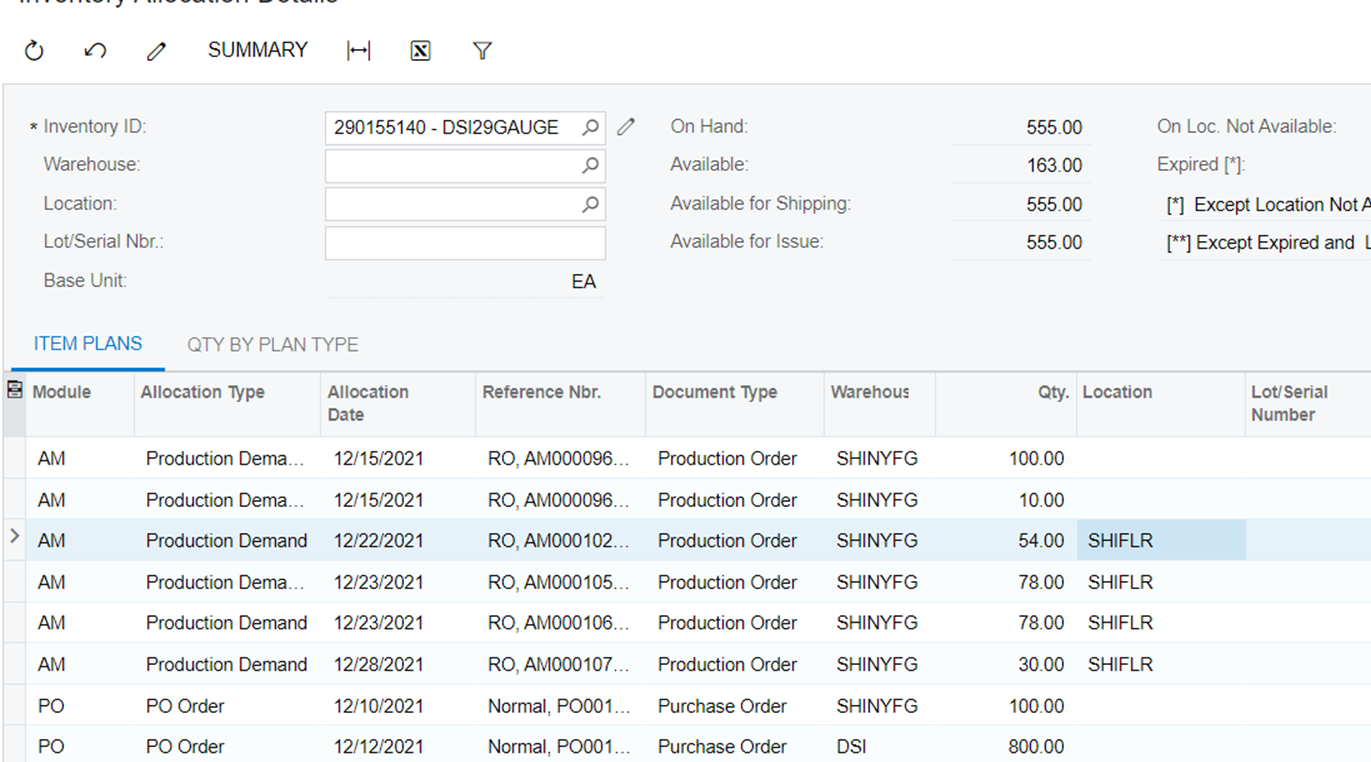
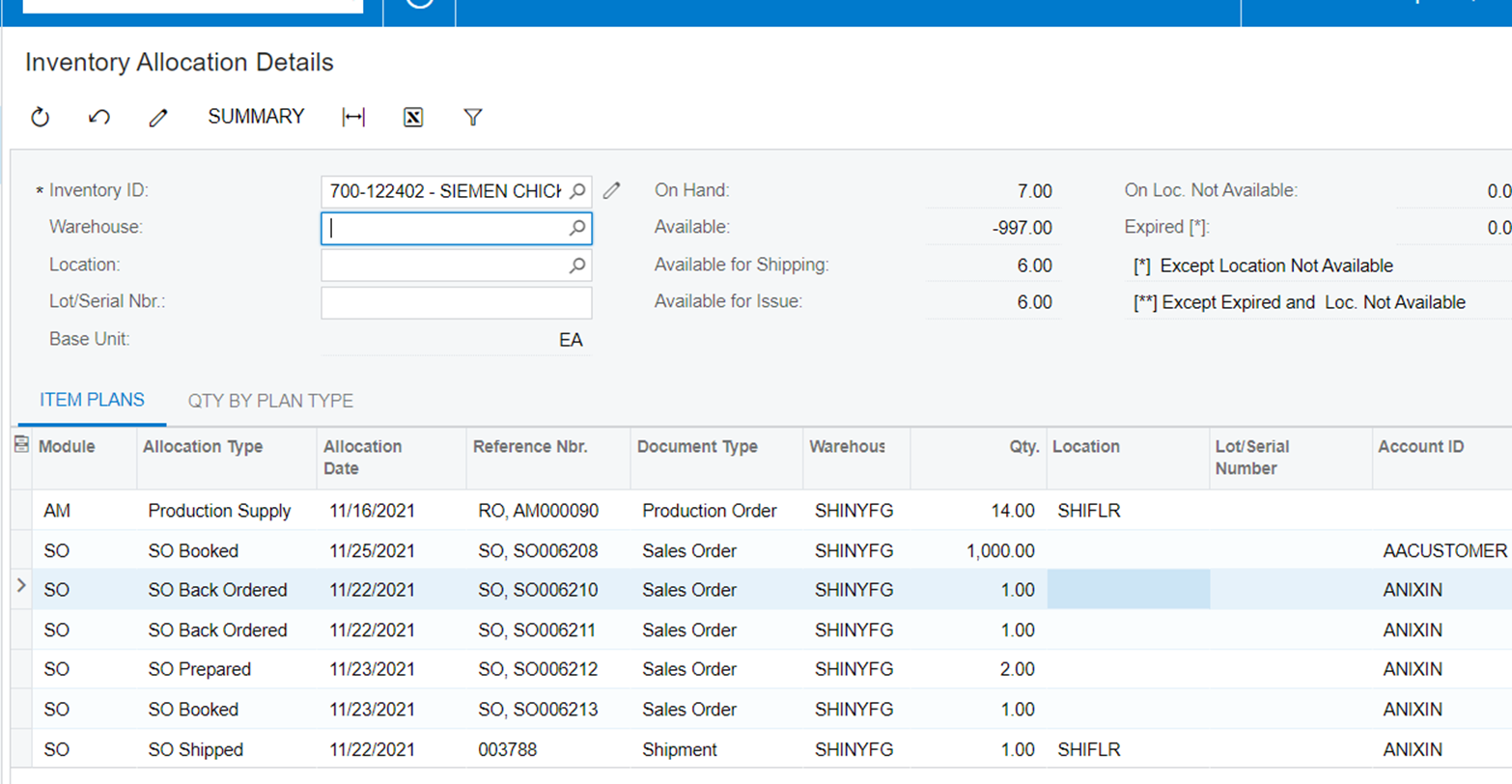
image 2 and 3 show the sales order and shippment
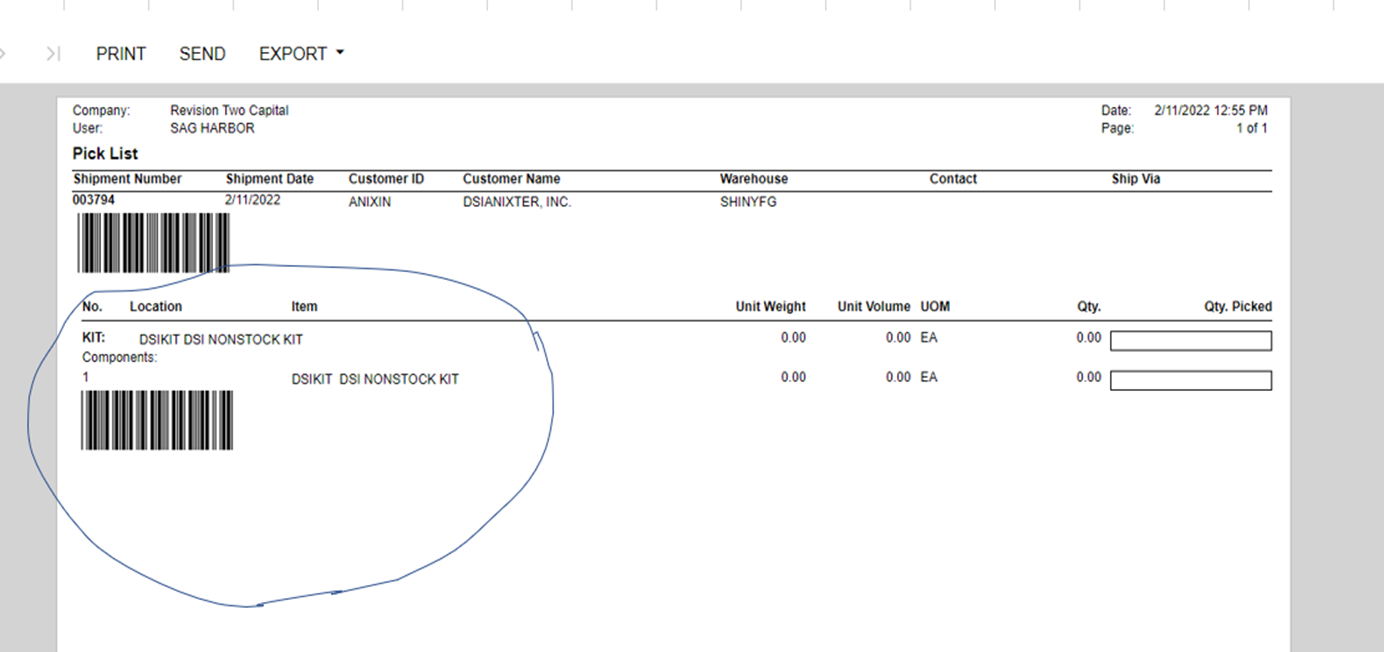
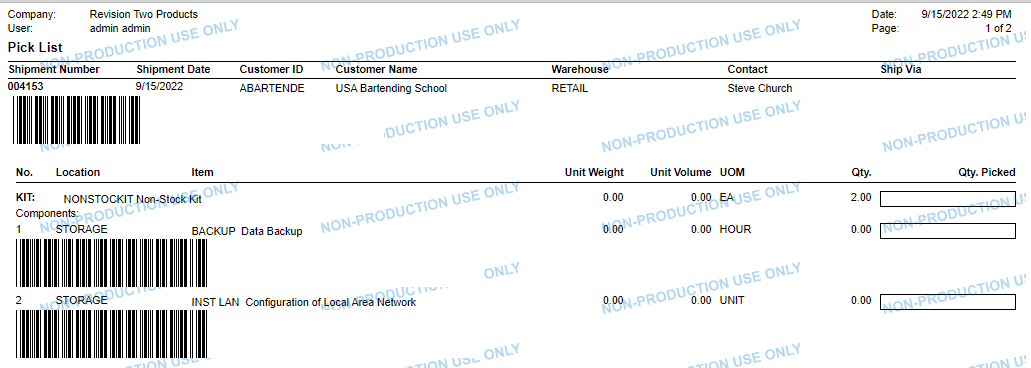
image 4 is action print picklist, but why the pick list does not who the two components as specified in the kit spec as in image 1? RATHER, it only shows to pick the non stock kit..
please help anyone
thank you
IMAGE 1
image 2 and 3
IMAGE 4
Best answer by BenjaminCrisman
@zoeymuff Can you advise if this issue was resolved?
I created a new non-stock kit item and added a couple non stock items to the components, then shipped it and they appear on the pick list as expected:
@hayleehicks18 If your issue is not related to the same topic then I would recommend to create a new topic so it can be answered separately and when a good answer is given it doesn’t get lost on this post.
@zoeymuff - this is interesting. Can I ask, did you create the shipment from the Sales Order screen? Also, as for the components, do you have availble to ship inventory for them in the warehouse?
Non-stock kits should explode on the pick list as there’s logic in the report form that supports this, so this might require a bit of troubleshooting
I’ve found that the non-stock kits default in a qty 0 shipped qty. The allocation of the kit items does not occur until the shipped qty is updated. At that point, the items display on the pick list. Does anyone know why normal items bring over the shipped qty from the order while non-stock kits require inputting in a qty before the kit components allocate and show on the pick list?
@zoeymuff Can you advise if this issue was resolved?
I created a new non-stock kit item and added a couple non stock items to the components, then shipped it and they appear on the pick list as expected:
@hayleehicks18 If your issue is not related to the same topic then I would recommend to create a new topic so it can be answered separately and when a good answer is given it doesn’t get lost on this post.