Answer

Not able to see medium & flat rate shipping method - USPS

  • April 22, 2025
  • 4 replies
  • 78 views

Forum|alt.badge.img

Hello all,

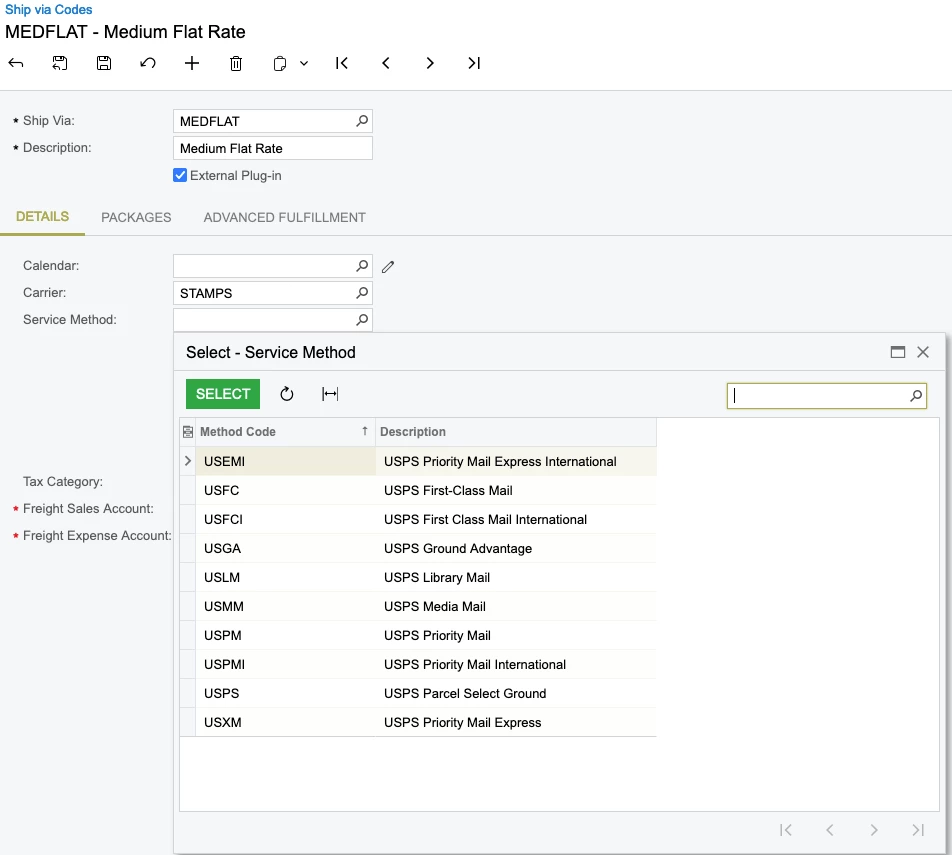
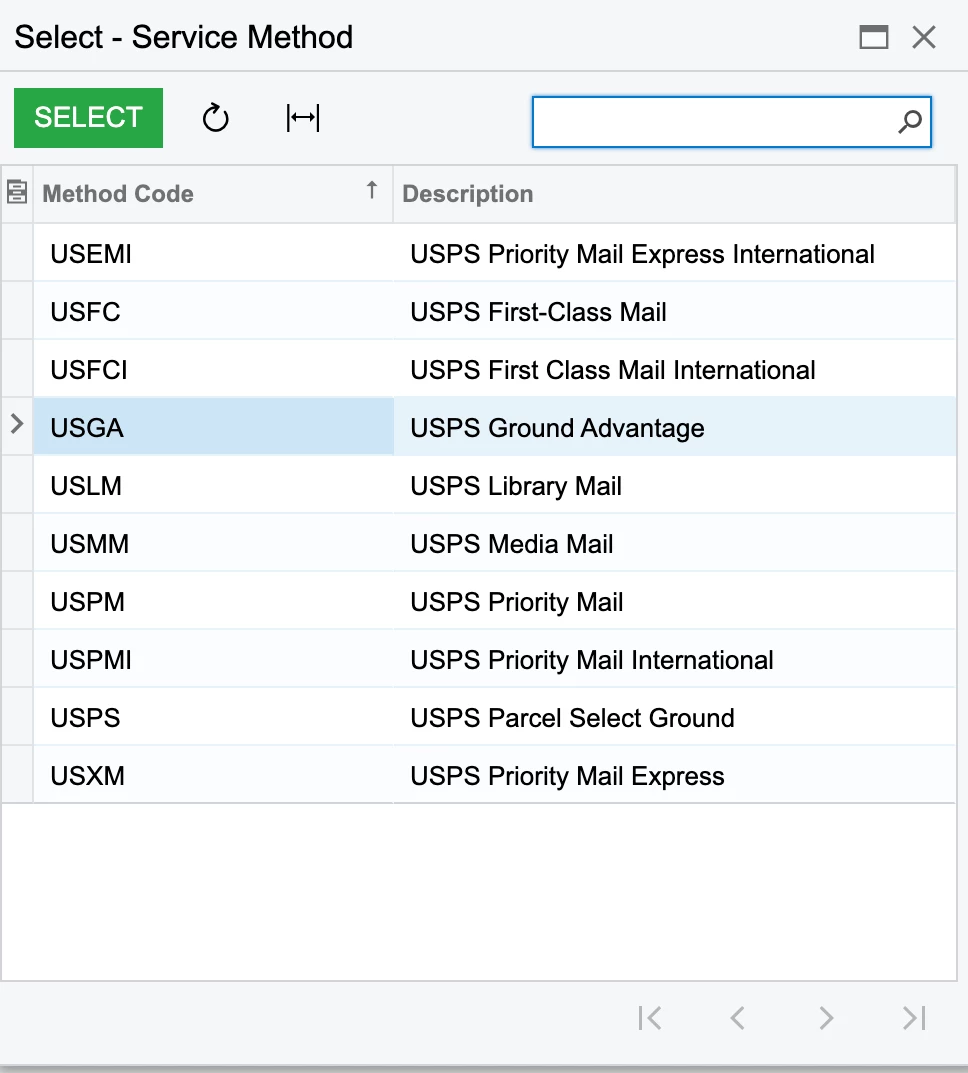
I have been trying to add medium & flat rate shipping methods in ship via codes, but they arent appearing in the list. The integration with stamps.com and acumatica shows successful, but not able to see medium & flat rate.
 

Best answer by harshitasethia74

Hey ​@Harry , As per the screenshot you’ve shared, if you select the service method as USPS Priority mail & then under the Packages tab add the respective BOX IDs, it will fetch the rates under Sales Orders screen → Shipping tab → Shop for rates.

4 replies

Manikanta Dhulipudi
Captain II
Forum|alt.badge.img+15

@Harry 

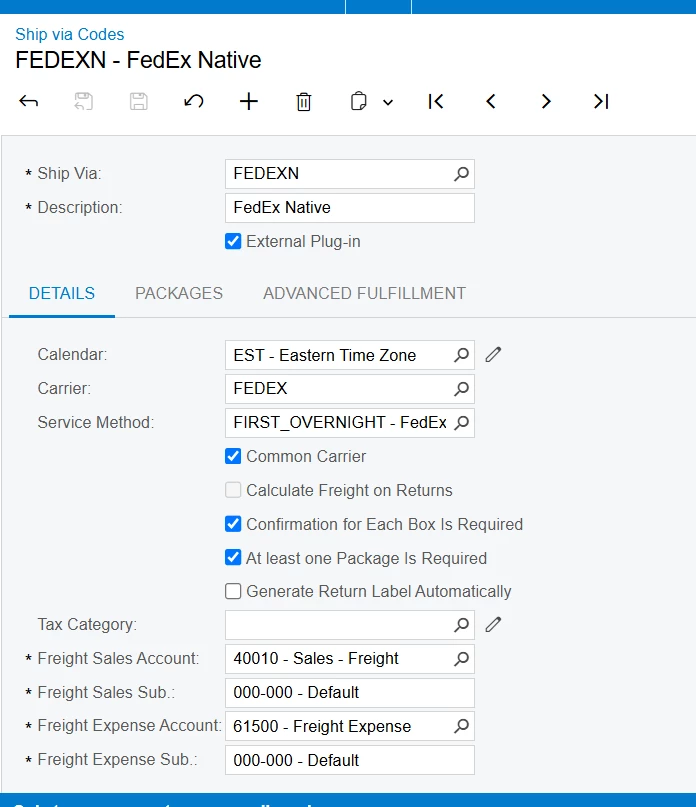
Which version of Acumatica Using? did you license for shipping integration Module?

Do you see the same type of shipping methods in Shipping carrier.

Please share the ship via code configuration screenshot.


Forum|alt.badge.img
  • Author
  • Semi-Pro II
  • April 22, 2025

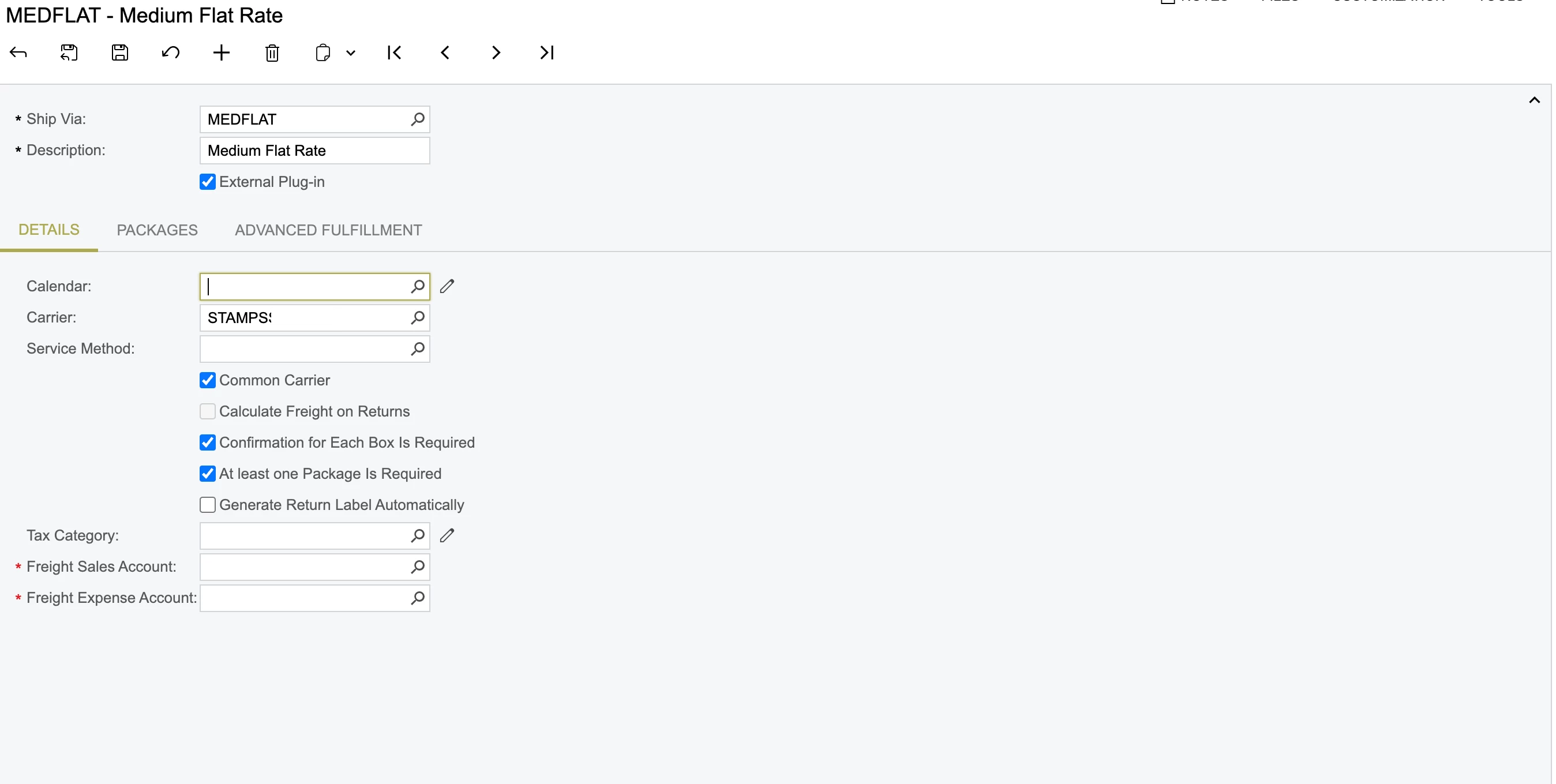
Hey ​@Manikanta Dhulipudi , here’s the screenshot:

We have integrated the USPS via stamps.com


Forum|alt.badge.img
  • Author
  • Semi-Pro II
  • April 22, 2025

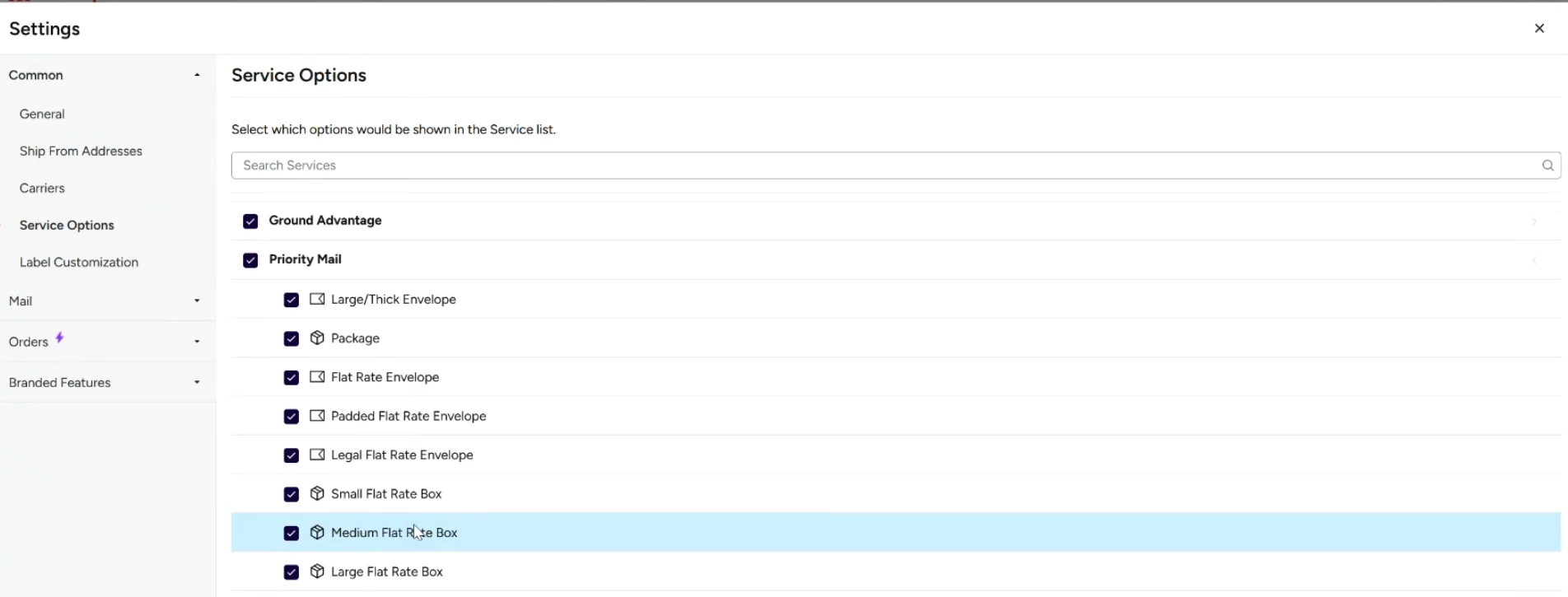
Hey ​@Manikanta Dhulipudi , the medium & large flat rates are under the Priority Mail option in Stamps.com a/c as shown below:

So now do I just need to select USPS Priority Mail under Service method?


Forum|alt.badge.img

Hey ​@Harry , As per the screenshot you’ve shared, if you select the service method as USPS Priority mail & then under the Packages tab add the respective BOX IDs, it will fetch the rates under Sales Orders screen → Shipping tab → Shop for rates.