Solved

Lot/Serial number disappears

  • January 6, 2022
  • 8 replies
  • 241 views
  • Translate All

shmaryarichler
Freshman II
Forum|alt.badge.img

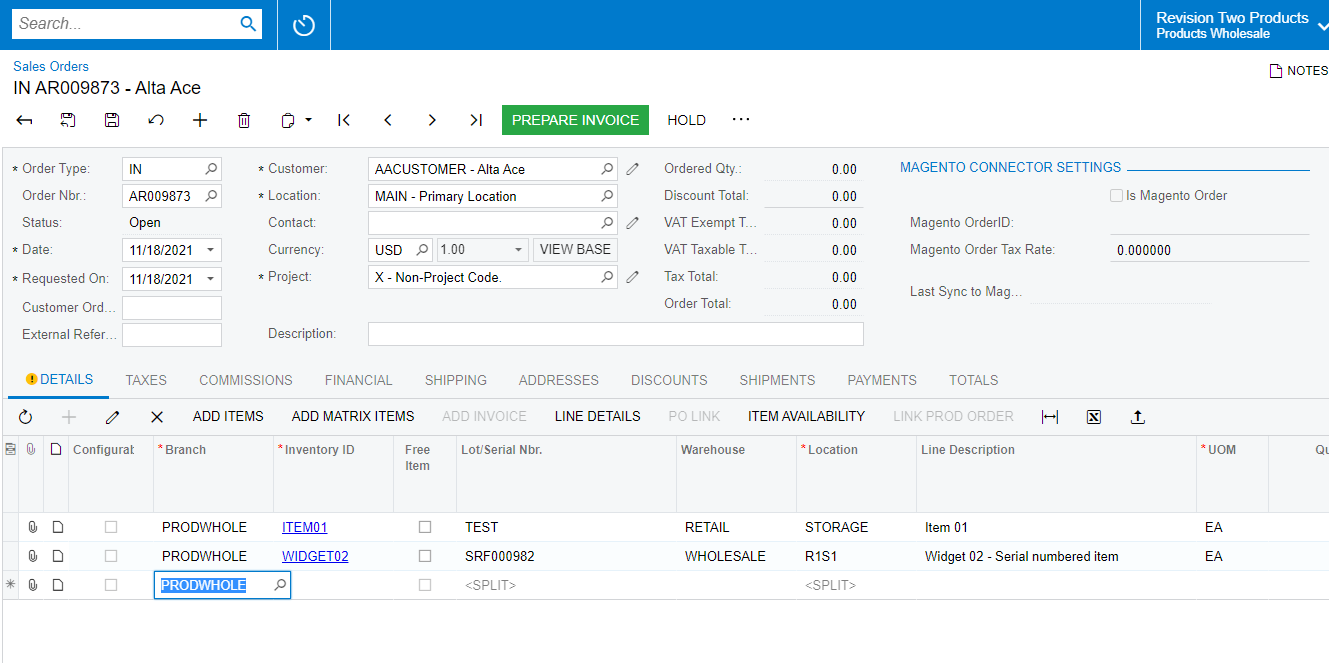
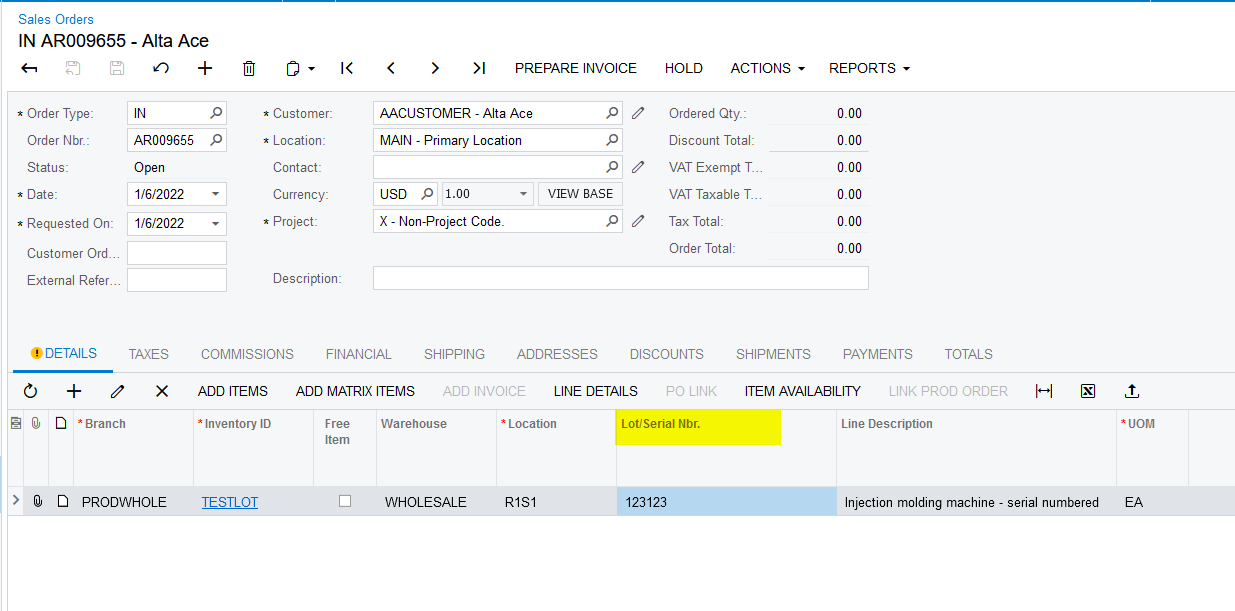
I am trying to post a Sales Order type IN. I enter the line information, ie the inventory-id, location, quantity etc. I enter the lot/serial number. When I click plus to enter a new line the system erases my lot/serial number. I don’t know what I am doing wrong.

Best answer by shmaryarichler

Hi,

I figured out the problem. The lot class had to be FIFI. It works now. Thanks for your help.

View original

8 replies

jinin
Pro I
Forum|alt.badge.img+12
  • Pro I
  • January 6, 2022

Hi @shmaryarichler 
 

Did u configure the Lot/Serial class on the Stock item level?


Translate

shmaryarichler
Freshman II
Forum|alt.badge.img

Yes.


Translate

jinin
Pro I
Forum|alt.badge.img+12
  • Pro I
  • January 6, 2022

Hi @shmaryarichler 

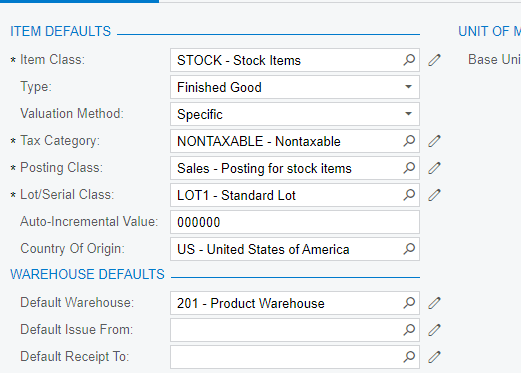
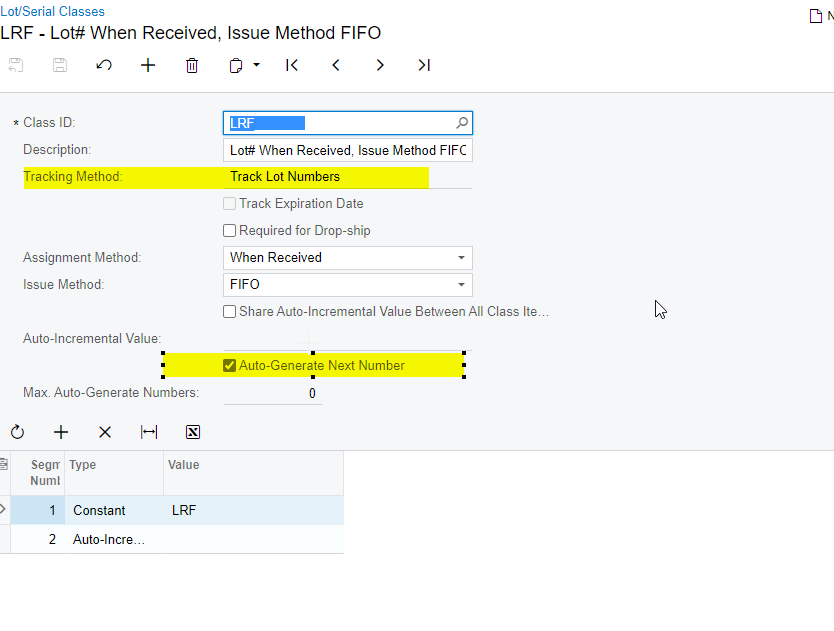
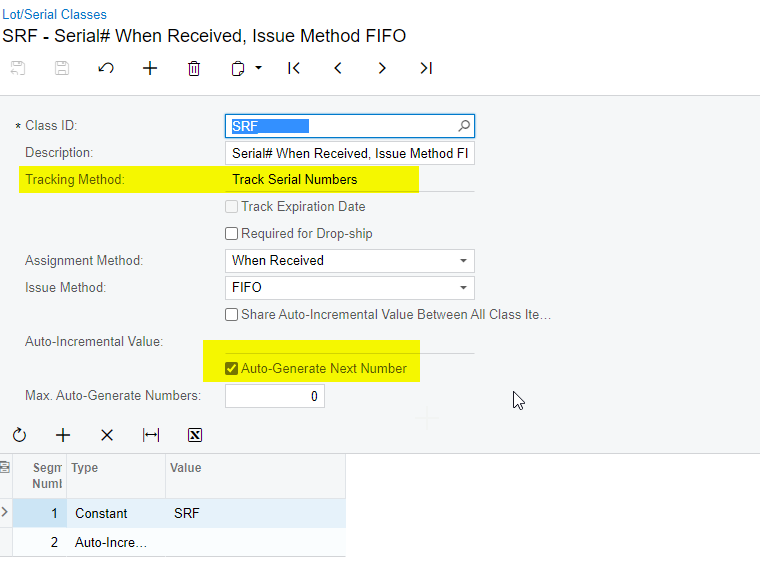
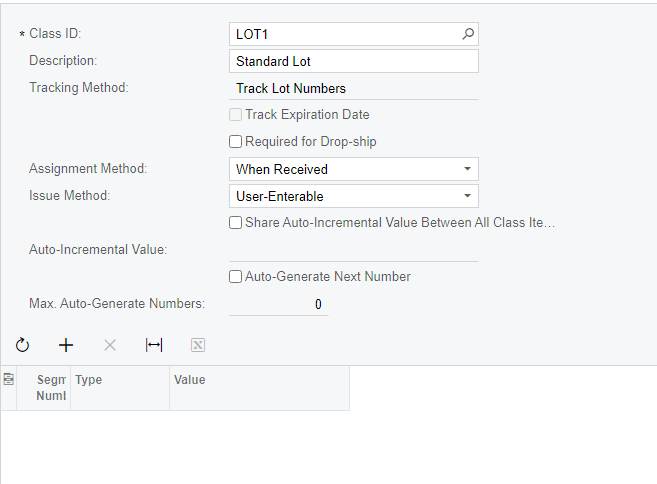
I've tried with all the below configurations and am unable to replicate the issue. It's working fine for me.

Do u have any customization on the instance?


Translate

shmaryarichler
Freshman II
Forum|alt.badge.img

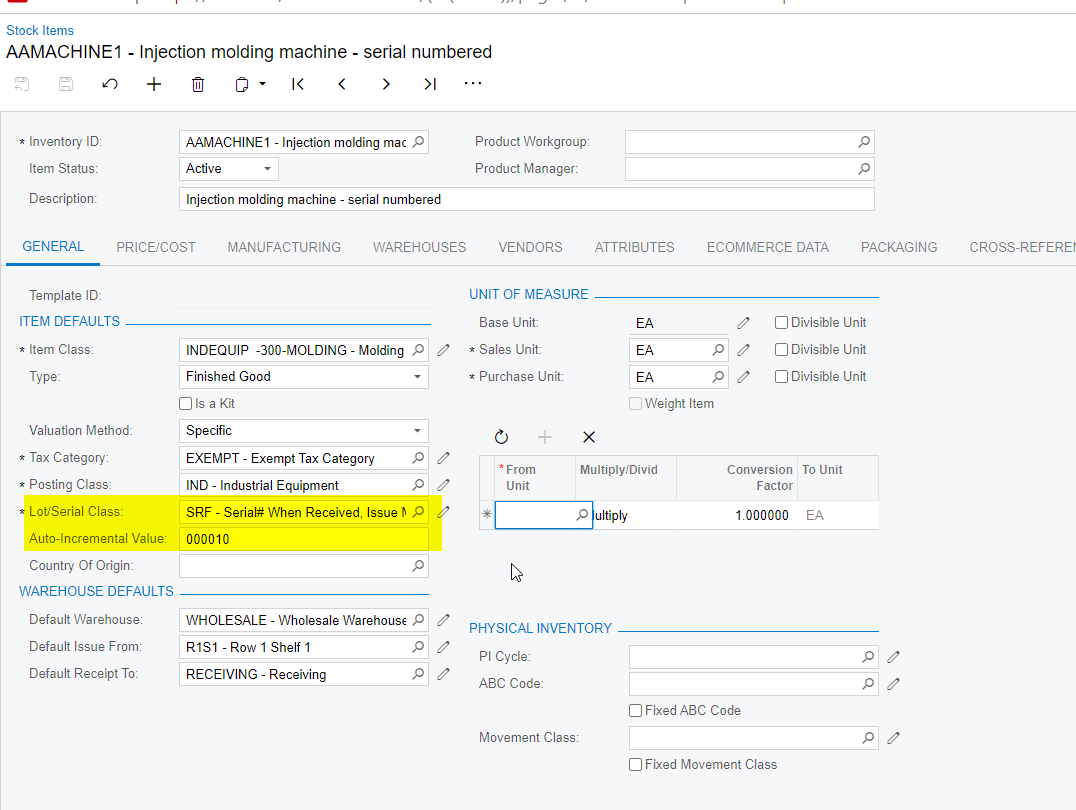
This is what I have:


Translate

jinin
Pro I
Forum|alt.badge.img+12
  • Pro I
  • January 6, 2022

Hi @shmaryarichler 

Did u publish any customization package on your instance? If yes, Can you please unpublish and check?

Translate

shmaryarichler
Freshman II
Forum|alt.badge.img

No customization projects

Translate

Naveen Boga
Captain II
Forum|alt.badge.img+20

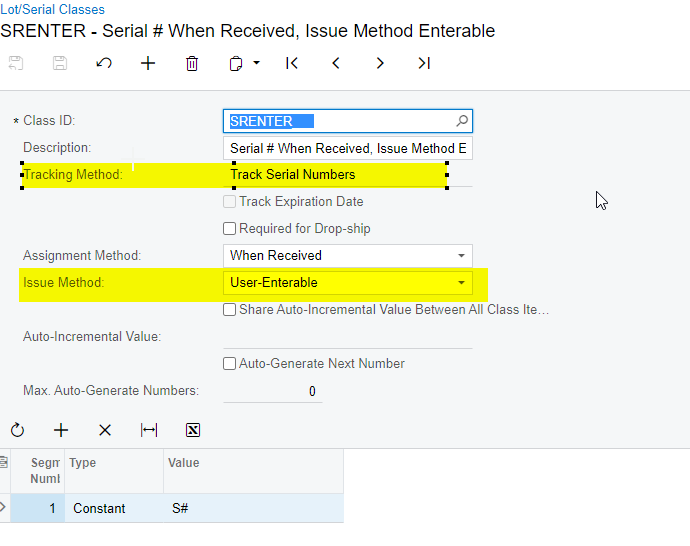
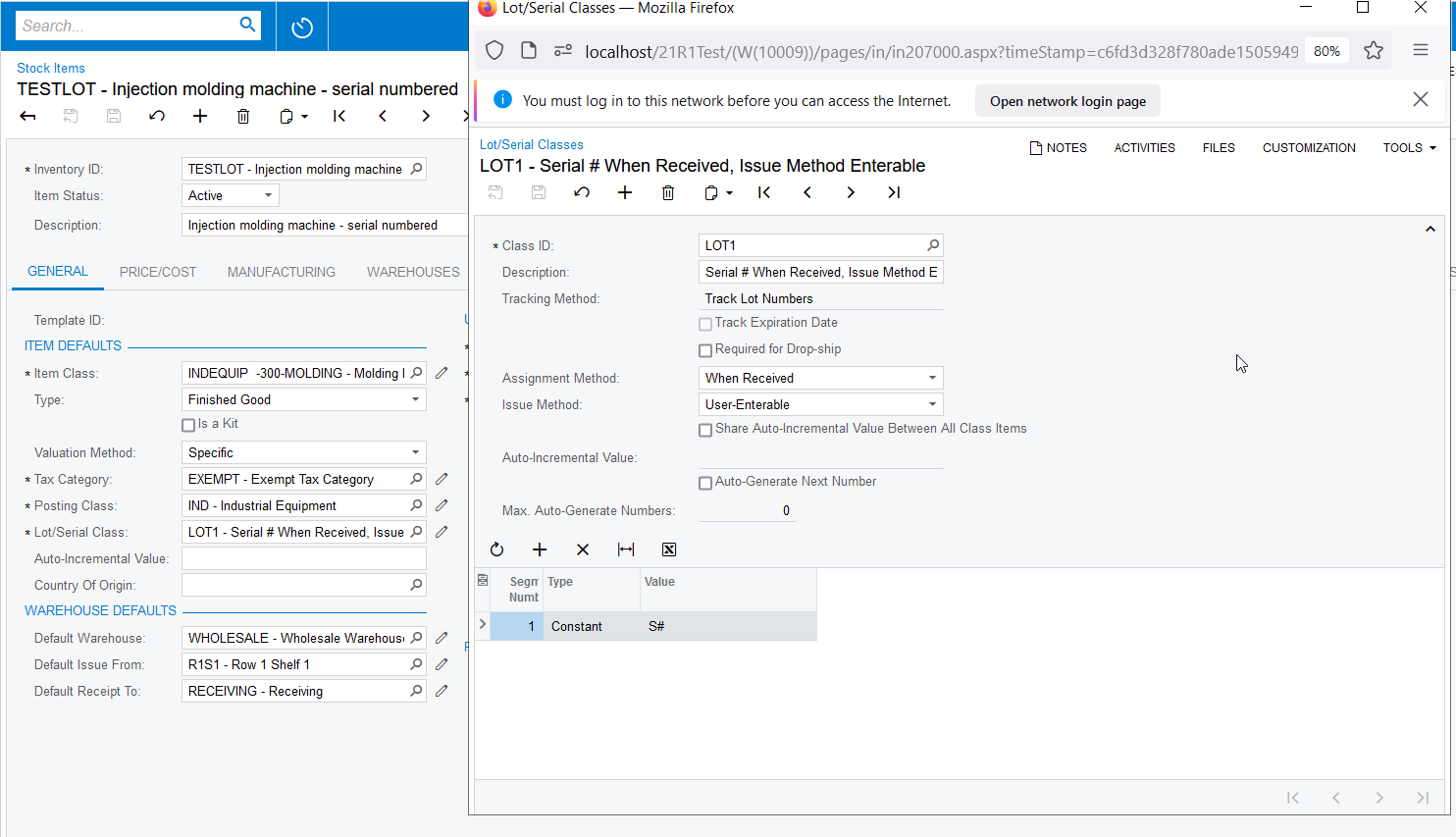
Hi @shmaryarichler  I have configured the lot same as the configuration which you done, but I can able to enter the LOT serial number and clearing this value. Please find the attached screenshots for your reference.


Just to confirm, can you please create a new stock with this lot this lot configuration and verify.


Translate

shmaryarichler
Freshman II
Forum|alt.badge.img

Hi,

I figured out the problem. The lot class had to be FIFI. It works now. Thanks for your help.

Translate