Answer

How to rename the filter setting?

  • August 23, 2021
  • 2 replies
  • 163 views

pandachan48
Jr Varsity II
Forum|alt.badge.img

I have created the filter but how to rename the filter? 
 

Best answer by ccleary

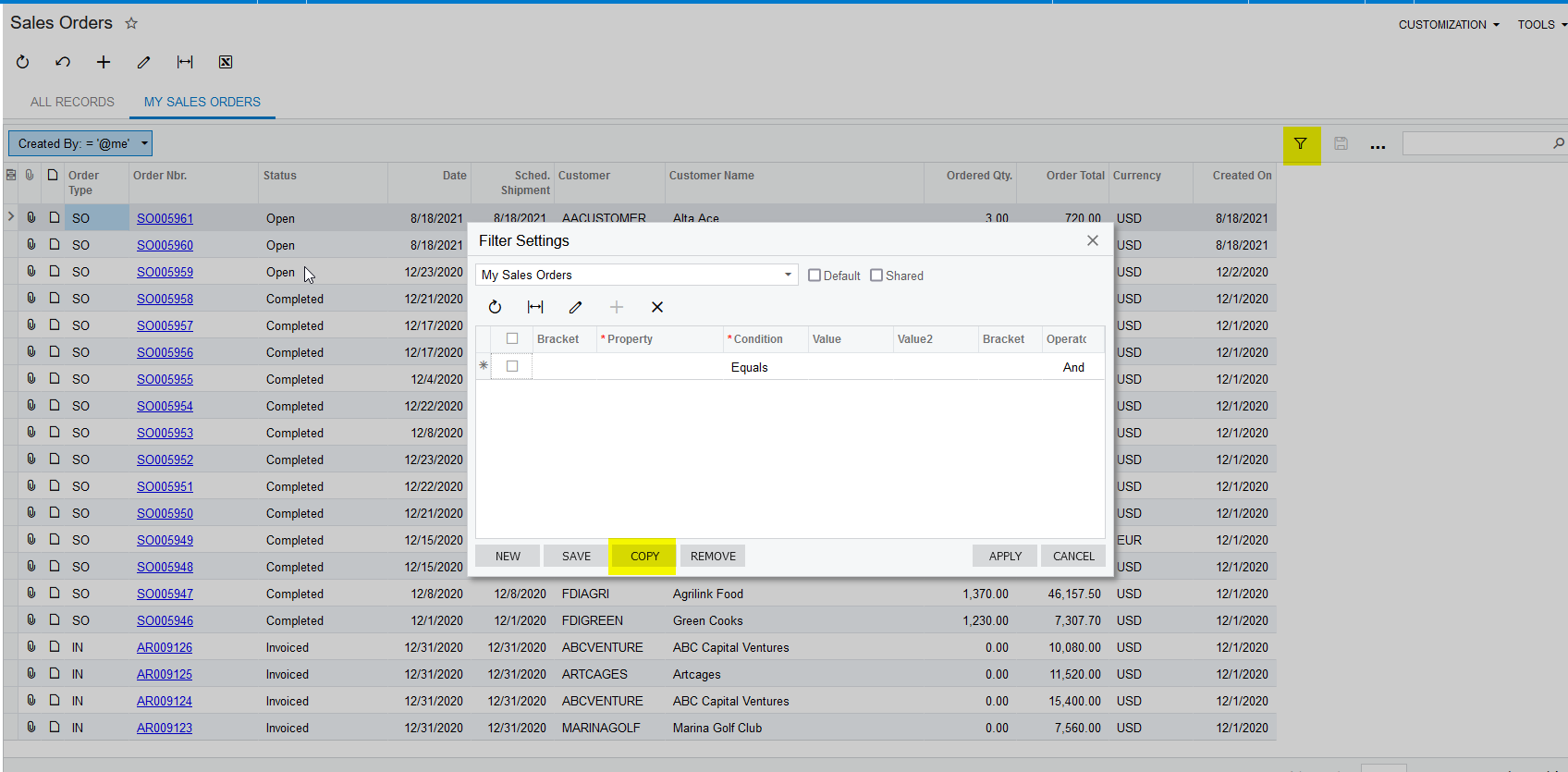
@pandachan48 if the filter is a shared filter, you can go to the filters screen and copy, change name and create a new one. I believe “copying” to a new one is the only way to accomplish this


Really more of a work around, I’m not sure the name can be edited in the existing filter. The filters screen is CS209010 (search “filter” in the menu)

2 replies

ccleary
Jr Varsity I
Forum|alt.badge.img
  • Jr Varsity I
  • Answer
  • August 23, 2021

@pandachan48 if the filter is a shared filter, you can go to the filters screen and copy, change name and create a new one. I believe “copying” to a new one is the only way to accomplish this


Really more of a work around, I’m not sure the name can be edited in the existing filter. The filters screen is CS209010 (search “filter” in the menu)


Naveen Boga
Captain II
Forum|alt.badge.img+19
  • Captain II
  • August 23, 2021

Hi @pandachan48  I conquer with @ccleary 

There is direct “RENAME” option is NOT available. 

For the existing filters, we need to copy the existing filter then need to create a new one with the required name.