Can you help me how to fix this issue. I want to create a Sales Order but I have a problem, when I’m doing SO I found out that I have no Inventory Balance but when I checked the items are there. What should I do?
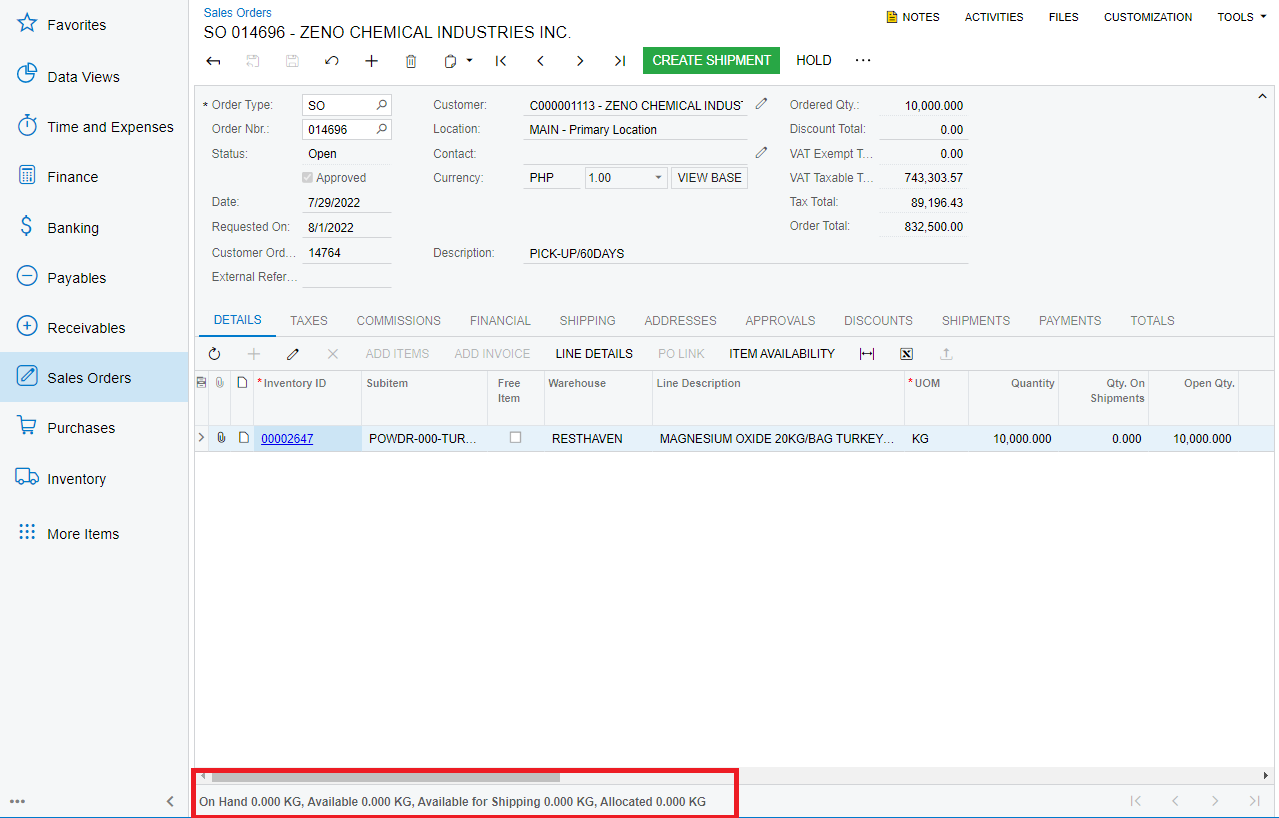
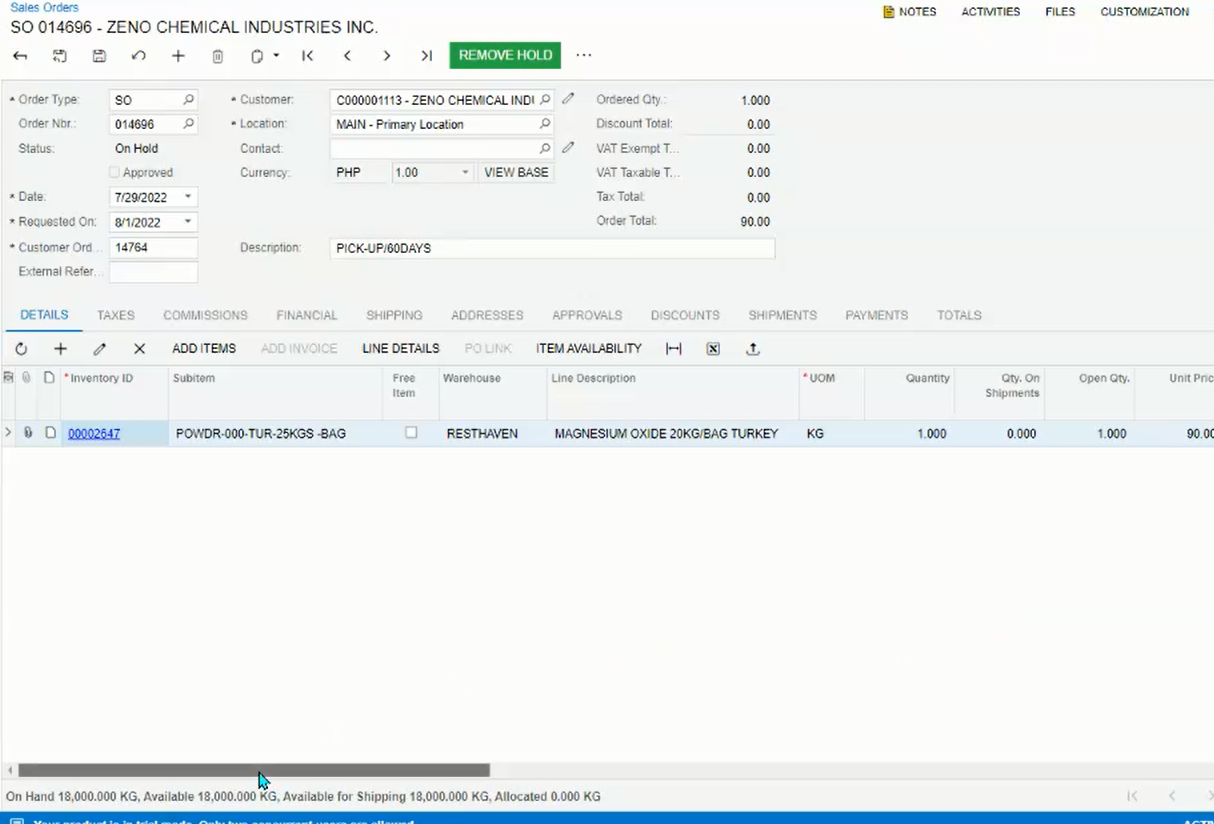
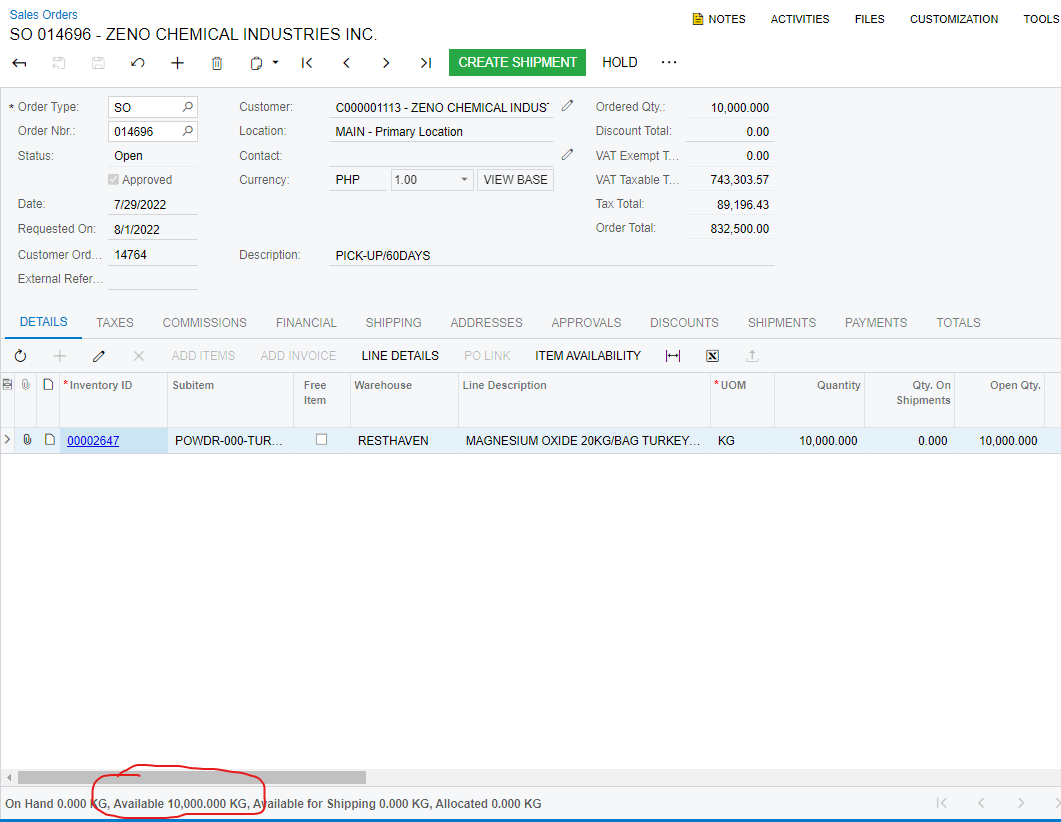
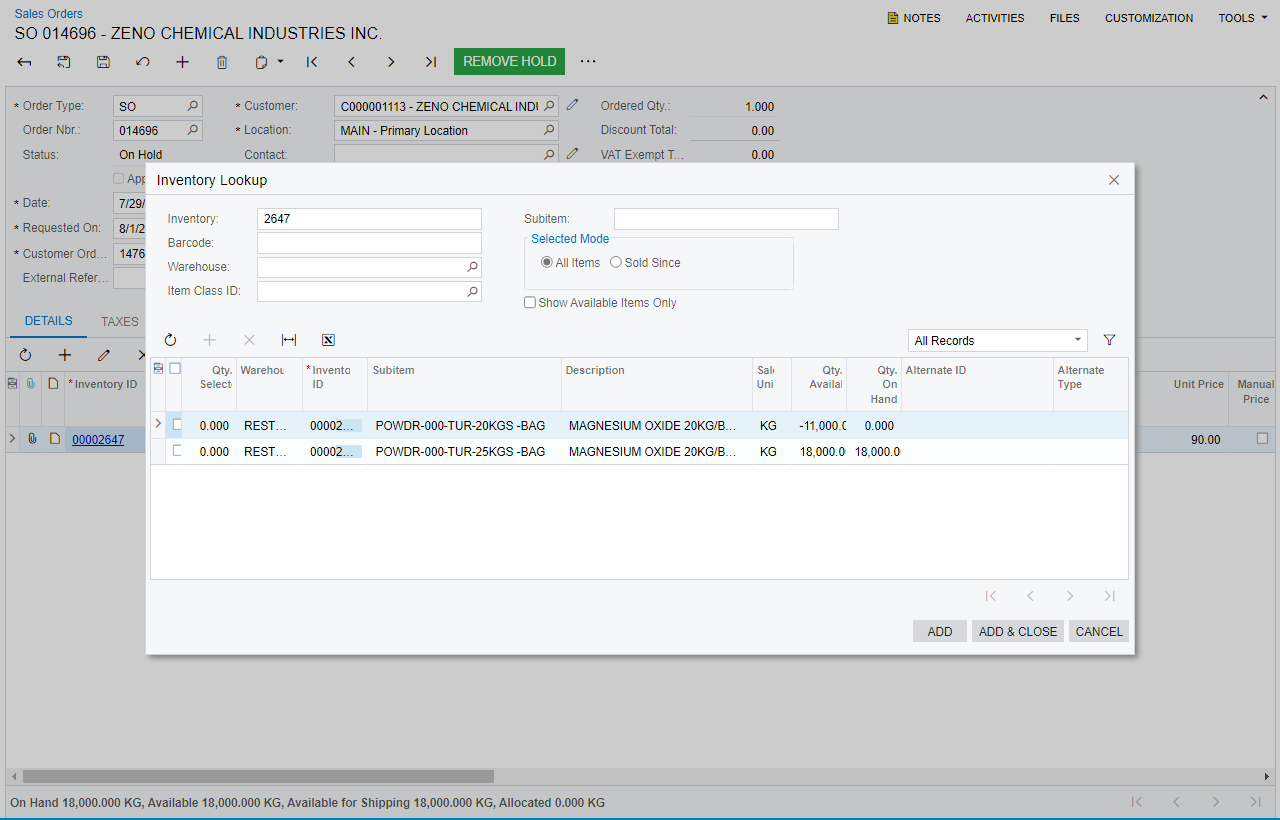
This is the Sales Order (Inventory ID - 00002647)
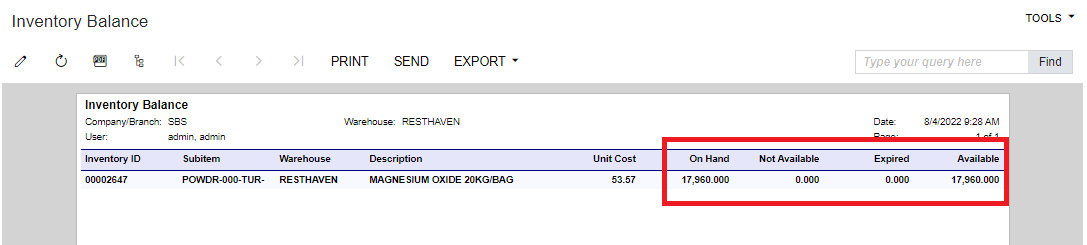
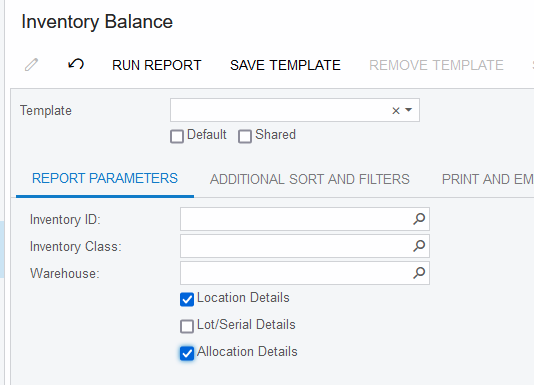
This is the Inventory Balance
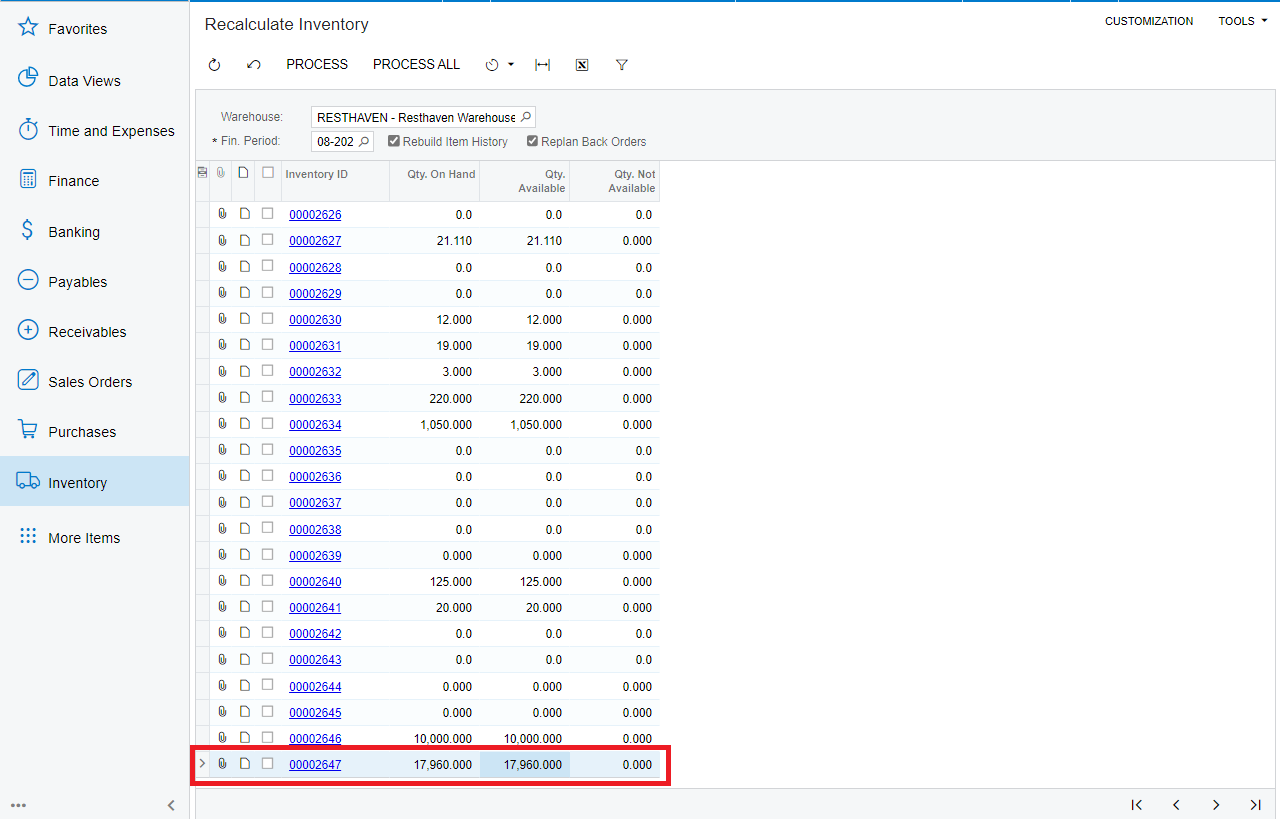
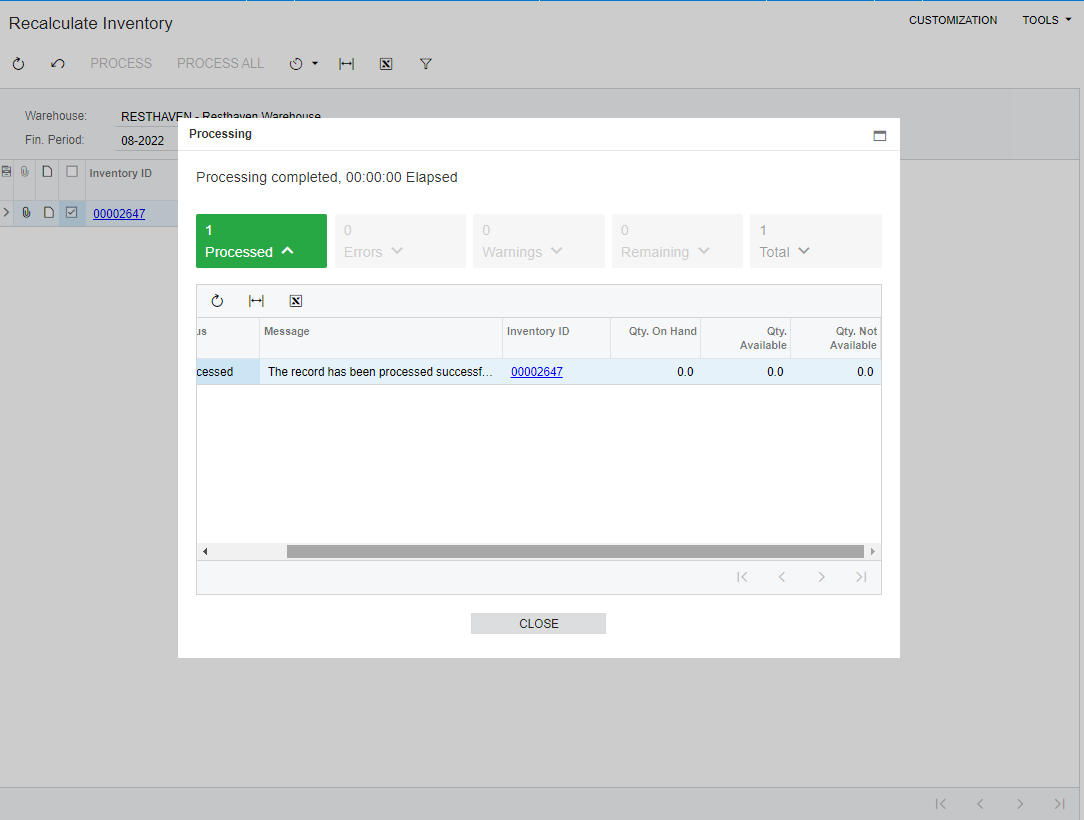
I’ve already checked in Recalculate Inventory (IN505000) but it nothing happen
Thanks
Best answer by acumaticapm182
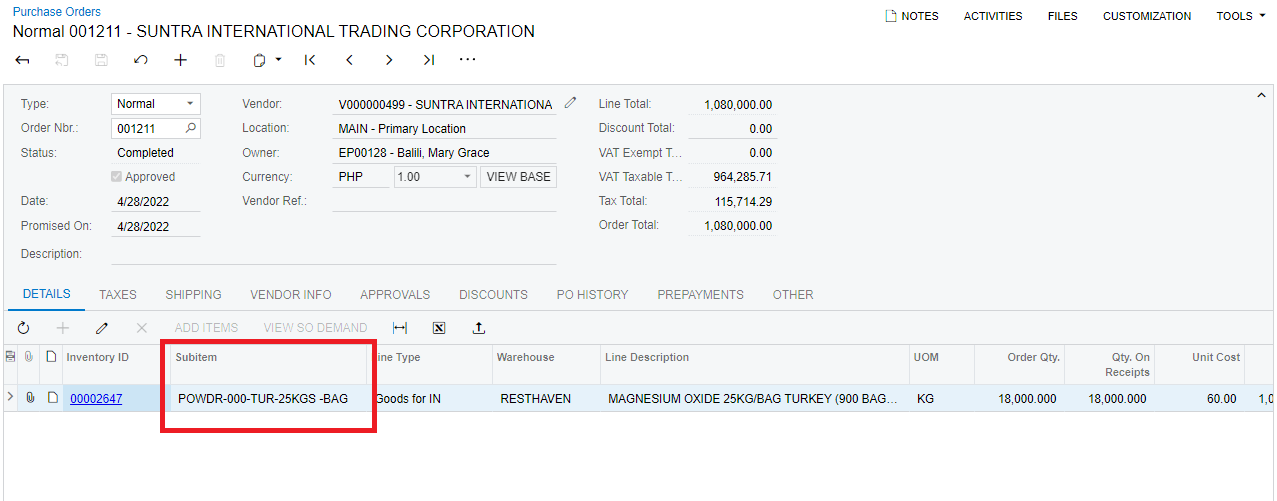
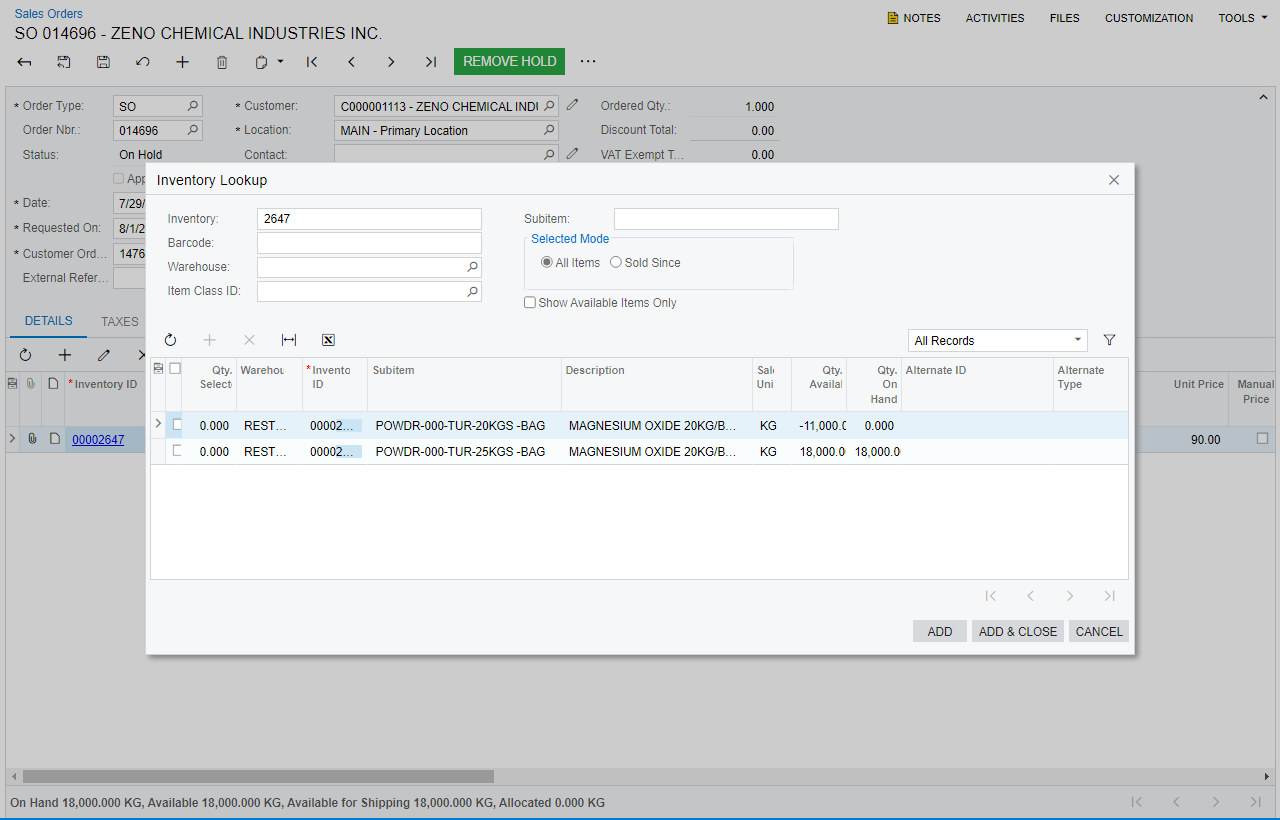
Hi @laura01 , Yes I’ve already solved this issue and I found out when I checked in the Purchase Order and what sub items in inventory ID and as you can see there are two sub items. The sub-item that we order is the second one (POWDR-000-TUR-25KGS-BAG) not the (POWDR-000-TUR-20KGS-BAG)
Hello, Could the quantity on hand be used on a different order?
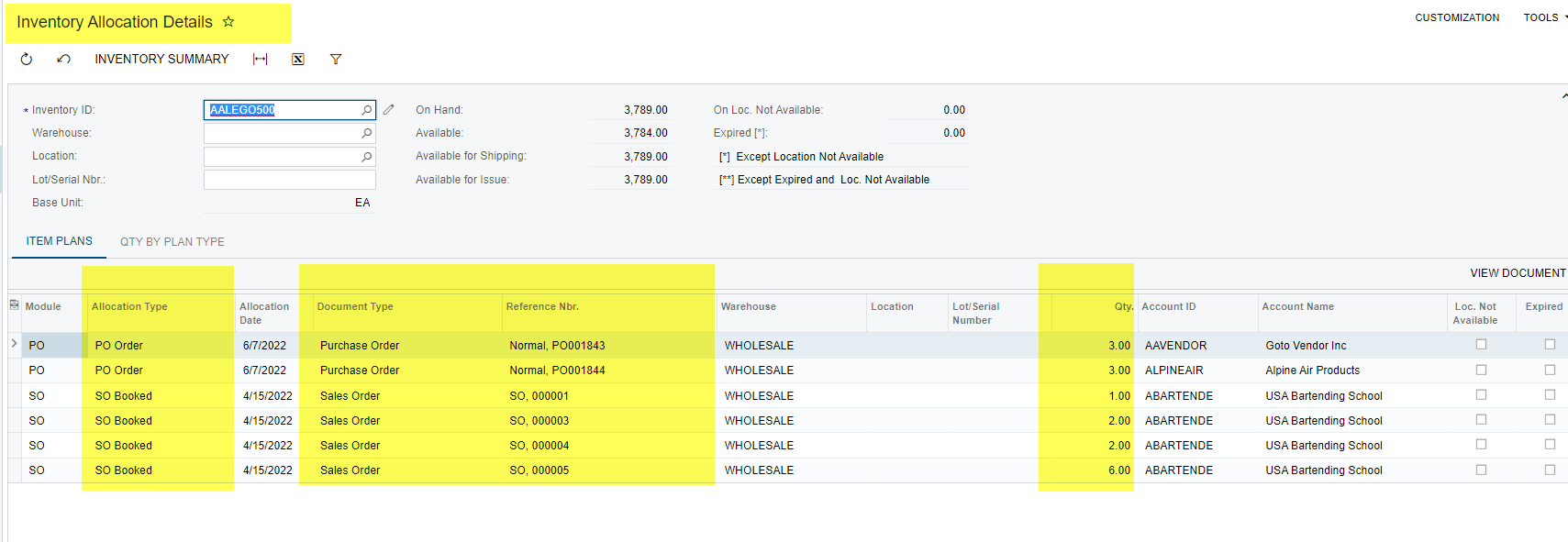
It may be helpful for us to see the Inventory Balance report with Warehouse Location details and Allocation Details. It may be helpful to see the Availability Calculation rule.
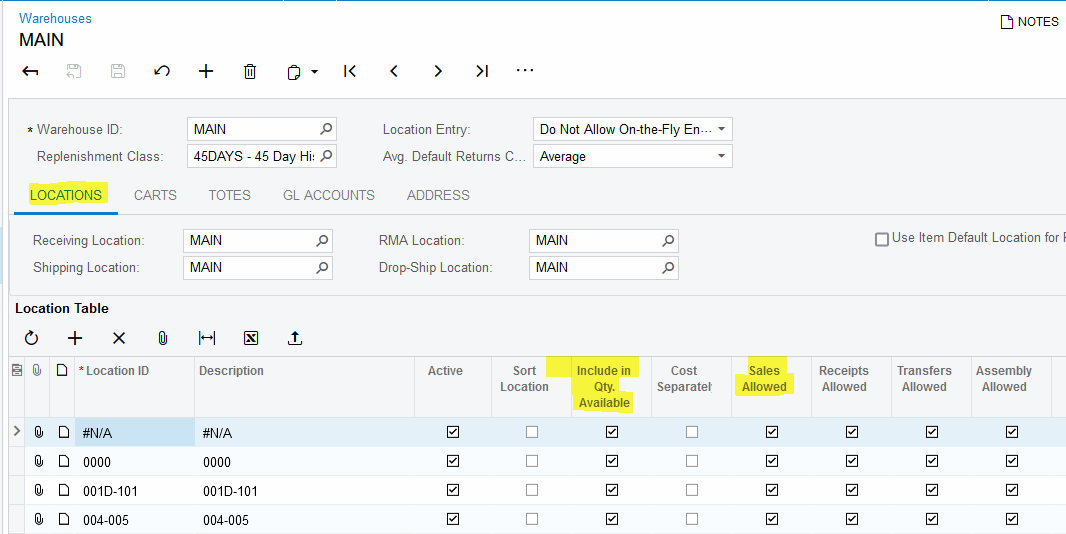
It may be helpful for us to see Warehouse Locations configurations. Thank you!
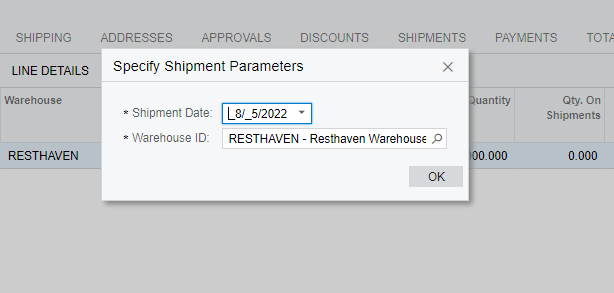
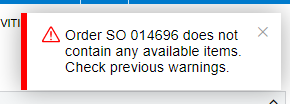
When I checked in Availability Calculation rule, I see that the other settings is not check and it’s working, the available items are there but when I go to Sales Order I see a problem. When I released this SO and make shipment, I encountered an error like this:
Hi @Naveen Boga Yes the PO and Purchase receipt has been released and there are conflict in sub-items.. I already solved this issue by deleting again the line item then go to ADD ITEMS button and select what sub items are available on your inventory
Hi @laura01 , Yes I’ve already solved this issue and I found out when I checked in the Purchase Order and what sub items in inventory ID and as you can see there are two sub items. The sub-item that we order is the second one (POWDR-000-TUR-25KGS-BAG) not the (POWDR-000-TUR-20KGS-BAG)