Answer

How to add serial numbers to drop ship items?

  • November 15, 2022
  • 4 replies
  • 217 views

Forum|alt.badge.img

Hi team,

When receiving drop ship items, I cannot add serial#’s.

We need to be able to track the serial#’s also for drop ship orders.

Thank you!

Monika


Best answer by Hannah Barnes

Hi mstuber64!

To enter lot/serial numbers, select the Required for Drop-Ship check box on the Lot/Serial Classes (IN207000) form for the lot/serial class of the item.

screenshot-4.png

Then it will be possible to click the Line Details button and specify lot/serial nbr.

Thank you!


4 replies

Kandy Beatty
Captain II
Forum|alt.badge.img+17
  • Captain II
  • November 15, 2022

Hi @mstuber64 

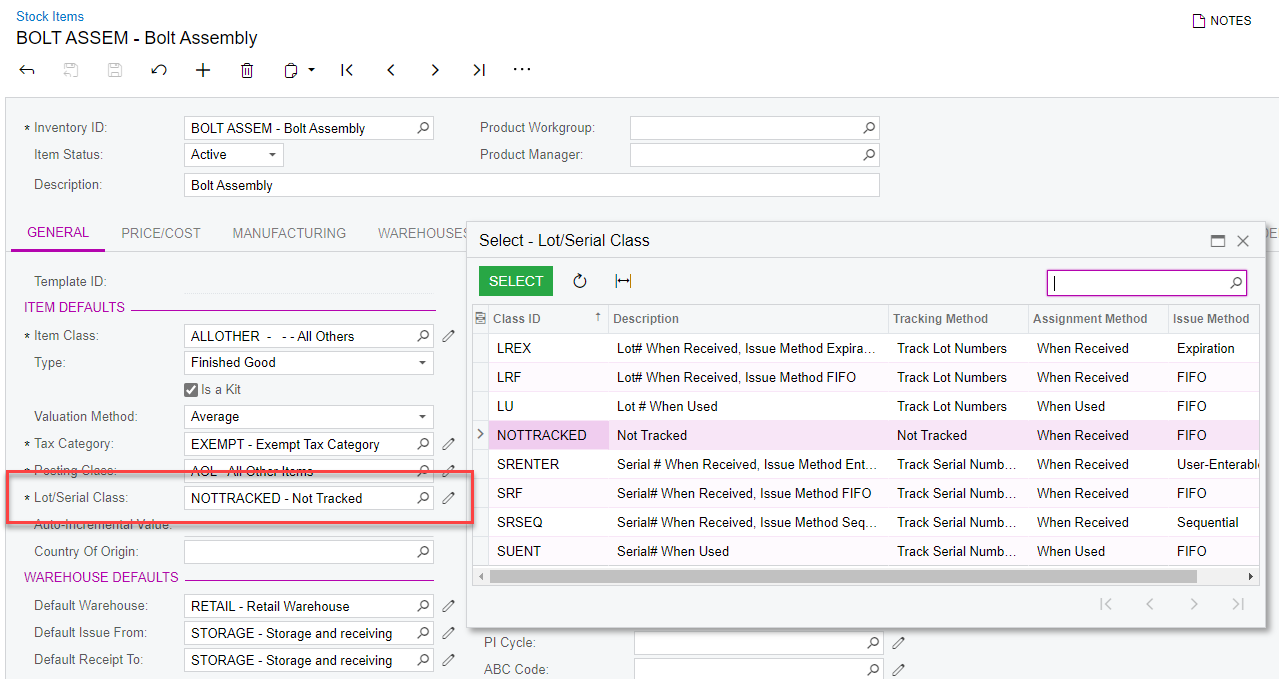
What is the Lot/Serial Class on the item? What is the tracking method?


Hannah Barnes
Captain II
Forum|alt.badge.img+4
  • Captain II
  • Answer
  • November 15, 2022

Hi mstuber64!

To enter lot/serial numbers, select the Required for Drop-Ship check box on the Lot/Serial Classes (IN207000) form for the lot/serial class of the item.

screenshot-4.png

Then it will be possible to click the Line Details button and specify lot/serial nbr.

Thank you!


Forum|alt.badge.img
  • Author
  • Freshman I
  • November 15, 2022

@kbeatty21 and @Hannah Barnes 

I changed the the drop ship check box on the lot/serial classes and it works now.

Thank you for your help!

Monika


  • Freshman I
  • April 8, 2025

Once we add the S/N in the line details, how do we get that S/N to carry through to the customer’s equipment record?