



Hi,
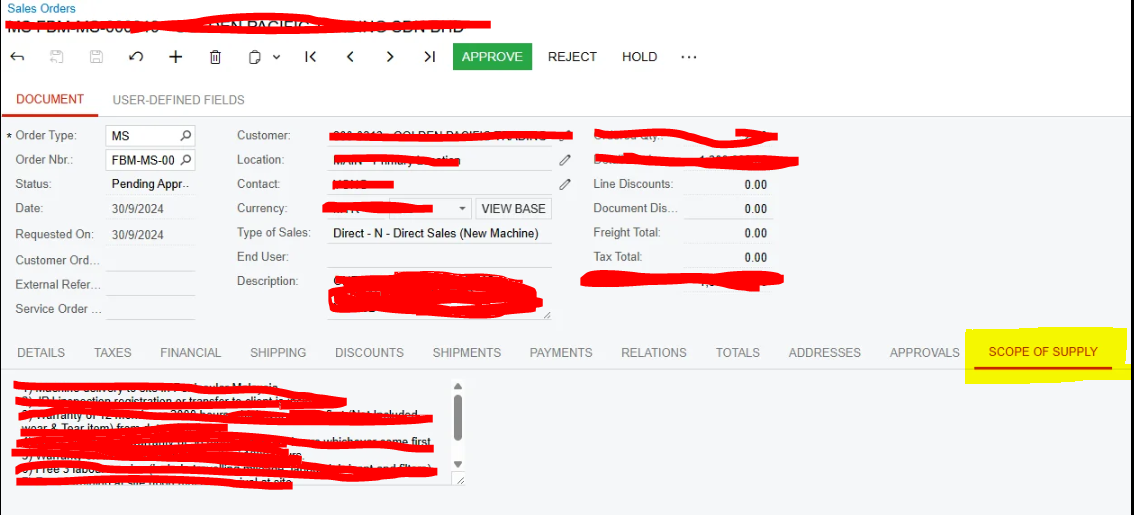
I have tab in sales order called Scope of order highlighted in below screenshot, which is not available to see in mobile application. Is there any addition setting to make is visible for mobile application ?
Hi,
I have tab in sales order called Scope of order highlighted in below screenshot, which is not available to see in mobile application. Is there any addition setting to make is visible for mobile application ?
Best answer by dcomerford
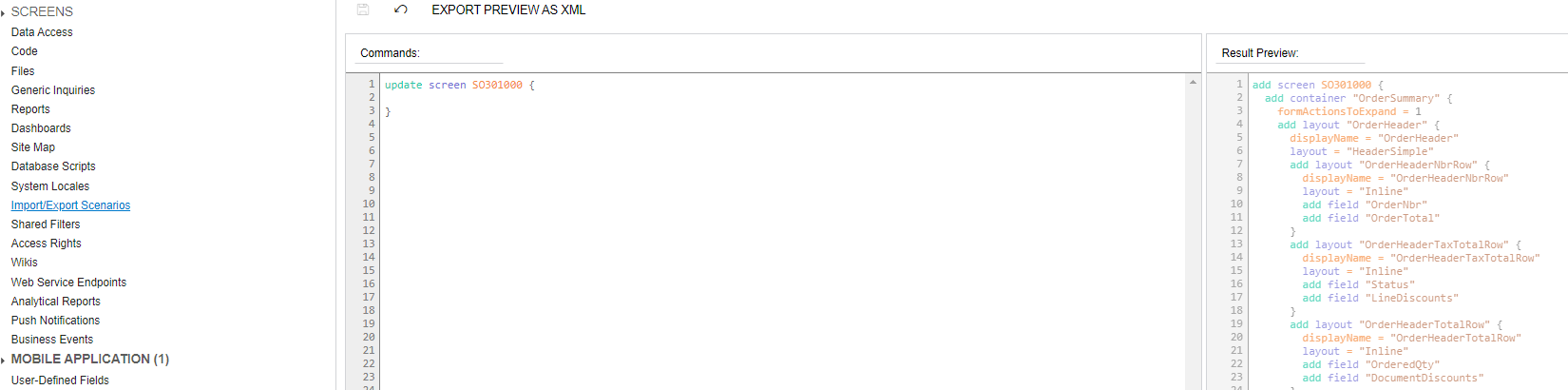
You will need to create a customisation on the mobile app for the Sales Order screen. Add a new Container/Tab and the fields you want displayed in it.
There is lots of information out there on how to do this including Acumatica training.
https://www.acumatica.com/acumatica-developer-training/mobile-development/
Enter your E-mail address. We'll send you an e-mail with instructions to reset your password.




