I'm trying to fetch the user-defined-field that I added in Customer Entity but it's not working. I'm getting this error: "message": "An error has occurred.", "exceptionMessage": "The column 'Document_AttributeCWCID' is not found in the data set.",
It is working in Contact entity and SalesOrder
My sample parameter in Contact $custom = Contact.AttributeCWCID
In SalesOrder: $custom = Document.AttributeSOID
Best answer by jayson
Hi @jayson ,
If the element is a user-defined field, use the syntax below, Document.Attribute<AttributeID>, where you replace <AttributeID> with the ID of the attribute that corresponds to the user-defined field.
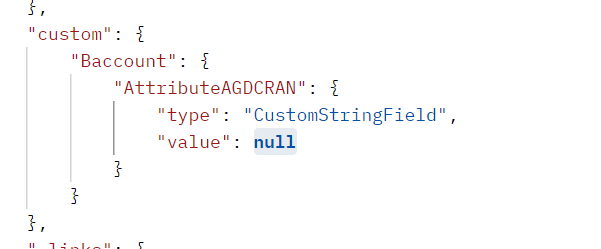
I’ve tried it with the customer entity and works fine. Example, /Customer/AACUSTOMER?$custom=Baccount.AttributePRODREQ ,
Thank you! I thought it should be Customer or Document instead of Baccount. Thanks!
If the element is a user-defined field, use the syntax below, Document.Attribute<AttributeID>, where you replace <AttributeID> with the ID of the attribute that corresponds to the user-defined field.
I’ve tried it with the customer entity and works fine. Example, /Customer/AACUSTOMER?$custom=Baccount.AttributePRODREQ ,
If the element is a user-defined field, use the syntax below, Document.Attribute<AttributeID>, where you replace <AttributeID> with the ID of the attribute that corresponds to the user-defined field.
I’ve tried it with the customer entity and works fine. Example, /Customer/AACUSTOMER?$custom=Baccount.AttributePRODREQ ,
Thank you! I thought it should be Customer or Document instead of Baccount. Thanks!
I am a developer who is integrating Acumatica with our application as part of ERP integrations. As per the client requirement we have some custom user defined fields within the entities.
I am providing all the details i have with me on this so that you can help me out.
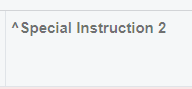
User Defined Custom Field showing on the UI:
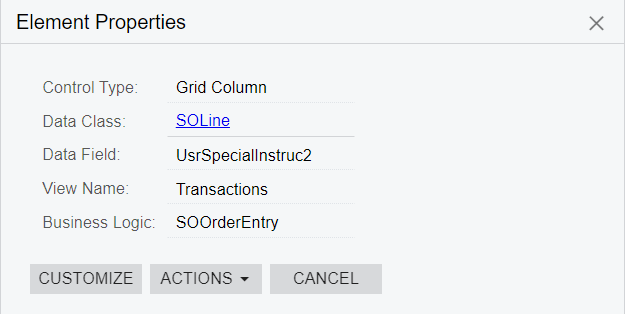
Element Properties:
I have found the properties of this element from Customization -> Inspect Element
Requirement:
I would like to know the API signature on how to access this type of fields from RESP APIs.
Note:
As we have client deliverables, i would really appreciate a quick response.
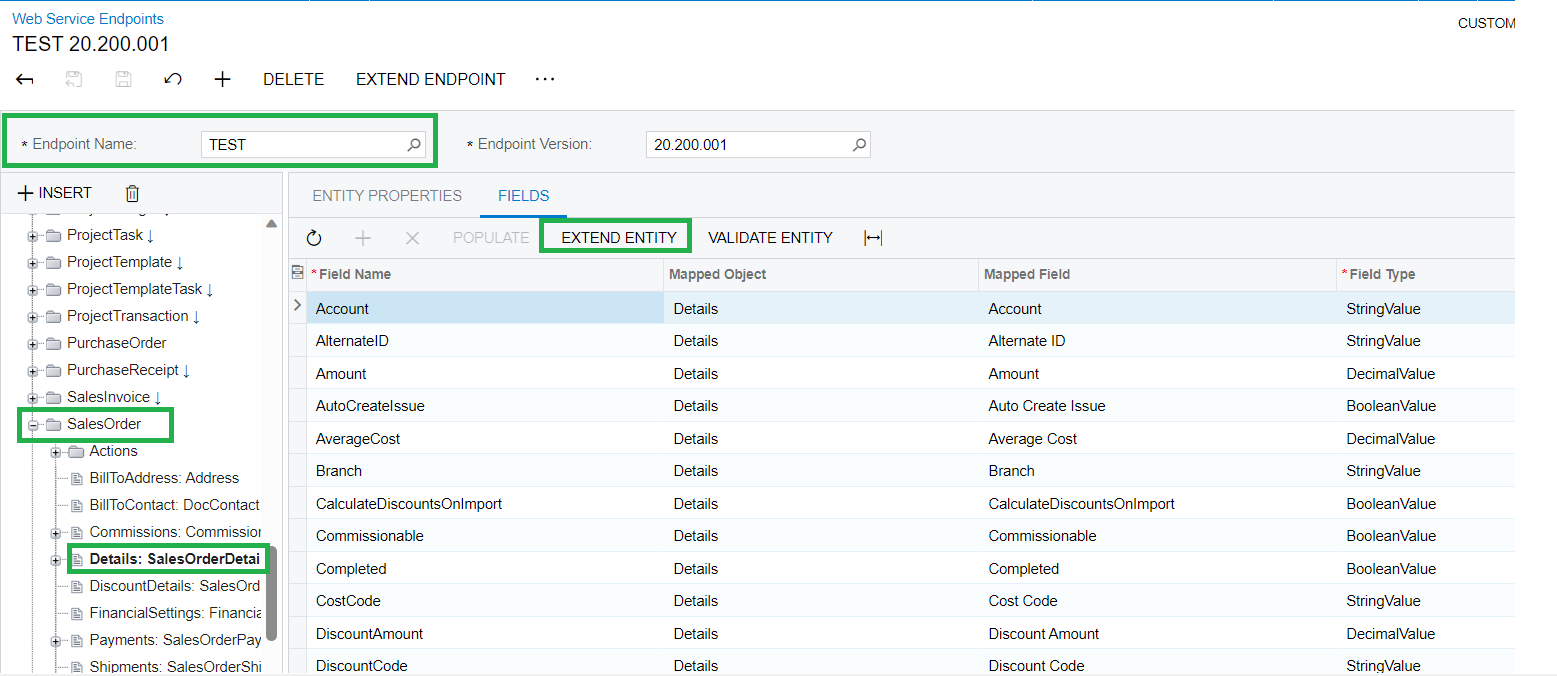
- Navigate the Web service endpoint screen, select the Salesorder entity, and select the details section as shown below
- click on the Extend entity and again click on the populate. A popup will open. Select the Details view and Choose the user field.
- Close the popup and check the grid, the value will be added on the grid. Save the screen. - Add the field on the Endpoint same as other field (Use the proper name added on the endpoint) and check whether its reflected or not.