Solved

Device Hub is not working

  • January 6, 2026
  • 4 replies
  • 36 views

Forum|alt.badge.img

Hi, 

I’m using Device Hub and this is for MYOB Acumatica. The device hub gives me following logs. Unable to re-enter the password in the device hub as well producing the similar kind of error. 
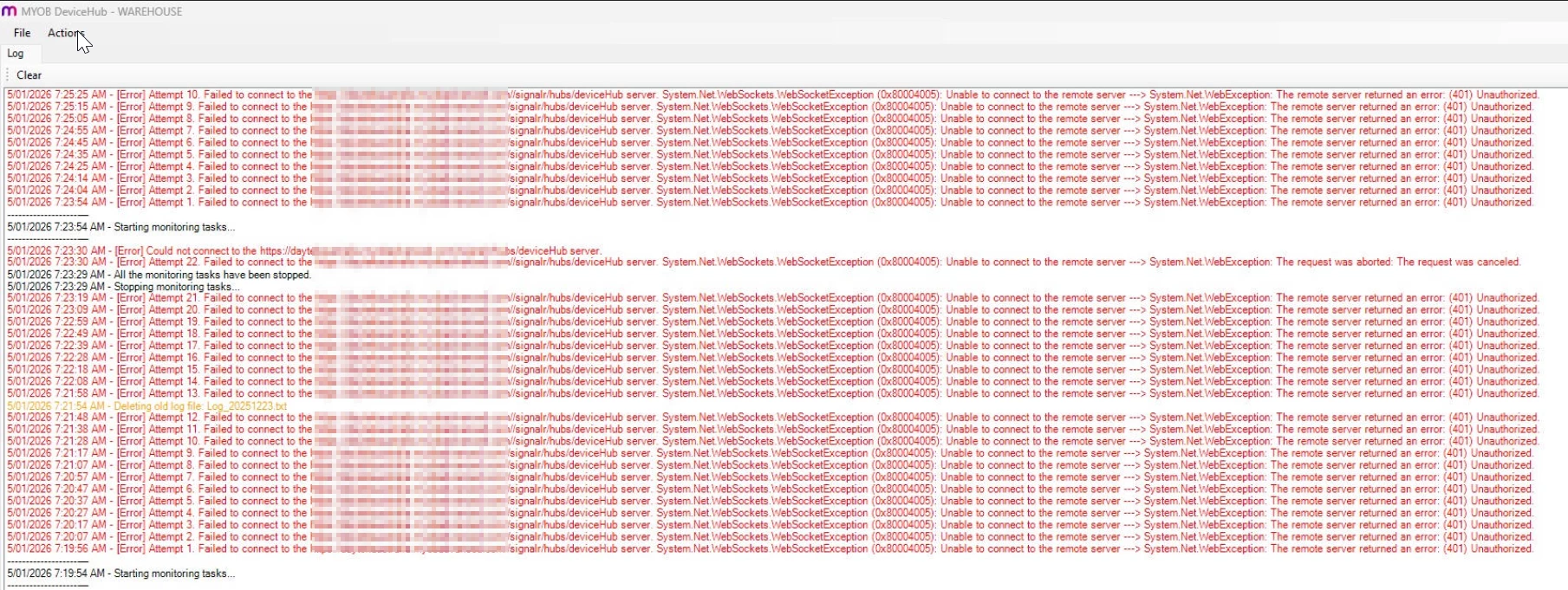
 

I would appreciate help with this. 

Thank you,

Dulanjana

Best answer by darylbowman

I would follow the instructions above to reset the config and try again. Make sure the tenant log in is correct and the user is active (not locked out).

4 replies

darylbowman
Captain II
Forum|alt.badge.img+16

Are you saying you can’t get into the DeviceHub config? The config file is stored in %localappdata%\Acumatica\DeviceHub.exe_Url_somethingUgly\1.0.0.0\user.config

You can rename the config file extension (ie: user.config.old) to force DeviceHub to be reconfigured.


Forum|alt.badge.img

Hi ​@darylbowman ,

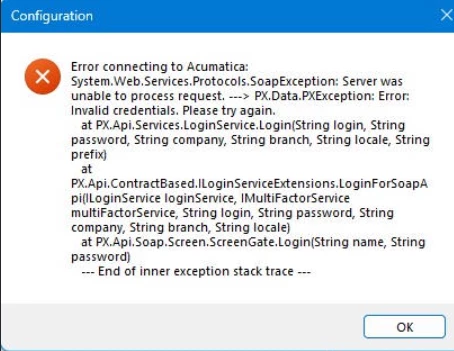
I can log into the device hub. I tried to re-set the password as this error shows a accessibility issue. But upon saving it shows below message. 

basically printing job are not processing and showing the error server not-accessible. And cannot re-enter the password from device hub due to above error. 


darylbowman
Captain II
Forum|alt.badge.img+16
  • Answer
  • January 14, 2026

I would follow the instructions above to reset the config and try again. Make sure the tenant log in is correct and the user is active (not locked out).


mohammadnawaz51
Jr Varsity I
Forum|alt.badge.img+6

@dsenevirathne54 

This appears to be a login issue. Could you please let us know why you are unable to enter the password?

If your Acumatica instance has multiple tenants connected to DeviceHub, please enter the Tenant name. If there is only one tenant, you can leave the Tenant field blank.Configuration of the Device Hub | Acumatica Cloud ERP