Solved

Custom Field no available to add to extended Endpoint

  • December 19, 2024
  • 8 replies
  • 133 views

Forum|alt.badge.img+1

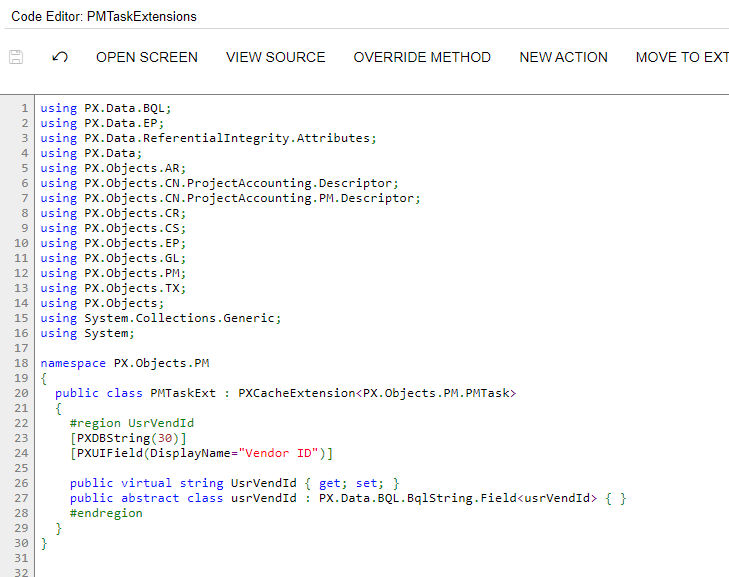
Hi all, I have a customization project where I have added custom fields to PMTASK and Project Address.

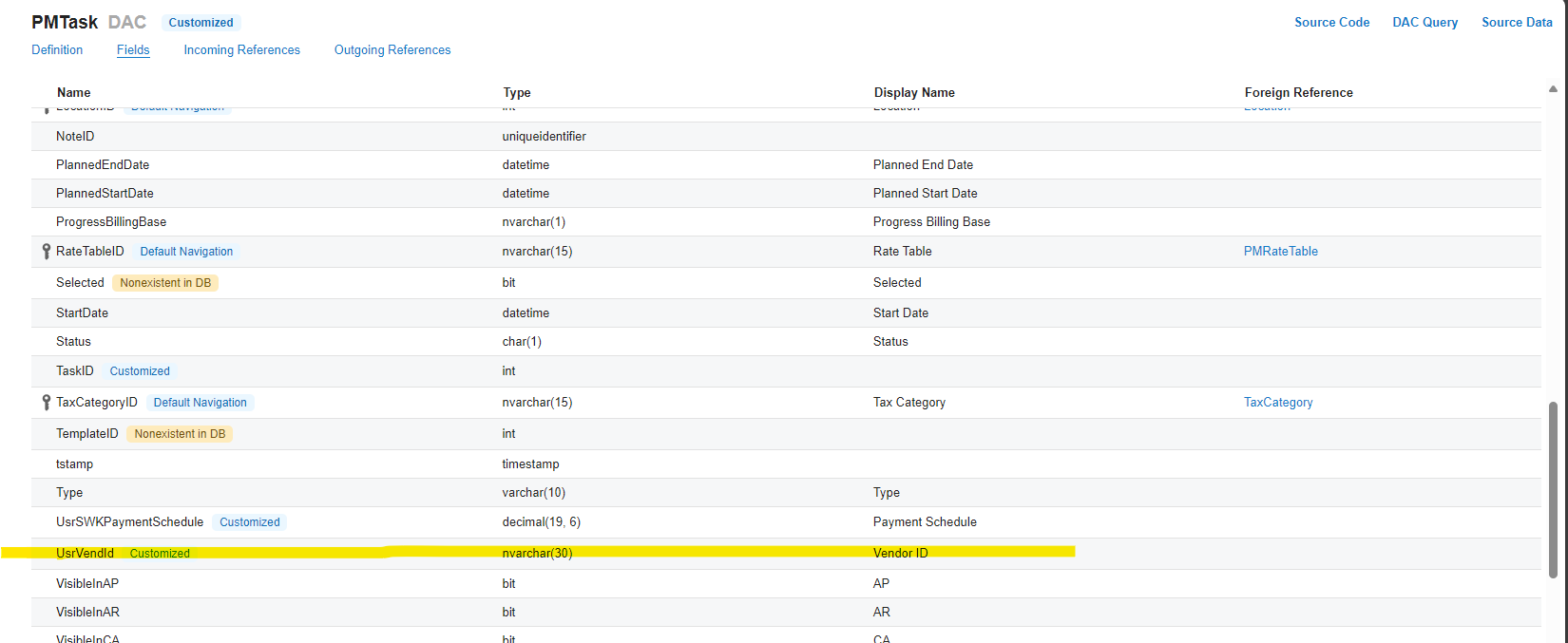
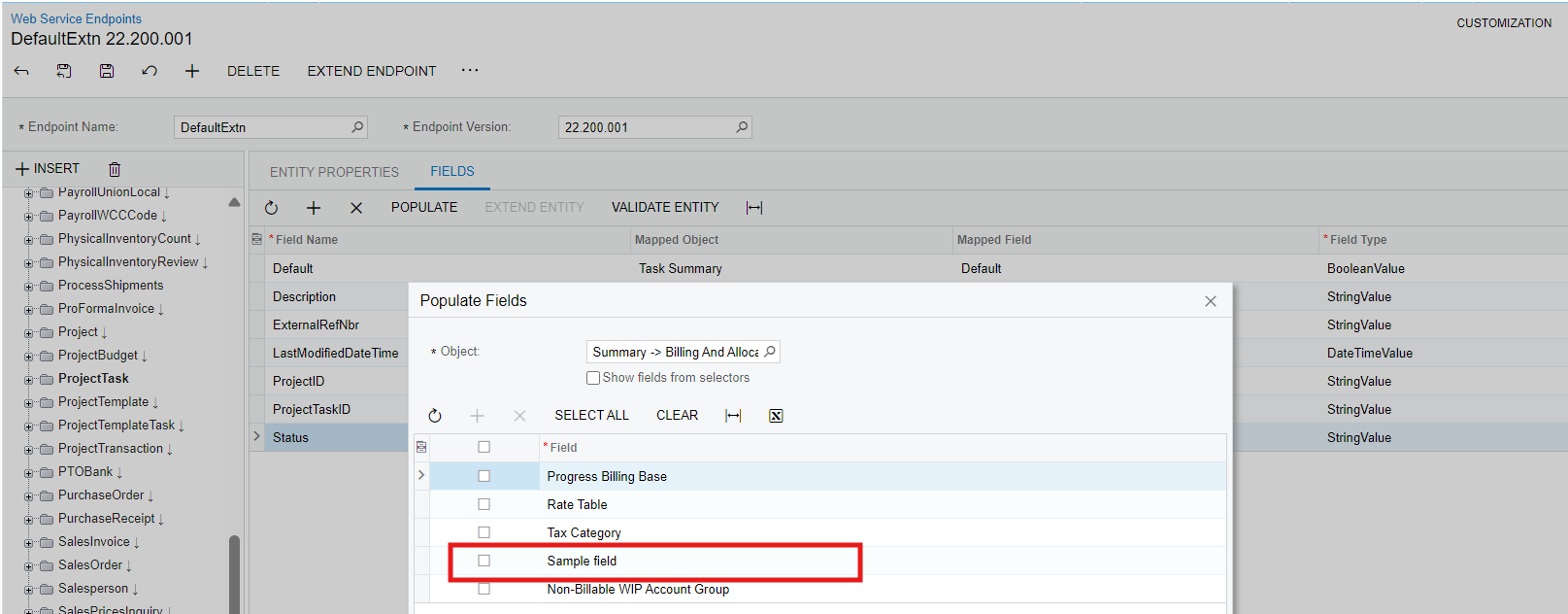
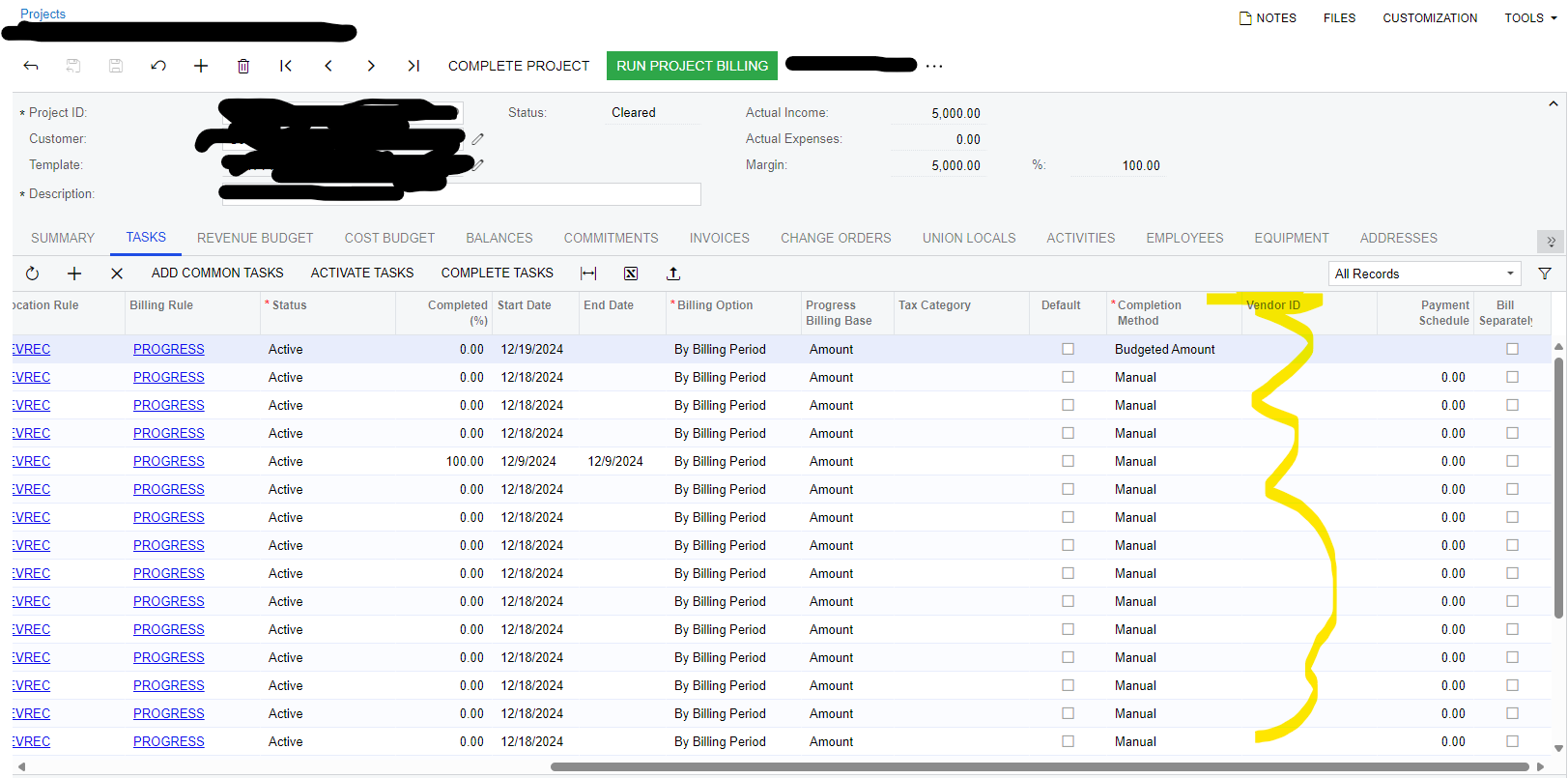
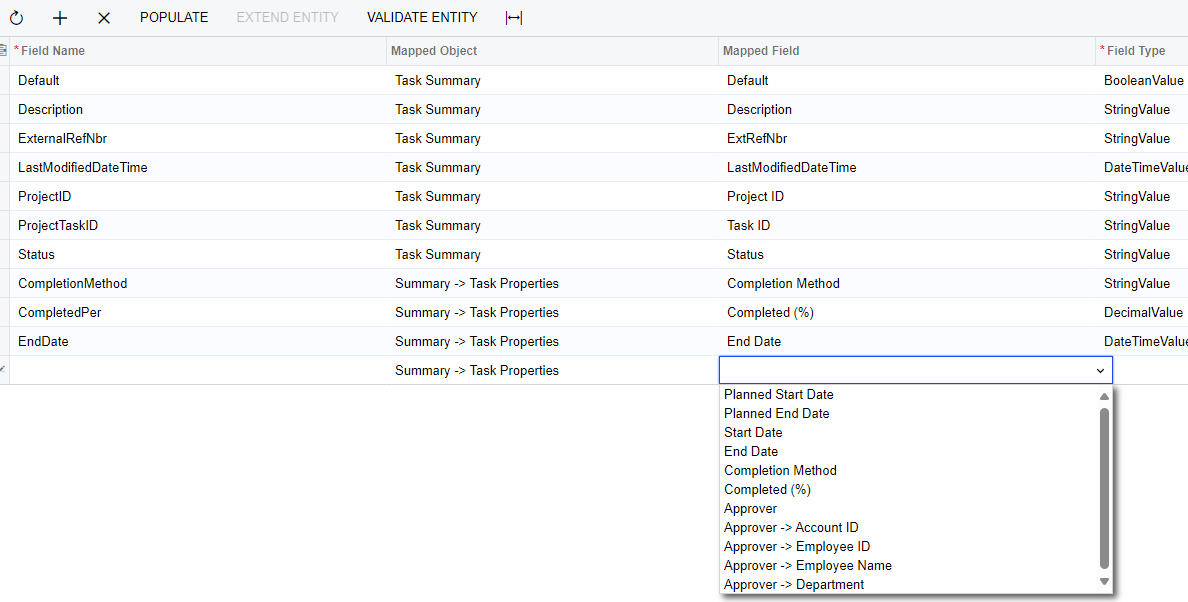
I have them on the screen and they work fine. The 2 Fields that I added to addresses appear and I can add to the extended endpoint. For the Project Task I do not see it in Task Summary or Summary→ Task Properties.  I can see it in the DAC.

Any Ideas?  I created the fields the same way.


Thank you

Best answer by keithschm

All, Just to close this out. My Mistake is I only added it to the Grid on the Project screen. I did not add it to the Project task Screen. Once I did that I was able to add it to the Endpoint. 


Thanks all

8 replies

jinin
Pro I
Forum|alt.badge.img+11
  • Pro I
  • December 19, 2024

Hi ​@keithschm ,

Could you share the screenshot you are referring to? 


Forum|alt.badge.img+1
  • Author
  • Varsity I
  • December 19, 2024

I did not have a Screenshot. I meant I can see them in the UI and they Function as expected. Just can’t see the one on PMtask to add to a extended endpoint. Here it is in the DAC


jinin
Pro I
Forum|alt.badge.img+11
  • Pro I
  • December 20, 2024

Hi ​@keithschm ,

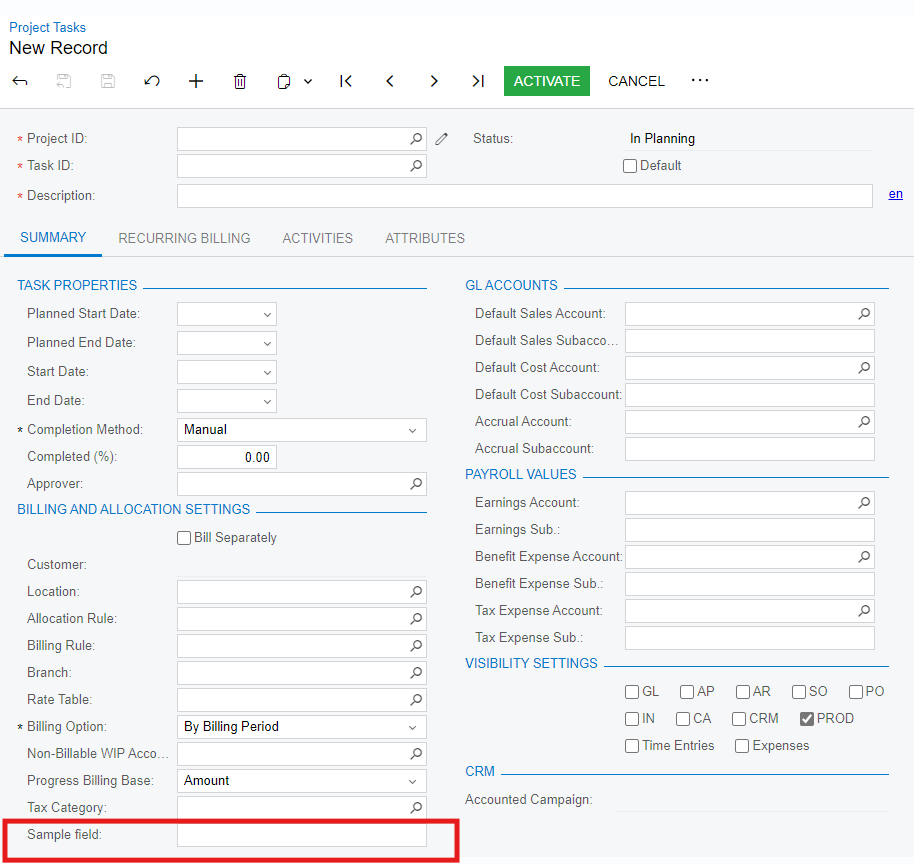
I created a field and checked. I can see the field in Summary → Billing and Allocation Settings.

Can you delete it and try creating it from scratch?


Forum|alt.badge.img+1
  • Author
  • Varsity I
  • December 20, 2024

Thank you, but I do not think you understand. I can see it on the GUI, but I am trying to add it to an extended endpoint.  It is not there for me to pick. Is it because it is in a grid? Is there a different way I need to add it?


jinin
Pro I
Forum|alt.badge.img+11
  • Pro I
  • December 20, 2024

Hi ​@keithschm ,

I previously reviewed this on the Project Tasks screen.

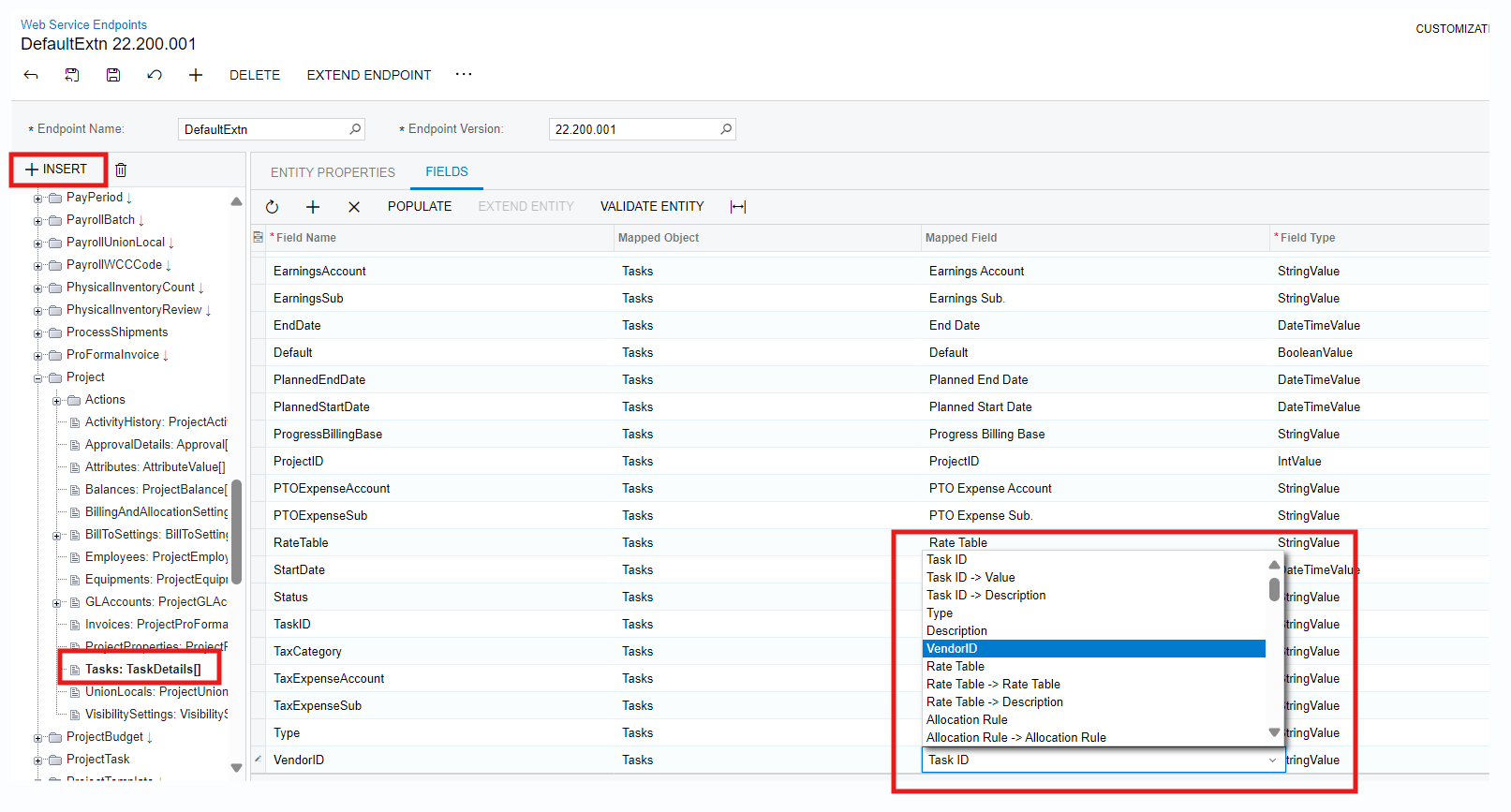
As highlighted in the screenshot you shared, the field is added under the Task Details grid. Therefore, you need to include the Tasks sub-entity and add the field accordingly.


Forum|alt.badge.img+1
  • Author
  • Varsity I
  • December 23, 2024

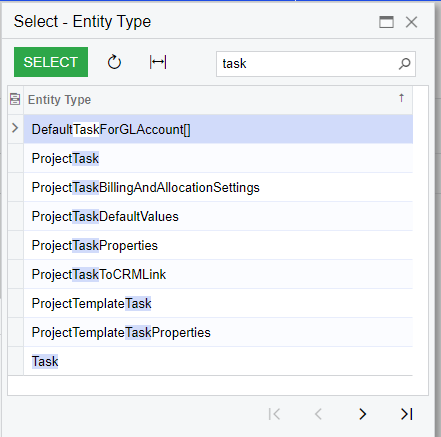
Thank you, I guess I am missing something. Which Entity do I need to add?


Forum|alt.badge.img+1
  • Author
  • Varsity I
  • January 2, 2025

Thank you, this works fine for a get request, but I need to be able to update the Vendor ID VIA the API. Since it is in a detail, I am unable to use a filter for the specific task. Is there a better way to do this?


Thank you


Forum|alt.badge.img+1
  • Author
  • Varsity I
  • Answer
  • January 3, 2025

All, Just to close this out. My Mistake is I only added it to the Grid on the Project screen. I did not add it to the Project task Screen. Once I did that I was able to add it to the Endpoint. 


Thanks all