Solved

Unable to Import data in "Documents to apply" tab in "Payments and Application" Screen

  • October 23, 2025
  • 3 replies
  • 50 views

I created an import to load data into the Payments and Applications screen, Documents to Apply tab. When running the import, it fails with the error: “Value cannot be null. Parameter name: row.” Please advise on the cause and required fix.
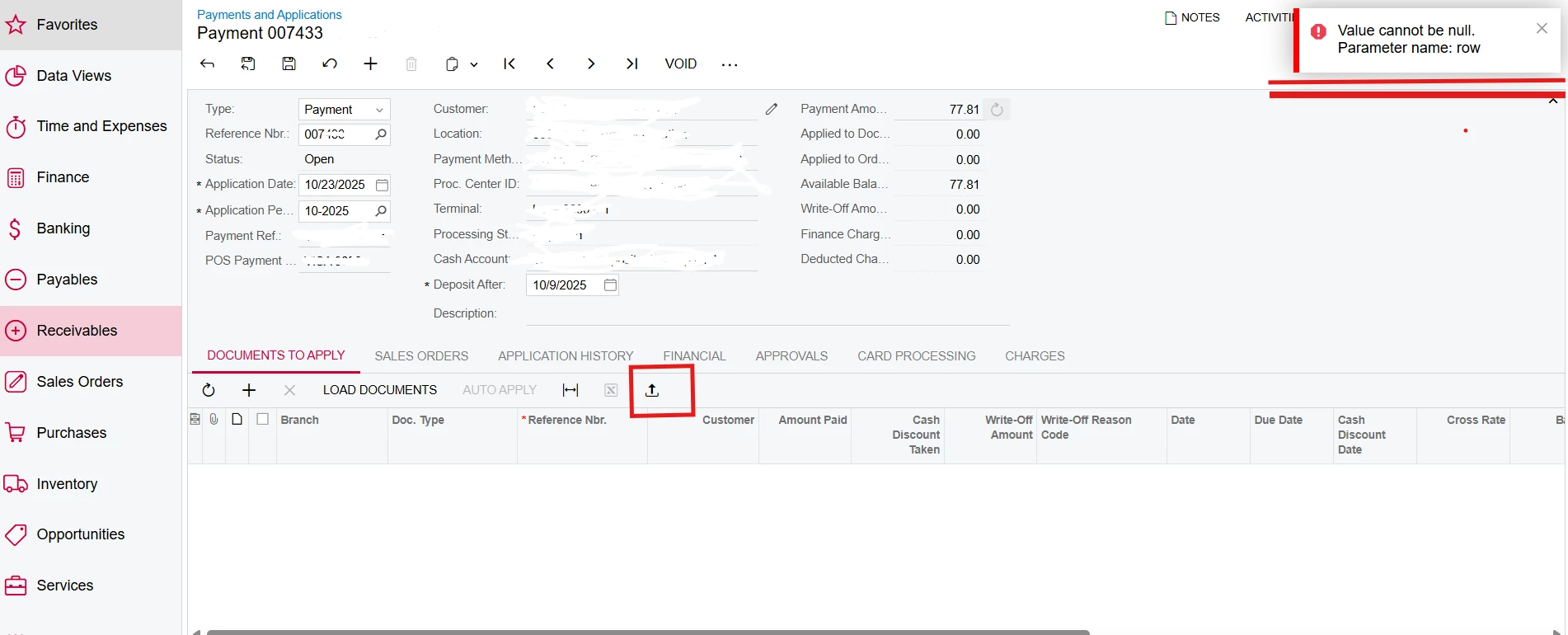


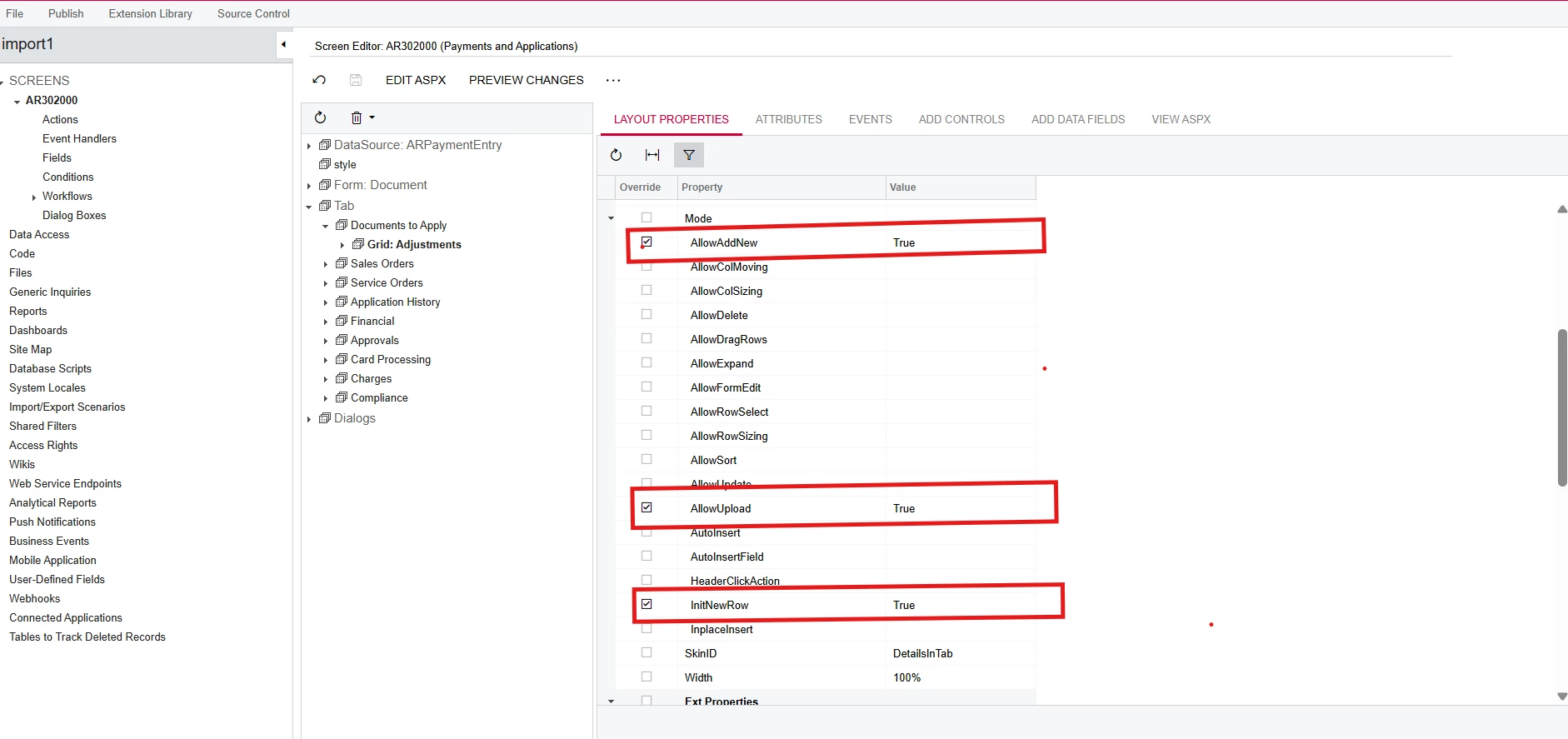
My Settings:

using PX.Data;
using PX.Objects.AR;
using ARAdjust = PX.Objects.AR.ARAdjust;
using ARPayment = PX.Objects.AR.ARPayment;


namespace import1.GraphExt
{
    public class ARPaymentEntryExt : PXGraphExtension<ARPaymentEntry>
    {
        [PXImport(typeof(ARPayment))]
        public PXSelect<
            ARAdjust,
            Where<
                ARAdjust.adjgDocType, Equal<Current<ARPayment.docType>>,
                And<ARAdjust.adjgRefNbr, Equal<Current<ARPayment.refNbr>>>>,
            OrderBy<Asc<ARAdjust.released, Asc<ARAdjust.adjdRefNbr>>>> Adjustments;
     }

}


Best answer by mohammadnawaz51

@prathamesh5005 Please find the below import scenario 

3 replies

Patrick Chen
Varsity III
Forum|alt.badge.img+3
  • Varsity III
  • October 23, 2025

Did you look at the Trace?  There are sometimes more details there about these things


mohammadnawaz51
Jr Varsity I
Forum|alt.badge.img+6
  • Jr Varsity I
  • Answer
  • October 24, 2025

@prathamesh5005 Please find the below import scenario 


Forum|alt.badge.img+9
  • Captain II
  • October 24, 2025

@prathamesh5005 


Honestly, I wouldn’t bother with an import on this, there is a bunch of functionality performed in the background within Acumatica that you would have to handle within your import, from experience, it seems that importing from excel doesn’t always fire off event handlers as expected. i.e. updating the invoice with the added adjustment.


Could I ask why you wouldn’t do this via import scenario?