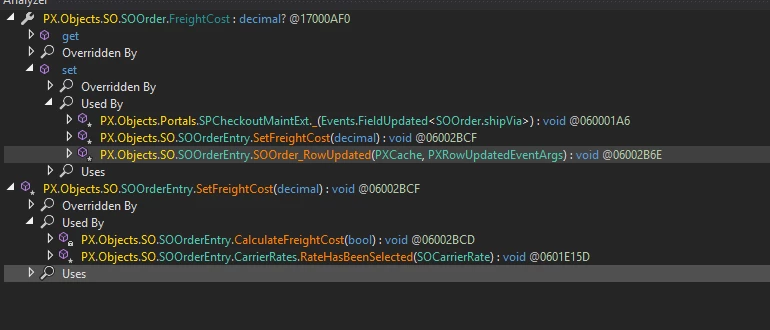
If you have a ship via with no cost associated with it and select it, it fills the Freight Cost field in the Totals Tab with zero. I can enter a value and save it and all is well.
After entering my desired amount and select a different Ship Via that doesn’t have a cost associated with it, it changes the cost to zero, and I don’t want to overwrite the Freight Cost I entered.
I THINK that if I can override the events on the Ship Via to NOT update ANYTHING unless the Ship Via has a cost setup on it, OR it is a connected service, that might do what I need.
Is this what I should do to try to cancel the update event for Ship Via? If so, what code do I put in that will “cancel” the update event?
		}
		protected virtual void SOOrder_ShipVia_FieldUpdated(PXCache cache, PXFieldUpdatedEventArgs e, PXFieldUpdated InvokeBaseHandler)
		{
			if (InvokeBaseHandler != null)
				InvokeBaseHandler(cache, e);
				var row = (SOOrder)e.Row;

			Carrier carrier = SelectFrom<Carrier>.Where<Carrier.carrierID.IsEqual<@P.AsString>>.View.Select(Base, row.ShipVia);
			if (carrier != null && (carrier.IsExternal == true || carrier.CalcMethod == "P"))
			{
				//DO WHATEVER ACUMATICA WANTS TO DO
			}
			else
			{
				//CANCEL WHATEVER ACUMATICA IS DOING
			}
}