

Answer

SQL DAC View disappears every time customized project is republished

  • May 19, 2025
  • 3 replies
  • 91 views


Hi all,

I created some custom DAC views from sql for GI. When I publish the project for the first time, the tables still appear normally. But when I publish the next times for other projects, the tables in GI will disappear. I checked on the database and the views are still there but not appearing on GI.

This is my sql code in the database script
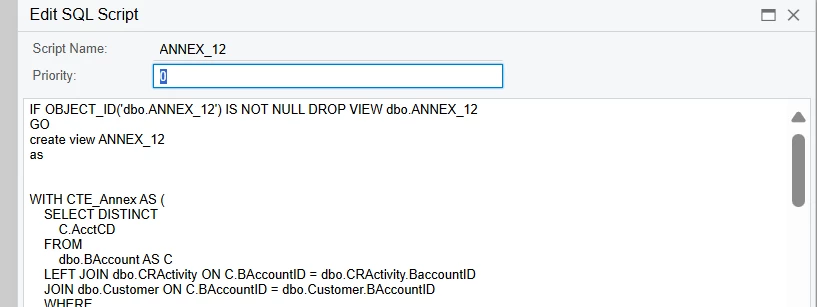
 

This is the code I let the system automatically create
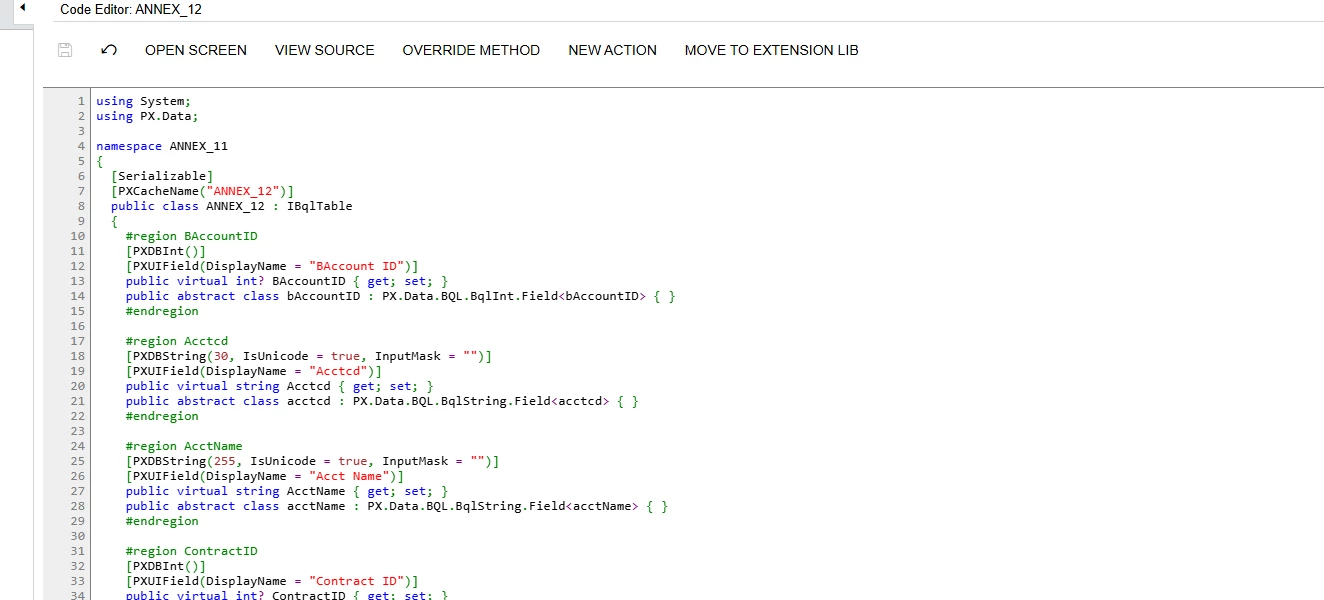
Do I need to adjust the initialization code for the above scripts? Or do I need to do something else ?
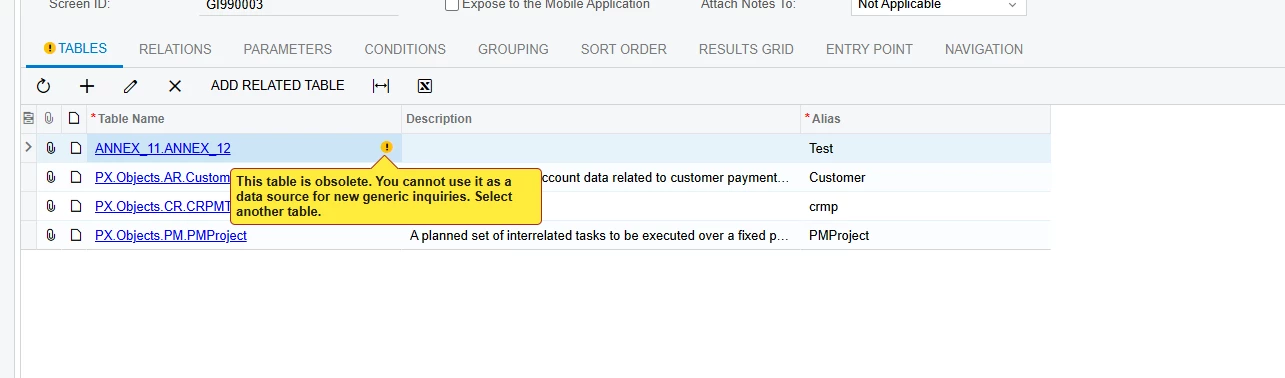
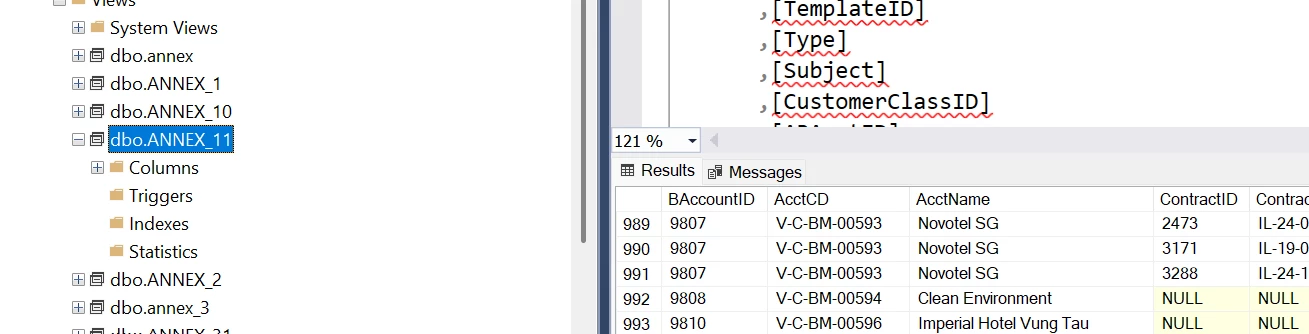
 

Best answer by DipakNilkanth

Hi ​@tuan755,

You can try Resetting Caches and Restarting the Application from the Apply Updates screen.

Please perform these steps during non-working hours, as it may affect currently logged-in users and result in loss of any unsaved work, especially if you're working in a production environment.

Hope, it helps!

3 replies

aaghaei
Captain II
Forum|alt.badge.img+10
  • Captain II
  • May 19, 2025

When you add new objects (in your case GI) you better to add the “Site Map” and “Access Rights” to the customization package to ensure they will be recreated in case somehow are deleted. In 2024 the Access Right logic is changed so may you want to adjust your permission settings 


DipakNilkanth
Pro III
Forum|alt.badge.img+13

Hi ​@tuan755,

You can try Resetting Caches and Restarting the Application from the Apply Updates screen.

Please perform these steps during non-working hours, as it may affect currently logged-in users and result in loss of any unsaved work, especially if you're working in a production environment.

Hope, it helps!


dcomerford
Captain II
Forum|alt.badge.img+15
  • Captain II
  • May 19, 2025

@tuan755 As ​@Nilkanth Dipak suggests this is a known issue so always restart the application after publishing customisation projects and you wont have this issue



