Question

Rich Text w/Modern UI Editor

  • April 29, 2026
  • 3 replies
  • 81 views

Forum|alt.badge.img

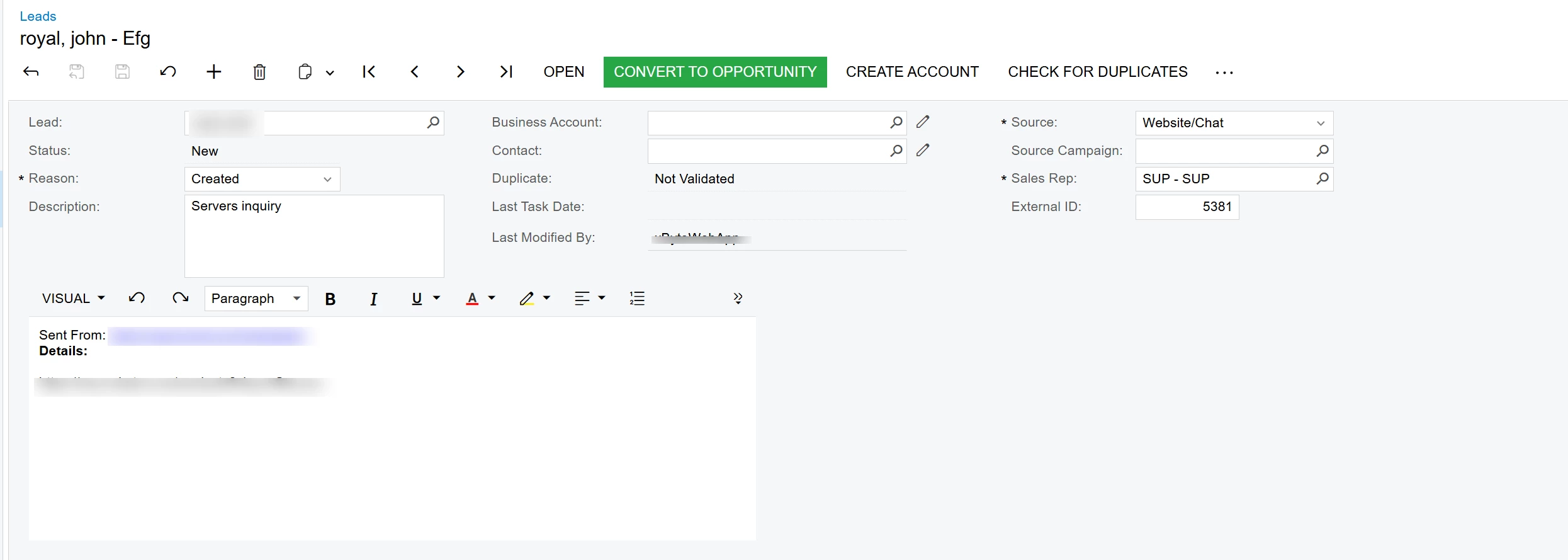
I’m having trouble getting a field to show up as a Rich Text field in the Modern UI.  Here is what I have:  The answer still displays as a single-line textbox

<template>
  <qp-fieldset id="Document_PXLayoutRule1_fs" view.bind="Document" wg-container="Document_form">
    <field name="Question"></field>
  </qp-fieldset>
  <qp-fieldset id="Document_PXLayoutRule2_fs" view.bind="Document" wg-container="Document_form">
    <field name="Answer" multi-line="true" rows="20" control="rich-text" style="height: 400px; width: 100%"></field>
  </qp-fieldset>
</template>
 

An HTML box would work for me ever better… 
3 replies

arpine08
Jr Varsity I
Forum|alt.badge.img+1
  • Jr Varsity I
  • April 29, 2026

Hi ​@PSchirf61,

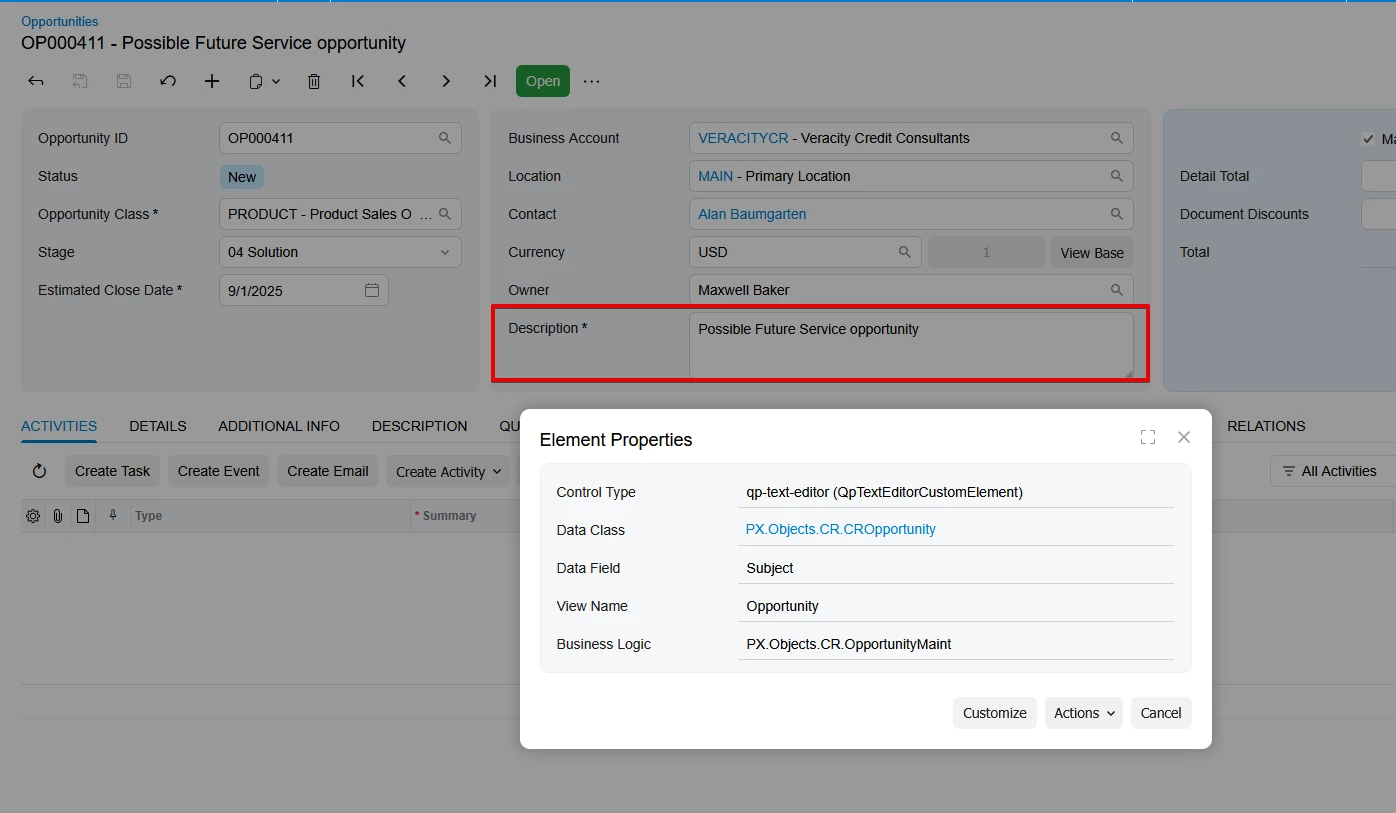
Please try this syntax, similar to Acumatica Standard Opportunities → Description field

CR304000 screen

TS: Subject: PXFieldState<PXFieldOptions.CommitChanges | PXFieldOptions.Multiline>;

HTML:

<qp-fieldset id="phF_form_PXLayoutRule8" slot="B" view.bind="Opportunity">

        …….
      <field name="Subject" pinned config-type.bind="1" config-rows.bind="3"></field>
</qp-fieldset>


Forum|alt.badge.img
  • Author
  • Jr Varsity II
  • April 29, 2026

This appears to create a multi-line text area that wraps the text, but not a rich text box.  Am I wrong?


arpine08
Jr Varsity I
Forum|alt.badge.img+1
  • Jr Varsity I
  • April 29, 2026

@PSchirf61,

Yes, it is a multi‑line text area, not a rich text box.

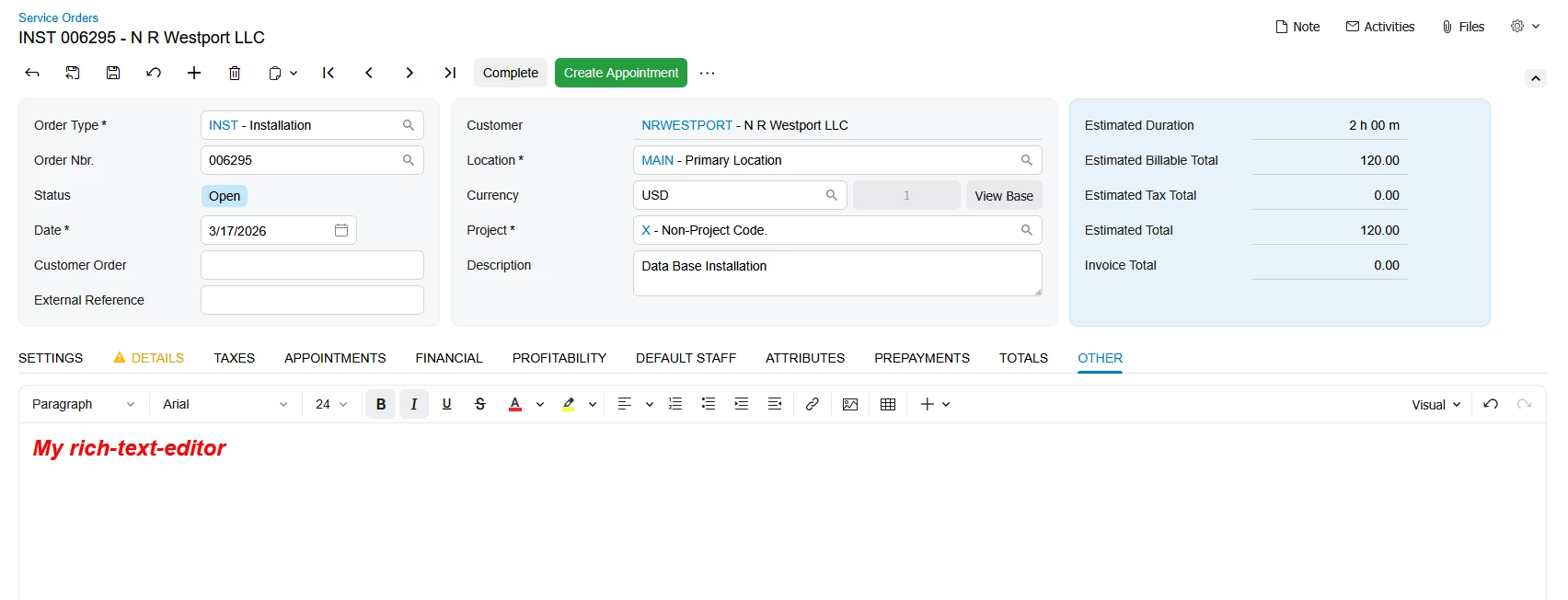
You can try the following example:

Service Orders → LongDesc field

HTML:

<qp-tab id="otherTab" caption="Other" wg-container="CurrentServiceOrder_edCommentsForm">
<qp-rich-text-editor id="edLongDescr"
state.bind="CurrentServiceOrder.LongDescr"
class="stretch"
wg-field="">
</qp-rich-text-editor>
</qp-tab>

TypeScript:

LongDescr: PXFieldState;