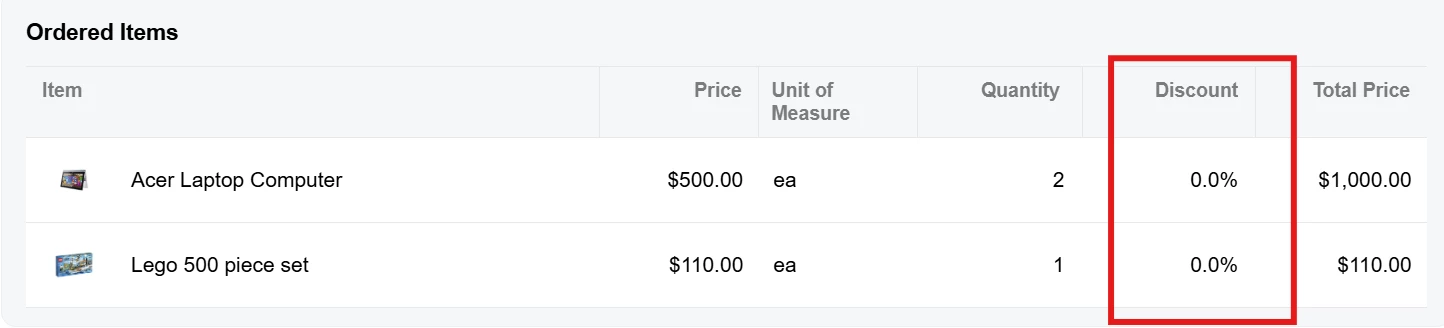
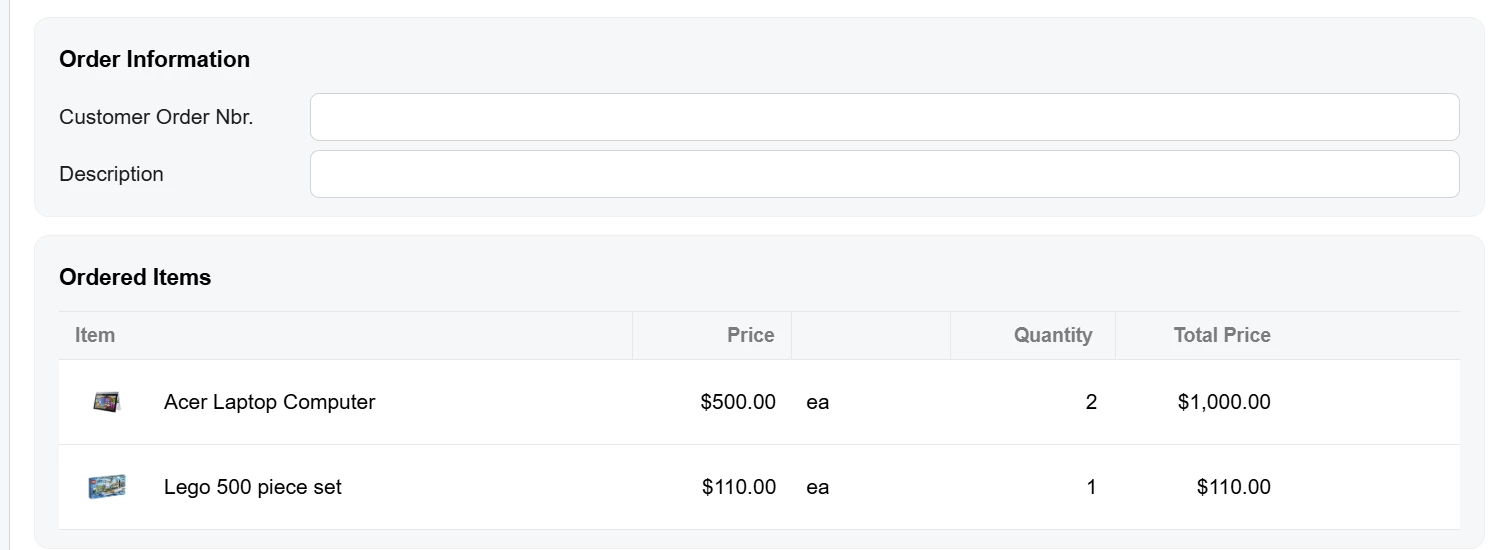
@Joe Schmucker don't give up yet. Hide the original instead of removing it:
<template modify="compose[view-model='../sp-ordered-items']" class="hidden"></template>
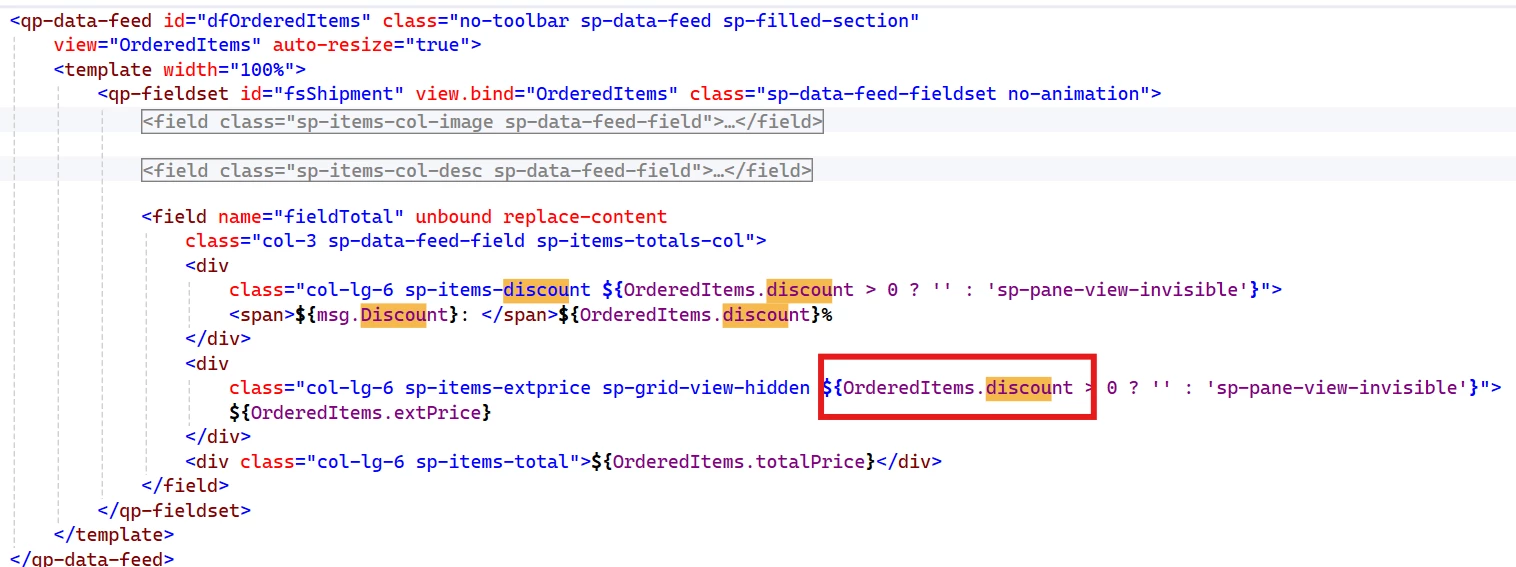
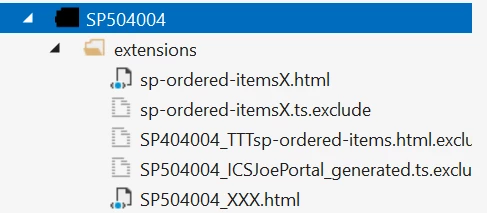
modify copies its attributes onto the element the selector finds, and .hidden is display: none !important in sp-common.scss, which SP504004 already loads. The compose is the only piece of the ordered items that exists in SP504004.html. fsOrderedItems and dfOrderedItems only appear in the browser, when the compose loads sp-ordered-items, so renaming your files can't put them in reach. Daryl's fieldset came from another extension's qp-include, which does get merged in, and that's why renaming worked for him.
Hiding beats removing here. Your copy's header and columns are styled by sp-ordered-items.scss, which only loads when the compose runs sp-ordered-items.ts.
We built this on 2026 R1 and the merged screen comes out with <compose class="hidden" view-model="../sp-ordered-items">. You can check yours the same way. The build writes the merged screen to SP504004.html under App_Data\TSCompleteScreens on the site.
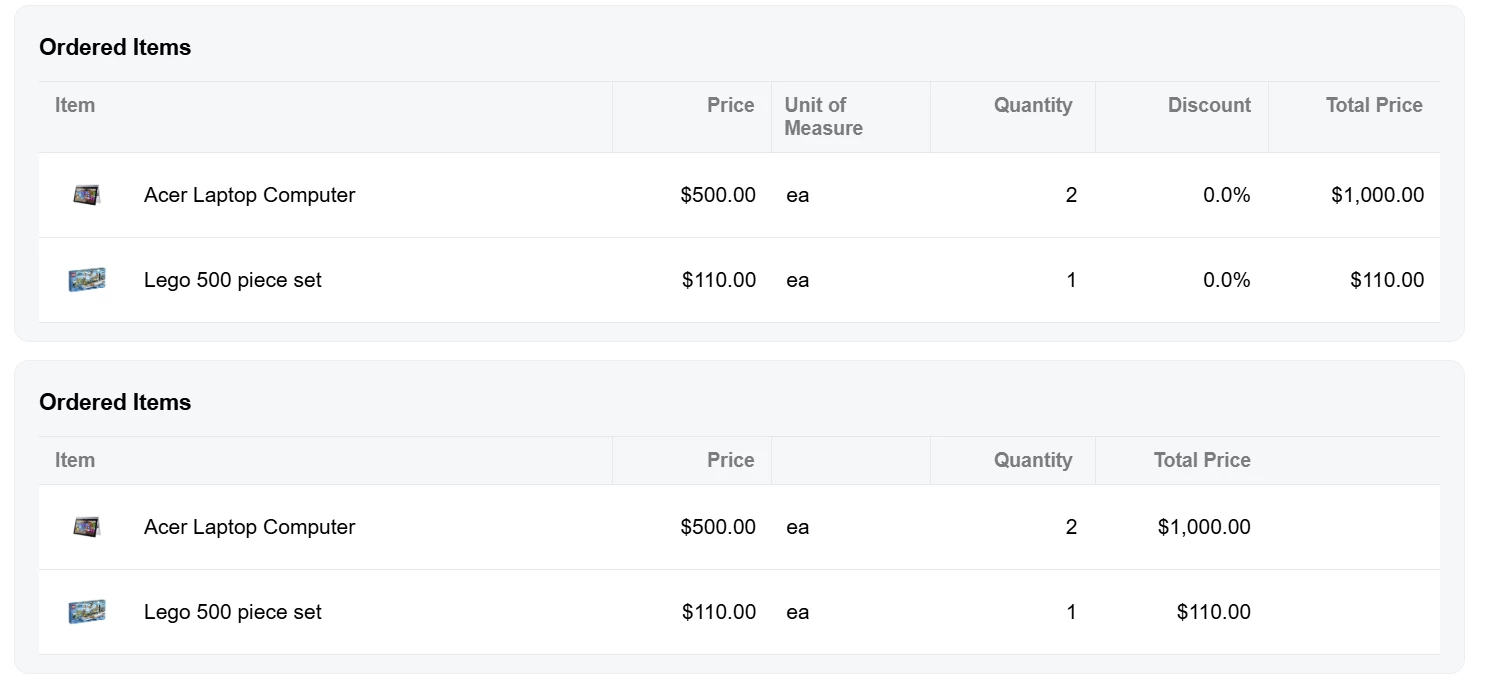
The <compose ... replace> line the AI suggested did nothing because replace with no value gives the build an empty selector, and it skips that element without an error. The blank header over "ea" in your screenshot is msg.UnitOfMeasure. SP504004's Labels class doesn't have it, so type the text into that div.