Solved

Popup on Selecting Inventory ID in Sales Order throwing error while creating Order via code

  • August 13, 2026
  • 3 replies
  • 66 views

Forum|alt.badge.img+4

Hi Team,

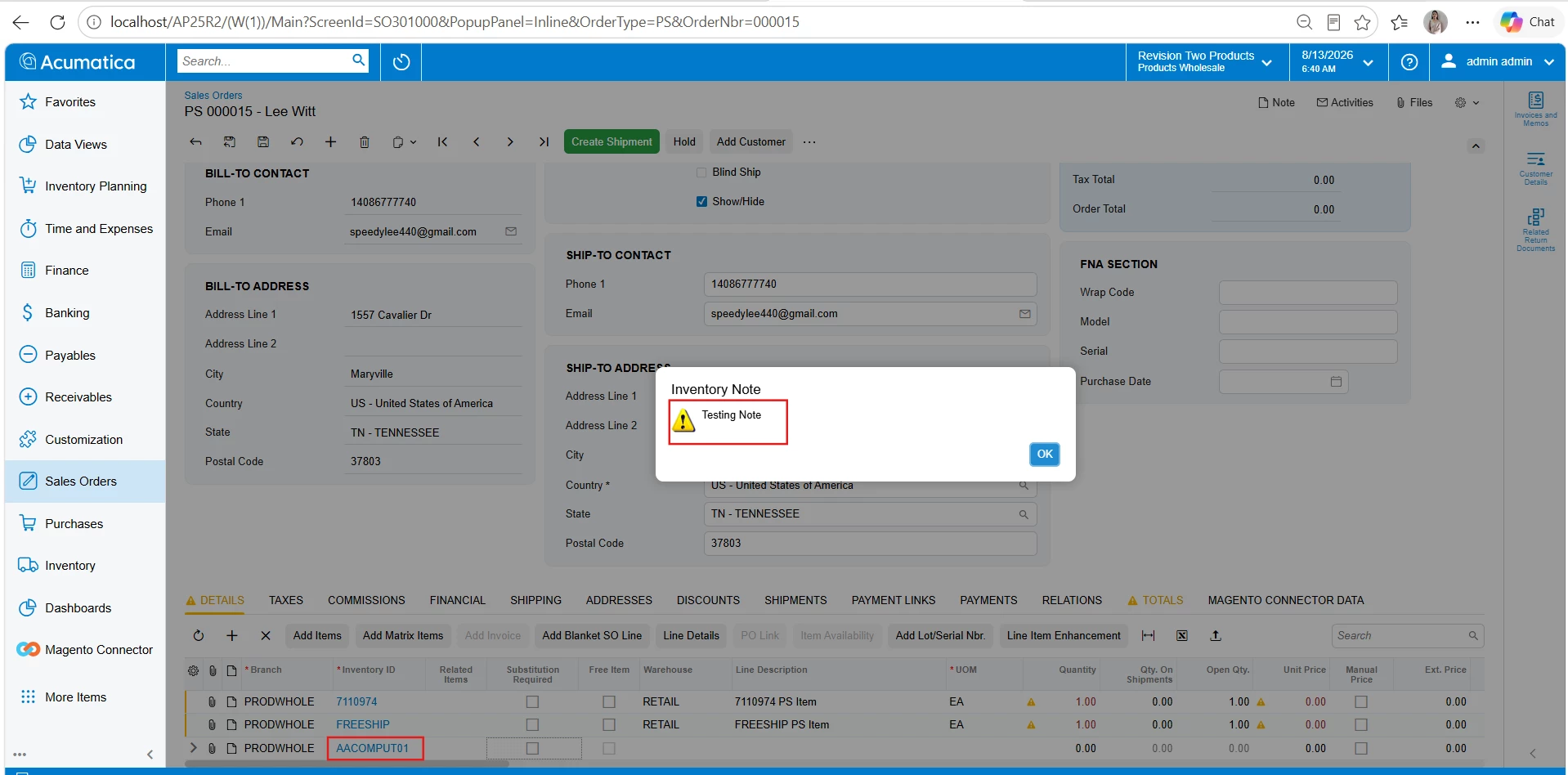
When we select InventoryID in Sales Order screen, it should show Popup of InventoryItem “Add Pop-up Notes”. When we create Sales Order via Processing screen, it throws error.

How to avoid this popup trigger while creating Sales Order via code?
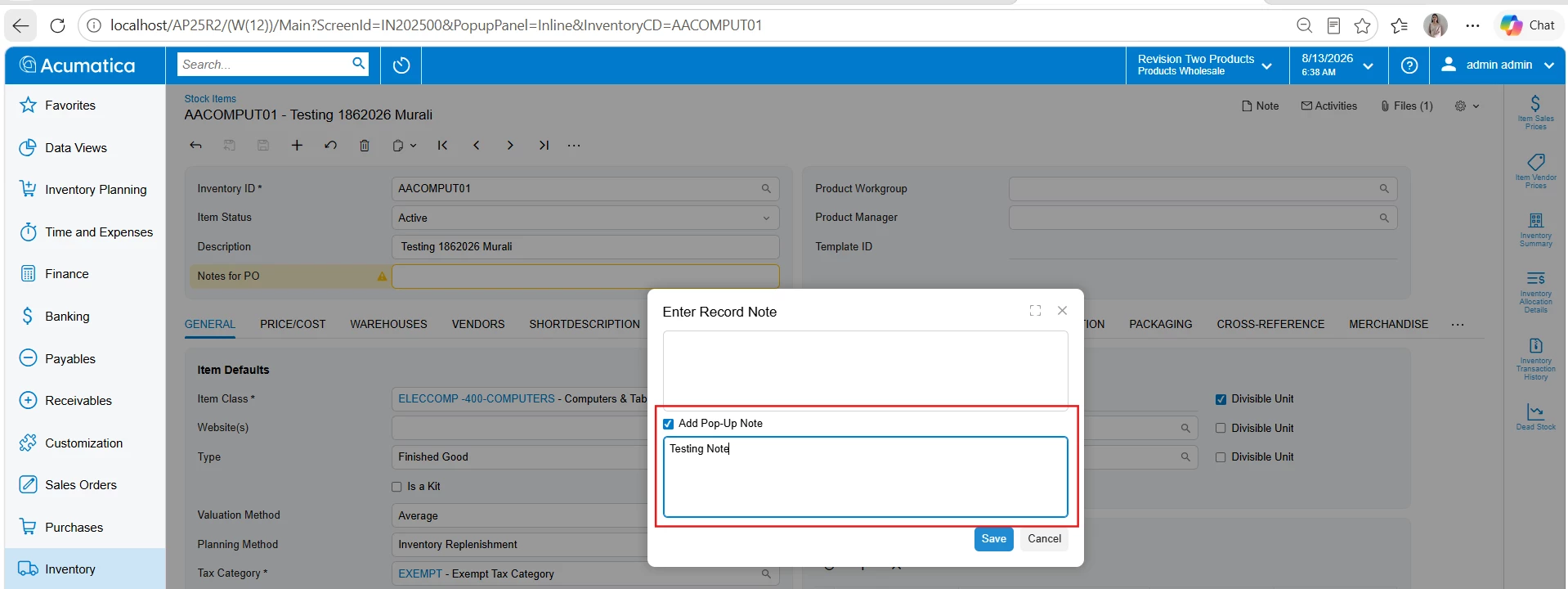
 

This is the code piece triggering for Popup

protected void _(Events.FieldUpdated<SOLine, SOLine.inventoryID> e, PXFieldUpdated baseHandler)
{
    baseHandler?.Invoke(e.Cache, e.Args);

    if (!Base.IsContractBasedAPI)
    {
        SOLine line = e.Row as SOLine;
        if (line?.InventoryID == null) return;

        InventoryItem inventory = InventoryItem.PK.Find(Base, line.InventoryID);
        if (inventory == null) return;

        string note = PXNoteAttribute.GetPopupNote(Base.Caches[typeof(InventoryItem)], inventory);
        if (!string.IsNullOrEmpty(note))
        {
            _inventoryNoteText = note;
            _askInventoryNote = true;
        }
    }
}


Thank you

Best answer by darylbowman

Use e.ExternalCall in the handler to determine if it was initiated from the UI. If it was, it will be 'true'.

3 replies

darylbowman
Captain II
Forum|alt.badge.img+17
  • Answer
  • August 13, 2026

Use e.ExternalCall in the handler to determine if it was initiated from the UI. If it was, it will be 'true'.


darylbowman
Captain II
Forum|alt.badge.img+17

I'm not sure if the question was changed or if I misread the question.

In the case of processing, use Base.IsProcessing as the flag.


Forum|alt.badge.img+4
  • Author
  • Varsity I
  • August 14, 2026

Hi ​@darylbowman , Thank you for providing response and it worked - e.ExternalCall